The PageProof & Canva integration. Perfectly matched.
Design anything. Approve anything. See feedback, act on comments, and get approvals – without switching tools. Effortless review. Fast approvals.
Get the PageProof Canva app
Online proofing for all industries globally
You might recognize some of our customers.


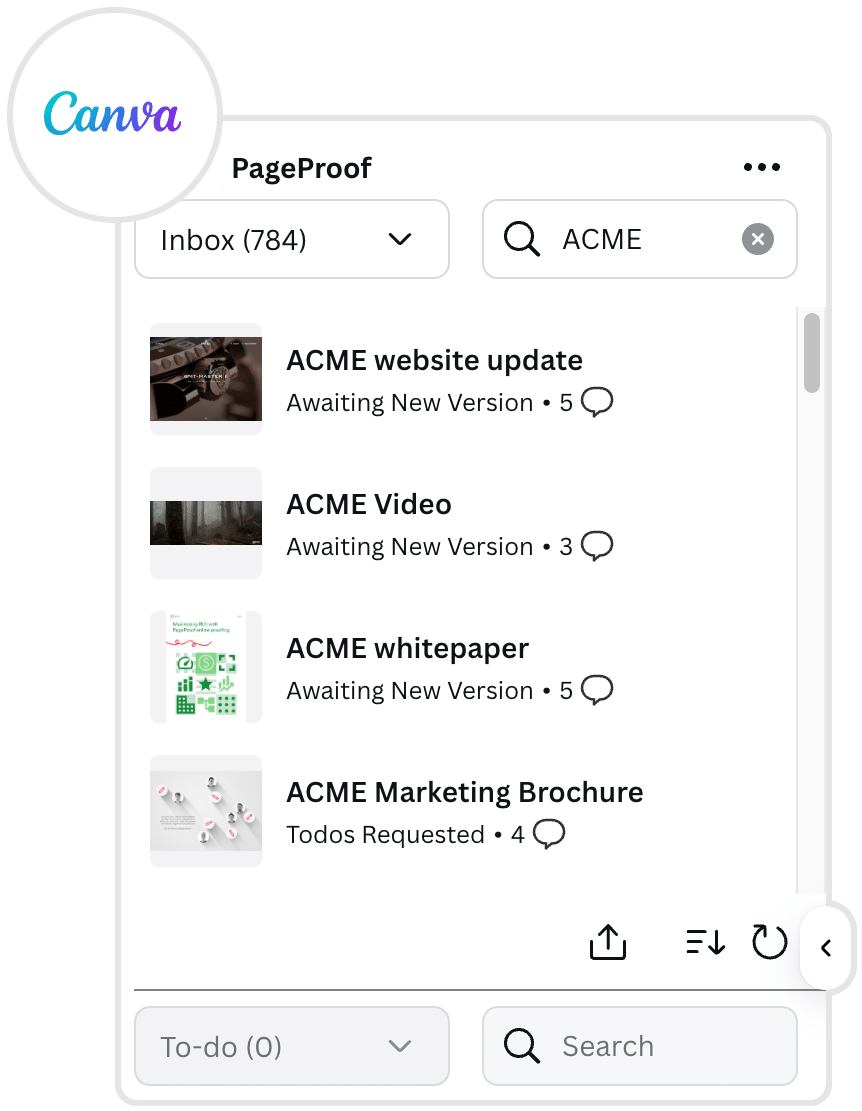
Create proofs directly from Canva
With a click, Canva files can be sent as a proof to PageProof – through an automated approval workflow with reminders. Feedback and approvals are gathered in one place, with a full version history and a secure audit trail every step of the way.
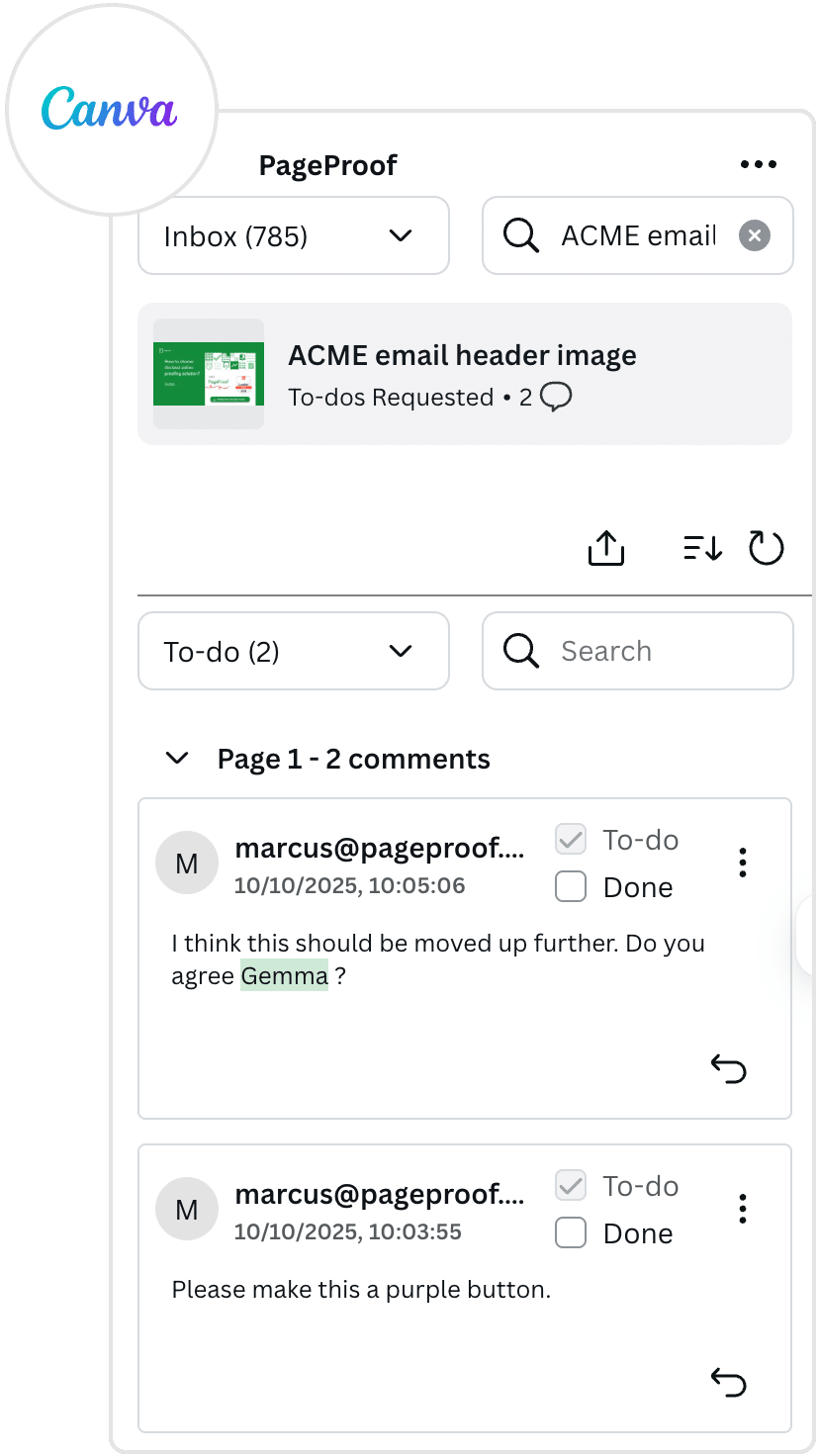
Canva designers can effortlessly action comments
View, reply to, and action comments directly within the add-in task pane. Comments are organized into a clear to-do list, allowing you to quickly prioritise feedback. Private replies can also be used for sensitive discussions.
Powerful proofing tools
Advanced proofing features simplify reviews, enhance collaboration, and ensure creative meets the highest standards – whilst saving time and reducing errors.
- Compare mode to spot the differences between versions. Smart compare automatically calculates the differences for you. A handy slider to help visualize changes too.
- Checklists to guide reviewers and ensure brand standards are maintained.
- The automatic barcode scanner quickly locates barcodes and QR codes to check they are accurate and functional.
- An eyedropper tool to confirm colors are on-brand. Accessibility checks for sufficient contrast too.
Just to name a few. Everything you need to deliver perfect creative.
Frequently asked questions
How do I send a design from Canva to PageProof?
In Canva, open your artwork and click Share → …More, then search for “PageProof.” After connecting the app, select your pages (or the single page), and your design is sent into PageProof as a proof.
What’s the benefit of integrating Canva with PageProof?
Why is the PageProof–Canva integration a great fit?
Why use PageProof to send Canva social ads for review?

Darren Gunton
General Manager Marketing
“We switched to PageProof and got 12x the functionality for 12x less cost.”

PageProof provided 12x the functionality for 12x less cost.

Matt Ivan
Senior Graphic Designer
“We spend half the time we used to, and have twice the output as our team did one year ago!”

PageProof doubled the output of the marketing team after 12 months.

Claire de Leon
Creative Manager
“Using PageProof and the monday.com integration sped up our workflow almost 40%.”

PageProof doubled the output of the marketing team after 12 months.
Seamless integrations
We make things easy for your team and your designers with integrations like these:









We support design, prototyping, and email marketing tools like these:


