Search the Community
Showing results for tags 'find'.
Found 4 results
-
Version 1.1.4
473 downloads
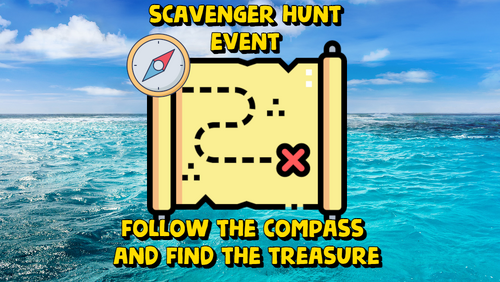
Adds an exciting event to your server. The loot crate spawns in a random location on the map. Players must find it using a special compass. Whoever finds this crate first will get all the loot. The plugin is easy to set up and has great customization. The ImageLibrary plugin is required! Commands (admin only): /sch_start - starts an event /sch_stop - ends an event Hooks: void ScavengerHuntStarted() // called when the event starts void ScavengerHuntEnded() // called when the event ends Config: { "Autostart event": true, "End the event immediately after someone finds a crate": false, "Minimum time to event start(in seconds)": 3000, "Maximum time to event start(in seconds)": 5000, "Minimum amount of online players to trigger the event": 1, "Crate prefab": "assets/prefabs/deployable/large wood storage/box.wooden.large.prefab", "Crate skin": 0, "Event duration": 600, "Minimum number of items in a crate": 6, "Maximum number of items in a crate": 12, "Simple loot table name": "exampleTable", "Pre-event message time(in seconds)": 60, "Icon AnchorMin": "0.02 0.92", "Icon AnchorMax": "0.07 0.994", "North icon": "https://www.dropbox.com/scl/fi/dmlczi87fw4ux0o20ms0q/n.png?rlkey=maq5ekwcntoeqd0t937m5wu83&dl=1", "South icon": "https://www.dropbox.com/scl/fi/vyoox8pfq5b1lmz0bndlo/s.png?rlkey=2tt0w8316ocdw0i1coa1mf5a5&dl=1", "West icon": "https://www.dropbox.com/scl/fi/xutae5br16r7exu4zh6hw/w.png?rlkey=gl5flroo8qyjr51jzy8uvjsnz&dl=1", "East icon": "https://www.dropbox.com/scl/fi/fcr2098qkogvsszqvx3sz/e.png?rlkey=ggpa9s5b365whylal3fvhbj2e&dl=1", "NorthWest icon": "https://www.dropbox.com/scl/fi/wzjw4j9ibqu12hrk8512w/nw.png?rlkey=brghws41sce0hzrr6uegmfesb&dl=1", "NorthEast icon": "https://www.dropbox.com/scl/fi/fn81s0hu7m04jnqahy4h6/ne.png?rlkey=knj8jm0irj2twpxy5oe37zadu&dl=1", "SouthWest icon": "https://www.dropbox.com/scl/fi/lfwonxiy1t8rycv2hn6wg/sw.png?rlkey=wz54crb9mxg4wqtpe8mkqo6xm&dl=1", "SouthEast icon": "https://www.dropbox.com/scl/fi/ih3hmg54zne0nx5ekrsed/se.png?rlkey=vrkb07b50i1tanz5y4wuryt0j&dl=1", "The number of points the player will receive if he opens the crate first (only for ServerRewards plugin)": 0, "Maximum water depth at which a crate can spawn": 0.5, "Display distance to crate": true, "Distance panel font size": 14.0, "Distance panel font color": "1 1 1 1", "Distance panel AnchorMin": "0.02 0.9", "Distance panel AnchorMax": "0.07 0.92", "Notification type for messages(only for Notify plugin, -1 do not use Notify)": -1, "SteamID for chat message icon": 0, "Own loot table for crate": { "useOwnLootTable": true, "minAmount": 2, "maxAmount": 4, "itemsList": [ { "name": "metal.fragments", "dropChance": 100, "minAmount": 50.0, "maxAmount": 300.0, "displayName": "", "skinID": 0 }, { "name": "metal.refined", "dropChance": 100, "minAmount": 5.0, "maxAmount": 10.0, "displayName": "", "skinID": 0 }, { "name": "scrap", "dropChance": 100, "minAmount": 10.0, "maxAmount": 20.0, "displayName": "", "skinID": 0 }, { "name": "techparts", "dropChance": 50, "minAmount": 1.0, "maxAmount": 2.0, "displayName": "", "skinID": 0 } ] } }$9.99 -
Version 1.0.14
433 downloads
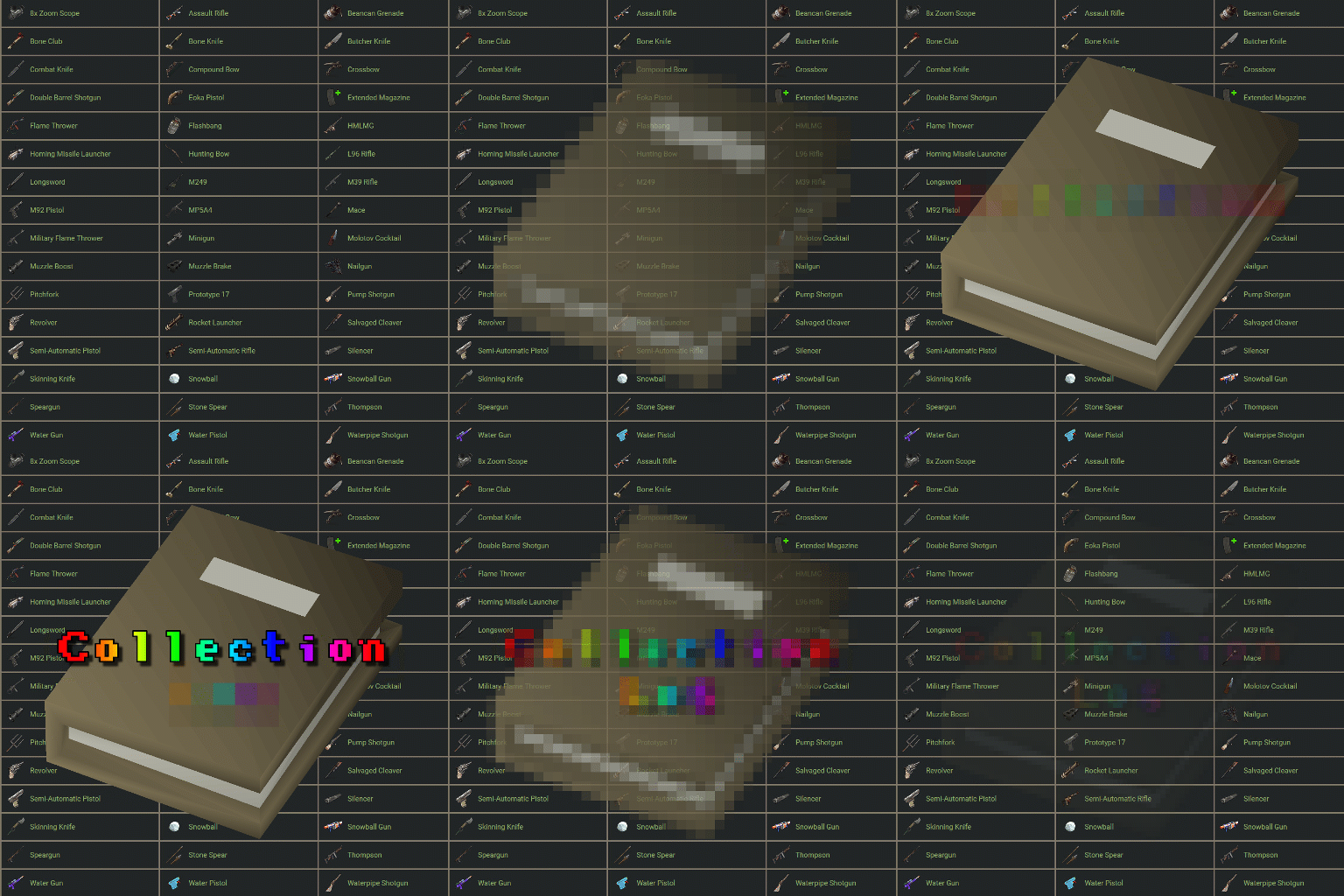
Collection Log is a plugin that will track items collected from multiple sources against multiple collection logs. When a player discovers a new item that is contained in one of the logs, it is marked as found. Once a log has been entirely collected, the player is rewarded with that logs prizes. The sources that players can obtain items from are completely customizable, allowing for some unique logs to be created. Fully customizable logs that also support custom items. 11 different sources that can be collected from (Crates, barrels, Farming, Fishing, Woodcutting etc). Support for item rewards and command rewards included. Supports UINotify for communicating newly collected items. Here is an example of 2 collection logs with different sources: The "Farming" collection log contains growable items such as cloth, corn and pumpkins, but the only valid source to obtain these items from is the Farming source. The "Resources" collection log contains many types of items, but has some overlap with the "Farming" log, which includes cloth, corn and pumpkins. The key difference is that this log supports multiple sources (Collecting, Crates, Barrels, and Woodcutting), but it does not contain the Farming source. In this situation: When a player collects a map generated hemp plant (hemp-collectible), it would register cloth under the "Resources" log as collected, but it will not do the same for the "Farming" log. The "Farming" log would only register if the cloth was obtained from a grown hemp plant (hemp.entity). This is an example of how you can differentiate the same items using different sources. The plugin allows for multiple sources per collection log. Barrel - Triggered when the player destroys a barrel or road sign Collecting - Triggered when the player picks up an entity (hemp-collectible, diesel_collectible etc). Crates - Triggered when the player opens a create (only the first player to open the crate will trigger it). Farming - Triggered when the player collects grown entities. Fishing, - Triggered when the player catches a fish. Mining - Triggered when the player mines ore. Woodcutting - Triggered when the player chops a tree. Skinning - Triggered when a player skins an animal/person. Crafting - Triggered when a craft completes. Unwrap - Triggered when a player uses the unwrap button on an item. Consume - Triggered when a player uses the eat/drink button on an item. Corpse - Triggered when a player loots the corpse of an NPC. Plugin - Triggered by a Third-party plugin. The only permission in the plugin currently is collectionlog.use. This is required to use any feature of the plugin. Menu command (customizable via config): cl or collectionlog API // Triggers collection of an item. sourceType should be a CollectionSource enum. void CollectFromPlugin(BasePlayer player, Item item, string sourceType);$14.99- 14 comments
- 4 reviews
-
- 1
-

-
- #collecting
- #item
- (and 7 more)
-

Version 1.0.5
143 downloads
Bring the iconic "Clue Scroll" experience from Old School RuneScape directly into Rust! Treasure Trails adds a dynamic, multi-stage reward system that encourages players to explore the map, engage in diverse activities, and hunt for high-tier loot through a series of challenging tasks. How It Works Discovery: Players find Clue Scrolls as rare drops from loot sources (barrels & crates), and can effortlessly be added to shops, custom loot plugins etc. The Hunt: Each scroll contains a specific task. Upon completion, the player is granted the next "step" in the trail. The Reward: After completing a set number of steps, the player receives a Reward Casket. Opening a casket grants customizable loot and can even trigger server commands. Key Features Fully Customizable Steps: Server owners have total control. Design unique tasks for every step of the trail to fit your server's theme. Dynamic Loot Tables: Reward your players with rare items, blueprints, or currency. Command Integration: Caskets aren't just for items—run any console command upon opening (e.g., granting VIP ranks, economic rewards, server rewards, item perk rewards etc). Immersive Experience: Keeps players moving across the map and interacting with the world in ways they normally wouldn't. Every trail is a unique journey. Players will encounter several distinct types of challenges, each requiring a different set of skills to overcome. Players are given a list of specific clothing or armor pieces they must equip. Once dressed correctly, they must locate and speak to a specific NPC to receive their next step. The scroll displays a static image of a location or a hand-drawn style map with a red X. These clues only appear if the corresponding monument or landmark exists on your current map seed. Navigate to the exact spot marked on the image to progress. A scrambled name or phrase appears on the scroll. Solve the anagram to figure out which NPC the clue is referring to, then find and speak with them. A direct question regarding Rust lore, game mechanics, or server-specific trivia. Input or provide the correct answer through the clue interface to unlock the next stage. A cryptic poem or mysterious description of an NPC. Use logic and map knowledge to deduce who the riddle describes and track them down. The clue provides a specific set of world coordinates or grid references. Players must use their map and compass to reach the exact location. These commands require the treasuretrails.admin permission to be assigned. Type: Console Command: tt.giveclue <target> Description: Gives a clue scroll to the specified target. Type: Chat Command: tt.next Description: Skips the current clue step. Type: Chat Command: tt.rewards Description: Generates a reward cache. Type: Chat Command: tt.showcoordinates Description: Shows nearby coordinates that the coordinate clues can use. Type: Chat Command: tt.addnpc <profile> Description: Adds an Npc with the specified profile at the player's current location (case sensitive). Type: Chat Command: tt.addmonumentnpc <profile> Description: Adds an Npc with the specified profile at the player's location, and register their position to the closest monument. These Npcs will automatically spawn at this monument at the same relative position if it exists on the map. Type: Chat Command: tt.map.pos Description: Prints the closes monument, the player's local position to that monument, and the monument's custom name (if it's a custom monument). Type: Chat Command: tt.shownpcs Description: Shows all Treasure Trail registered Npcs on the map. Permissions - treasuretrail.admin - required to run administrative commands. - treasuretrail.loot - required to find treasure trail clues from loot sources such as crates, barrels etc.$24.99- 5 comments
-
- 2
-

-
-
- #scavenger
- #hunt
- (and 9 more)
-

Version 1.0.0
513 downloads
Description: You can find a player's teammates trough discord. You can ban cheater's teammates without having to log in. It shows the team leader with a crown emoji next to his name. Usage: !team <steamid> (the prefix can be changed in server/oxide/discord.config.json) Setup Guide: Add Oxide.Ext.Discord.dll to yourserver/RustDedicated_Data/Managed https://umod.org/extensions/discord Go to https://discord.com/developers/applications and create a new application. Choose your desired picture and name for the bot. Go to the bot section and click add bot. Copy the bot token and add it to the config file. Very important! Turn on the privileged gateway intents. Go to the OAuth2 tab and click on URL Generator. Select bot from the scopes then select Send Messages and Read Messages from the permissions. Invite the bot with the link that can be found at the bottom of the page Set the channel's id in the config file where the bot can be used. Reload the plugin. If you want to try the plugin before buying or you have some questions about this plugin feel free to join my discord server. I can also help you to set everything up or add a custom feature for you. https://discord.gg/7SwN28bnycFree