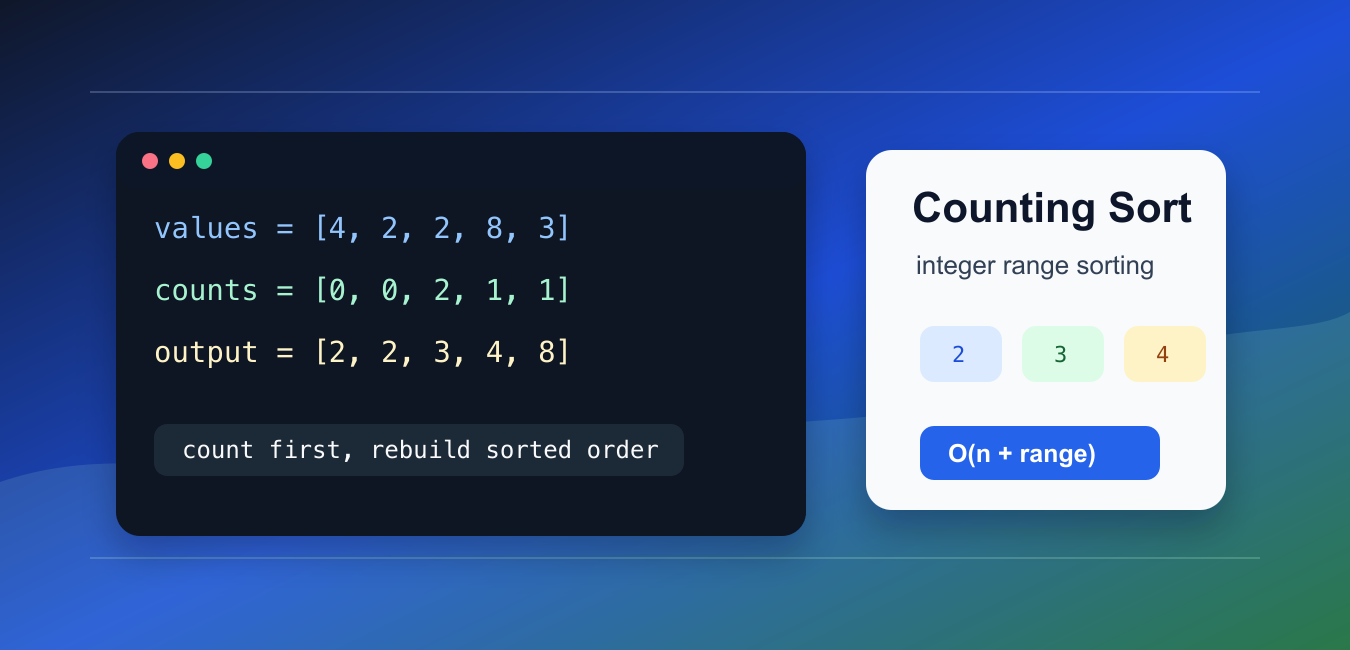
Quick answer: Counting sort counts occurrences of bounded integer keys and reconstructs sorted output. It can run in O(n + k) time with O(k) auxiliary space, where k is the value range, so range size and memory limits determine whether it beats comparison sorting.
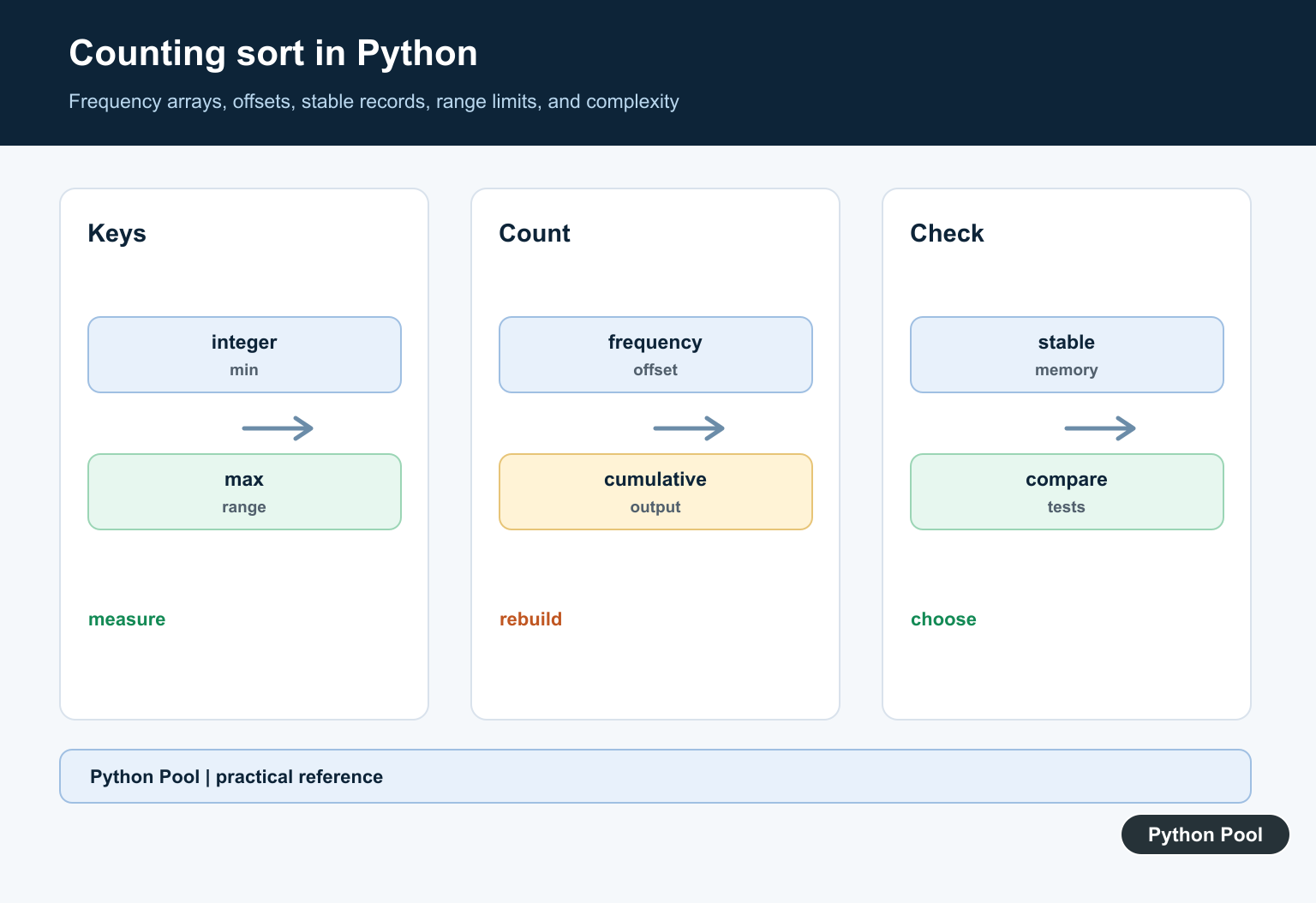
Counting sort is a non-comparison sorting algorithm for integers in a known, limited range. It counts how many times each value appears, then rebuilds the sorted output from those counts.
The main references are the collections.Counter documentation, Python’s sorting HOWTO, and the array module documentation.
Counting sort can be very fast when the number of input items is large and the value range is small. It is a poor fit when values can be huge, sparse, or non-integer.
The time complexity is O(n + k), where n is the number of items and k is the size of the value range.
The memory cost also depends on k. That is the tradeoff: counting sort avoids comparisons, but it pays for a count table that covers the full range.
Use it when values are integers such as grades, small ids, byte values, categories encoded as numbers, or bounded scores.
Before choosing it, estimate the smallest and largest input values. A list of one million numbers between 0 and 99 is a strong match. A list of ten numbers spread between 0 and 10_000_000 is not.
That range check is part of the algorithm design, not an optional optimization. Without it, counting sort can turn a small input into a large memory allocation.
Simple Counting Sort
This version works for non-negative integers.
def counting_sort(values):
    if not values:
        return []

    largest = max(values)
    counts = [0] * (largest + 1)

    for item in values:
        counts[item] += 1

    output = []
    for item, count in enumerate(counts):
        output.extend([item] * count)
    return output

print(counting_sort([4, 2, 2, 8, 3, 3, 1]))
The list index represents the integer value, and the stored count records how often that value appears.
This is the easiest version to understand, but it assumes every input value is zero or greater.
If a negative number appears in this simple version, Python would use a negative list index and corrupt the count logic. Use the offset version for signed integers.
Handle Negative Numbers
Use an offset when the input can contain negative integers.
def counting_sort_with_negatives(values):
    if not values:
        return []

    smallest = min(values)
    largest = max(values)
    offset = -smallest
    counts = [0] * (largest - smallest + 1)

    for item in values:
        counts[item + offset] += 1

    output = []
    for index, count in enumerate(counts):
        output.extend([index - offset] * count)
    return output

print(counting_sort_with_negatives([3, -1, 2, -1, 0]))
The offset shifts the smallest value to index 0.
This keeps the count list compact when the range is still reasonably small.
The offset does not change the sorted values. It only changes where those values are stored in the count table.
Build Cumulative Counts
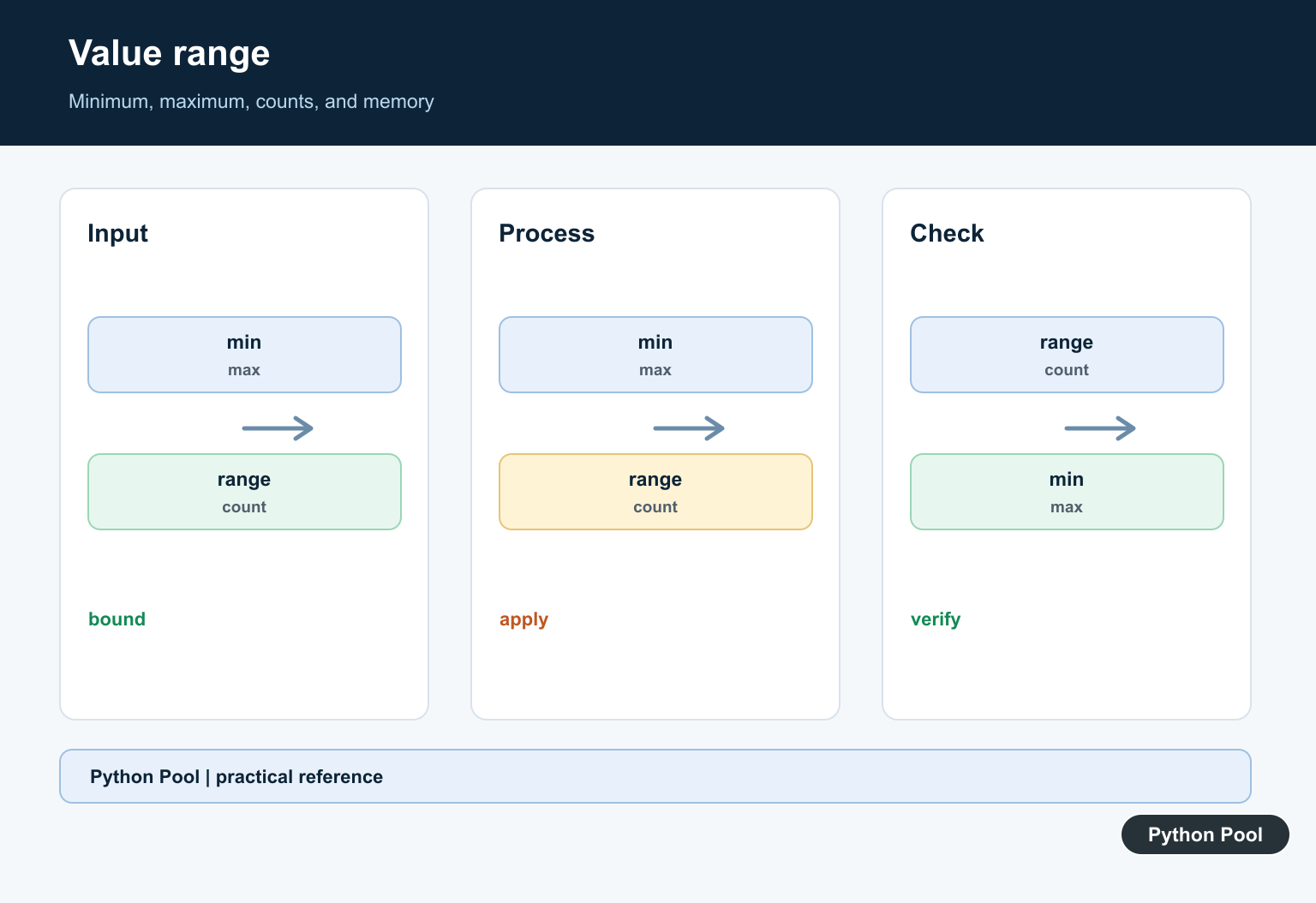
A stable counting sort uses cumulative counts to place items in their final positions.
def cumulative_counts(values):
    counts = [0] * (max(values) + 1)
    for item in values:
        counts[item] += 1

    total = 0
    for index, count in enumerate(counts):
        total += count
        counts[index] = total
    return counts

print(cumulative_counts([2, 0, 2, 1]))
After this step, each count says how many values are less than or equal to that index.
Cumulative counts are the key to stable placement.
Stability is not important when sorting plain integers, but it becomes important when each integer is attached to a larger record.
Stable Counting Sort
Stable sorting keeps equal items in their original relative order. This matters when sorting records by one integer key.
def stable_counting_sort(records, key):
    if not records:
        return []

    largest = max(key(record) for record in records)
    counts = [0] * (largest + 1)

    for record in records:
        counts[key(record)] += 1

    for index in range(1, len(counts)):
        counts[index] += counts[index - 1]

    output = [None] * len(records)
    for record in reversed(records):
        item_key = key(record)
        counts[item_key] -= 1
        output[counts[item_key]] = record
    return output

students = [("Ada", 2), ("Grace", 1), ("Linus", 2)]
print(stable_counting_sort(students, key=lambda row: row[1]))
The reverse loop places later equal items later, preserving the original order among equal keys.
Use this form when sorting records rather than plain integers.
The algorithm walks the records backward so equal keys keep their original order in the final output.
Use Counter For Counting
collections.Counter is convenient when you only need counts, not a full counting sort implementation.
from collections import Counter

values = [4, 2, 2, 8, 3, 3, 1]
counts = Counter(values)

output = []
for item in range(min(values), max(values) + 1):
    output.extend([item] * counts[item])

print(output)
This is readable and handles missing values naturally.
For teaching the algorithm, the list-based count table is more explicit. For small scripts, Counter may be clearer.
Counter also avoids allocating empty buckets for values that do not appear, but rebuilding sorted order still requires deciding which range to iterate.
Know When Not To Use It
Counting sort is not a general replacement for Python’s built-in sorted().
values = [42, 10_000_000, 7]
range_size = max(values) - min(values) + 1

if range_size > len(values) * 10:
    result = sorted(values)
else:
    result = values

print(result)
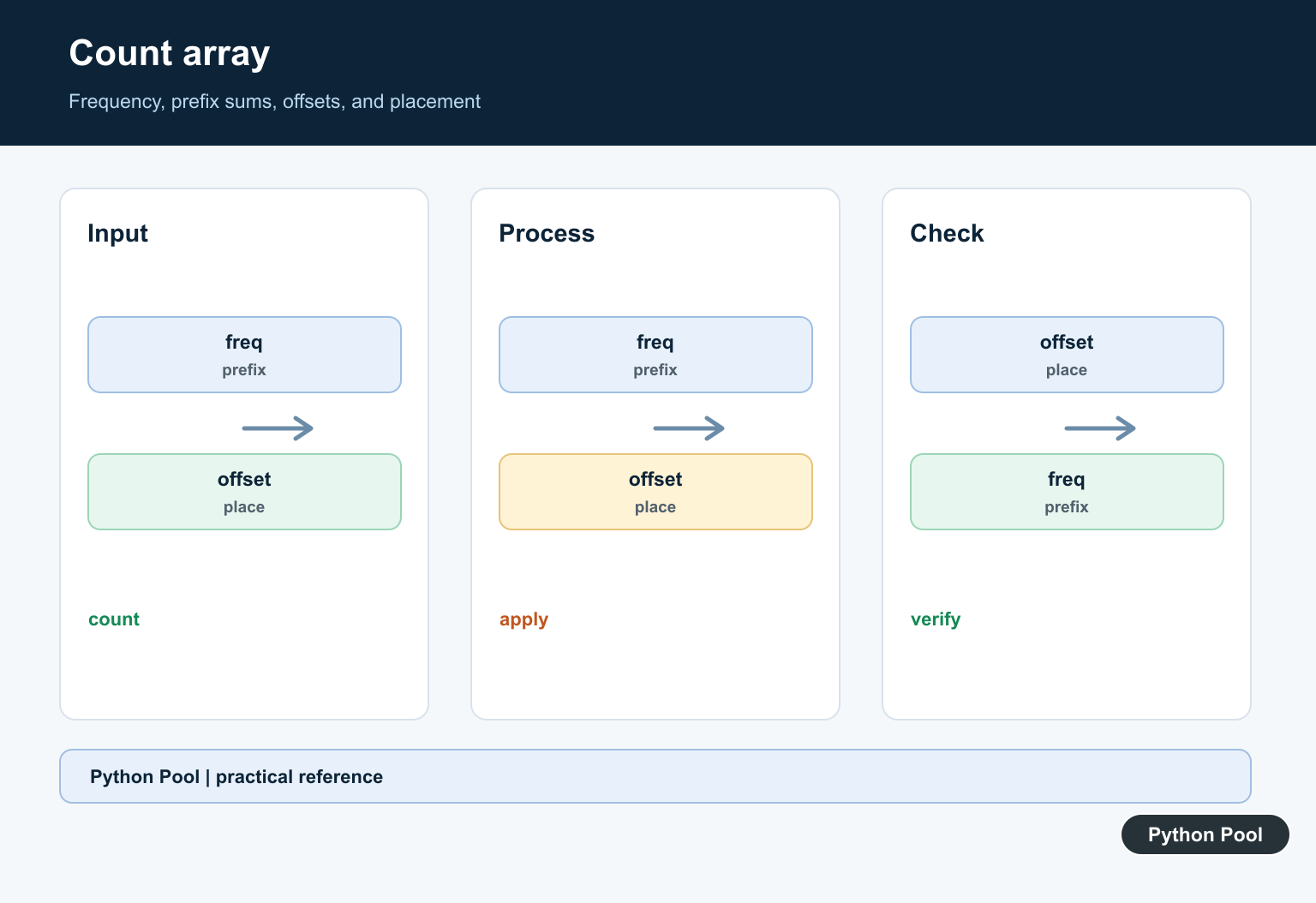
If the range is much larger than the input size, a count array wastes memory.
The practical rule is to use counting sort for integers with a compact known range. Use sorted() for general Python objects, strings, floats, and sparse integer ranges.
Python’s built-in sorter is stable, highly optimized, and easier to read for normal application code. Counting sort should earn its place by matching the data shape: integer keys, tight bounds, and enough repeated values to make the count table worthwhile.
Always check the input range before allocating the count table. That one check prevents surprising memory use on unexpected data.
For interviews and algorithm practice, explain both the speed advantage and the range limitation. Counting sort is powerful because it uses information about the input domain.
For everyday Python code, start with sorted(). Reach for counting sort only when profiling or problem constraints show that the integer range is compact enough to justify it.
Build The Frequency Range
Find the minimum and maximum key, map each value to value – minimum, and allocate counts for the range. Check the span before allocation so a few distant values cannot create an unsafe array.
Reconstruct The Values
For each frequency, emit the corresponding value the recorded number of times. This simple form is clear and efficient for integers when stability of associated records is not required.
Support Negative Keys
An offset lets negative values use non-negative indices. Keep the offset with the operation and test the minimum, maximum, and mixed-sign cases explicitly.
Choose Stable Sorting When Needed
To sort records by an integer key while preserving equal-key order, compute cumulative counts and place items into an output array from the correct direction. Stability costs extra space and bookkeeping.
Compare The Range To Input Size
Counting sort is attractive when k is small relative to n. If the range is huge, Python’s built-in Timsort or another bounded representation may be faster and much more memory efficient.
Test The Contract
Test empty input, one value, duplicates, negative keys, wide ranges, already sorted and reverse-sorted data, stable records, invalid non-integers, and the memory guard. Compare against sorted for trusted reference cases.
Use the official Python sorting HOWTO when comparing a counting implementation with built-in sorting. Related Python Pool references include Python lists and tests.
For related sorting work, compare Python list operations, range and stability tests, and frequency mappings before choosing counting sort.
Frequently Asked Questions
What is counting sort?
Counting sort counts how often each bounded integer occurs and uses those frequencies to emit values in sorted order without comparing pairs.
When is counting sort efficient?
It is useful when the value range k is reasonably small compared with the number of items n; typical time is O(n + k) with O(k) auxiliary space.
Can counting sort handle negative numbers?
Yes. Use the minimum value as an offset so each value maps to a non-negative frequency index, while checking the range before allocation.
Is counting sort stable by default?
A simple frequency reconstruction is not a stable record sort. A stable version uses cumulative counts and places records in input order, which requires additional bookkeeping.
