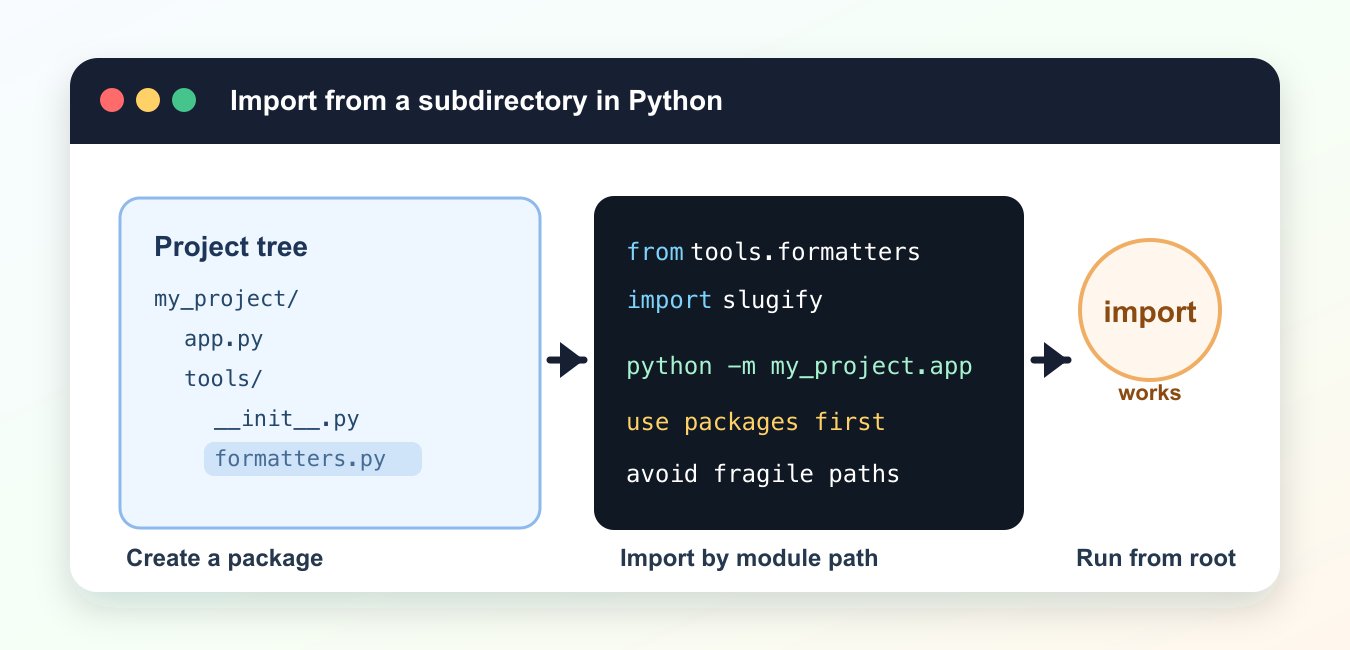
Quick answer: Reliable imports from a Python subdirectory come from a package-aware project layout and a consistent entry point. Prefer a package-qualified import and run the application with python -m from the project root instead of adding ad hoc paths inside production code.
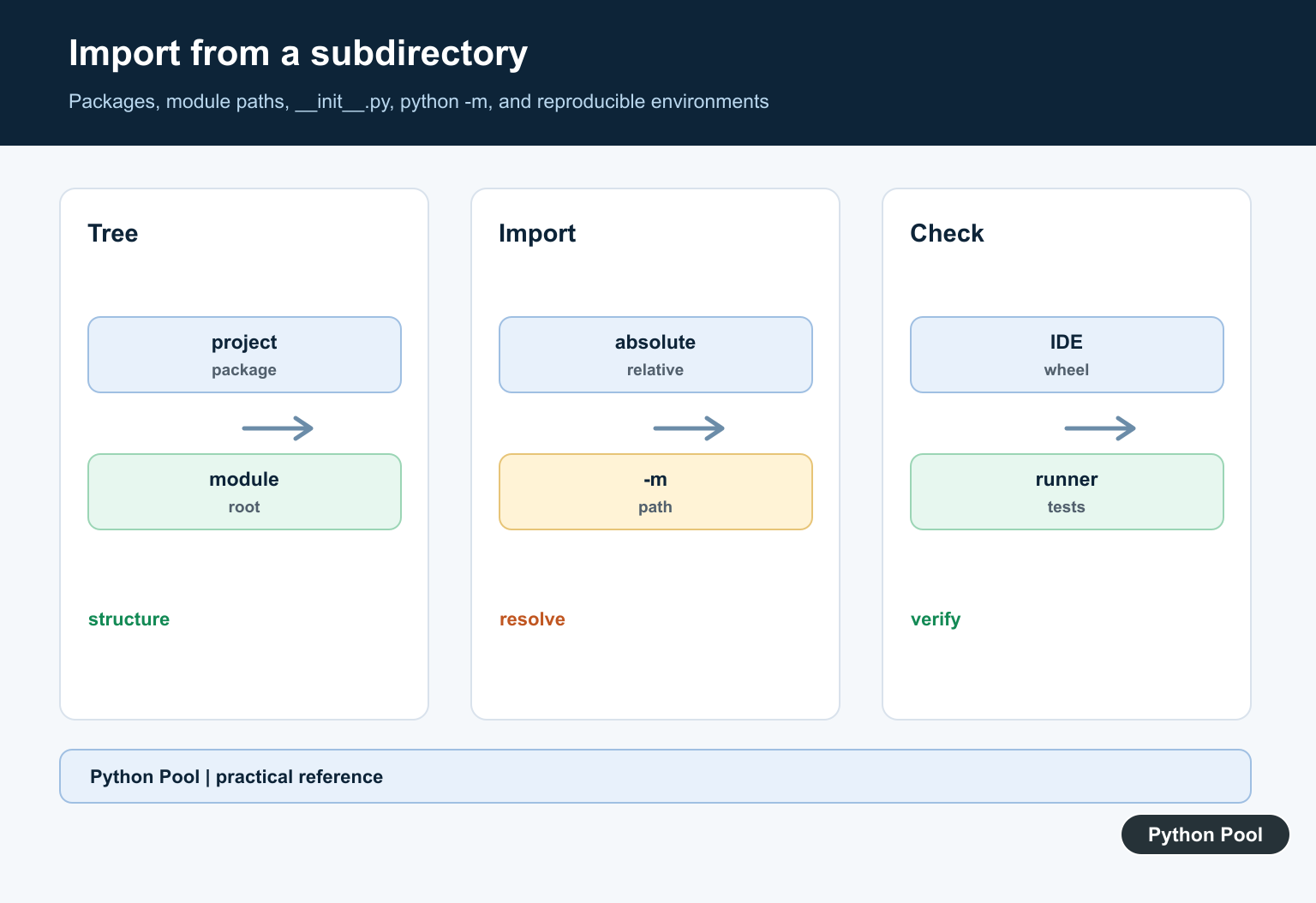
Importing from a subdirectory in Python works best when the subdirectory is a package. A package is a folder that Python can treat as part of the import system, usually with an __init__.py file. The official Python packages tutorial explains how dotted import paths map to folders and modules.
The clean approach is to run code from the project root and import by package path. Avoid relying on whatever folder happens to be the current working directory. If your import depends on where you launched the script, it will eventually break in tests, schedulers, editors, or deployment.
Use path changes only as a narrow fallback. For normal projects, prefer a package layout, absolute imports, and a clear entry point.
The most common mistake is testing a file from inside the subdirectory and then running it from somewhere else later. Python builds its import search path from the launched program and environment, so a script that works in one folder can fail in another. A package layout makes that behavior predictable.
Import From A Package Folder
Assume a project root with app.py and a subdirectory named tools. If tools contains formatters.py, import it with the dotted package path.
from tools.formatters import slugify

title = "Python Import Guide"
slug = slugify(title)

print(slug)
Run this kind of script from the project root so Python can find the tools package. The import path should describe the project structure, not a machine-specific folder.
This is the simplest setup for small projects. Keep related helpers in a named folder, add an __init__.py file when appropriate, and import helpers through the folder name.
Add An __init__.py File
An __init__.py file marks a folder as a regular package and can re-export selected helpers for a shorter import path.
from .formatters import slugify
from .validators import is_valid_title

__all__ = ["slugify", "is_valid_title"]
With that file in place, callers can import from tools directly if you choose to expose those names.
You do not need to put every helper in __init__.py. Re-export only the small public surface that other modules should use. Internal helper modules can still be imported with their full path.
Use Absolute Imports Inside The Project
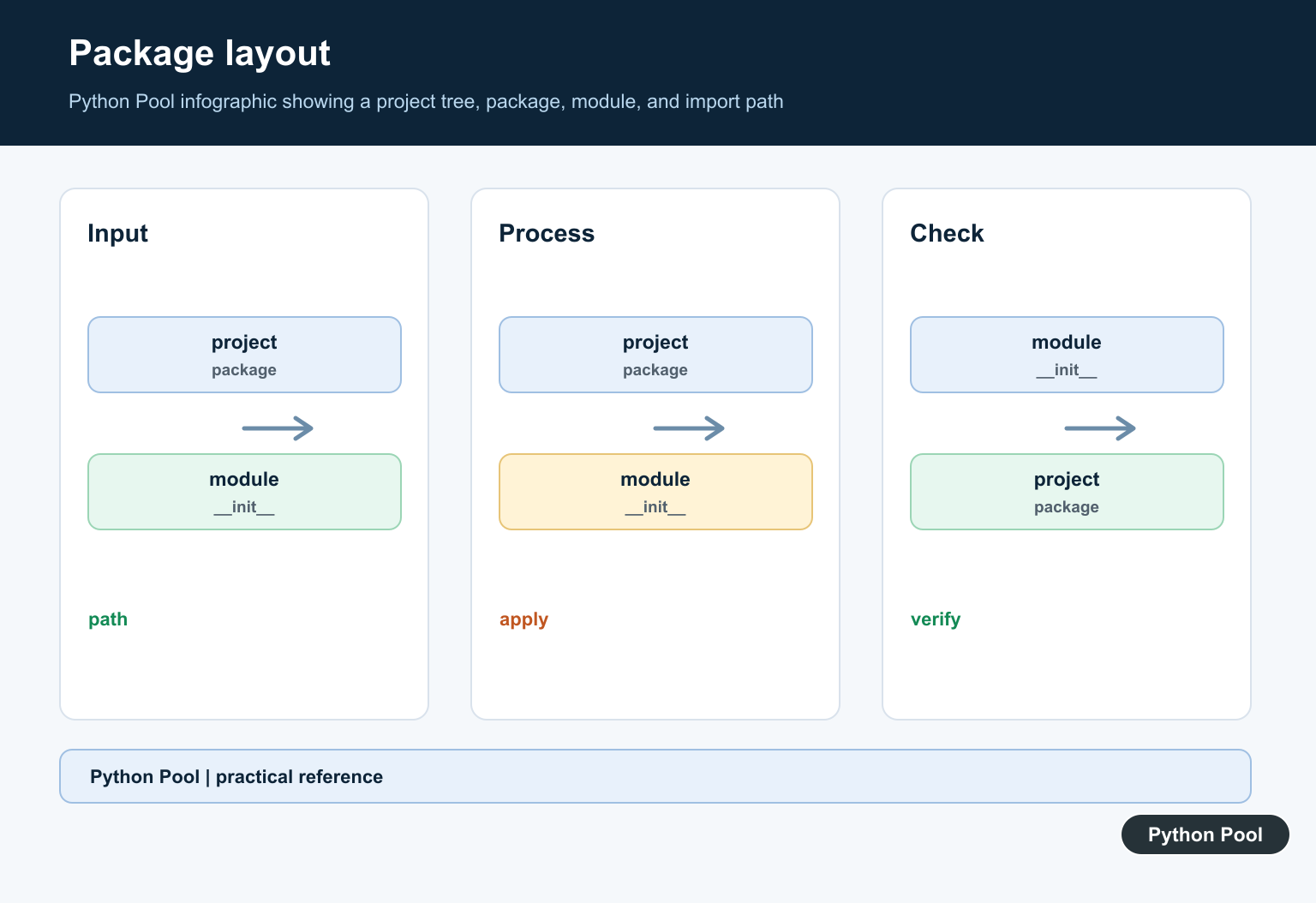
Inside a package, absolute imports are often easiest to understand because they start from the project package name.
from my_project.tools.formatters import slugify

def build_article_path(title):
    slug = slugify(title)
    return f"articles/{slug}.md"
This style is clear when the project has a real top-level package such as my_project. It also avoids guessing which folder a relative import refers to.
Absolute imports are a good default for applications because they show the full route to the module. They also make refactoring easier when a file moves deeper inside the package tree.
Use Relative Imports Within A Package
Relative imports are useful between modules that live inside the same package. They should be used from package modules, not from a file run directly as a loose script.
from .formatters import slugify
from .storage import save_text

def save_article(title, text):
    slug = slugify(title)
    save_text(f"{slug}.md", text)
If relative imports fail with a message about no known parent package, run the module as part of the package instead of running the file by path.
Relative imports are common inside libraries, where modules are always loaded as package members. They are less convenient for one-off scripts because those scripts are often launched directly.
Use sys.path Only As A Fallback
You can insert a folder into sys.path, but this should be a last resort for small scripts or migration code. Keep the change local and obvious.
import sys
from pathlib import Path

project_root = Path(__file__).resolve().parents[1]
sys.path.insert(0, str(project_root))

from tools.formatters import slugify

print(slugify("Temporary Path Example"))
Do not scatter sys.path edits across many files. If you need this often, restructure the code as a package.
If you must use this fallback, compute the path from __file__ rather than hard-coding a local folder. That makes the script more portable across machines and deployment locations.
Import Dynamically With importlib
The importlib documentation covers dynamic imports. Use import_module() when the module path is chosen at runtime.
from importlib import import_module

module = import_module("tools.formatters")
slugify = module.slugify

print(slugify("Dynamic Import Example"))
Dynamic imports are powerful, but they are harder to follow than normal imports. Use them only when configuration or plugin loading truly needs them.
For ordinary imports, static import statements are easier for readers, linters, and editors. Use importlib when the module name is data, not when the import path is already known.
The safest solution is usually a real package structure. Add __init__.py where appropriate, run scripts from the project root, and import with dotted paths that match the folders. Use sys.path edits and dynamic imports only when the project design really calls for them.
Design The Package Tree
Give the project a clear source root and package names that do not collide with standard-library modules. Keep executable entry points separate from reusable modules so imports do not depend on the current file path.
Use Absolute Package Imports
An import such as from project.tools.parser import parse states the package relationship directly. It is easier to test and refactor than importing based on whichever directory happened to be inserted into sys.path.
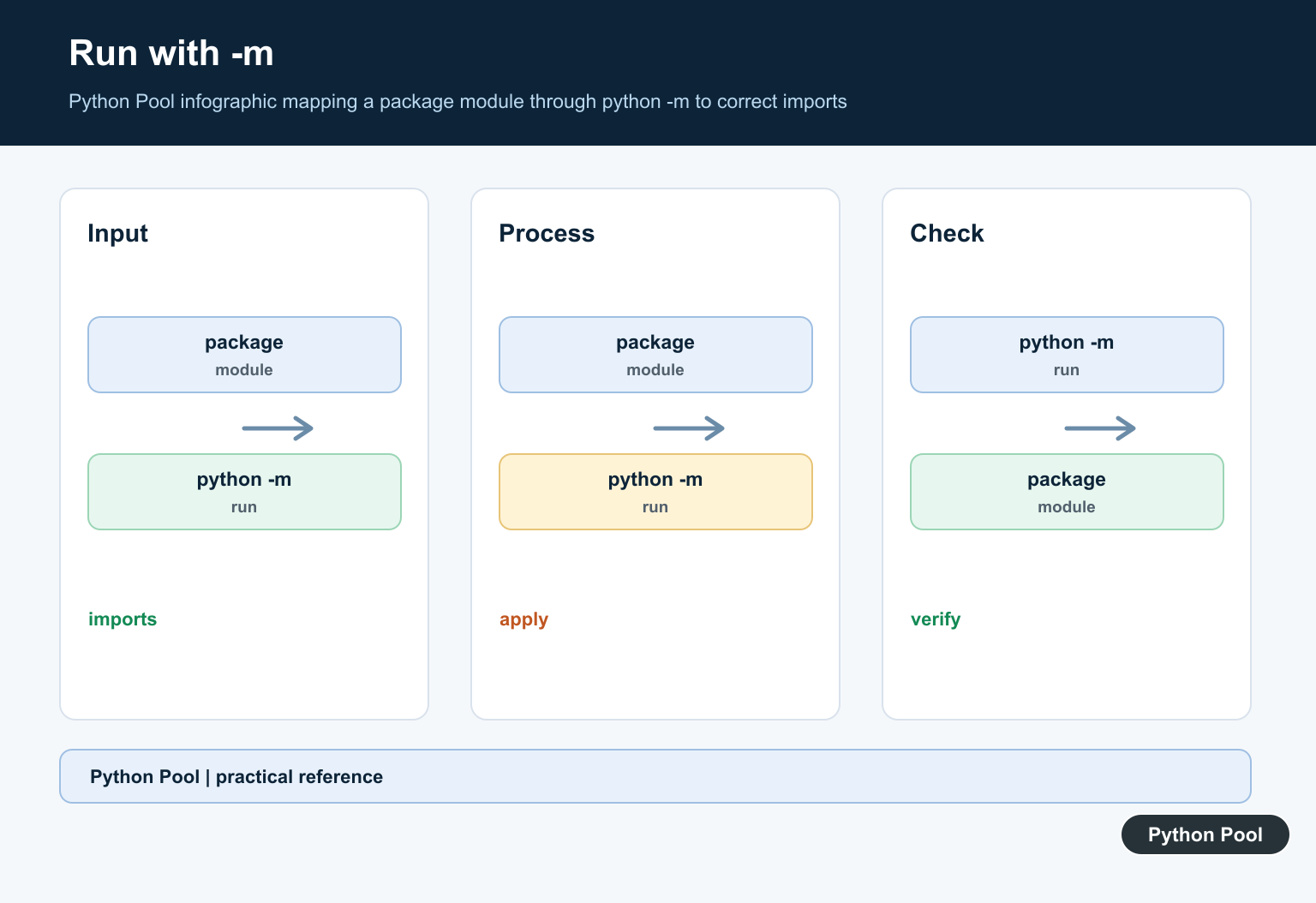
Run With python -m
From the parent of the top-level package, python -m project.cli gives the module package context needed for relative imports. Running project/cli.py directly changes __package__ and commonly causes the error.
Understand __init__.py And Namespace Packages
An __init__.py can define a regular package and its public exports. Namespace packages can work without one, but their search-path rules require a deliberate layout and are not a universal fix for a broken import.
Install The Project For Tools
Editable installation or a build configuration can make the package importable from tests, editors, and services. Keep environment configuration reproducible instead of relying on a developer’s shell history.
Test The Real Launch Modes
Test python -m, installed console entry points, the test runner, and packaging artifacts. Assert the interpreter, current directory, package path, and import target when debugging environment-specific failures.
Use the official Python modules documentation for packages and execution. Related Python Pool references include tests and configuration mappings.
For related package work, compare import tests, configuration paths, and module collections before changing a subdirectory import.
Frequently Asked Questions
How do I import a module from a subdirectory in Python?
Make the directory a package when appropriate, use its package-qualified import path, and run the application from the project root with python -m.
Why does a relative import fail when I run a file directly?
A directly executed file may have no package context, so Python cannot resolve leading-dot imports; run the module with python -m from the package’s parent directory.
Should I modify sys.path to import a subdirectory?
It can be useful for controlled tooling, but application code is usually more maintainable with a package, installed project, or explicit environment configuration.
What does __init__.py do?
It can mark and configure a regular package and expose selected names, although modern namespace packages can also work without it under specific layout rules.
