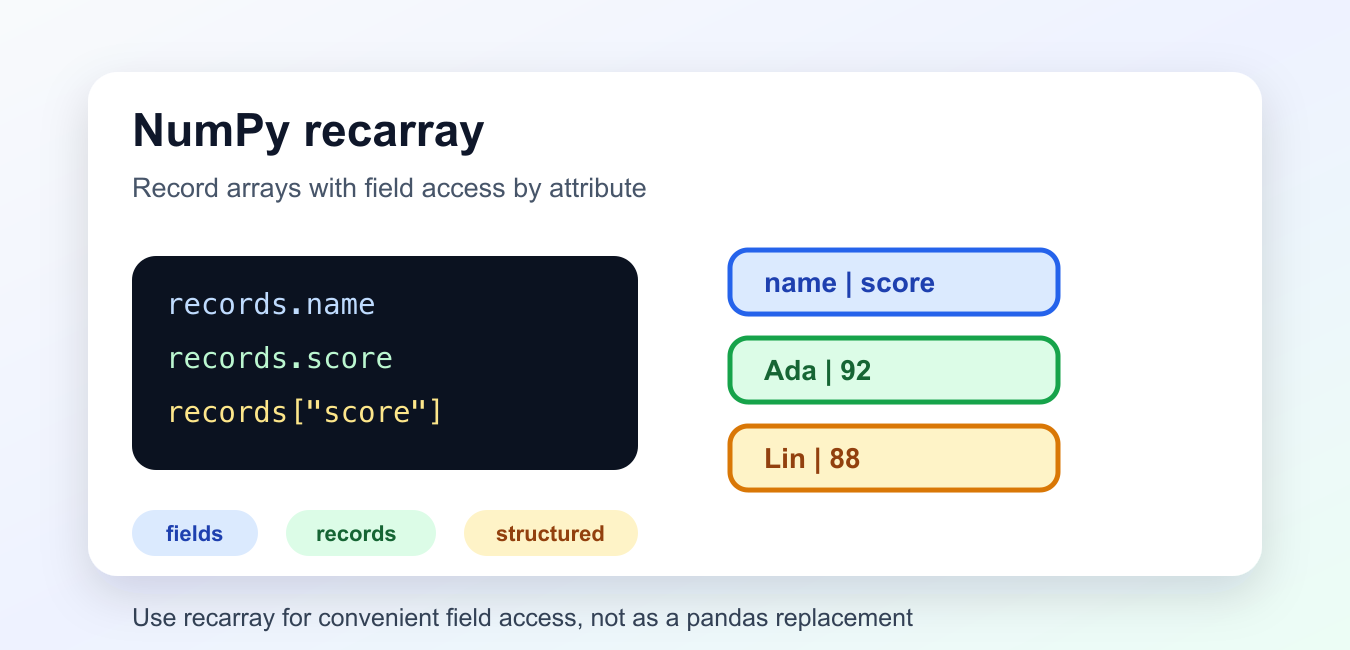
Quick answer: A NumPy recarray is a structured array view that lets named fields be accessed with attributes as well as bracket notation. It is convenient for fixed record layouts, but field names, dtype definitions, attribute collisions, and downstream tabular requirements still determine whether it is the right data structure.
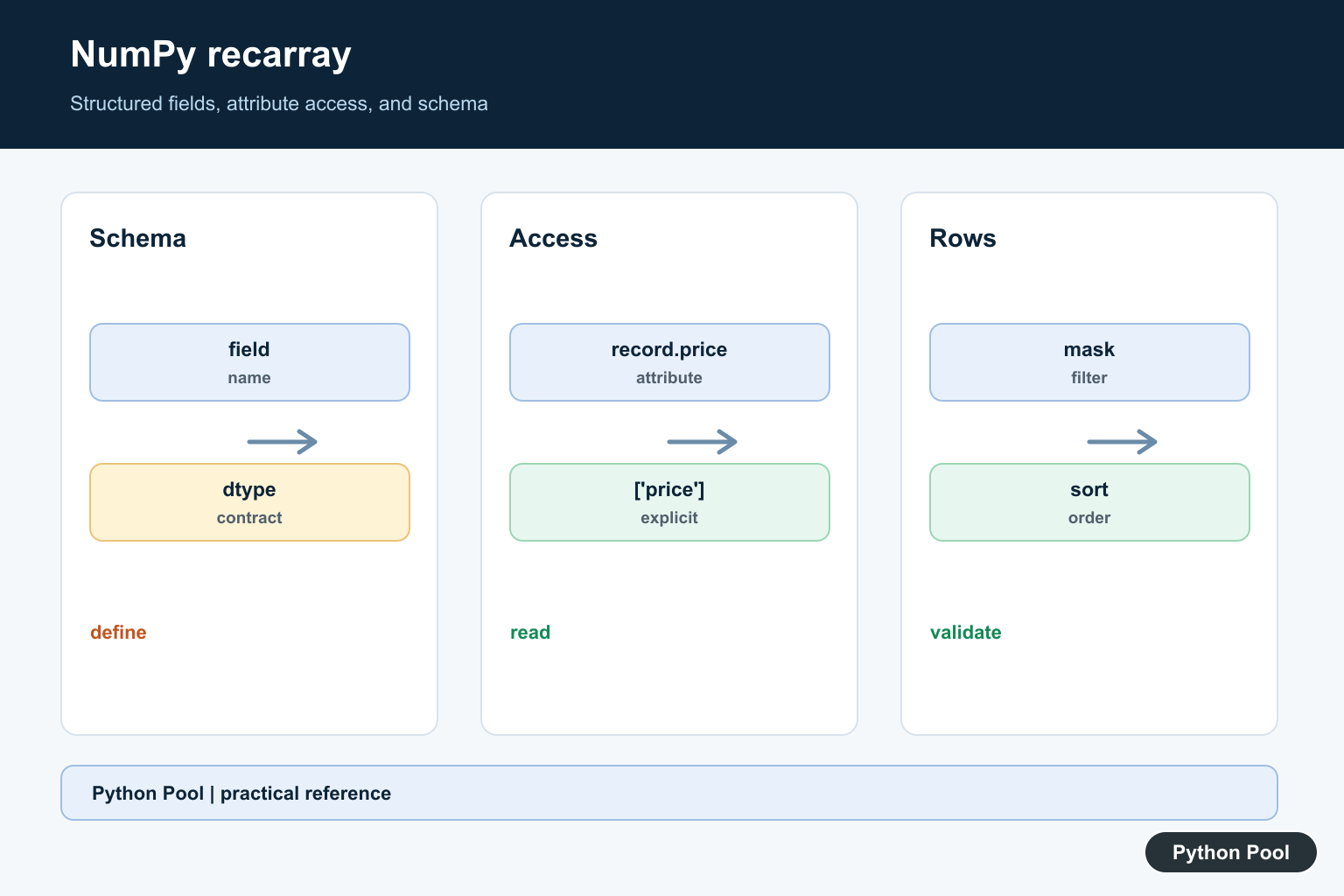
numpy.recarray is an ndarray subclass for record-style data. It stores named fields and lets you read those fields with attribute access, such as records.score.
The official NumPy recarray documentation describes the class, while the structured arrays guide explains the underlying record data model. Related references include Python’s all(), PythonPool’s NumPy array to pandas DataFrame guide, and sorting a list of lists in Python.
A recarray is convenient when you have small table-like numeric data and want concise field access. For heavy tabular analysis, pandas is usually a better fit.
The important idea is that fields live inside one NumPy array. Each field can have its own dtype, but the rows still move together when you filter or reorder the record data.
Create A recarray From Records
Use np.rec.array() with rows and a dtype that names each field.
import numpy as np

records = np.rec.array(
    [("Ada", 92), ("Lin", 88), ("Maya", 95)],
    dtype=[("name", "U10"), ("score", "i4")],
)

print(records)
print(records.dtype)
The dtype defines the field names and storage types. Here, name is a short Unicode string and score is a 32-bit integer.
Choosing clear field names matters because those names become both dictionary-style keys and attribute-style names.
Use fixed-width string dtypes carefully. If a string is longer than the configured width, NumPy may truncate it, so choose a width that fits the expected data.
Access Fields By Attribute
The main convenience of a recarray is field access with dot notation.
import numpy as np

records = np.rec.array(
    [("Ada", 92), ("Lin", 88), ("Maya", 95)],
    dtype=[("name", "U10"), ("score", "i4")],
)

print(records.name)
print(records.score)
print(records["score"])
records.score and records["score"] return the same field data. Bracket access is more explicit, while attribute access is shorter.
Avoid field names that collide with ndarray attributes or methods. In those cases, bracket access is safer and clearer.
Bracket access is also better when field names come from outside your code, such as file headers. Attribute access is most pleasant when you control the field names.
Filter Rows With A Field
Fields can be used to build Boolean masks, just like normal NumPy arrays.
import numpy as np

records = np.rec.array(
    [("Ada", 92), ("Lin", 88), ("Maya", 95)],
    dtype=[("name", "U10"), ("score", "i4")],
)

mask = records.score >= 90

print(records[mask])
print(records.name[mask])
The mask keeps rows where the score is at least 90. You can apply the same mask to the full recarray or to a single field.
This is useful for compact filtering, but complex data cleaning is often easier in pandas.
The mask keeps row relationships intact. When a row is selected, all fields for that row remain aligned, which is safer than filtering separate arrays one at a time.
Convert A Structured Array To recarray
A structured ndarray can be viewed as a recarray when you want attribute access.
import numpy as np

structured = np.array(
    [("Ada", 92), ("Lin", 88)],
    dtype=[("name", "U10"), ("score", "i4")],
)

records = structured.view(np.recarray)

print(records.name)
print(records.score)
The data is not copied by this view operation. It changes how the array is accessed.
Use this when you already have structured data and want the recarray interface for a small section of code.
Views are powerful, but they should be used intentionally. If another part of the program mutates the original structured array, the recarray view sees the same underlying data.
Sort Records By A Field
Use np.argsort() on a field to get an order, then index the recarray with that order.
import numpy as np

records = np.rec.array(
    [("Ada", 92), ("Lin", 88), ("Maya", 95)],
    dtype=[("name", "U10"), ("score", "i4")],
)

order = np.argsort(records.score)
sorted_records = records[order]

print(sorted_records)
The result is sorted by score in ascending order. Reverse the order with [::-1] when descending order is needed.
Sorting by fields keeps each row intact because the same index order is applied to the full recarray.
For multi-field sorting, use NumPy’s structured sorting tools or build an order from the fields that matter. Keep the sort rule explicit so future readers know which field wins ties.
Compare recarray And Structured Array Access
Structured arrays and recarrays store similar data, but the access style differs.
import numpy as np

structured = np.array(
    [("Ada", 92), ("Lin", 88)],
    dtype=[("name", "U10"), ("score", "i4")],
)
records = structured.view(np.recarray)

print(structured["score"])
print(records.score)
print(np.all(structured["score"] == records.score))
The final check is true because both forms read the same field values. The difference is interface convenience, not a different dataset.
When writing library code, bracket access is often more robust. Attribute access is pleasant in notebooks and small scripts.
This is why many teams use structured arrays internally and reserve recarray views for interactive exploration or short reporting code.
When To Use recarray
Use a recarray when you want NumPy storage with named fields and concise attribute access. It can be handy for small record datasets, binary file layouts, or examples that do not need the full pandas API.
Do not use recarray as a replacement for a DataFrame when you need grouping, joins, missing-value handling, rich indexing, or mixed data cleaning workflows.
Also avoid field names such as shape, size, or mean because those can be confused with array attributes or methods.
The practical default is to use structured arrays for explicit field access, recarray for short attribute-style convenience, and pandas when table operations become the main job.
Define A Stable Structured dtype
A recarray is built around named fields with declared types and offsets. Treat that dtype as a schema: document field names, widths, byte order, and missing-value conventions before writing or exchanging records.
Use Attribute Access Carefully
records.price is concise when price is a valid field and does not conflict with an ndarray attribute or method. Bracket access, records[‘price’], is more explicit and works for names that are not suitable Python attributes. Prefer it at external boundaries where ambiguity is costly.
Filter And Sort By Fields
Boolean masks such as records[records.price > threshold] select rows while preserving the structured dtype. Sort by a field or a sequence of fields with an explicit order, then check whether the returned array is a view or copy before mutating it.
Know The Limits Of recarray
Structured arrays are efficient for fixed, homogeneous record layouts, but they are not a full relational table or dataframe. Dynamic columns, rich missing-data behavior, joins, and complex grouping may be clearer in another tool. Do not choose attribute syntax as a substitute for a data-model decision.
Test Field Names And Empty Records
Test valid and conflicting field names, missing fields, empty arrays, nested dtypes, filters, sorting, and conversion to ordinary structured arrays. Assert field dtype and row shape so a convenient attribute does not conceal an unexpected schema change.
The official structured arrays guide and recarray reference define field access and dtype behavior. Related guidance includes array conversion and schema tests.
For related record workflows, compare array conversion, dataframe conversion, and schema tests when deciding how long a structured dtype should remain in use.
Frequently Asked Questions
What is a NumPy recarray?
It is a structured array view that allows named fields to be accessed with attribute syntax as well as field indexing.
How do I access a recarray field?
Use records.field_name when the field name is a valid, non-conflicting attribute, or use records[‘field_name’] for unambiguous access.
When should I avoid recarray?
Avoid it when fields are highly dynamic, nested operations are complex, or the workflow needs relational, tabular, or missing-data features better provided by another structure.
Can I filter and sort a recarray?
Yes. Build boolean masks from named fields and use sort order or sort methods while checking the resulting dtype and row shape.
