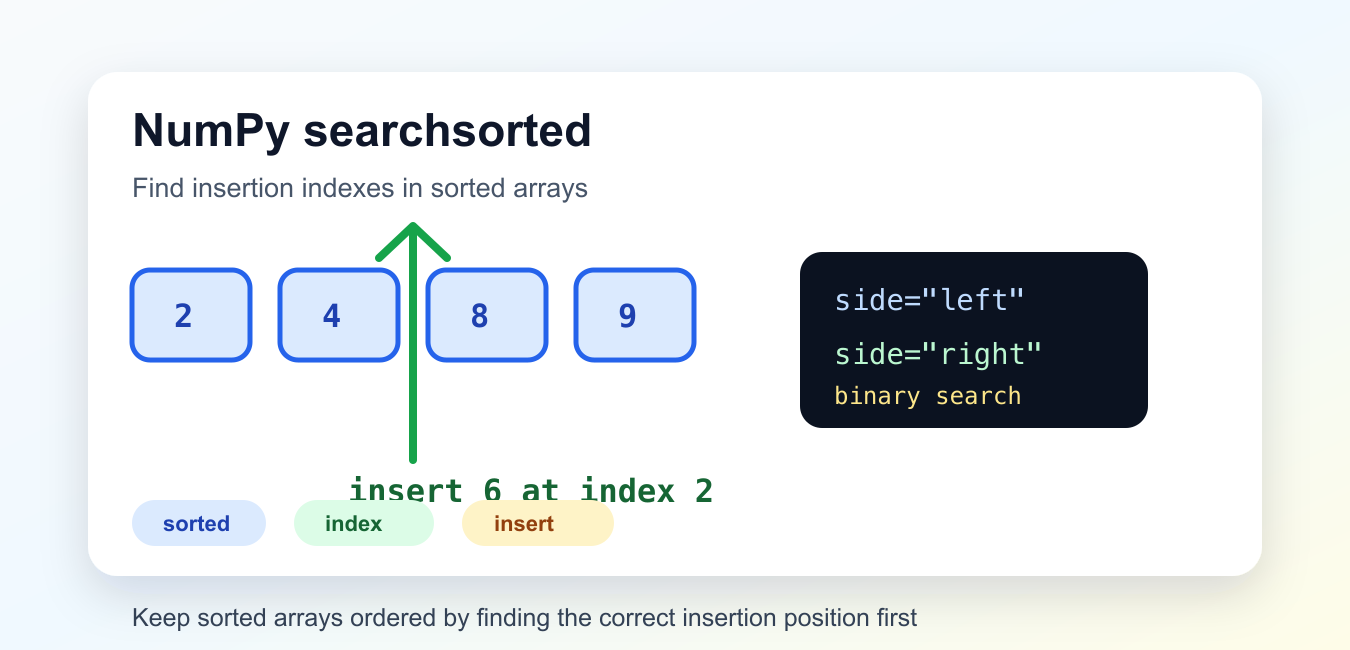
Quick answer: np.searchsorted() returns insertion indexes for values in a sorted one-dimensional array. side=’left’ chooses the first valid position before equal values, while side=’right’ chooses the position after them. The function searches; it does not sort the input, so preserve or verify the sorted invariant first.
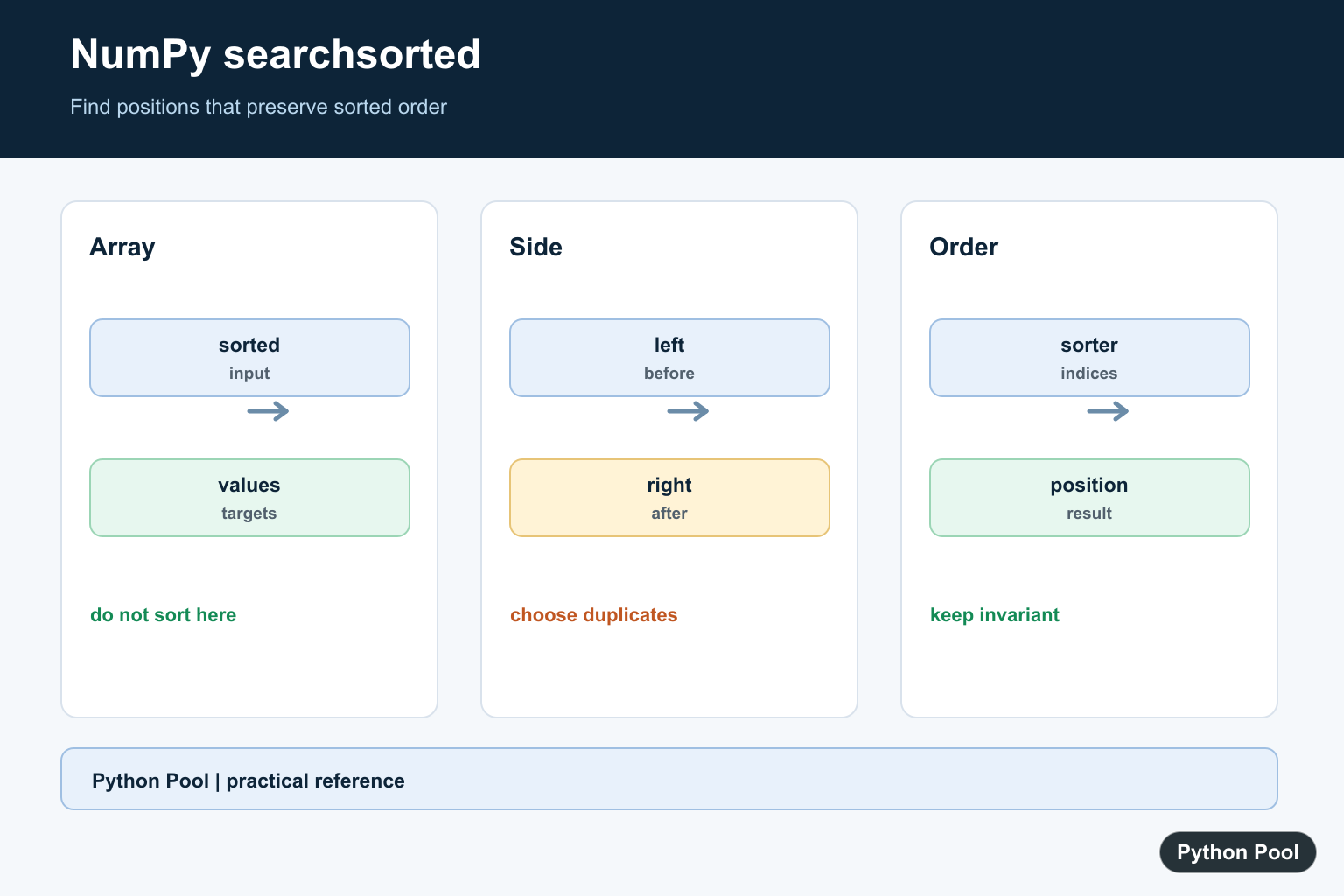
np.searchsorted() returns the index where a value should be inserted to keep a sorted NumPy array in order. It is a fast way to locate insertion points without scanning manually.
The official NumPy searchsorted documentation explains the full API, and NumPy sort covers sorting arrays before searching.
The input array should already be sorted in ascending order unless you pass a sorter. The function uses binary search internally, so it is useful for lookup tables, bins, thresholds, and inserting new values into ordered data.
Because the function returns positions rather than changing data, it fits well in pipelines. You can calculate insertion points first, inspect them, and then decide whether to insert values, assign labels, or slice existing ranges.
Find One Insertion Index
Pass a sorted array and one value to get the insertion position.
import numpy as np

values = np.array([2, 4, 8, 9])
index = np.searchsorted(values, 6)

print(index)
The result is 2 because 6 belongs between 4 and 8. Inserting at that index keeps the array sorted.
The returned position is an index, not a modified array. Use it with another operation when you actually need to insert data.
Indexes can be equal to the length of the array. That simply means the value belongs after the last item, which is a valid insertion point.
Insert A Value After Searching
searchsorted() pairs naturally with np.insert() when you want the updated array.
import numpy as np

values = np.array([2, 4, 8, 9])
new_value = 6

index = np.searchsorted(values, new_value)
updated = np.insert(values, index, new_value)

print(updated)
This inserts 6 at the correct position. For occasional inserts, this pattern is clear and simple.
For many inserts into a large array, collect the new values and sort or merge in batches. Repeated array insertion can be expensive because NumPy arrays have fixed-size storage.
If you need a data structure that receives many small inserts, a list or specialized sorted container may be more appropriate until the final array is needed.
Choose Left Or Right Side
When the value already exists, the side argument decides whether the insertion point goes before or after the existing matching values.
import numpy as np

values = np.array([1, 3, 3, 3, 7])

left = np.searchsorted(values, 3, side="left")
right = np.searchsorted(values, 3, side="right")

print(left)
print(right)
side="left" returns the first matching position. side="right" returns the position after the last matching value.
This is useful for finding ranges in sorted data. The left and right positions can define the slice that contains all matching values.
For example, values[left:right] would contain every existing match. If left and right are equal, the value is not present even though the insertion point is still useful.
Search Several Values At Once
The second argument can be an array of values. NumPy returns one insertion index for each value.
import numpy as np

breakpoints = np.array([10, 20, 30, 40])
queries = np.array([5, 10, 25, 50])

indexes = np.searchsorted(breakpoints, queries)

print(indexes)
Each query is compared with the sorted breakpoints. The result can be used for binning, labeling, or selecting threshold ranges.
When using indexes for bins, check boundary cases carefully. Values below the first item and above the last item return edge positions.
These edge positions are often exactly what you want for labels, but they should be tested. A value below the first breakpoint returns 0, and a value above all breakpoints returns the number of breakpoints.
Use Searchsorted For Buckets
Threshold buckets are a common practical use. The insertion index tells you how many thresholds the value has passed.
import numpy as np

thresholds = np.array([60, 70, 80, 90])
scores = np.array([55, 72, 88, 94])
labels = np.array(["F", "D", "C", "B", "A"])

bucket_indexes = np.searchsorted(thresholds, scores, side="right")

print(labels[bucket_indexes])
Using side="right" means a score equal to a threshold moves into the higher bucket. Choose the side based on the rule your grading or binning system needs.
This approach keeps the bucket logic compact and avoids a long chain of conditional branches.
The same pattern works for tax brackets, score bands, latency buckets, or any sorted threshold list where each input should map to one label.
Search With A Sorter
If the original array is not sorted, compute a sorter with np.argsort() and pass it to searchsorted().
import numpy as np

values = np.array([40, 10, 30, 20])
sorter = np.argsort(values)

index = np.searchsorted(values, 25, sorter=sorter)
sorted_values = values[sorter]

print(sorted_values)
print(index)
The sorter describes the order that would sort the original array. Search results are positions in that sorted order.
If you will search repeatedly, keeping a sorted copy is often easier to reason about than repeatedly passing a sorter.
The sorter form is helpful when you must keep the original order for later reporting. For everyday lookups, a sorted working array is simpler and less error-prone.
Common Mistakes
Do not call searchsorted() on unsorted data without a sorter. The result depends on sorted order and can be wrong when the array is not ordered.
Do not confuse the returned index with the value at that index. The function tells you where a value belongs, not what value is already there.
Do not forget duplicate handling. Use side="left" for the first acceptable position and side="right" for the position after existing matches.
The practical workflow is simple: sort the reference array, call np.searchsorted() to get insertion indexes, then use those indexes for insertion, binning, slicing, or threshold labels.
Find One Insertion Position
For a sorted array, searchsorted returns the location where a value can be inserted without breaking order. The index may be zero or the array length when the value belongs before every item or after every item.
import numpy as np

values = np.array([10, 20, 30, 40])
for target in [5, 25, 50]:
    print(target, np.searchsorted(values, target))
Choose left Or right For Duplicates
With duplicates, left returns the first suitable index and right returns the last suitable insertion position. Use the side that matches whether new equal records should precede or follow existing records.
import numpy as np

values = np.array([10, 20, 20, 20, 40])
print(np.searchsorted(values, 20, side="left"))
print(np.searchsorted(values, 20, side="right"))
Search Many Values
v can be a scalar or an array-like collection, so one call can produce insertion positions for many targets. The result shape follows v. Validate that the values use a comparable dtype and that the sorted order means what the application expects.
import numpy as np

values = np.array([0, 10, 20, 30])
targets = np.array([3, 12, 29])
print(np.searchsorted(values, targets, side="left"))
Use sorter For Indirect Order
When the source array is not physically sorted, pass sorter as the indexes that would sort it. searchsorted then searches the logical ascending order while returning positions within that order. Keep the sorter paired with the same array and update both when the data changes.
import numpy as np

values = np.array([30, 10, 20])
sorter = np.argsort(values)
print(sorter)
print(np.searchsorted(values, [15, 25], sorter=sorter))
NumPy’s official searchsorted reference defines side, sorter, vectorized values, and the sorted-array invariant. Use it for insertion positions, not as a hidden sorting step.
For related ordered-array operations, compare Python bisect, NumPy arange(), and NumPy reshape() before choosing an index search for duplicates.
Frequently Asked Questions
What does NumPy searchsorted return?
It returns the index or indexes where values can be inserted into a sorted one-dimensional array while preserving order.
What is the difference between side=’left’ and side=’right’?
left returns the first suitable position before equal values, while right returns the position after equal values.
Does searchsorted sort the input array?
No. The array must already be sorted unless you pass sorter with indexes that represent its ascending order.
Can searchsorted handle many values?
Yes. Pass an array-like v and it returns a NumPy array of insertion positions using vectorized comparison logic.
