
Quick answer: Use numpy.sqrt(values) for element-wise non-negative square roots. It works with scalars and arrays, follows NumPy broadcasting, and needs an explicit policy for negative real inputs, complex values, and invalid results.
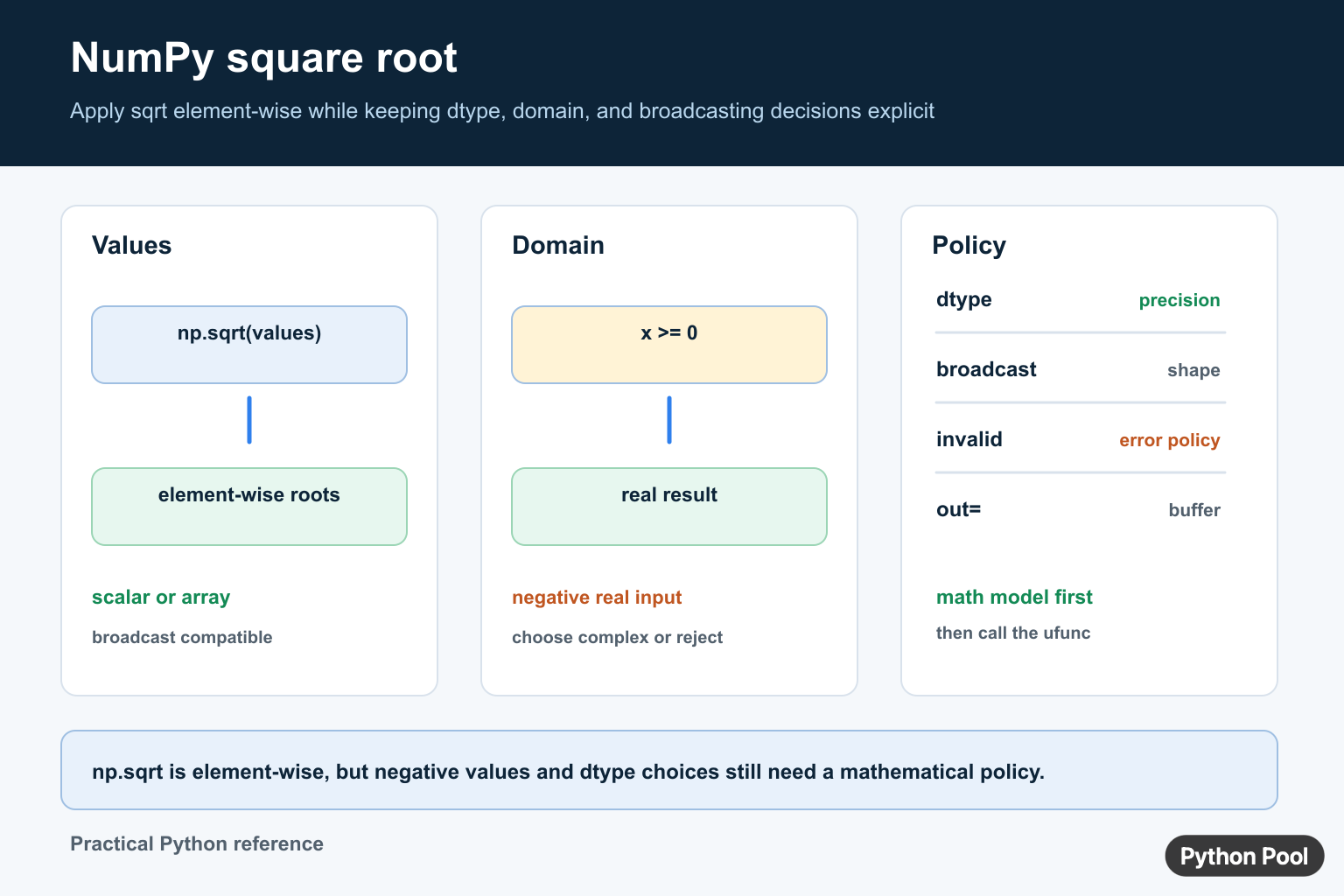
np.sqrt() calculates the non-negative square root of each input value. It works on scalars, lists, NumPy arrays, and matrices, returning a NumPy result that matches the input shape.
Use NumPy square roots when you need vectorized numeric operations. The official numpy.sqrt documentation defines the universal function, numpy.emath.sqrt supports complex results for negative inputs, and Python’s math.sqrt documentation covers the scalar standard-library option.
Use np.sqrt On An Array
The main benefit of np.sqrt() is that it applies to every element without a Python loop.
import numpy as np

values = np.array([4, 9, 16, 25])
roots = np.sqrt(values)

print(roots)
The result is an array with the same shape as the input. Each item is converted to its positive square root.
This vectorized style is clearer and faster than looping through a list for normal numeric arrays.
Calculate A Scalar Square Root
np.sqrt() also accepts a single number. The result is a NumPy scalar.
import numpy as np

root = np.sqrt(49)

print(root)
print(type(root).__name__)
This is convenient when the same code may receive either a scalar or an array.
For plain scalar-only code with no NumPy dependency, math.sqrt() is also a good choice.

Use np.sqrt With Matrices
For two-dimensional arrays, np.sqrt() applies element by element and preserves the shape.
import numpy as np

matrix = np.array([
    [1, 4],
    [9, 16],
])

roots = np.sqrt(matrix)

print(roots)
This is element-wise square root, not a matrix square-root operation from linear algebra.
Use it when each number should be transformed independently.
Handle Negative Inputs
For real-valued arrays, the square root of a negative number is not real. NumPy returns nan and may emit a runtime warning.
import numpy as np

values = np.array([9, -1, 16])

with np.errstate(invalid="ignore"):
    roots = np.sqrt(values)

print(roots)
If negative values are invalid for your data, treat them as validation errors before calculating roots.
If complex results are expected, use a complex dtype or numpy.emath.sqrt().

Use emath.sqrt For Complex Results
numpy.emath.sqrt() can return complex roots for negative inputs.
import numpy as np

values = np.array([9, -1, -4])
roots = np.emath.sqrt(values)

print(roots)
This is useful in math workflows where complex numbers are valid results.
Do not use complex roots just to hide bad input. Choose this path only when complex output is meaningful for the problem.
Compare np.sqrt And math.sqrt
math.sqrt() is a scalar function. It is simple and dependency-free, but it does not vectorize over arrays.
import math
import numpy as np

print(math.sqrt(36))
print(np.sqrt([4, 9, 16]))
Use math.sqrt() for one scalar in standard-library code. Use np.sqrt() for arrays, broadcasting, and numeric pipelines.
The output type differs, so keep that in mind when formatting results or serializing data.

Common Square Root Mistakes
Pay attention to dtype. Integer input usually produces floating output because most square roots are not integers. If later code expects integers, keep the root calculation and integer conversion as separate steps so rounding is explicit.
Broadcasting works with np.sqrt() the same way it works with other NumPy universal functions. If the input is a slice, view, or broadcasted expression, the square root result follows NumPy’s shape rules. That makes it easy to combine square roots with larger array calculations.
For memory-sensitive workflows, NumPy universal functions also support options such as out and where. Those options can write results into an existing output array or calculate roots only where a condition is true. They are useful in large numeric pipelines, but the plain function call is clearer for most examples.
For data cleaning, decide how to treat missing values before applying the square root. nan values remain nan, which can be useful when missing data should stay visible through the calculation.
Use np.sqrt(x) when the intent is a square root. Although x ** 0.5 can produce similar results for many positive values, the named function is clearer, exposes NumPy universal-function options, and matches the documentation readers will search for.
When square roots appear inside distance or magnitude formulas, consider whether a higher-level function already communicates the intent better. For example, np.linalg.norm() is clearer than manually writing a square-root formula when the goal is vector length.
Do not confuse element-wise square roots with matrix square roots. np.sqrt(matrix) transforms each element independently.
Do not ignore negative inputs unless they are expected. Decide whether to reject them, mask them, or return complex roots.
Do not loop over a NumPy array just to call square root on each item. Use the vectorized function so NumPy can do the work efficiently.
The practical default is to use np.sqrt() for real-valued arrays, np.emath.sqrt() for meaningful complex roots, and math.sqrt() for simple scalar-only code.
Use sqrt Element By Element
np.sqrt() is a NumPy universal function, so it applies the square root to every element of an array. It returns the non-negative real root for non-negative real values and follows NumPy’s dtype and broadcasting rules.
import numpy as np

values = np.array([0.0, 1.0, 4.0, 9.0])
roots = np.sqrt(values)
print(roots)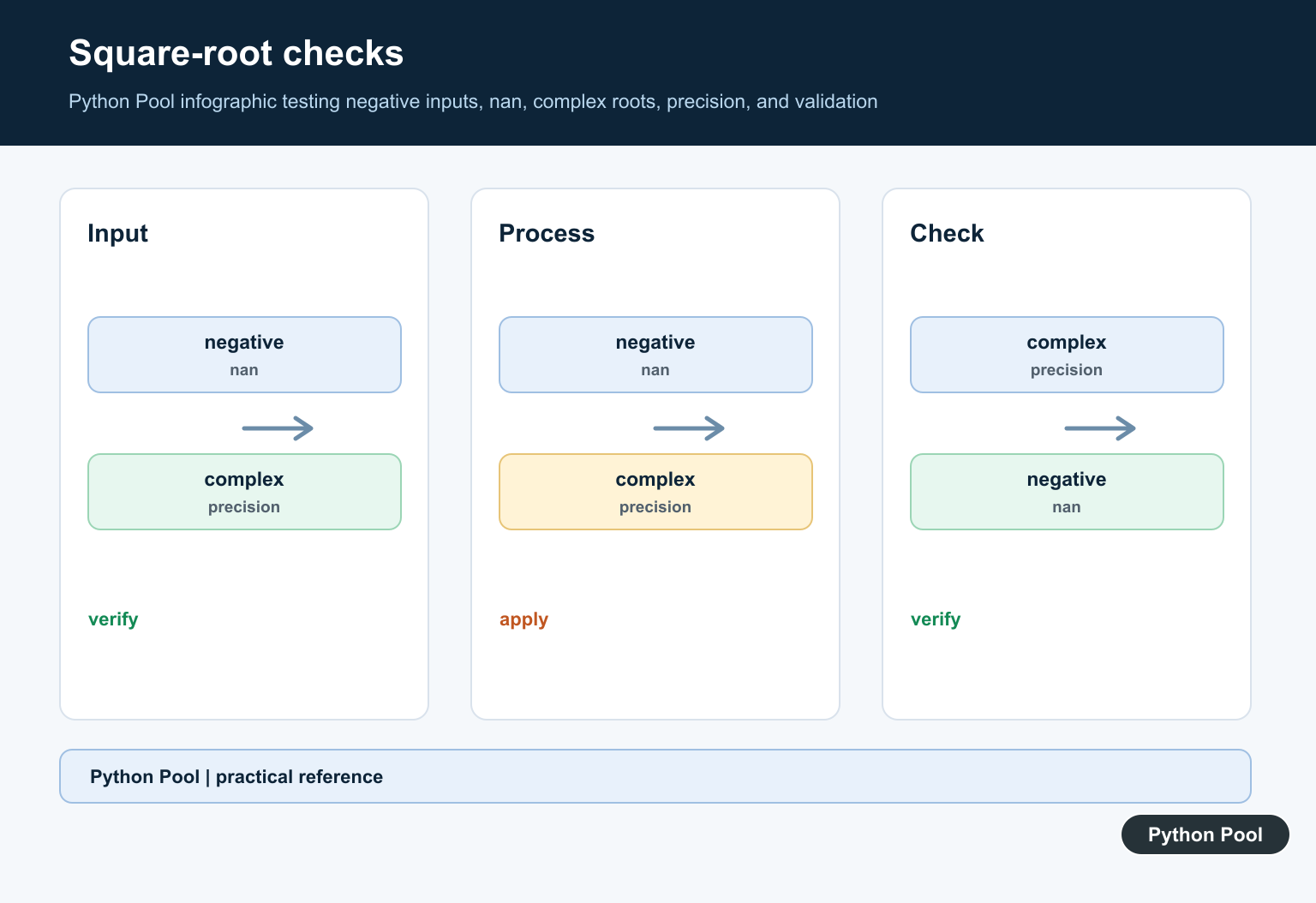
Choose A Negative-Value Policy
The real square root of a negative number is not a real value. Decide whether negative inputs are invalid data, should be filtered, or belong in a complex-number calculation. Converting to a complex dtype before calling np.sqrt() is a different mathematical model from accepting a floating-point warning and continuing.
Broadcasting And Output
Arrays with compatible shapes can be processed through NumPy broadcasting, which is useful when a scalar scale or offset participates in a larger expression. Keep the result in an array while doing numerical work and convert only at an API or serialization boundary. Check the dtype when precision, complex values, or an output buffer matters.
For related numeric transforms, compare NumPy square roots with powers and absolute values. Read numpy power and python absolute value for the related workflow.
Frequently Asked Questions
How do I calculate a square root with NumPy?
Call np.sqrt(values) to calculate element-wise square roots for NumPy scalars or arrays.
What happens when np.sqrt receives a negative real value?
Negative real inputs are outside the real square-root domain and can produce an invalid result according to NumPy’s floating-point error policy.
Does np.sqrt support arrays?
Yes. It is a universal function that applies element-wise and supports compatible NumPy broadcasting shapes.
How do I calculate complex square roots?
Use an appropriate complex dtype and define the complex-number behavior explicitly rather than silently accepting invalid real-domain results.
