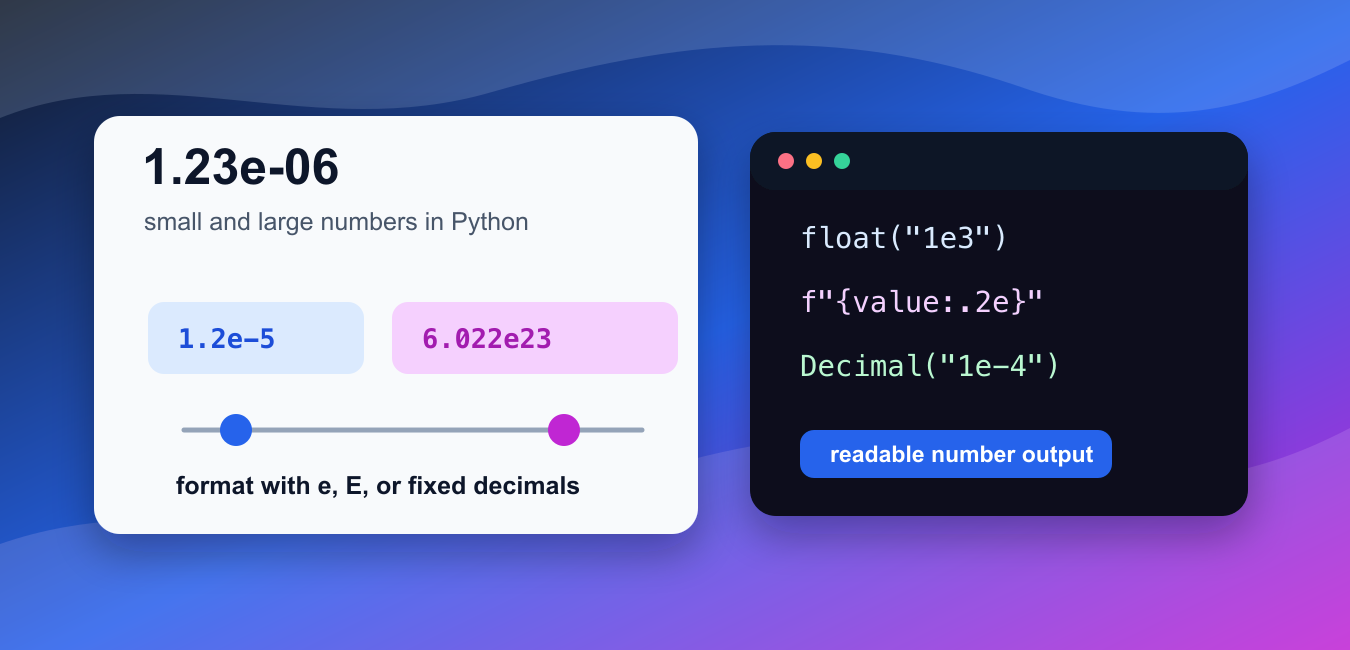
Quick answer: Python accepts scientific notation such as 1.25e-4 as a floating-point literal. Use e or E formatting for readable output, and choose float or Decimal deliberately when conversion and precision matter.
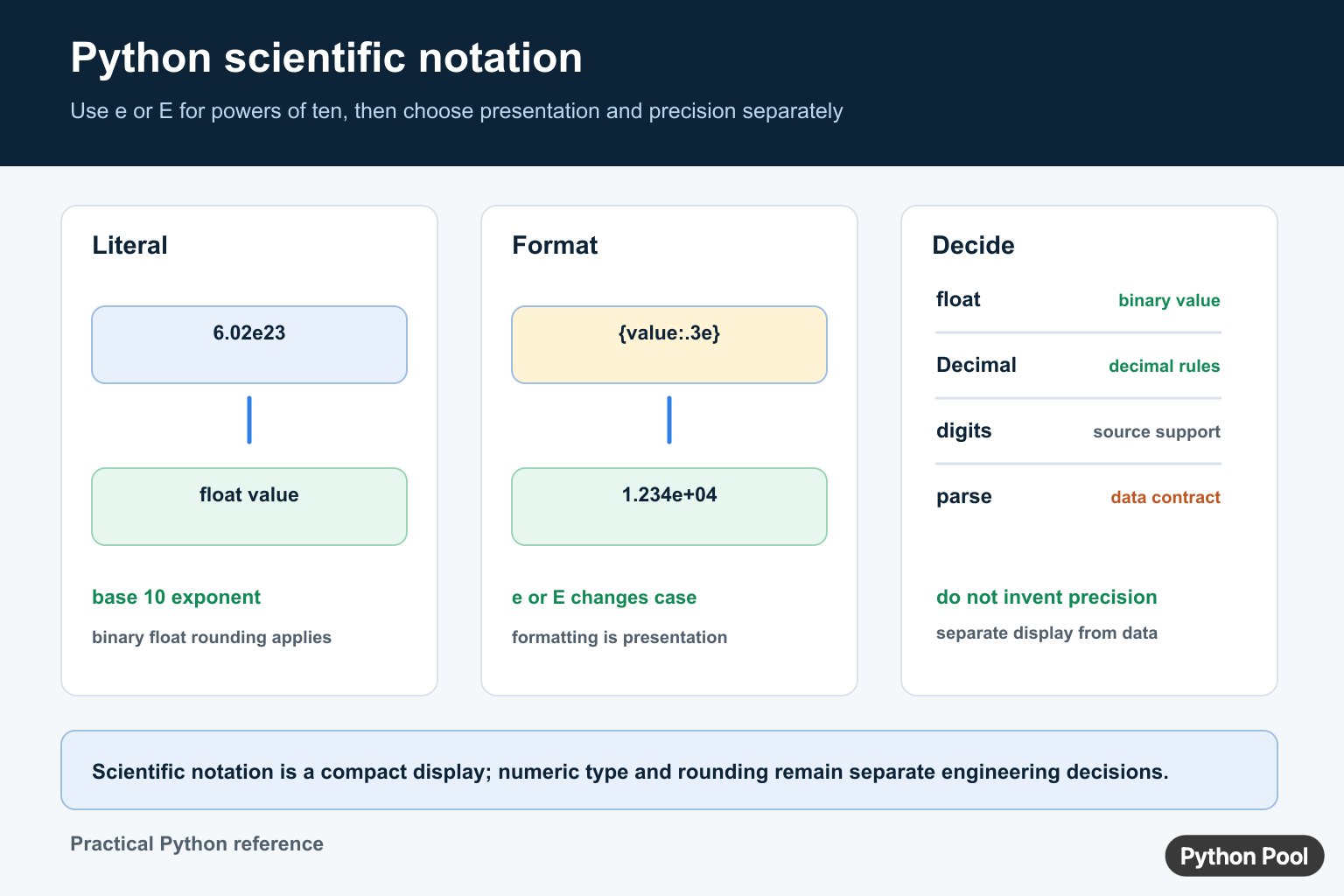
Python supports scientific notation with e or E in numeric literals and strings. It is a compact way to write very small or very large floating-point numbers.
The official Python documentation explains floating-point arithmetic, the format specification mini-language, and the decimal module.
In scientific notation, 1.2e-5 means 1.2 * 10 ** -5, and 6.022e23 means 6.022 * 10 ** 23. Python stores these as floats unless you explicitly use another numeric type.
Python may display a float in scientific notation when that representation is shorter or clearer. That display choice does not change the numeric value. It only changes how the value is shown.
Use scientific notation for compact source code, input parsing, data files, logs, and reports. Use fixed-point formatting when readers expect ordinary decimal places instead of exponent notation.
Formatting is the main tool for controlling output. The e format displays lowercase exponent notation, the E format displays uppercase exponent notation, and the f format displays fixed decimal places.
For exact decimal input, use Decimal from the standard library. A float is efficient and common, but it uses binary floating-point representation. That is normal for scientific and engineering calculations, but it can surprise people who expect exact decimal arithmetic.
Do not confuse display formatting with rounding for later math. Format values at the edge of the program, such as in printed output, exported reports, or UI text. Keep the original numeric value for calculation steps.
When values arrive as text, convert them once near the input boundary, then pass numbers through the rest of the program. Repeated string conversion makes error handling harder and can hide whether a calculation is working with text or numeric data.
When writing examples or reports, keep one exponent style in a section. Lowercase e is common in Python output, while uppercase E can be useful when matching an external file format, a lab report, or another system’s display style.
Write Scientific Notation Literals
Use e or E directly in a number literal.
small = 1.2e-5
large = 6.022e23

print(small)
print(large)
The first value is very small.
The second value is very large.
Python stores both as floats and prints them in a compact exponent form.
This is often clearer than writing many leading or trailing zeroes in source code.
Format With e And E
Use format specifiers to choose exponent notation and precision.
value = 123456789

print(f"{value:e}")
print(f"{value:.2e}")
print(f"{value:.2E}")
:e prints lowercase exponent notation.
:.2e keeps two digits after the decimal point.
:.2E uses uppercase E in the exponent.
This is useful when reports need consistent numeric formatting across rows.
Convert Scientific Notation Strings
float() can parse strings that use scientific notation.
texts = ["1e3", "2.5e-4", "-7.2E6"]

for text in texts:
    print(float(text))
The strings become floating-point numbers.
Both lowercase e and uppercase E are accepted.
This pattern is common when reading CSV data, API payloads, environment settings, or exported scientific measurements.
Validate incoming text before conversion when user input might contain units, commas, or empty fields.
Suppress Scientific Notation In Output
Use fixed-point formatting when you want ordinary decimal display.
value = 1.23e-6

print(f"{value:.8f}")
print(format(value, ".8f"))
Both lines print the value with eight digits after the decimal point.
This does not change the stored float.
It only changes the display string.
Choose enough decimal places for the audience. Too few places can make a small value look like zero.
If fixed-point output hides meaningful digits, increase the precision or use exponent notation instead. Avoid replacing a clear exponent with a decimal string that looks precise but has lost the important part of the value.
Use Decimal For Decimal Input
Decimal can read exponent notation while preserving decimal intent.
from decimal import Decimal

amount = Decimal("1.23e-4")

print(amount)
print(f"{amount:.8f}")
The input string is interpreted as a decimal value.
The fixed-point format makes the small value easier to read.
Use Decimal when exact decimal representation matters, such as money-like values, fixed-precision exports, or audit-friendly calculations.
For scientific arrays and most numerical computing work, floats are usually the practical default.

Format A List Consistently
Apply one format to each value when displaying mixed-size numbers.
values = [3.2e-4, 5.67e5, 8.9]

for value in values:
    print(f"{value:.3e}")
Every output line uses the same exponent style.
Consistent formatting makes tables, logs, and comparison output easier to scan.
If readers need ordinary decimals instead, switch the format from .3e to an f format.
In short, use scientific notation to write compact numbers, use float() to parse exponent strings, use e or E formatting for exponent output, use f formatting for fixed decimal display, and use Decimal when exact decimal input matters.
Read And Write e Notation
In a Python numeric literal, e or E separates a significand from a base-10 exponent. For example, 6.02e23 means 6.02 multiplied by 10 to the 23rd power, while 4e-3 means 0.004. The literal is a float, so binary floating-point rounding still applies.
distance = 1.496e11
small = 4.2e-3

print(f"{distance:.3e}")
print(f"{small:.2E}")

parsed = float("6.02e23")
print(parsed)
Formatting Is Not Higher Precision
:.3e changes the presentation to three digits after the decimal point; it does not add information to the underlying value. Choose the number of significant digits from the measurement or calculation contract, and avoid presenting more precision than the source supports.
Use Decimal For Decimal Contracts
When exact decimal rounding matters, such as money or a published fixed-point report, consider decimal.Decimal and define the rounding mode. Parse from a string when possible instead of first creating a binary float. Scientific notation is a display choice, while numeric type and precision are data-model choices.
For numeric precision, compare scientific notation with Python rounding and NumPy statistics. Read python round and numpy variance for the related workflow.
Frequently Asked Questions
How do I write scientific notation in Python?
Use a floating-point literal such as 6.02e23 or 4.2e-3, where e or E introduces a base-10 exponent.
How do I format a number in scientific notation?
Use an e or E format specifier such as f'{value:.3e}’ to control the displayed precision and exponent style.
Can I convert a scientific-notation string in Python?
Yes. float(‘6.02e23’) parses a valid scientific-notation string into a floating-point value.
Does scientific notation improve float precision?
No. It changes representation; binary floating-point precision remains the same unless you choose a different numeric type such as Decimal.

Can suppress scientific notation in this value or lower 1e-05. The output shouldn’t be a string.
Yes, you can use “{:e}”.format() to suppress the numbers. But unfortunately, you’ll have to use string while printing.
For declaring, you can use
to declare without using strings.
Regards,
Pratik
This article demonstrates a fundamental misunderstanding of floating points in Python. Floating points are internally represented in scientific notation (or if you want the real definition read the specification for floating point numbers).
float("8.99284722486562e-02")Doesn’t “suppress scientific notation” at all. It converts a string into float (simply understood as internal scientific notation), and then converts that float back to a string when printed (if this is entered in a prompt).
8.99284722486562e-02Also “suppresses” scientific notation, because Python has a funny behavior when coercing floats (scientific notation internally) to strings. When a float is implicitly converted to a string, and the number is greater than 1e-4 or less than 1e15, the string is in decimal form. Otherwise the string is normal scientific notation, which is much closer to how the float is internally represented. This is a slightly bizarre and frankly an annoying feature of Python’s weak dynamic typing.
To further confuse things, in most cases Python is strongly dynamically typed, and floats to strings is an exception. Actually relying on weak typing is considered a bad habit among most experienced programmers, and should be avoided in any code outside a REPL.
Agreed. REPL does the task of actually representing in suppressed form. The float is never stored as in “scientific notation”. The article focuses on the basic way to print or represent the numbers in suppressed or non suppressed form. Thank you for this detailed explanation tho!
Regards,
Pratik
Uhg I wish I could delete this comment, it was far too late at night and I’ve been writing Ruby, JavaScript and Python at work and made some bad mistakes above.
Python is almost _entirely_ strongly typed, and never coerces numbers to strings or strings to numbers. The “coercion” I mentioned is the wrong term, and only happens in the REPL when printing a value for display, or with an explicit
str(foo)expression.Otherwise I guess the above is pretty much correct.
float("1e20")will indeed show 1e20 in the REPL, but the article is technically correct because that expression does convert a scientific notation string into a float value. It doesn’t help of course for printing in decimal notation.Yes, I was aware of the REPL for float and how the scientific conversion can be misinterpreted by experienced coders. Since this article was fully dedicated to newbies who experience this issue and want to convert from/to scientific notation, I didn’t bother to mention it. I’ve updated the article with more explanatory details. I hope it helps!
And thank you for mentioning this, it can be quite misleading if someone thinks floats are stored with “scientific notation values”.
Regards,
Pratik
But floats are basically scientific notation in binary form: a number with an exponent.
Yes. But that’s a whole different topic, in this post, we focused on Scientific Notation involving strings ↔️ float.
scientific_notation=”{:.2e}”.format(12340000)
print(scientific_notation)
Output: 1.23e+07
How can I instruct python to output: 0.123E+08
As of now, you cannot do it using format(). You might need to create custom formatted for this.