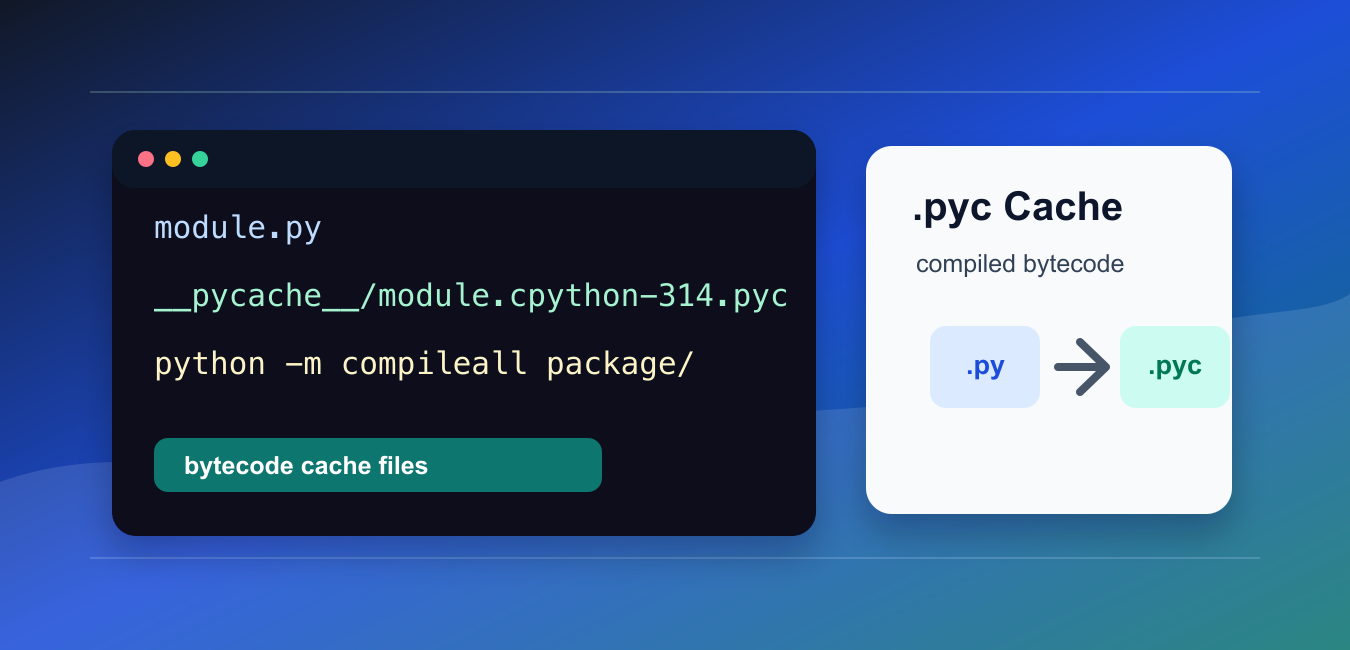
Python source files can be compiled into bytecode cache files ending in .pyc. These files usually live inside a __pycache__ directory and help Python skip recompilation when importing unchanged code. The source file remains authoritative.
Quick Answer
Python normally creates and validates .pyc files automatically during imports. Use py_compile for one source file and compileall for a directory tree. Do not treat generated bytecode as a portable replacement for source files, and usually keep __pycache__ out of source control.
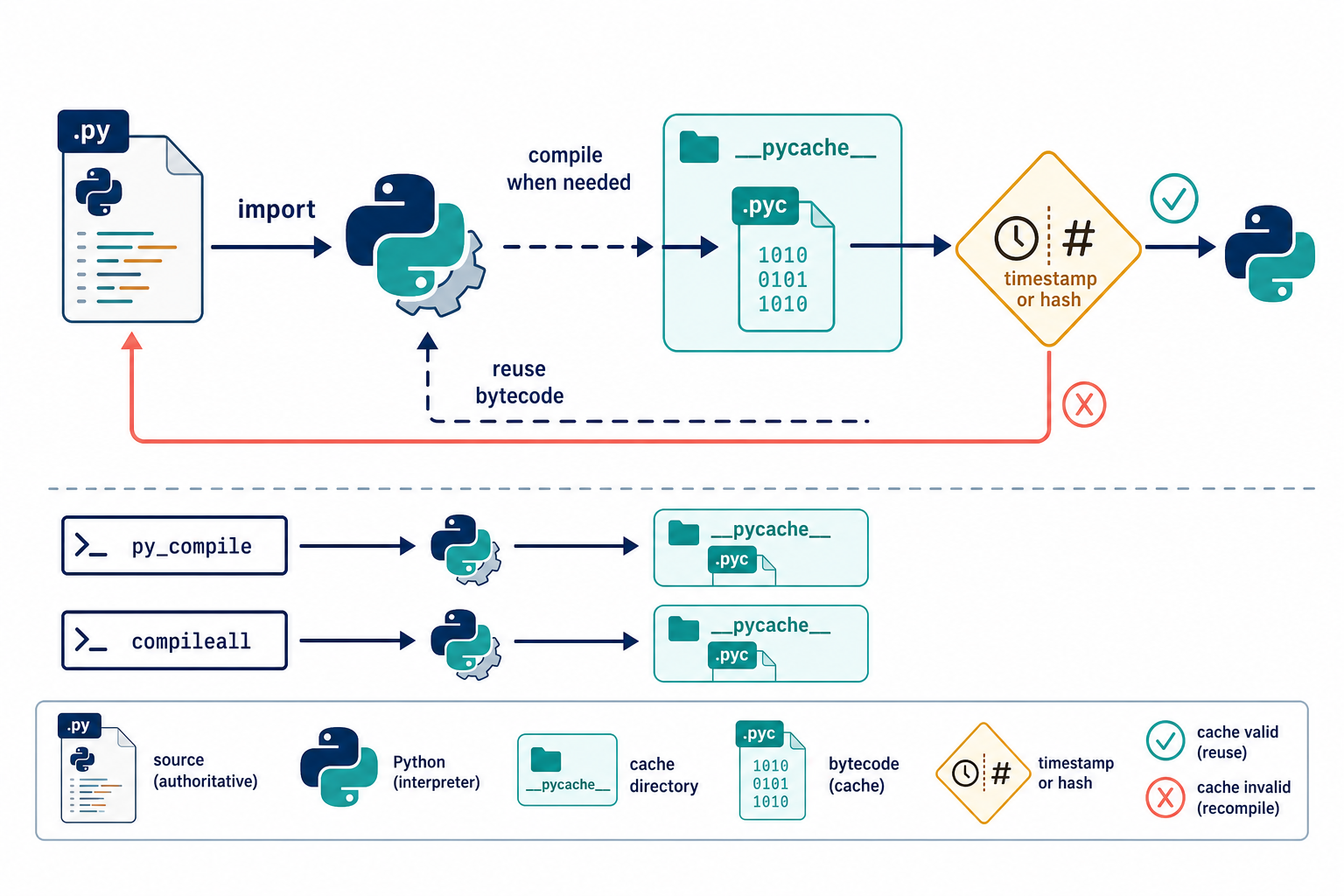
The official py_compile documentation describes single-file compilation, while the compileall documentation covers directory trees and invalidation modes. Python’s programming FAQ explains when imports create a cache automatically.
What A .pyc File Is
A .pyc file stores Python bytecode produced from a source module. It is an implementation cache used by the interpreter. It does not contain the original source in the same form, and its existence does not guarantee that another Python implementation or incompatible runtime can use it.
On a normal import, Python looks for a cache in __pycache__, checks whether it is valid for the source and interpreter, and recompiles when needed. If the process cannot write the directory, the import can still run; it simply may not be able to save a new cache.
Why __pycache__ Exists
Python keeps generated files separate from source so several interpreter versions can coexist. The filename includes implementation and version information, such as a CPython tag, rather than pretending that one cache is valid everywhere.
import pathlib

module_path = pathlib.Path('example.py')
cache_dir = module_path.parent / '__pycache__'
print(cache_dir)
Generated cache files can appear after importing a module, running tests, or executing tools that import project code. Their presence is normal and is not evidence that a source file was modified.
Compile One File With py_compile
Use py_compile when a build step or diagnostic needs to compile one source file.
import py_compile

compiled_path = py_compile.compile(
    'example.py',
    doraise=True,
)
print(compiled_path)
With doraise=True, a syntax or compilation failure raises PyCompileError instead of only writing an error message. This makes the failure visible to a build or test process.
Compile A Directory With compileall
Use compileall when you need to precompile several Python source files.
import compileall

success = compileall.compile_dir(
    'src',
    force=True,
    quiet=1,
)
print(success)
The command-line form is python -m compileall src. A build system can select a checked-hash or timestamp invalidation mode according to how it deploys source files.
How Cache Invalidation Works
A cache must correspond to the source code and the interpreter that will execute it. Timestamp-based invalidation uses source metadata; hash-based modes compare source content. If a cache is stale, Python recompiles the source rather than blindly using it.
Do not copy a .pyc from one Python version or architecture into an unrelated environment and expect it to work. If a deployment packages bytecode deliberately, build it with the same runtime family that will execute it and test the result.
Remove Or Ignore __pycache__
Deleting __pycache__ is safe during development. Python can recreate it on later imports when the directory is writable.
import shutil
from pathlib import Path

cache_dir = Path('__pycache__')
if cache_dir.exists():
    shutil.rmtree(cache_dir)
Most projects add __pycache__/ and *.pyc to their ignore rules. Generated cache should not usually be reviewed, merged, or used as the source of truth.
When No .pyc Appears
Python may not write a cache when PYTHONDONTWRITEBYTECODE is set, the module is executed as a top-level script rather than imported, or the directory is not writable. A read-only environment can still import source code without creating a cache.
Check permissions, environment variables, and whether the code path actually imports the module. Do not “fix” a missing cache by committing generated files unless a specific deployment system requires them.
Common Bytecode Cache Mistakes
- Assuming .pyc is a portable executable artifact.
- Committing __pycache__ into a source repository.
- Deleting source files because a cache exists.
- Confusing a syntax error during compilation with an import-path error.
- Expecting a top-level script to create a cache for itself.
The practical rule is to track source, let Python manage routine caches, and use py_compile or compileall only when a build or diagnostic step calls for deliberate compilation.
Source Remains The Authority
A bytecode cache is an optimization, not a second source tree. If a source file changes, Python must decide whether the existing cache is still valid. If validation fails, the interpreter compiles the new source and replaces or ignores the stale cache.
Do not edit a .pyc file to repair application behavior. Change the source, remove a stale cache when diagnosing an unusual import issue, and rerun the program with the intended interpreter.
Read-Only Installations
Packages installed in a read-only location may not be able to write cache files beside their source. That is not necessarily an installation failure. It can increase import work, but the module can still be executed if the source is readable and valid.
Build systems can precompile into a separate output directory when the runtime cannot write to the package directory. Keep the runtime’s cache invalidation rules aligned with the source files that will be deployed.
Debug Import Cache Confusion
When behavior appears stale, print the module’s __file__, the interpreter path, and the source location you expect. A stale-looking result is often an import-path problem rather than a bad .pyc file.
Use a clean virtual environment to reproduce the issue, remove only generated caches, and compare the source version and Python version. This produces stronger evidence than repeatedly deleting every cache directory without checking which module was imported.
For import architecture, compare standard-library modules with classes and conditional imports. Read python class vs module and python conditional import for the related workflow.
Frequently Asked Questions
What is a Python .pyc file?
A .pyc file stores bytecode compiled from a Python source module. It is an interpreter cache and is usually stored in a __pycache__ directory.
Can I delete __pycache__?
Yes. Deleting __pycache__ is normally safe during development because Python can recreate valid cache files on later imports.
What is the difference between py_compile and compileall?
py_compile compiles one source file, while compileall compiles files in a directory tree and can be used from the command line.
Should I commit .pyc files to Git?
Usually no. Track source files and ignore __pycache__ and generated .pyc files unless a specific packaging system explicitly requires them.
