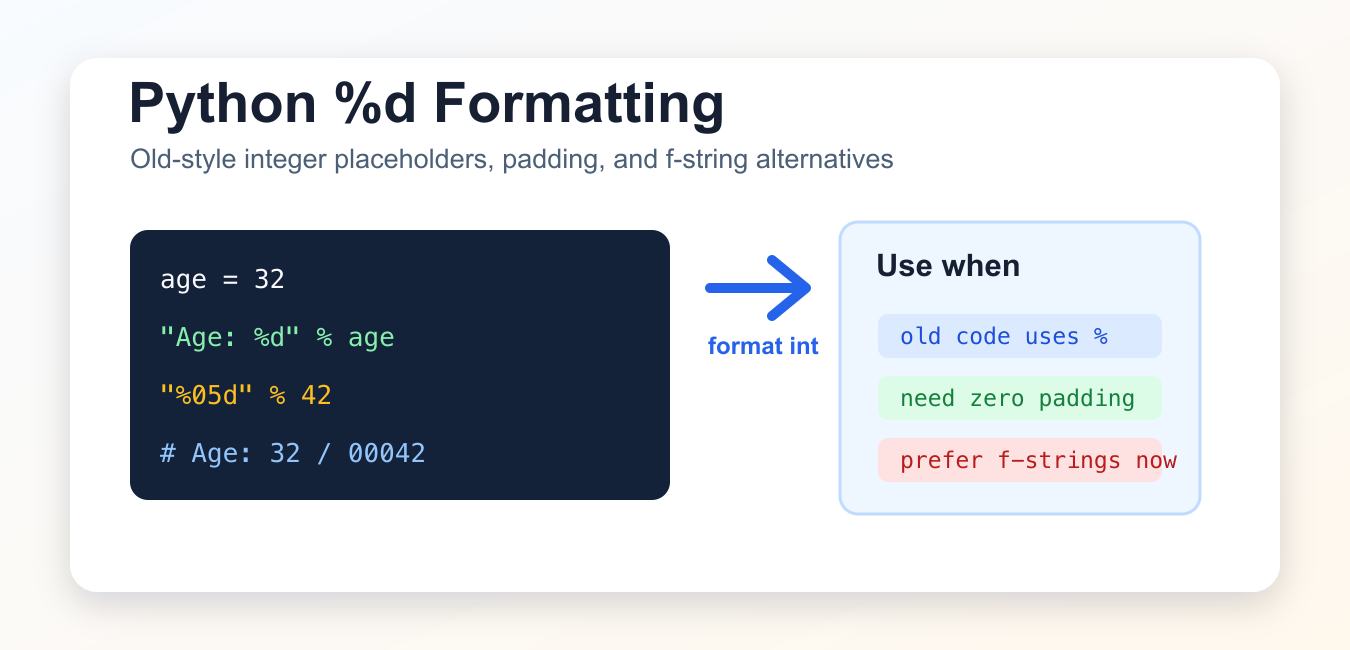
Quick answer: %d is an old-style Python string-formatting placeholder for decimal integers. It is still useful when maintaining legacy printf-style formatting, but f-strings are usually clearer for new code. Check the value type, argument shape, width, padding, and percent escaping when debugging a formatting error. Remember that the result is a string, so formatting belongs at the presentation boundary rather than inside arithmetic or data-validation logic. Keeping the numeric value numeric until output also makes rounding and localization decisions easier to test.
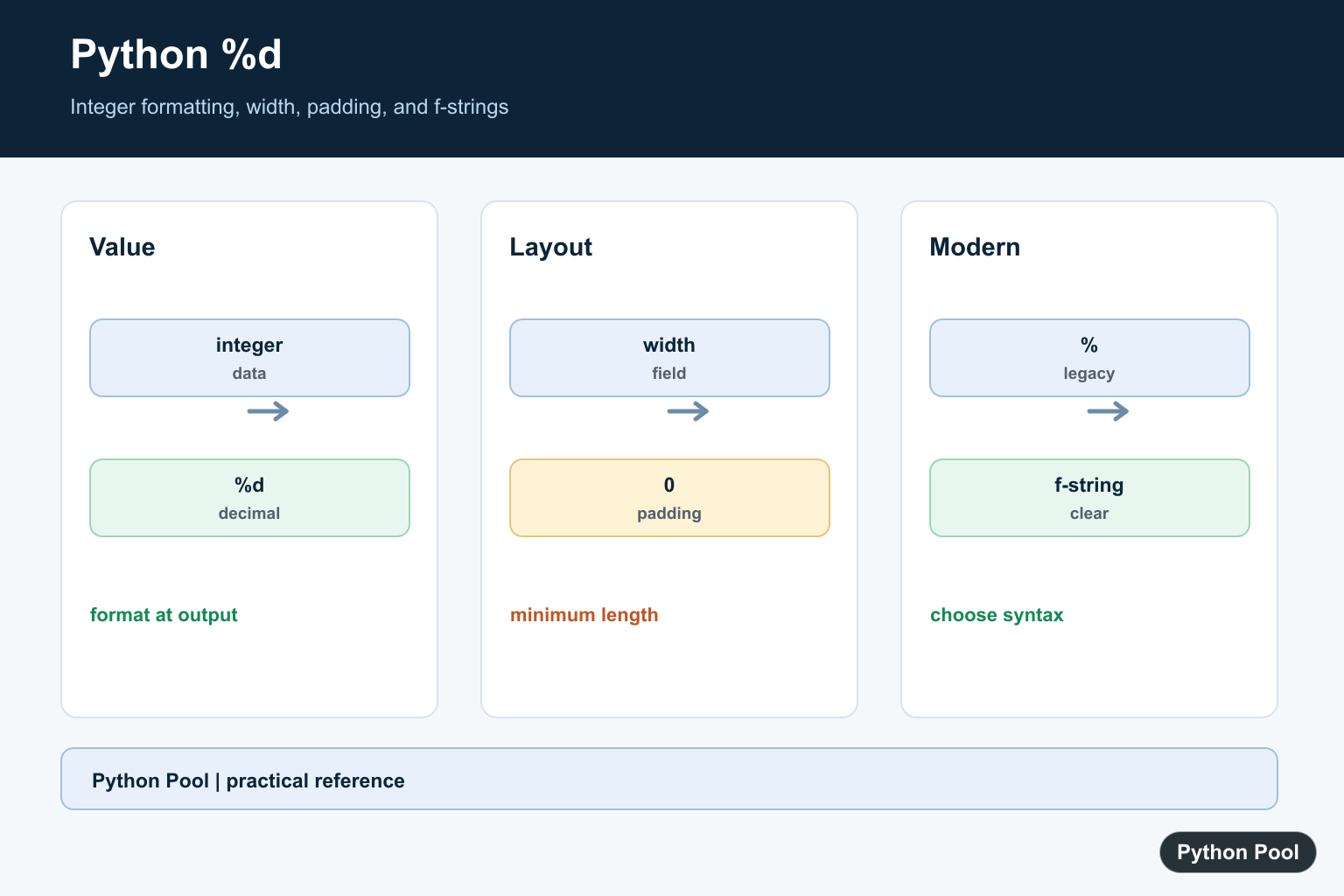
%d in Python is an old-style string formatting placeholder for decimal integers. It is used with the % operator, usually in older Python code:
age = 32
print("Age: %d" % age)
For new code, f-strings are usually clearer. Still, %d is part of Python 3’s documented printf-style string formatting, so you will still see it in existing projects.
Basic %d formatting
Use %d where an integer should appear in a string, then provide the value after the % operator.
age = 32
print("Age: %d" % age)
Output:
# Age: 32Format multiple integers
When the string has more than one placeholder, pass a tuple of values in the same order.
apples = 5
oranges = 3
print("Apples: %d, oranges: %d" % (apples, oranges))
Output:
# Apples: 5, oranges: 3Set width and zero padding
You can add a minimum width between % and d. Add 0 before the width for zero padding.
number = 42
print("%5d" % number)
print("%05d" % number)
Output:
# # output
# +# 42
# +# 00042
%5d pads with spaces to width 5. %05d pads with zeroes to width 5.
Format negative integers
%d works with negative integers too.
temperature = -7
print("Temperature: %d C" % temperature)
Output:
# Temperature: -7 CWhat happens with floats?
When you pass a float to %d, Python converts it to an integer-style value by truncating toward zero. Use %f, f-strings, or round() when you need decimal output.
value = 3.9
print("%d" % value)
Output:
# 3Print a literal percent sign
Use %% when you need a real percent sign in an old-style formatted string.
progress = 80
print("Progress: %d%%" % progress)
Output:
# Progress: 80%Fix TypeError with %d
%d expects a real number, not a string containing digits. Convert strings first if needed.
try:
    print("%d" % "42")
except TypeError as error:
    print(type(error).__name__)
Output:
# TypeErrorIf your input is "42", use int(value) before formatting it as an integer.
%d vs %s
%d: formats decimal integers.%s: converts the value to a string withstr().%f: formats floating-point numbers.
Use %d when integer formatting matters, especially width or zero padding. Use %s only when generic string conversion is intended.
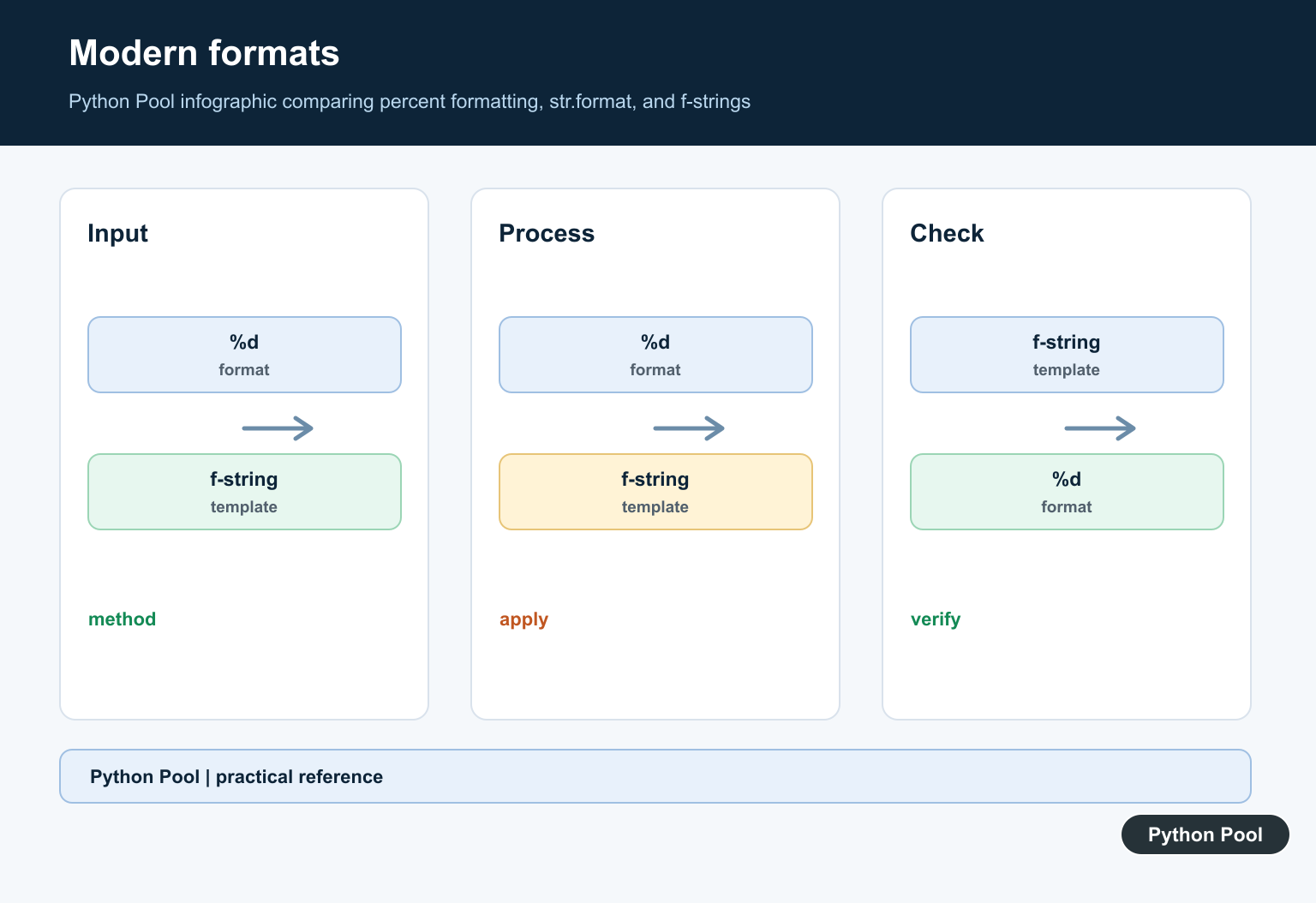
Prefer f-strings in new code
F-strings and str.format() support integer formatting with the same d presentation type.
count = 7
print(f"Count: {count:d}")
print("Count: {:d}".format(count))
Output:
# Count: 7
# Count: 7
For new Python code, f"Count: {count:d}" is usually easier to read than "Count: %d" % count.
Named placeholders with %d
Old-style formatting can also read values from a mapping. This is useful when the same value appears more than once or when named fields make an older format string easier to understand.
values = {"count": 42}
print("Count: %(count)d" % values)
Output:
# Count: 42The name inside %(count)d is looked up in the dictionary, and d still means decimal integer formatting.
When should you keep % formatting?
Keep % formatting when you are maintaining existing code, matching a codebase style, or working with APIs that already expect printf-style format strings. For new application code, f-strings are normally easier to read and refactor. If you are updating old code, convert gradually and keep tests around behavior such as padding, percent signs, and numeric conversion.
Common mistakes
- Forgetting the tuple: use
"%d %d" % (a, b)for multiple values. - Passing a numeric string: convert with
int(value)before using%d. - Using
%dfor decimals: use%for f-string precision for floats. - Forgetting
%%: use two percent signs for a literal percent character. - Writing new code in old style: prefer f-strings unless you are maintaining existing
%formatting.
Related Python guides
- Python %s string formatting
- Python user input
- int object is not subscriptable
- Append strings in Python
- Python translate()
- Python inline if
Official references
Conclusion
%d formats integers in Python’s old-style % formatting system. It is useful to understand for existing code, width, and zero-padding examples, but f-strings are usually the better default for new Python code.
Format One Integer
Place %d inside a string and provide an integer-compatible value after the % operator. The placeholder formats decimal output rather than preserving the value’s original representation, so the result is text.
age = 32
message = "Age: %d" % age
print(message)
print(type(message).__name__)
Format Multiple Values
Multiple placeholders require a tuple of values in the same order. A single value tuple needs a trailing comma, and mixing tuple formatting with a non-tuple value is a common source of confusing TypeError messages.
year = 2026
month = 7
day = 11
print("%04d-%02d-%02d" % (year, month, day))

single = (7,)
print("month=%d" % single)
Use Width And Zero Padding
A width controls the minimum field length, while a leading zero requests zero padding for numeric output. Width is a minimum, not a truncation rule, so a number with more digits remains intact. Keep formatting rules close to the output contract. This is useful for identifiers, dates, and fixed-width reports, but padding changes presentation only; it does not change the underlying integer and should not be used to preserve numeric values with leading zeroes in calculations.
number = 42
print("%5d" % number)
print("%05d" % number)
print("%d%% complete" % 75)
Compare With f-Strings And Debug Types
For new Python 3 code, an f-string usually makes the expression and format specification easier to read. When %d fails, print the value’s type and inspect whether a tuple was intended; do not hide a data-model error with an arbitrary cast.
value = 42
print(f"value={value:d}")

try:
    print("value=%d" % "42")
except TypeError as error:
    print(type("42").__name__, error)
The Python printf-style formatting reference documents %d, width, flags, and argument rules. Use f-strings from the modern string-formatting syntax for new code when compatible.
For related numeric string output, compare %s formatting, float-to-string conversion, and rounding numbers when choosing whether to format, convert, or round a value.
Frequently Asked Questions
What does %d mean in Python?
%d is an old-style string-formatting placeholder that formats a value as a decimal integer.
Why does %d raise a TypeError?
The supplied value may not be an integer-compatible value, or the formatting operator may receive the wrong number or shape of arguments.
How do I add zero padding with %d?
Use a width and zero flag such as %05d to produce a five-character decimal field with leading zeroes.
Should I use %d or an f-string?
Use f-strings for new code when the project supports them; keep %d when maintaining legacy formatting or matching an existing interface.
