
Quick answer: doctest extracts interactive examples from docstrings or text files, executes them, and compares the displayed output. It works best for concise, deterministic examples that document a public behavior; complex setup and broad edge cases belong in regular tests.
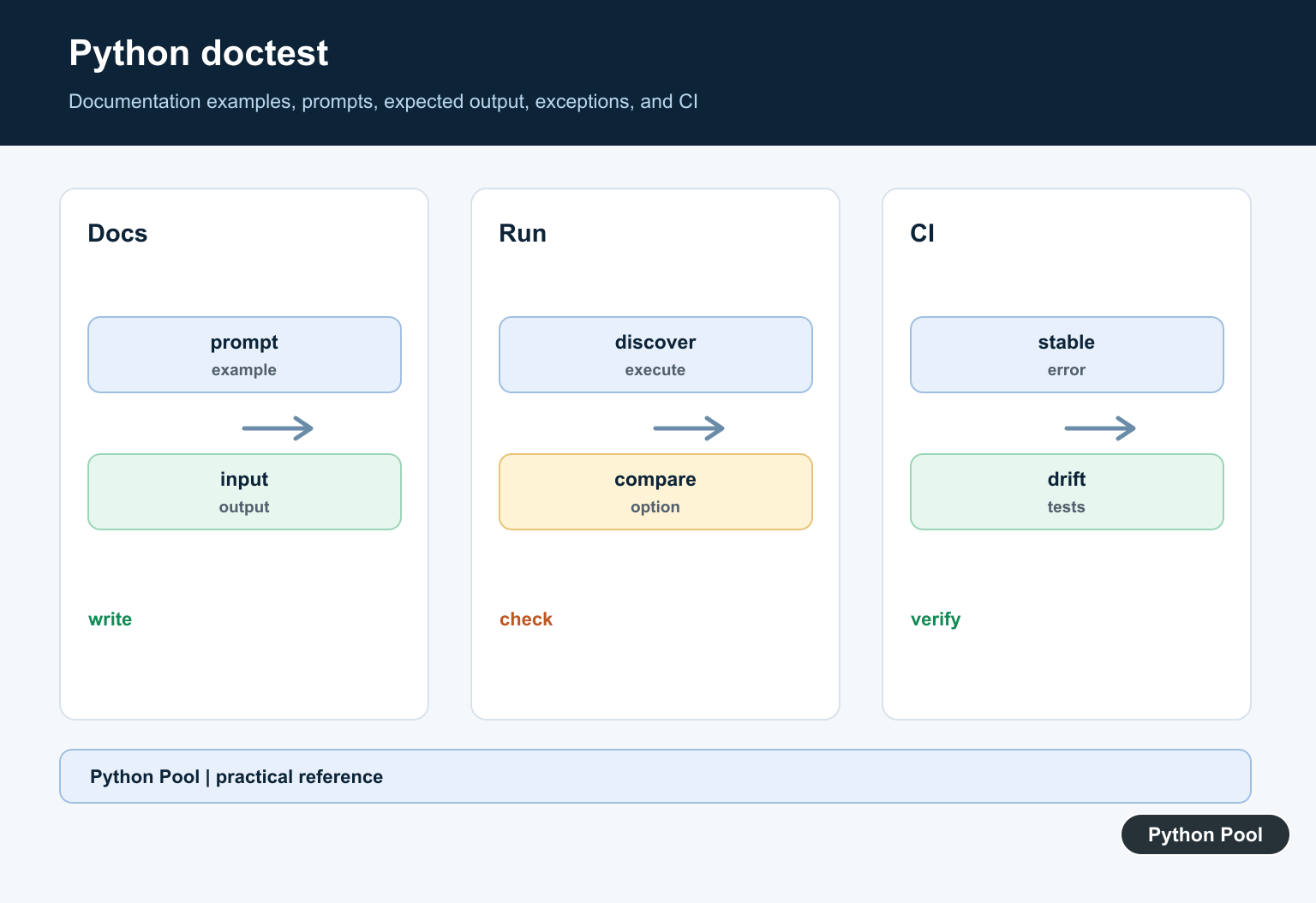
doctest is a standard-library module that runs examples written in Python’s interactive prompt style. It searches docstrings and text files for lines that look like >>> sessions, executes them, and compares the actual output with the expected output.
Doctests are useful when documentation and small examples must stay correct. They are not a replacement for a full test suite, but they are excellent for simple functions, tutorial examples, and public API snippets.
The official Python doctest documentation explains discovery, expected output matching, option flags, and command-line usage. The official unittest documentation is relevant when combining doctests with a larger suite.
Put Examples In A Docstring
The most common pattern is a function docstring that shows input and expected output.
def add(left, right):
    """Return the sum of two numbers.

    >>> add(2, 3)
    5
    >>> add(-1, 1)
    0
    """
    return left + right
Doctest reads the examples, runs the calls, and checks that the printed representation matches the following expected lines.
This works best when output is deterministic. Avoid doctests for examples that depend on network calls, random order, current time, or machine-specific paths unless you control that output carefully.
Run doctest From Python
Add a small entry point when a module should run its own doctests directly.
def double(number):
    """Double a number.

    >>> double(4)
    8
    """
    return number * 2

if __name__ == "__main__":
    import doctest

    doctest.testmod(verbose=True)
Running the file executes testmod(). The verbose=True flag prints each attempted example, which is helpful while learning or diagnosing a mismatch.
For normal project automation, you can also run doctest from the command line with python -m doctest -v module_name.py.
Test Exceptions
Doctest can check expected exceptions. Include the traceback header and the final exception line that should appear.
def parse_count(text):
    """Parse a count as an integer.

    >>> parse_count("12")
    12
    >>> parse_count("bad")
    Traceback (most recent call last):
    ...
    ValueError: invalid literal for int() with base 10: 'bad'
    """
    return int(text)
The ellipsis line allows doctest to ignore stack frames that are not important to the example.
Exception doctests are most useful when the error is part of the documented behavior. For broad internal error handling, a regular unit test is often easier to maintain.
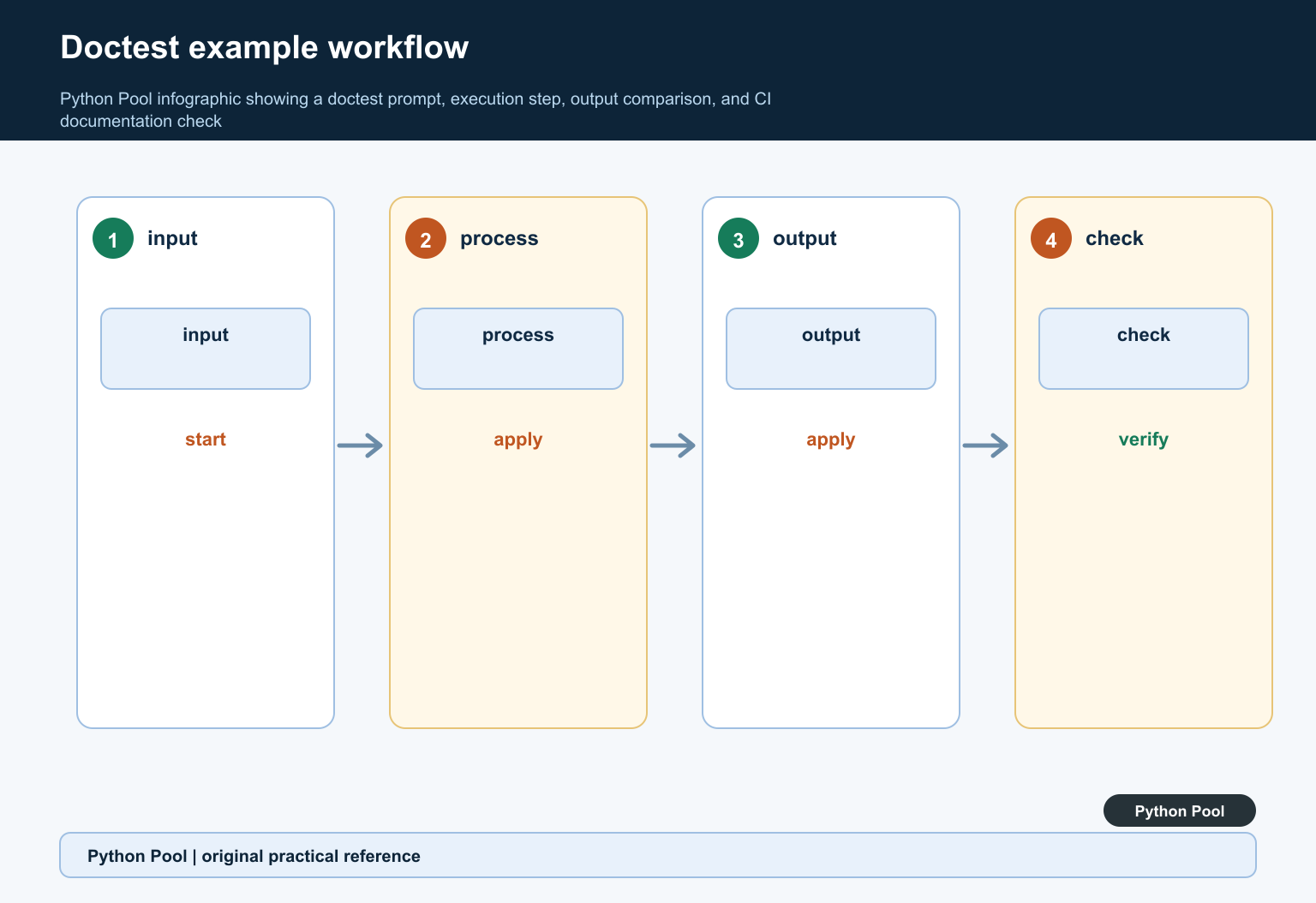
Use testfile For Documentation Files
Doctest can also run examples from a text file. This is useful for tutorials and README-style documentation.
from pathlib import Path
import doctest

guide = Path("example_doctest.txt")
guide.write_text(
    "Example\n"
    "=======\n\n"
    ">>> sorted([3, 1, 2])\n"
    "[1, 2, 3]\n",
    encoding="utf-8",
)

result = doctest.testfile(str(guide), module_relative=False)

print(result.failed)
print(result.attempted)
Documentation-file tests keep examples close to the prose readers see. If the guide changes, the examples can be checked with the same tooling.
Keep generated files out of version control unless they are part of the documentation source. In real projects, point doctest at existing documentation files.
Handle Flexible Output
Some output contains memory addresses, long values, or details that should not be matched exactly. Option flags can loosen the match.
import doctest

def preview(items):
    """Return a compact preview.

    >>> preview(["alpha", "beta", "gamma"])
    'alpha, beta, ...'
    """
    return ", ".join(items[:2]) + ", ..."

doctest.testmod(optionflags=doctest.ELLIPSIS)
ELLIPSIS lets ... in expected output match a range of text. Use it sparingly so the test still proves something meaningful.
If output formatting is complex, consider testing the underlying data with regular unit tests and keeping the doctest example simple.
Combine With unittest
Doctests can be loaded into a unittest runner, which helps when a project already uses unittest discovery.
import doctest
import unittest

def square(number):
    """Square a number.

    >>> square(5)
    25
    """
    return number * number

suite = doctest.DocTestSuite()
runner = unittest.TextTestRunner(verbosity=1)
runner.run(suite)
This is useful when documentation examples should run next to normal unit tests in continuous integration.
Know The Best Use Cases
Doctest works best when an example is short, deterministic, and easy for a reader to understand. A function that maps a simple input to a simple output is ideal. A tutorial snippet that shows one public API call is also a good fit.
It is less useful for code that needs several fixtures, database setup, network access, temporary services, or complex object comparison. Those cases usually belong in unittest or pytest, where setup and assertions can be written directly.
Doctest also compares text output, so formatting changes can break tests even when the behavior is still correct. That is helpful when formatting is part of the promise, but noisy when the exact text is unimportant.
Keep doctest examples small enough that they improve documentation. If a docstring becomes a long test script, readers may skip it and maintainers may fear changing it. Put larger checks in normal test files and leave doctest for clear examples.
A good doctest should teach the reader and protect the example at the same time. If it does only one of those jobs, reconsider whether a normal test or simpler documentation would be better.
The practical rule is to use doctest for examples that must remain true and readable. Use unittest or pytest for broader behavior, setup-heavy scenarios, and tests that need fixtures or many assertions.
Write Stable Examples
Use representative inputs, explicit output, and examples that teach the public API. Avoid timestamps, random values, memory addresses, and environment-dependent ordering unless the output is normalized.
Choose A Discovery Boundary
testmod checks a module’s docstrings, testfile reads a text file, and the command-line runner can execute a module. Keep discovery close to the documentation it verifies.
Handle Whitespace Deliberately
Prompts, indentation, blank lines, and line wrapping are part of expected output. Use doctest options only when the variation is intentional and the resulting example remains understandable.
Test Exceptions
Document expected exceptions with the traceback marker and exception type when that behavior is part of the contract. Do not make the example depend on incidental traceback paths or line numbers.
Keep Complex Logic In Tests
Doctests are not a replacement for fixtures, parameterization, property tests, or integration tests. Link from the example to a richer test when the behavior has many branches.
Run It In CI
Run doctests in the supported Python versions and fail CI when documentation drifts. Check that examples use the same imports and environment a reader will have.
Use the official Python doctest documentation. Related Python Pool references include testing and string output.
For related documentation quality, compare test boundaries, expected text output, and example sequences before adding a doctest.
Frequently Asked Questions
What is Python doctest?
doctest finds interactive Python examples in docstrings or text files, runs them, and compares the output with the documented expected result.
When should I use doctest?
Use it for short, stable examples that should remain synchronized with documentation; use a regular test framework for complex setup, broad edge cases, or changing output.
How do I run doctests?
Use doctest.testmod for a module, doctest.testfile for a text file, or the Python command-line module runner according to the project’s discovery setup.
Why does a doctest fail because of whitespace?
Expected output is compared closely, so prompts, spaces, line breaks, and representation formatting must match unless an explicit option handles the variation.
