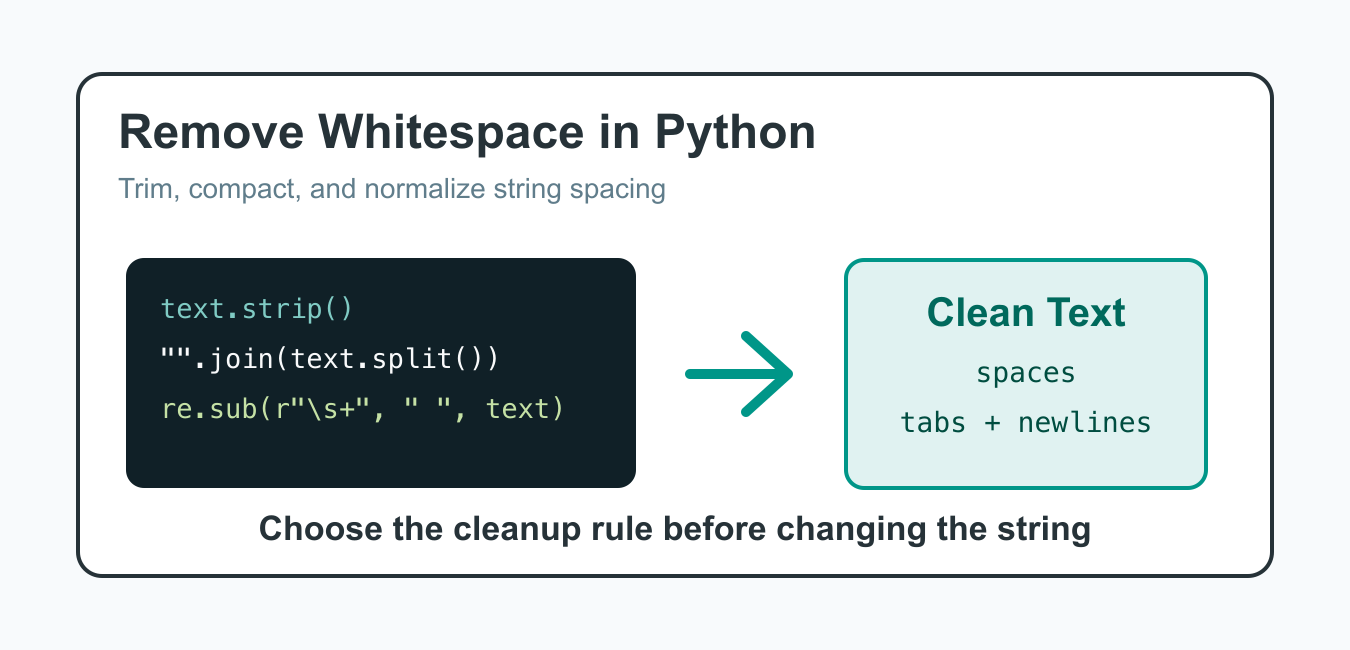
Quick answer: Choose the whitespace operation from the desired scope: strip() for the edges, replace() for an exact substring, split() and join() to normalize runs, or a regular expression for a documented broader pattern.
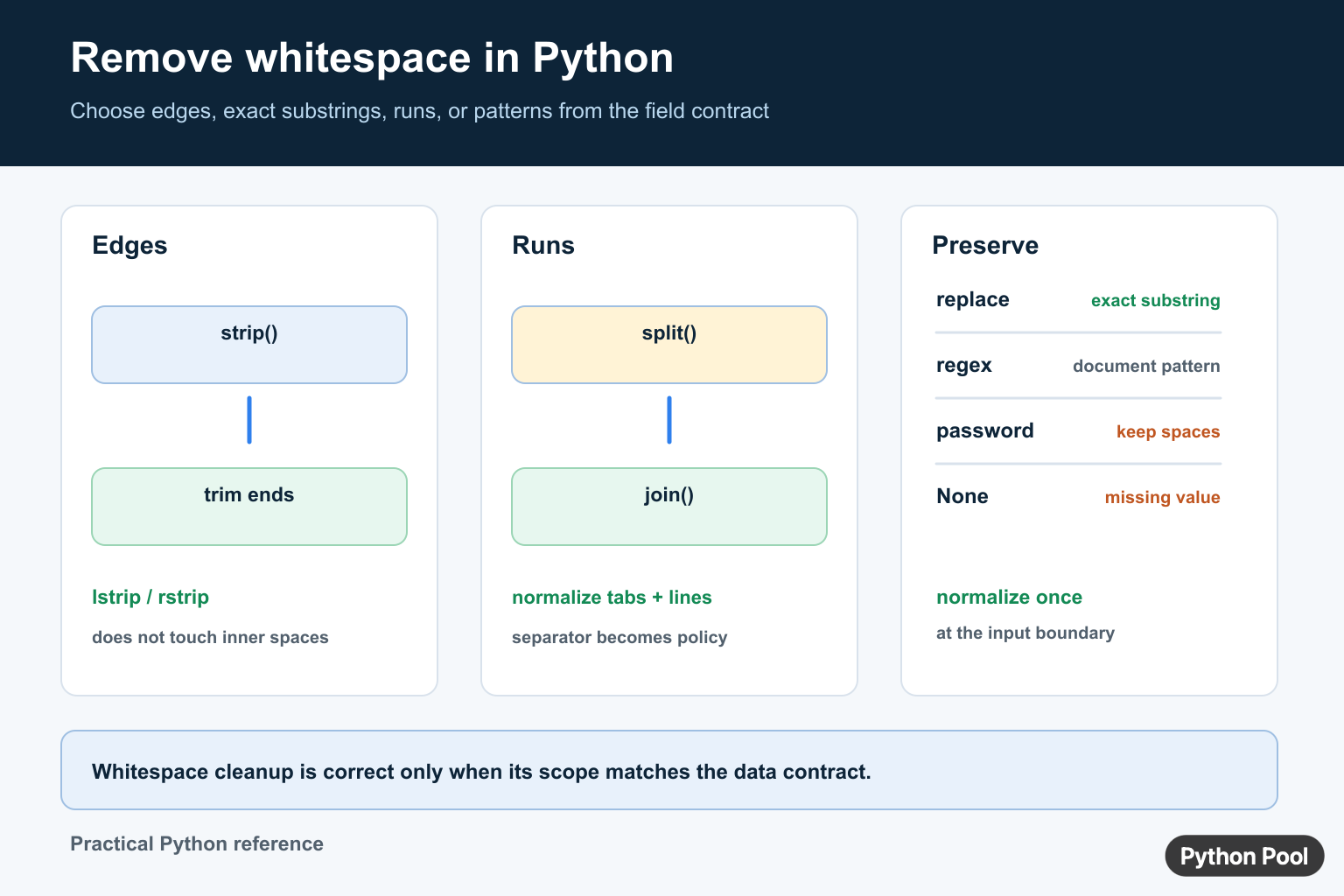
Python gives you several ways to remove whitespace from strings. The right method depends on whether you want to trim the ends, remove every space, collapse repeated whitespace, or clean a list of text values. Choosing the specific rule first keeps the code simple and avoids changing text more than intended.
Whitespace includes ordinary spaces, tabs, and newline characters. Some methods only remove characters from the start and end of a string, while others can affect the whole string. That difference matters when cleaning user input, file lines, CSV fields, or text copied from a web page.
The safest approach is to name the cleanup goal in plain language before writing code. “Trim padding” is different from “remove all separators,” and both are different from “make word spacing consistent.” Once that rule is clear, the matching Python method is usually obvious.
The official Python string strip documentation, string replace documentation, and re module documentation cover the core tools.
Trim Leading And Trailing Whitespace
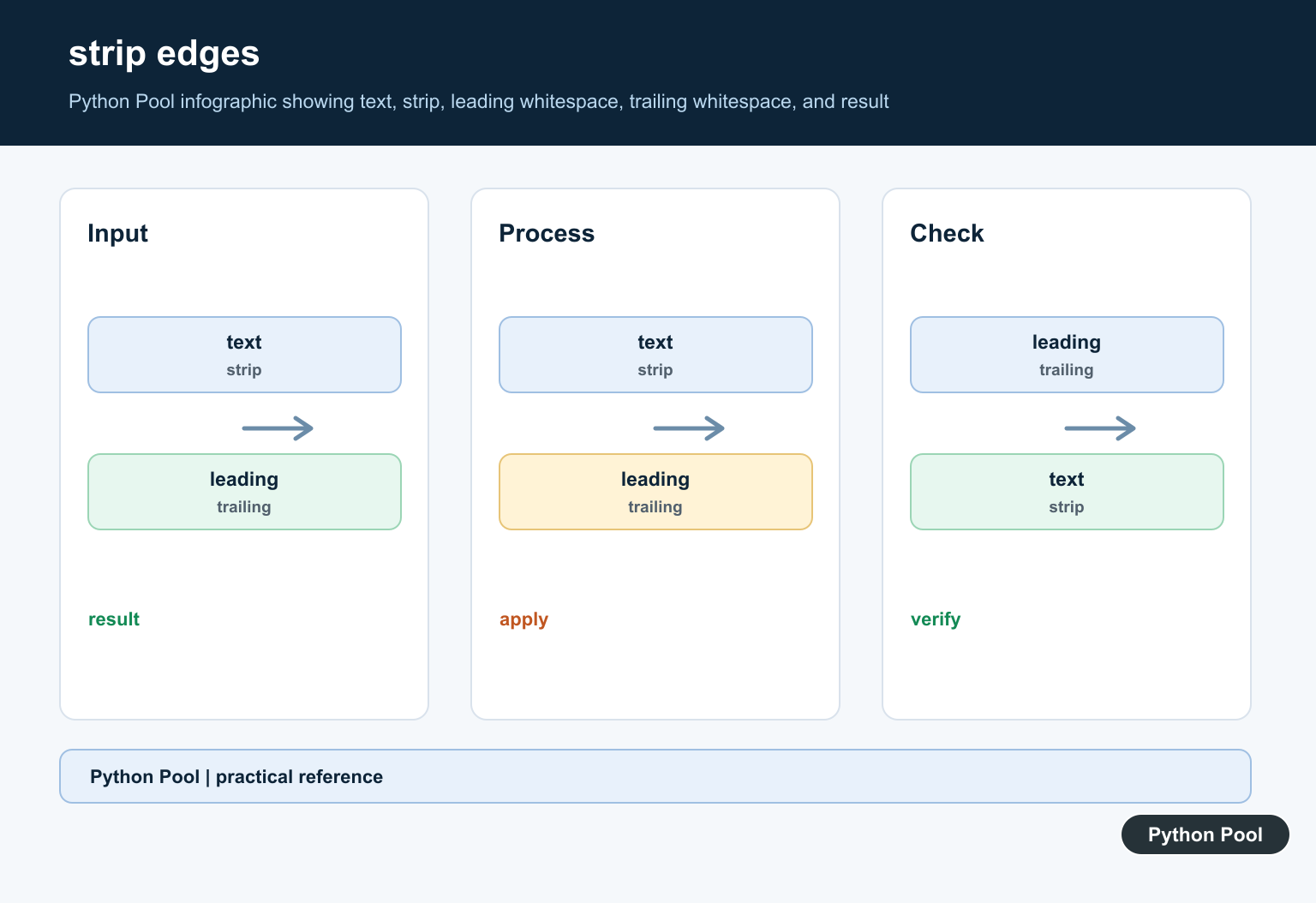
Use strip() when you only want to remove whitespace from both ends of a string. It leaves spacing inside the text unchanged.
text = "   Python Pool   "
clean = text.strip()

print(clean)
This is the most common cleanup step for form input and file lines. It removes accidental padding without touching meaningful spaces between words.
For example, a username or tag field often needs trimming but should not have internal characters removed automatically. Trimming is small enough to apply near input boundaries without surprising later code.
Trim Only One Side
Use lstrip() for the left side and rstrip() for the right side. This is useful when one side has meaningful spacing.
line = "\t  report.csv\n"

left_clean = line.lstrip()
right_clean = line.rstrip()

print(repr(left_clean))
print(repr(right_clean))
rstrip() is especially useful when reading lines from a file because it can remove the ending newline while preserving indentation at the start.
That distinction is important for configuration files, source-like text, and formatted reports. Leading spaces may carry meaning, while the newline at the end of a line is usually just a record separator.
Remove Ordinary Space Characters
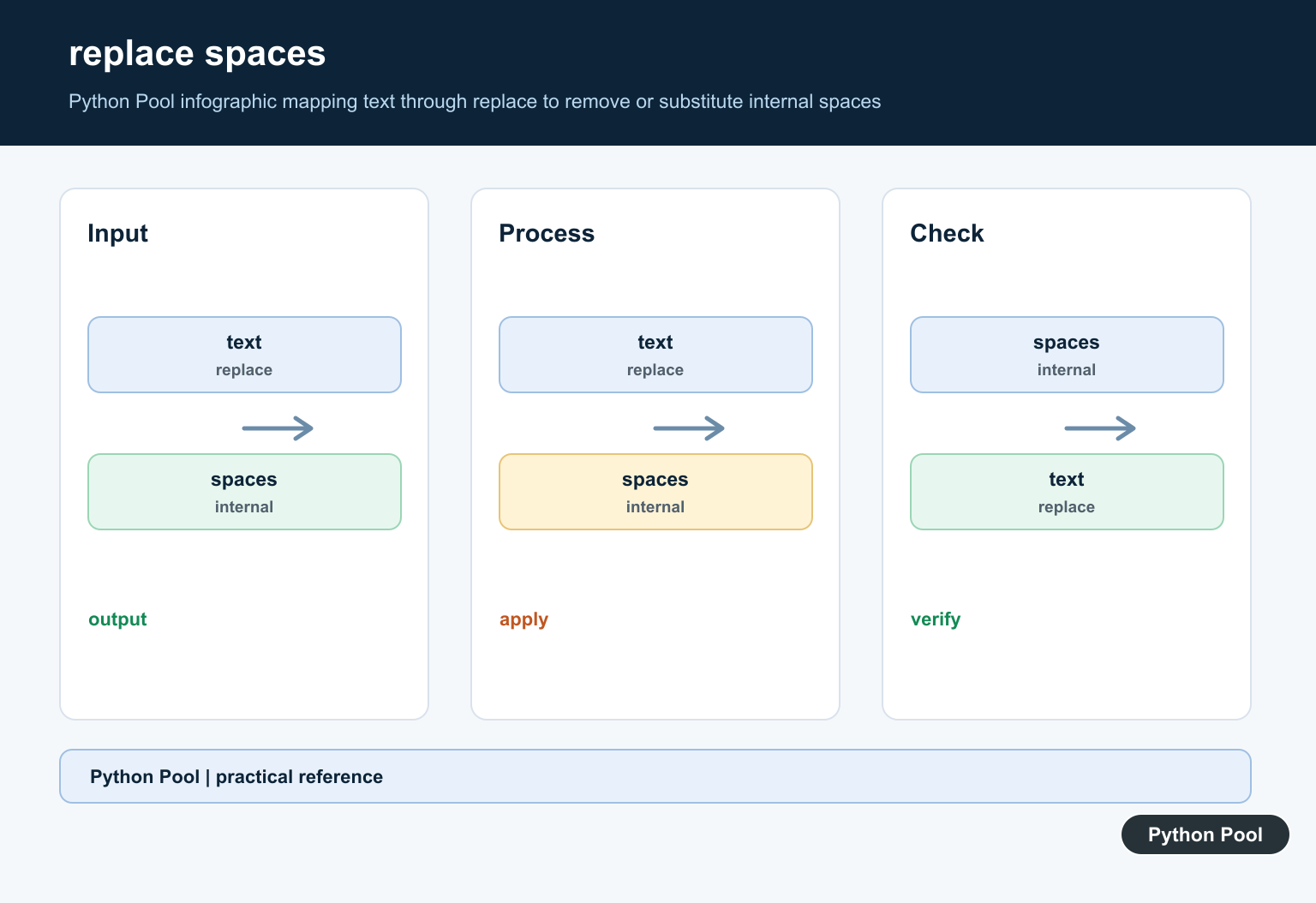
Use replace() when the target is a normal space character. This does not remove tabs or newlines unless you replace those characters too.
text = "P y t h o n"
without_spaces = text.replace(" ", "")

print(without_spaces)
This is a direct choice when the data format uses spaces only as separators and no other whitespace characters are expected.
If tabs or newlines can appear, replace(" ", "") will leave them behind. That can be correct when only literal spaces are bad, but it is not a general whitespace remover.
Remove All Whitespace With Split And Join
split() without arguments separates on any whitespace and also ignores repeated whitespace. Joining the pieces with an empty string removes all separators.
text = "Python\tPool\nExamples"
compact = "".join(text.split())

print(compact)
This approach is short and readable when you want one compact string. It removes spaces, tabs, and newlines in one step.
Use this form for identifiers, compact comparison keys, or simple normalization where word boundaries are not needed. Avoid it for sentences unless merging words is truly intended.
Normalize Repeated Whitespace
Often you should not remove every separator. If you want one normal space between words, split the text and join it back with a single space.
text = "Python    Pool\t string\n cleanup"
normalized = " ".join(text.split())

print(normalized)
This is useful for search text, titles, names, and log messages where words should remain separated but messy spacing should be cleaned.
It also handles mixed whitespace without needing separate replacements for tabs and newlines. That makes it a practical default for human-readable text cleanup.
Use Regex For Custom Rules
Use the re module when the cleanup rule needs a pattern. The \s+ pattern matches one or more whitespace characters.
import re

text = "A  B\tC\nD"
compact = re.sub(r"\s+", "", text)
normalized = re.sub(r"\s+", " ", text).strip()

print(compact)
print(normalized)
Regex is flexible, but it is not always clearer. Prefer strip(), replace(), or split() and join() when those methods express the rule directly.
Which Method Should You Use?
Use strip() for padding at the start and end. Use replace(" ", "") when only ordinary spaces should disappear. Use "".join(text.split()) when all whitespace should be removed. Use " ".join(text.split()) when you want clean word spacing. Use regex only when the pattern is more specific than the built-in string methods can express. For edge-only whitespace cleanup that preserves spacing inside the text, Python Trim Strings with strip(), lstrip(), and rstrip() compares strip(), lstrip(), and rstrip().
Before changing production data, test the rule on examples that include spaces, tabs, newlines, empty strings, and strings that should not change. Whitespace cleanup looks simple, but the wrong rule can merge words or remove meaningful formatting.
The reliable pattern is to define the cleanup goal first, choose the smallest method that matches it, and keep a few tests for edge cases. That gives Python code that is easy to read and safer to maintain.
Remove Whitespace At The Edges
strip() removes leading and trailing whitespace and returns a new string. Use lstrip() or rstrip() when only one edge should change. These methods do not remove spaces between words, and the original string remains unchanged because Python strings are immutable.
text = "  Python   Pool  "

edges = text.strip()
single_spaced = " ".join(text.split())
no_spaces = text.replace(" ", "")

print(repr(edges))
print(repr(single_spaced))
print(repr(no_spaces))
Normalize Internal Whitespace
split() with no argument recognizes runs of whitespace and omits empty fields; joining the words with one separator produces normalized spacing. This also handles tabs and line breaks, but it changes all whitespace boundaries into the chosen separator.
Do Not Strip Data Without A Contract
Passwords, fixed-width identifiers, code, and user-visible formatting may require whitespace preservation. Normalize at the input boundary only when the field specification permits it, and distinguish None from supplied empty text. For punctuation or Unicode categories, use targeted translation or a regular expression and test the exact characters your application accepts.
Frequently Asked Questions
How do I remove leading and trailing whitespace in Python?
Call str.strip() to remove whitespace from both edges, or lstrip() and rstrip() for one edge.
How do I remove all spaces from a Python string?
Use text.replace(‘ ‘, ”) for ordinary spaces, but choose a broader policy if tabs, newlines, or other whitespace should also be removed.
How do I reduce repeated whitespace to one space?
Use ‘ ‘.join(text.split()) when all whitespace runs should become a single ordinary space.
Should I strip passwords or identifiers?
Only normalize a field when its specification says whitespace is insignificant; passwords, fixed-width identifiers, and formatted text may need preservation.
