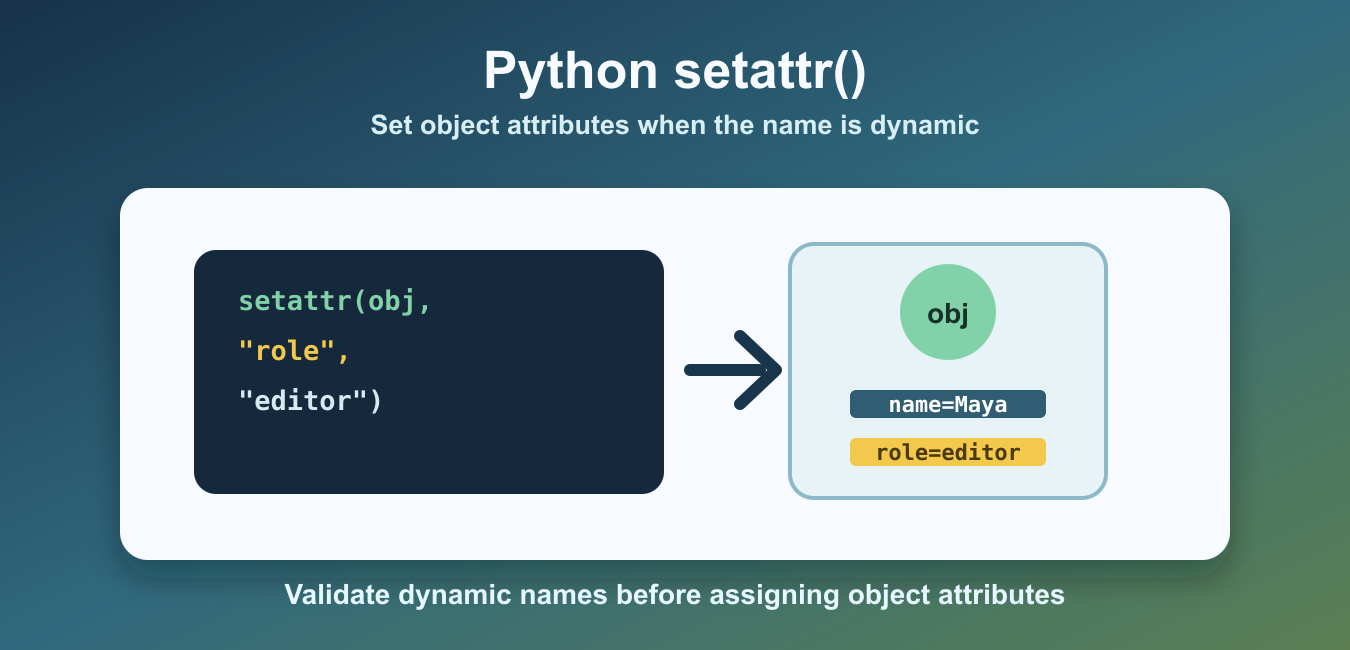
Quick answer: setattr(object, name, value) assigns a value using a string attribute name. It is useful for controlled runtime configuration, but it still obeys descriptors, properties, __setattr__, and __slots__. Use mapping assignment for data keys and validate names that come from external input.
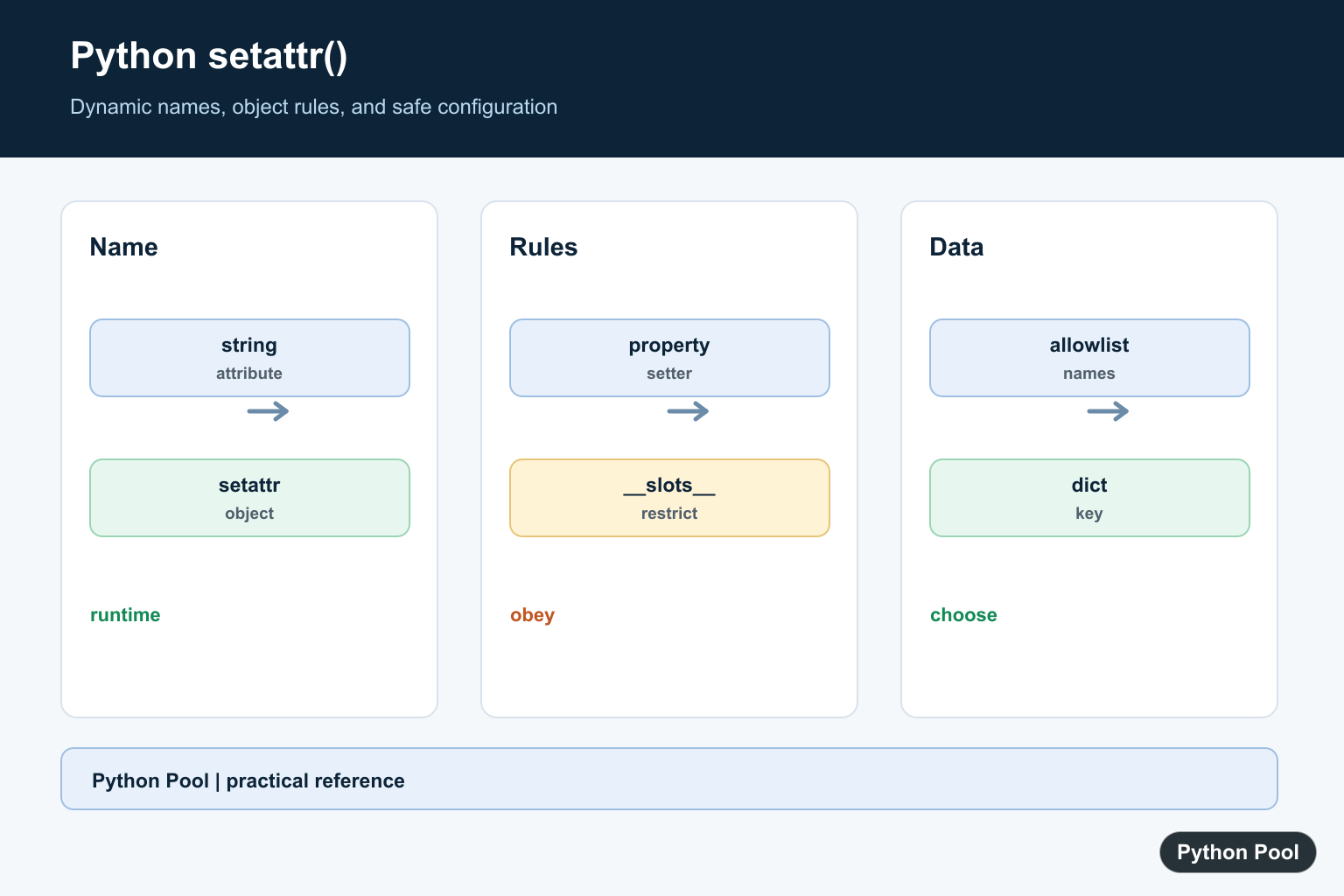
Python setattr() sets an attribute on an object when the attribute name is stored as a string. It is useful when object fields come from configuration, form data, parsed input, or another dynamic source.
The syntax is setattr(object, name, value). The name argument must be a string, and Python assigns value to that attribute on the object. It is similar to writing object.name = value, except the attribute name can be chosen at runtime.
That runtime behavior is the whole reason to use the function. If the attribute name is known while writing the code, normal dot assignment is easier to read. If the name comes from a form field, a config file, a command-line option, or a mapping of updates, setattr() gives you a controlled way to apply it.
The official Python setattr documentation defines the built-in function. For checking whether an attribute exists before changing it, see the Python hasattr guide.
setattr() works on objects that allow the target attribute. Many user-defined class instances do. Some built-in objects and classes with restricted attributes do not. For dictionary keys, use mapping[key] = value instead of setattr().
The function does not bypass normal class behavior. If a class uses a property setter, descriptor, custom __setattr__(), or __slots__, Python still applies those rules. Treat setattr() as dynamic syntax for assignment, not as a shortcut around object design.
Set An Attribute With setattr()
A simple class instance can receive a new attribute with setattr(). The new attribute can then be read with dot notation.
class Product:
    pass


item = Product()
setattr(item, "name", "Keyboard")
setattr(item, "stock", 12)

print(item.name)
print(item.stock)
This is helpful when the attribute name is not hard-coded in the assignment statement. The string "stock" tells Python which attribute should be set.
Update An Existing Attribute
If the attribute already exists, setattr() updates it. This is the dynamic form of a normal assignment.
class User:
    def __init__(self, name, role):
        self.name = name
        self.role = role


user = User("Maya", "reader")
setattr(user, "role", "editor")

print(user.role)
The object still follows normal Python attribute rules. If the class defines properties, descriptors, or custom __setattr__() behavior, those rules can run during the assignment.
Use getattr() And hasattr() Together
getattr() reads an attribute by string name, and hasattr() checks whether the attribute exists. These functions often appear with setattr().
class Settings:
    pass


settings = Settings()

if not hasattr(settings, "theme"):
    setattr(settings, "theme", "light")

print(getattr(settings, "theme"))
This pattern is useful for applying defaults. It avoids overwriting a value that was already set somewhere else.
Load Attributes From A Dictionary
A common use case is turning selected dictionary fields into object attributes. This is useful for small configuration objects and test fixtures.
class Profile:
    pass


data = {"name": "Iris", "language": "Python", "active": True}
profile = Profile()

for key, value in data.items():
    setattr(profile, key, value)

print(profile.name)
print(profile.language)
print(profile.active)
This technique should be used carefully with untrusted input. Attribute names can collide with existing methods or important internal fields if you accept every key blindly.
For example, an external key named save, delete, or __class__ can make code confusing or unsafe if it is applied without checks. Keep incoming data separate from object behavior unless you have explicitly reviewed and allowed each field name.
Validate Attribute Names First
When input comes from outside the program, validate names before passing them to setattr(). An allow-list keeps the object shape predictable.
class Account:
    def __init__(self):
        self.name = ""
        self.email = ""
        self.active = False


allowed_names = {"name", "email", "active"}
account = Account()
updates = {"name": "Noah", "active": True, "admin": True}

for key, value in updates.items():
    if key in allowed_names:
        setattr(account, key, value)

print(account.name)
print(account.active)
print(hasattr(account, "admin"))
The admin field is ignored because it is not in the allowed set. This protects the object from unexpected attributes and makes later code easier to reason about.
An allow-list also documents the public shape of the object. Future readers can see which fields are expected instead of searching for every possible dynamic assignment.
Understand Attribute Restrictions
Some classes restrict which attributes can be set. A class that defines __slots__ allows only the listed attributes unless it also includes support for a normal instance dictionary.
class Point:
    __slots__ = ("x", "y")


point = Point()
setattr(point, "x", 10)
setattr(point, "y", 20)

try:
    setattr(point, "z", 30)
except AttributeError as error:
    print(type(error).__name__)
In this example, x and y work, but z fails because the class does not allow that attribute. This is normal Python behavior, not a special rule from setattr().
When To Use setattr()
Use setattr() when the attribute name is known only at runtime. Good examples include applying defaults, mapping selected configuration fields, updating test objects, and writing small adapters around structured data.
Do not use setattr() just to avoid normal assignment. If the attribute name is known while writing the code, user.role = "editor" is simpler than setattr(user, "role", "editor"). The built-in function earns its place when the name is dynamic.
Also avoid blindly applying external keys to important objects. Validate attribute names, keep the allowed set small, and prefer explicit assignment for security-sensitive code. That keeps setattr() useful without making object state hard to audit.
Used carefully, setattr() is a practical tool for dynamic Python code. It keeps repetitive assignment code short while still letting you preserve class rules, validation, and predictable object state.
Use Dynamic Names Intentionally
setattr is appropriate when a configuration field or parsed option maps to a known object attribute at runtime. If the name is fixed in source code, normal dot assignment is easier to read and refactor.
Respect Object Rules
Properties, descriptors, custom __setattr__, and __slots__ can validate or reject the assignment. setattr is dynamic syntax, not a bypass around the object’s normal attribute model.
Validate External Names
A form field, configuration file, or request should not be allowed to assign arbitrary attributes without an allowlist. Restrict the names and validate the value type before mutating the object.
Do Not Confuse Attributes With Keys
If the data belongs in a dictionary, use mapping[key] = value. Using setattr for arbitrary keys creates surprising object state and can collide with methods or internal fields.
Test Reads And Writes
Test an existing attribute, a new allowed attribute, a property setter, a forbidden name, and a value with the wrong type. Verify the object after assignment instead of only checking that no exception occurred.
The Python setattr reference defines the built-in and its string-name requirement. Related references include getattr, configuration metadata, and attribute tests.
For related dynamic-object work, compare getattr, version checks, and attribute tests when applying configuration.
Frequently Asked Questions
What does setattr do in Python?
setattr(object, name, value) assigns value to the attribute whose name is supplied as a string.
When should I use setattr instead of dot syntax?
Use it when the attribute name is chosen at runtime; use normal dot assignment when the name is known in source code.
Does setattr bypass properties or __slots__?
No. Descriptors, property setters, __setattr__, and __slots__ still participate in the assignment.
Should I use setattr for dictionary keys?
No. Use mapping[key] = value for data keys; setattr is for object attributes and can create confusing APIs when misused.
