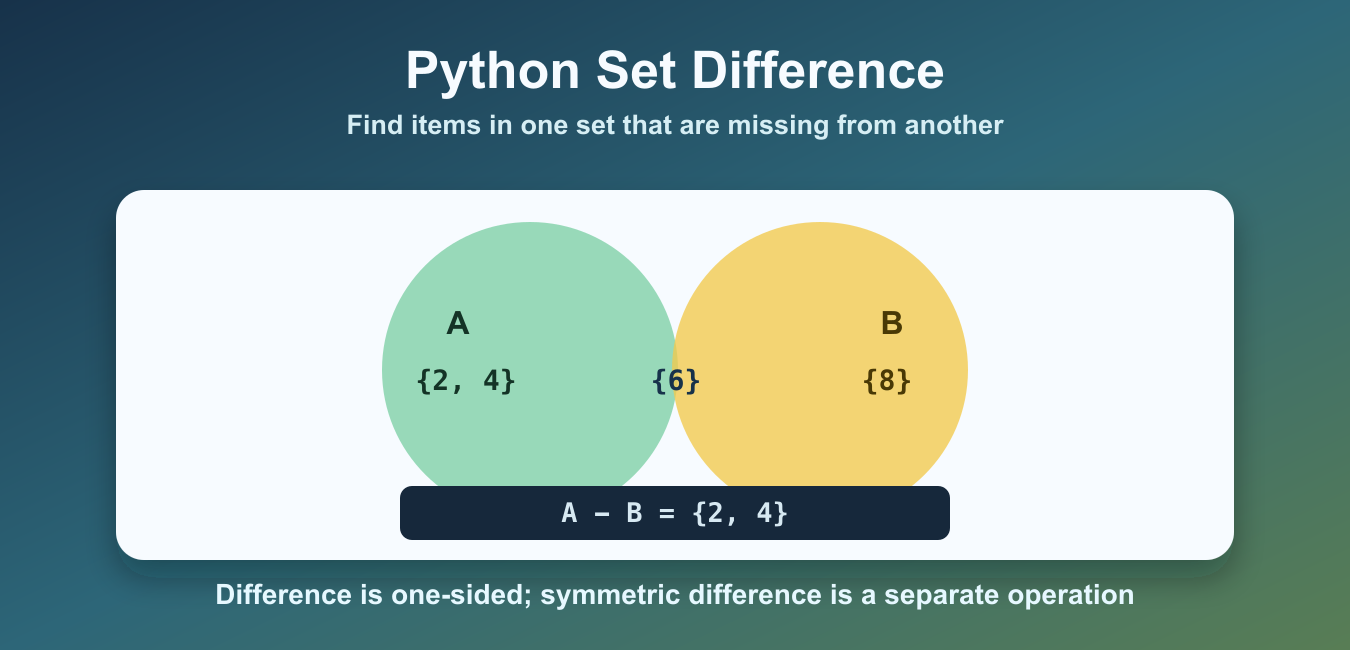
Quick answer: a – b or a.difference(b) keeps values in set a that are absent from set b. Use difference() for a new result, difference_update() for intentional mutation, and symmetric_difference() when the direction should not matter.
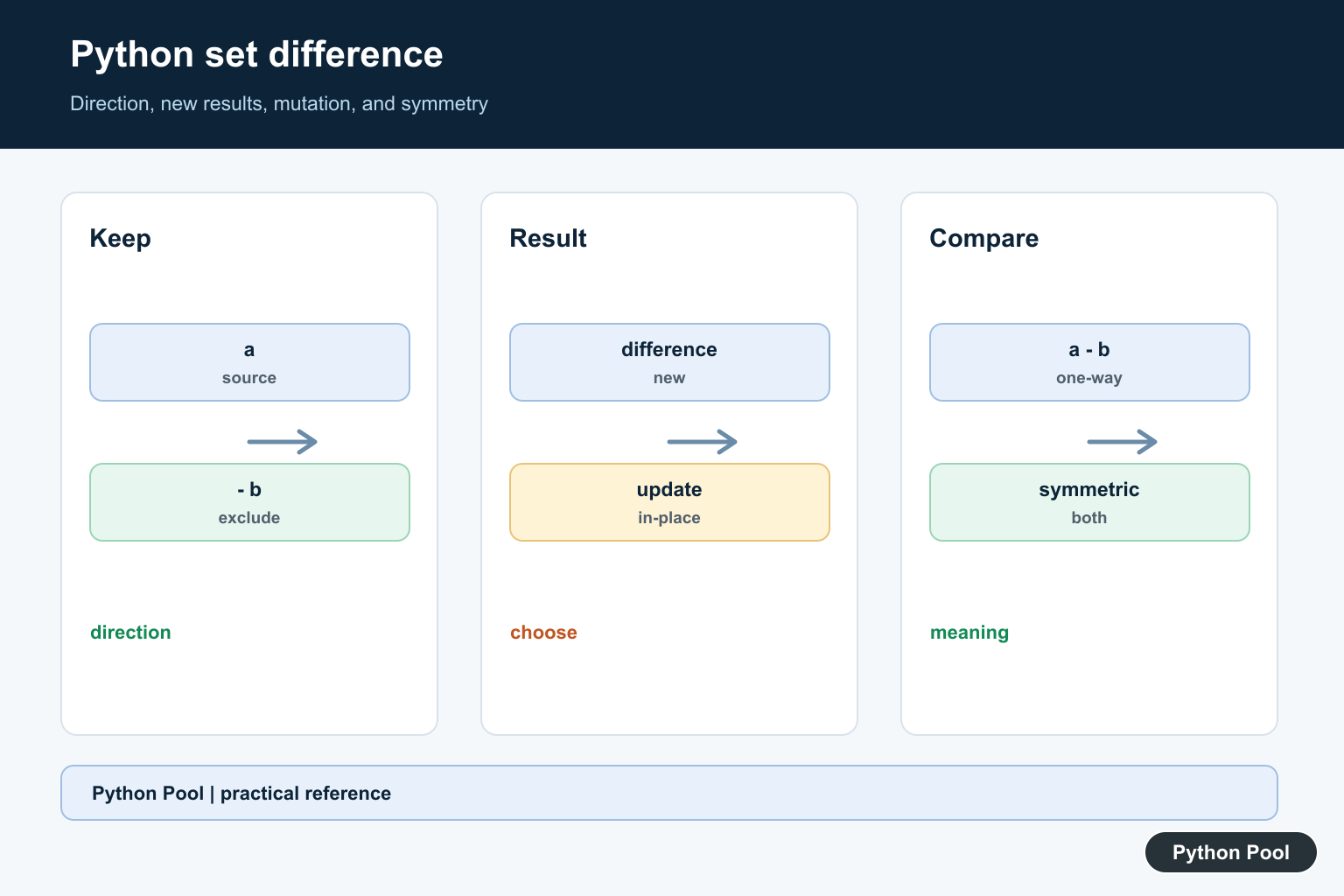
Python set difference returns the items that exist in one set but not in another. If A is a set of expected values and B is a set of values already handled, then A - B returns the values still missing from B.
This operation is useful when comparing IDs, tags, permissions, file names, test results, and unique values from two sources. Sets automatically keep only unique items, so difference operations are focused on membership, not duplicates or order.
Set members must be hashable, so strings, numbers, tuples, and other immutable values work well. Lists and dictionaries cannot be members of a normal set because their contents can change. If you need to compare records, convert the identifying fields into strings or tuples first.
The official Python set type documentation covers set methods and operators. For related collection workflows, see the Python union of lists guide and the count unique values in a list guide.
Set Difference With The Minus Operator
The - operator returns items from the left set that are not present in the right set. The order matters.
available_users = {"maya", "noah", "iris", "liam"}
active_users = {"maya", "iris"}

inactive_users = available_users - active_users

print(inactive_users)
The result contains noah and liam because they are in available_users but not in active_users. If you reverse the operands, Python asks a different question and returns a different result.
That one-sided behavior is the most important rule to remember. Think of the left side as the source set and the right side as the items to remove from that source. The result is still a set, so Python does not preserve input order.
Set Difference With difference()
The difference() method does the same membership comparison, but it reads well when chaining with method-based code.
required_packages = {"numpy", "pandas", "requests"}
installed_packages = {"numpy", "requests"}

missing_packages = required_packages.difference(installed_packages)

print(missing_packages)
Both required_packages - installed_packages and required_packages.difference(installed_packages) return a new set. The original sets stay unchanged.
The method form can also accept other iterable inputs, such as lists or tuples. The operator form expects set-like operands, so difference() is often more flexible when your data arrives from a list-based API.
Compare Against Multiple Sets
difference() can accept more than one set or iterable. Python removes every item found in any of the later collections.
all_tasks = {"build", "test", "lint", "deploy", "backup"}
done_tasks = {"build", "test"}
skipped_tasks = {"backup"}

remaining_tasks = all_tasks.difference(done_tasks, skipped_tasks)

print(remaining_tasks)
The result is the set of tasks that are neither done nor skipped. This is cleaner than subtracting one set at a time when the logic naturally compares against several groups.
Update A Set In Place
Use difference_update() when the left set should be changed directly. This method removes matching items and returns None.
queue = {"parse", "validate", "save", "notify"}
completed = {"parse", "save"}

queue.difference_update(completed)

print(queue)
In-place updates are useful for long-running workflows where one set tracks the remaining work. Use the regular difference operation when you want to keep the original set for later use.
Difference Is Not Symmetric Difference
Set difference is one-sided. Symmetric difference returns items that exist in either set but not in both. That is a different question.
left = {"red", "green", "blue"}
right = {"green", "yellow"}

only_left = left - right
only_one_side = left.symmetric_difference(right)

print(only_left)
print(only_one_side)
only_left contains items that appear in left but not right. only_one_side contains items unique to either side. Use symmetric difference only when both sides should contribute unique-only items.
Use Sets To Filter Unique List Items
Lists can contain duplicates and preserve order. Sets remove duplicates and make membership checks fast. Combine them when you need to filter list items against a blocked or already-seen collection.
names = ["maya", "noah", "maya", "iris", "liam"]
blocked = {"noah", "liam"}

allowed = [name for name in names if name not in blocked]
unique_allowed = set(allowed)

print(allowed)
print(unique_allowed)
This example uses list filtering for order and a set for unique membership. If order matters, keep the list result. If only membership matters, convert to a set and use difference operations directly.
When duplicate counts matter, do not convert too early. Once a list becomes a set, repeated values collapse into one member. That behavior is perfect for membership checks, but it is not suitable for inventory counts, voting totals, or frequency analysis.
Common Mistakes
The first mistake is reversing the operands. a - b and b - a answer different questions. Say the sentence out loud: “items in the left set that are not in the right set.”
The second mistake is expecting duplicate counts. A set stores unique members, so repeated list values disappear when converted to a set. If duplicate counts matter, use collections.Counter instead of set difference.
The third mistake is using set difference when symmetric difference is needed. Difference is one-sided. Symmetric difference is two-sided. Pick the operation based on whether you care only about what the left side has, or what either side has exclusively.
For most Python programs, use - for short expressions, difference() for method-based code and multiple inputs, and difference_update() when you intentionally want to mutate the existing set.
Keep The Direction Visible
Set difference is directional: a – b is not generally equal to b – a. Name the left set as the source or allowed collection and the right set as exclusions so the operation communicates which values should remain.
Choose Operator Or Method
The – operator is concise when both operands are sets. difference() accepts one or more iterables and can make the operation clearer when input types are broader. Convert and validate external values at the boundary rather than relying on an incidental type error.
Mutate Only With Intent
difference_update() removes exclusions from an existing set and returns None. Aliases to that set observe the change, so use it only when the set is an owned accumulator. Otherwise return a new result and preserve the source for other calculations.
Compare Difference Variants
intersection keeps values shared by both sets, union combines values, and symmetric_difference keeps values present in exactly one. Select the operation from the business relationship, not from a visual similarity between examples.
Test Iterables And Duplicates
Set construction removes duplicates and discards list order. Test empty sets, equal sets, disjoint sets, multiple exclusions, lists as method arguments, unhashable values, and the mutation contract. Sort the result only at the presentation boundary when deterministic output is required.
The official set documentation defines difference, difference_update, and symmetric_difference. Related guidance includes combining sets and set tests.
For related set relationships, compare union and intersection, explicit mappings, and set tests when making direction and mutation clear.
Frequently Asked Questions
What is set difference in Python?
a – b returns values that belong to set a but not set b.
What is the difference between difference() and difference_update()?
difference() returns a new set, while difference_update() removes values from the existing set in place.
Is set difference symmetric?
No. a – b and b – a can be different; use symmetric_difference() when values unique to either set are required.
Can I subtract a list from a set?
The difference() method accepts iterables, while the – operator requires set-like operands; convert or choose the method that matches the input contract.
