Quick answer: Generate the QR matrix with qrcode, style it conservatively, and use Pillow only for controlled image composition. Personalization must preserve module contrast, the quiet zone, error correction, and enough unmodified data for scanners to decode the final exported image.
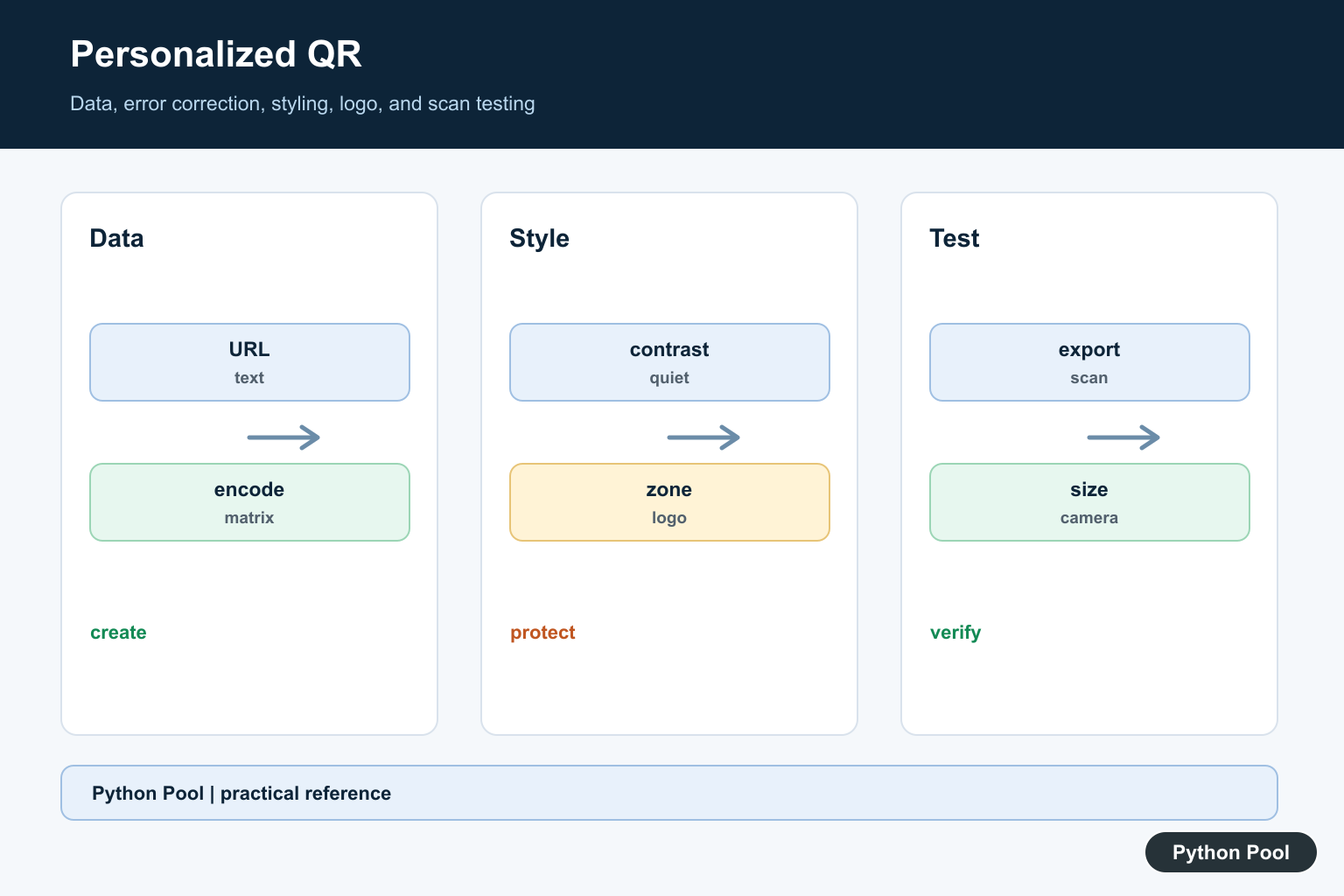
A QR code is a two-dimensional barcode that can store text, URLs, contact details, Wi-Fi settings, and other short data. In Python, the fastest practical way to generate one today is the qrcode package. It is a pure Python QR code generator, and installing it with the Pillow extra lets you save QR codes as image files such as PNG.
Last reviewed: July 2026. This updated guide uses qrcode[pil] for the main examples and keeps the older pyqrcode approach only as an SVG alternative.
Install the QR code package
Use your project environment first, then install the package with pip. If you are cleaning up or rebuilding environments, see our guide on how to remove a Python venv safely.
python -m pip install "qrcode[pil]"
The [pil] extra installs Pillow support, which is what the library uses to create image output. If you see a Pillow import error later, the related fix is covered in No Module Named PIL.
Generate a basic QR code in Python
For a simple QR code, import qrcode, pass the data you want to encode, and save the returned image object.
<div class="pythonpool-code-scroll" style="max-width:100%;overflow-x:auto;-webkit-overflow-scrolling:touch;">import qrcode

data = "https://www.pythonpool.com/"
img = qrcode.make(data)
img.save("pythonpool-qr.png")</div>
This creates a PNG file in the same folder where you run the script. The data can be a URL, plain text, an email address, or any other short string. URLs are the most common use case because phone cameras can open them directly after scanning.
Customize size, border, and error correction
Use the QRCode class when you need control over the generated image. The main settings are box_size, border, and error_correction.
<div class="pythonpool-code-scroll" style="max-width:100%;overflow-x:auto;-webkit-overflow-scrolling:touch;">import qrcode
from qrcode.constants import ERROR_CORRECT_H

qr = qrcode.QRCode(
    version=None,
    error_correction=ERROR_CORRECT_H,
    box_size=10,
    border=4,
)

qr.add_data("https://www.pythonpool.com/")
qr.make(fit=True)

img = qr.make_image(fill_color="black", back_color="white")
img.save("pythonpool-custom-qr.png")</div>
version=None lets the library choose the smallest QR version that fits the data. ERROR_CORRECT_H gives stronger error correction, which is useful if the code will be printed, compressed, or placed near a logo. Keep the default quiet-zone border unless you have tested the code with multiple camera apps.
Use safe colors for custom QR codes
You can change the foreground and background colors, but scanners need strong contrast. Dark modules on a light background are safest. Avoid low-contrast color pairs, busy backgrounds, and oversized logos unless you test the final image on several phones.
<div class="pythonpool-code-scroll" style="max-width:100%;overflow-x:auto;-webkit-overflow-scrolling:touch;">img = qr.make_image(fill_color="#111111", back_color="#ffffff")
img.save("high-contrast-qr.png")</div>
Because the output is a Pillow image, you can also process it with image workflows. For example, this pairs naturally with tutorials like converting a PIL image to a NumPy array or rotating an image in Python.
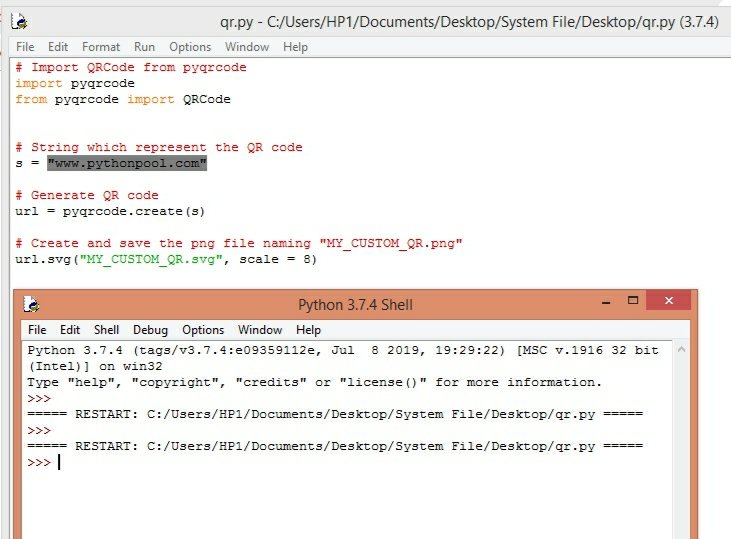
Save a QR code as SVG with pyqrcode
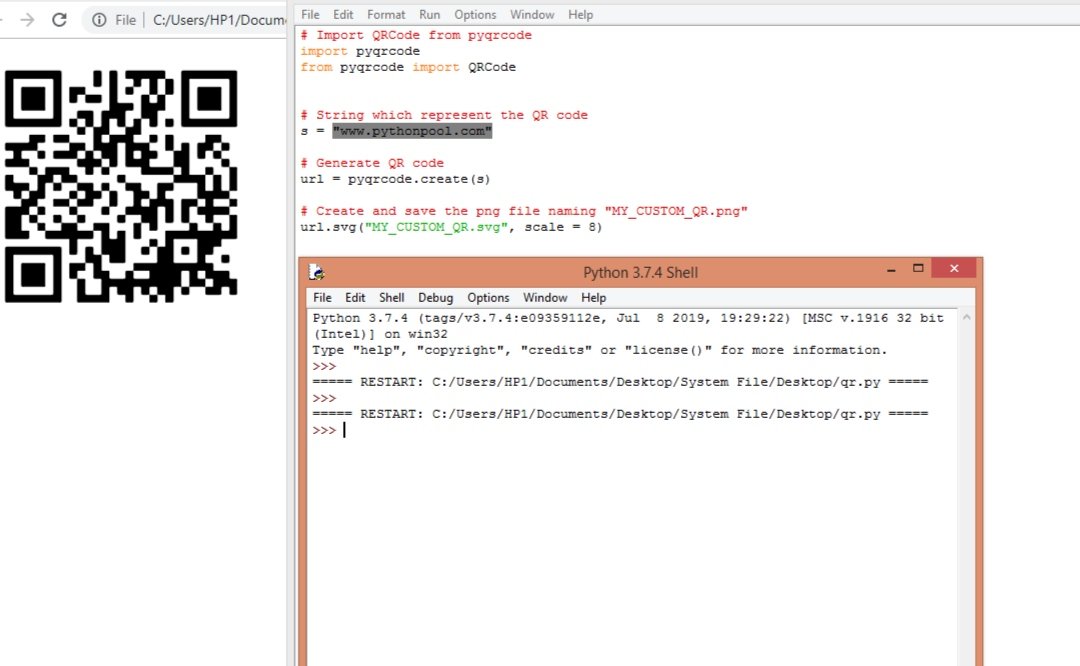
If you specifically need SVG output, the older pyqrcode package can still be used. For most PNG workflows, prefer qrcode[pil]; for SVG-only output, this is the minimal pattern:
python -m pip install pyqrcode
<div class="pythonpool-code-scroll" style="max-width:100%;overflow-x:auto;-webkit-overflow-scrolling:touch;">import pyqrcode

code = pyqrcode.create("https://www.pythonpool.com/")
code.svg("pythonpool-qr.svg", scale=8)</div>
Common QR code errors in Python
ModuleNotFoundError: No module named qrcode means the package is not installed in the Python environment running the script. Run python -m pip install "qrcode[pil]" from that same environment.
No module named PIL usually means Pillow was not installed. Reinstall with the Pillow extra or install Pillow directly with python -m pip install Pillow.
The QR code does not scan usually comes from poor contrast, missing border space, too much data, or resizing the image badly. Keep a four-box border, use dark-on-light colors, and test the final exported file instead of only testing the preview in your editor.
Best practices before sharing a QR code
Before you print or publish the QR code, scan it from the final file and from the final physical size. A code that works on your monitor can fail after compression, cropping, or color changes. Keep the destination URL stable, avoid URL shorteners when trust matters, and save the original script so you can regenerate the image later with the same settings.
Complete example
This script creates a high-error-correction QR code for a URL and saves it as a PNG file:
<div class="pythonpool-code-scroll" style="max-width:100%;overflow-x:auto;-webkit-overflow-scrolling:touch;">import qrcode
from qrcode.constants import ERROR_CORRECT_H

url = "https://www.pythonpool.com/"
output_file = "pythonpool-qr.png"

qr = qrcode.QRCode(
    version=None,
    error_correction=ERROR_CORRECT_H,
    box_size=10,
    border=4,
)
qr.add_data(url)
qr.make(fit=True)

image = qr.make_image(fill_color="black", back_color="white")
image.save(output_file)

print(f"Saved {output_file}")</div>
This is enough for most QR code generation tasks in Python. Start with the simple qrcode.make() version, then move to the QRCode class only when you need size, border, color, or error-correction control.
Keep Content Separate From Styling
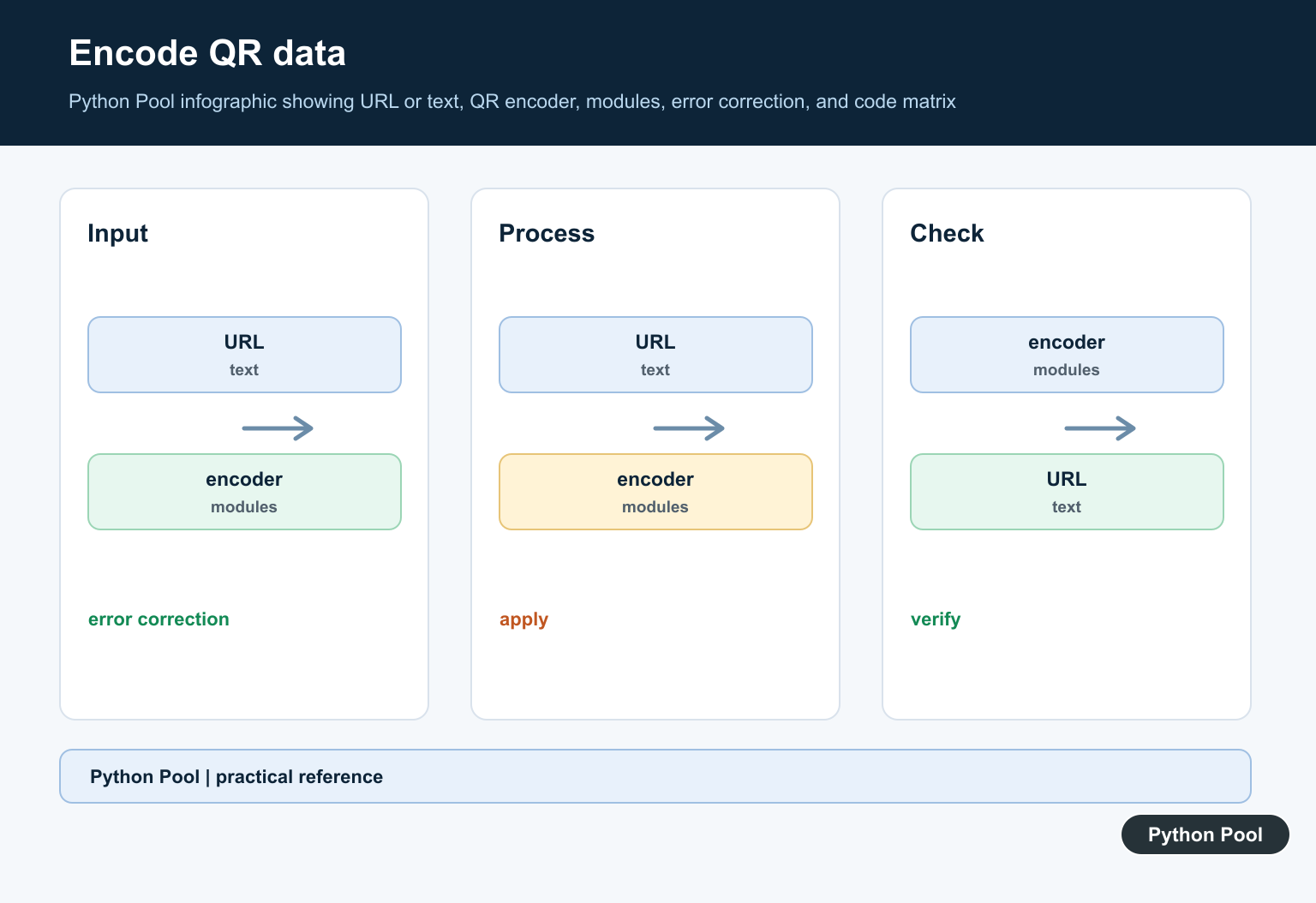
Create the exact URL or text first, then generate the QR code, then apply visual styling. This makes it possible to test that the encoded payload did not change while the image was customized.
Choose Error Correction Intentionally
A higher error-correction level can tolerate more damage but may add modules and reduce capacity. It does not make arbitrary logo sizes safe, so validate the final image instead of relying on the setting alone.
Protect Contrast And Quiet Zones
Use a dark foreground and light background with strong contrast. Leave the blank border around the code intact, because cropping it or placing artwork too close can prevent reliable detection.
Add Logos Conservatively
Keep a logo small, centered, and visually distinct from the modules. Avoid covering finder patterns or large functional regions, and export at a resolution that does not blur module edges.
Test The Final Artifact
Scan the file after every meaningful style change, at the printed or displayed size, under realistic lighting, and with more than one scanner. A preview that looks attractive can still fail in a camera app.
Handle URLs And Privacy
Use HTTPS URLs, avoid embedding secrets or unnecessary personal data, and decide whether a redirectable landing page is better than a permanent raw URL. Keep the payload stable and document any tracking parameters.
The qrcode package reference and Pillow documentation cover the building blocks. Related Python Pool references include diagnostics and verification tests.
For related image workflows, compare diagnostic logging, artifact tests, and Pillow image processing when personalizing a QR code.
Frequently Asked Questions
Which Python package creates QR codes?
The qrcode package can generate QR images, and Pillow is useful when you need to composite a logo or apply additional image processing.
How can I add a logo without breaking a QR code?
Use a suitable error-correction level, keep the logo small and centered, preserve contrast and the quiet zone, then scan the exported image at its real size.
Can I change the QR code colors?
Yes, but keep dark modules on a light background, avoid low-contrast gradients, and test under the lighting and camera conditions your users will encounter.
How do I verify a personalized QR code?
Decode the final saved file with more than one scanner, test different sizes and distances, and confirm that the decoded value exactly matches the intended URL or text.
