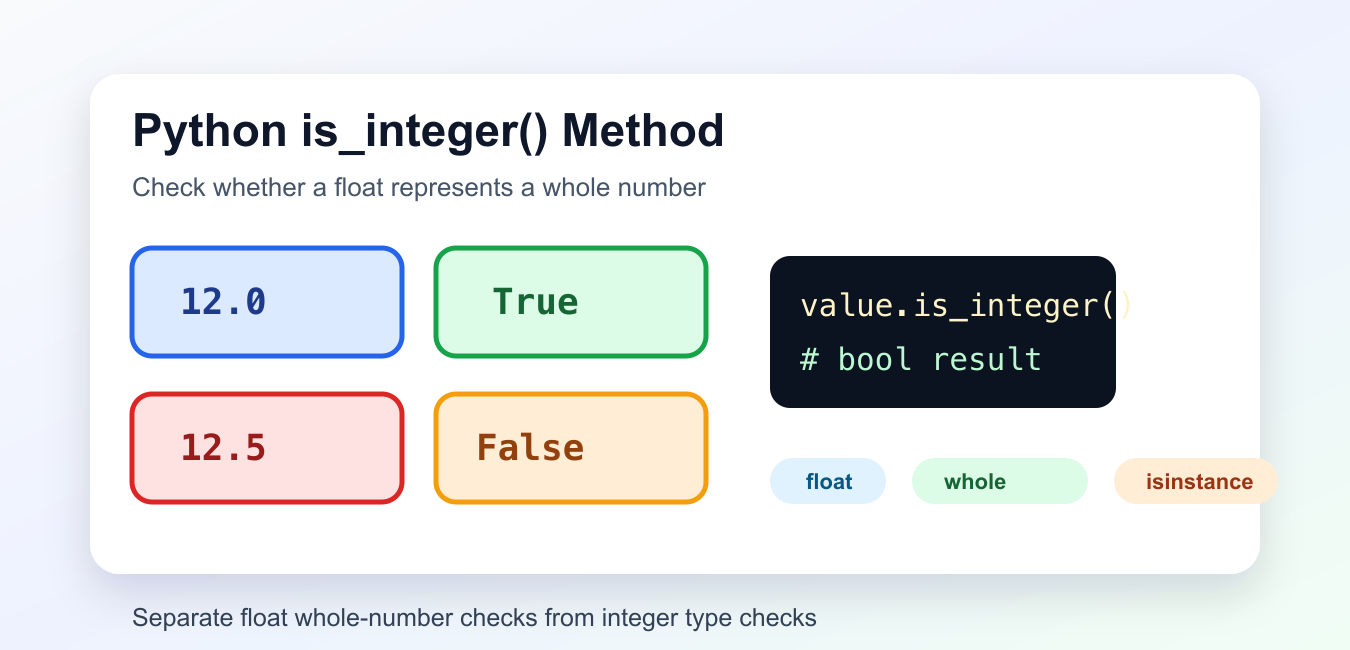
Quick answer: float.is_integer() checks whether a float has no fractional part, so 10.0 returns True and 10.5 returns False. It does not convert the value, it does not accept text directly, and it does not replace isinstance checks. Validate finite input first when values may include NaN or infinity.
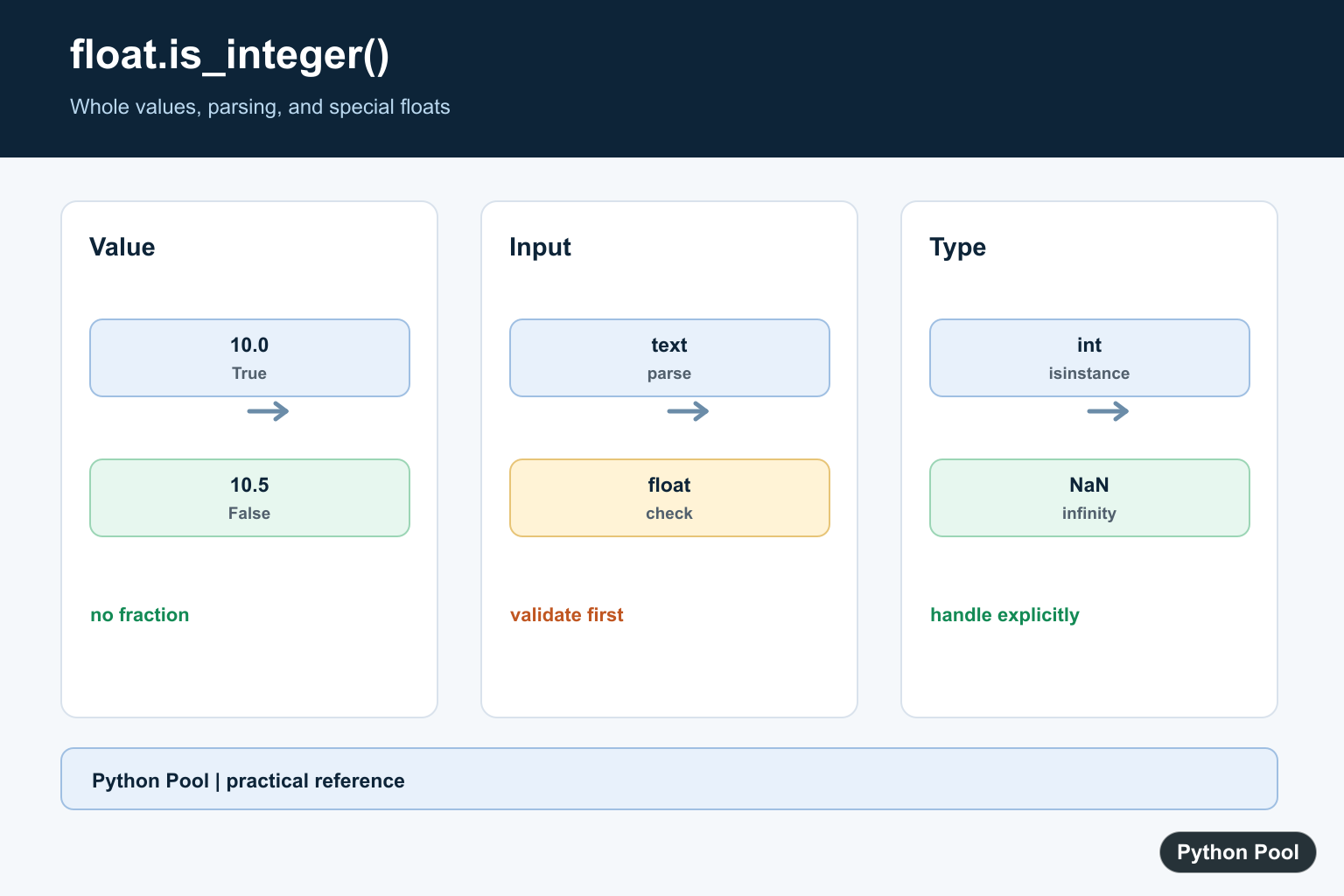
is_integer() checks whether a numeric value has no fractional part. It is most commonly used as float.is_integer(), where it returns True for values such as 10.0 and False for values such as 10.5.
This method is useful when input has already been converted to a float but your logic needs whole-number values. The official float.is_integer documentation defines the method, the int.is_integer documentation covers integer compatibility in current Python, and isinstance is the safer tool for type checks.
Basic float.is_integer Example
Call is_integer() on a float to check whether its fractional part is zero.
value = 12.0

print(value.is_integer())
The result is True. The value is stored as a float, but mathematically it represents a whole number.
This is different from asking whether the object is an int. A float can represent a whole-number amount without being the integer type.
Compare Whole And Fractional Floats
The method returns False when a float has any fractional part.
numbers = [4.0, 4.25, -3.0, 0.5]

for number in numbers:
    print(number, number.is_integer())
This helps when validating calculations that may produce either whole-number or fractional results.
Negative whole-number floats return True too, because the sign does not create a fractional part.
Parse Text Before Checking
If the input is text, convert it first. Strings do not have the float method.
text_values = ["10", "10.0", "10.5"]

for text in text_values:
    number = float(text)
    print(text, number.is_integer())
This treats "10" and "10.0" as whole-number values after conversion.
Use a try block around float(text) when user input may contain invalid numeric text.
Write A Safe Helper
When values can be either integers or floats, combine type checks with is_integer().
def is_whole_number(value):
    if isinstance(value, int):
        return True
    if isinstance(value, float):
        return value.is_integer()
    return False

print(is_whole_number(7))
print(is_whole_number(7.0))
print(is_whole_number(7.2))
This avoids calling is_integer() on unsupported objects. It also makes the difference between type checks and whole-number checks explicit.
Use this helper shape when data can come from APIs, forms, or calculations with mixed numeric types.
Filter Whole-Number Floats
You can use the method inside list comprehensions or filters to keep only whole-number float values.
values = [1.0, 2.5, 3.0, 4.75, 5.0]

whole_values = [value for value in values if value.is_integer()]

print(whole_values)
The result contains only floats whose fractional part is zero.
This is useful when cleaning numeric data before converting whole-number floats to integers.
Handle Special Float Values
Special floating-point values such as infinity and NaN do not represent ordinary whole numbers.
values = [float("inf"), float("-inf"), float("nan"), 8.0]

for value in values:
    print(value, value.is_integer())
The finite whole-number float returns True, while special values return False.
If your data may contain NaN or infinity, check for those cases before converting results to integers.
is_integer Versus isinstance
Use is_integer() to ask whether a numeric value has no fractional part. Use isinstance(value, int) to ask whether an object is actually an integer.
Those questions are related but not identical. 7 is an integer object. 7.0 is a float object that represents a whole number. Depending on your validation rule, either one or both may be acceptable.
For indexing, slicing, counts, and repeat operations, Python usually needs an actual integer. For reports or numeric cleanup, a whole-number float may be acceptable after conversion.
Common Mistakes
When a whole-number float should become an integer, convert it only after the check passes. That keeps fractional input from being silently truncated by int(). For example, int(7.9) returns 7, which may hide a validation problem.
For user input, keep the validation steps separate: parse the text, check whether the numeric value is whole, then convert if the program truly needs an integer object. Separate steps make error messages clearer and prevent accidental data loss.
For financial, scientific, or high-precision data, consider whether binary floating-point is the right representation. A value can look simple in decimal text but become slightly different as a float. In those cases, use a decimal or domain-specific numeric type before applying whole-number rules.
Do not call is_integer() on a string. Convert the string first, or use a string-specific integer check.
Do not assume a True result means the object is an int. It only means the numeric value has no fractional part.
Do not convert very large floats to integers without checking whether precision matters. Floating-point representation can lose exactness for very large numbers.
The practical rule is to use float.is_integer() for whole-number checks on floats, and use isinstance() when type identity is what your code actually needs.
Check The Value, Then Convert
is_integer answers a value question. If the result is accepted as an integer for the application, convert it explicitly and document whether the conversion is safe for the expected range.
value = 12.0

if value.is_integer():
    whole = int(value)
    print(whole)
Parse Text Before Checking
Strings do not have float.is_integer. Parse a valid numeric representation first, and reject malformed text rather than relying on an exception deep inside later logic.
text = "12.0"
value = float(text)
print(value.is_integer())
Handle Special Float Values
NaN and infinity are not ordinary finite whole-number inputs. Use math.isfinite when the data contract requires a finite number before calling is_integer.
import math

for value in [10.0, 10.5, float("nan"), float("inf")]:
    print(value, math.isfinite(value), value.is_integer())
Distinguish Type Checks
isinstance(value, int) asks whether the object is an integer type. A float with a whole-number value can pass is_integer but is still a float, so choose the check based on whether type or numeric value matters.
values = [10, 10.0, 10.5]
for value in values:
    print(type(value).__name__, isinstance(value, int), getattr(value, "is_integer", lambda: False)())
See Python’s float.is_integer reference and the official isinstance documentation. Related guides include int() and checking integer text.
For related numeric validation and conversion, compare int(), integer-string checks, and rounding before treating a whole-number float as an integer.
Frequently Asked Questions
What does float.is_integer() return?
It returns True when a float has no fractional part, such as 10.0, and False for a value such as 10.5.
Does is_integer() convert a float to int?
No. It only checks the value; call int() separately after deciding that truncation or conversion is appropriate.
Can I call is_integer() on a string?
No. Parse and validate the text first, then call the method on the resulting numeric value or use an integer-string check for whole-number text.
What happens for NaN and infinity?
NaN and infinity are not finite whole-number values, so handle them explicitly before using is_integer in input or data-cleaning code.
