
Quick answer: int() creates an integer from a compatible number or string. It can truncate a float toward zero, parse a string in an explicit base, recognize supported prefixes with base 0, and raise ValueError when text is not a valid integer literal.
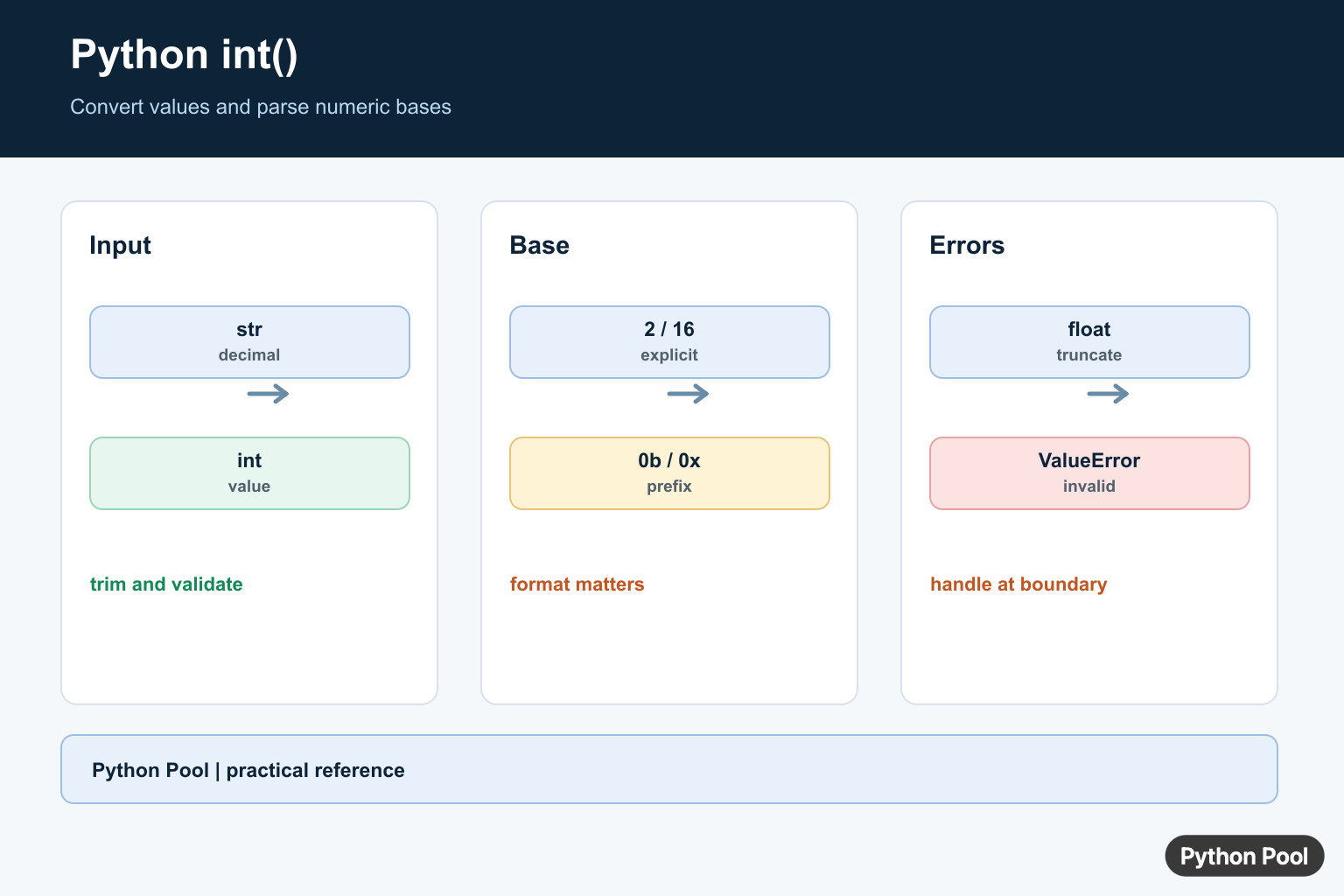
int() converts compatible values to Python integers. It can parse numeric strings, truncate floats toward zero, read strings in bases such as binary or hexadecimal, and call integer conversion hooks on custom objects.
The official references are the docs for int() and Python’s numeric types.
The most important distinction is conversion versus rounding. int(9.99) returns 9; it does not round to 10. Use round(), math.floor(), or math.ceil() when the direction matters.
Use int() at the boundary where text or another numeric type enters your program. After conversion succeeds, keep the value as an integer so later code does not repeatedly parse the same input. After converting values with int(), use Python is_integer() Method Guide when the real question is whether a floating-point value is mathematically integral.
For user-facing forms and command-line tools, pair int() with a clear error message. The default Python exception is precise for developers, but users often need to know which field was invalid.
Convert A String To int
A string containing only an integer literal can be converted directly.
text = "42"

number = int(text)

print(number)
print(type(number))
Whitespace around the number is allowed, but decimal points and thousands separators are not accepted by int() in the default form.
If user input may contain formatting such as commas, clean or validate it before conversion.
For example, int("1,000") fails because the comma is not part of Python’s integer literal syntax. Decide whether to reject that input or remove separators before parsing.
Convert A Float To int
When given a float, int() truncates toward zero.
positive = int(9.99)
negative = int(-9.99)

print(positive)
print(negative)
This behavior is different from rounding. Positive values move down toward zero, and negative values move up toward zero.
Use truncation when dropping the fractional part is the intended rule, such as converting seconds to whole elapsed seconds.
Do not use int() as a shortcut for financial rounding or grades. Those cases need an explicit rounding policy so edge cases are predictable.
Use The Base Argument
The second argument tells int() which base to use when parsing a string.
binary_value = int("1010", 2)
hex_value = int("ff", 16)
decimal_value = int("25", 10)

print(binary_value)
print(hex_value)
print(decimal_value)
Use base 2 for binary, base 8 for octal, base 10 for decimal, and base 16 for hexadecimal.
The base argument works only with strings, bytes, or bytearray input. It is not used when the first argument is already a float or integer.
When parsing external data, keep the base fixed unless the format really allows multiple bases. A fixed base catches accidental prefixes and malformed values earlier.
Let Python Detect Prefixes
Passing base 0 lets Python detect common prefixes such as 0b, 0o, and 0x.
values = ["0b1010", "0o12", "0xff", "25"]

for value in values:
    print(value, int(value, 0))
This is helpful when configuration or command-line input may use several integer literal styles.
For strict decimal-only input, pass base 10 or omit the base argument.
Base 0 is convenient for developer tools because it mirrors Python literal prefixes. It can be surprising in end-user input, so document it if you expose it.
Handle ValueError
Invalid strings raise ValueError. Catch it near the input boundary and return a clear message.
def parse_count(text):
    try:
        return int(text)
    except ValueError as exc:
        raise ValueError(f"Expected a whole number, got {text!r}") from exc

for item in ["12", "12.5", "abc"]:
    try:
        print(parse_count(item))
    except ValueError as exc:
        print(exc)
Do not catch every exception around conversion. A narrow ValueError handler keeps unrelated bugs visible.
If decimals are valid input, parse with float() or Decimal first and then apply the rounding rule you need.
Also remember that bool is a subclass of int. int(True) is 1 and int(False) is 0, which is useful in small calculations but can hide mistakes if a boolean was not expected.
Support Custom Objects
Custom classes can define __int__() when integer conversion is meaningful.
class Quantity:
    def __init__(self, amount):
        self.amount = amount

    def __int__(self):
        return int(self.amount)

quantity = Quantity(7.8)

print(int(quantity))
Only add __int__() when truncation or conversion is obvious for the object. Otherwise, provide a named method so callers understand the rule.
The practical rule is to use int() for whole-number conversion, pass a base for string parsing, handle ValueError for user input, and use explicit rounding tools when you need rounding instead of truncation.
After conversion, type hints and validation can keep the rest of the code simpler. The goal is to parse once, fail clearly when input is invalid, and then work with actual integers.
Python also accepts underscores in valid integer strings such as "1_000". Treat that as a developer-friendly feature, not a replacement for validating user-facing number formats.
Do not use eval() to turn text into an integer expression. Parse the allowed format directly with int() and reject anything outside that format.
Convert Numbers And Decimal Text
int() accepts integers unchanged, converts booleans to 1 or 0 because bool is an integer subtype, and truncates floats toward zero rather than rounding them. For user input, strip or validate text according to the interface policy before conversion.
print(int(7))
print(int(True))
print(int(3.9))
print(int(-3.9))
print(int("  42  "))
Parse An Explicit Base
The base argument tells int() how to interpret a string from base 2 through base 36. This is safer than guessing when the input format is known. With base 0, Python recognizes prefixes such as 0b, 0o, and 0x, but the input must follow those conventions.
print(int("1010", 2))
print(int("ff", 16))
print(int("0b1010", 0))
print(int("0x10", 0))
Handle Whitespace, Signs, And Errors
Integer strings may contain surrounding whitespace and a leading sign, but internal separators or decimal points are not accepted by the basic parser. Catch ValueError at the boundary when invalid input is expected, and keep the original text available for a useful error message.
def parse_count(text):
    try:
        value = int(text, 10)
    except ValueError as error:
        raise ValueError(f"invalid count: {text!r}") from error
    if value < 0:
        raise ValueError("count must not be negative")
    return value

print(parse_count("+12"))
Do Not Confuse Conversion With Rounding
int(3.9) returns 3 and int(-3.9) returns -3 because the conversion truncates toward zero. Use round() for nearest-value behavior, math.floor() for downward rounding, or Decimal when exact decimal arithmetic and a declared rounding policy matter.
from math import floor

value = 3.9
print(int(value))
print(round(value))
print(floor(value))
Python’s official int() documentation defines numeric conversion and bases; the round() reference distinguishes rounding from truncation.
For related integer workflows, compare integer-to-binary conversion, integer division, and the int-not-callable error when converting or using integer values.
Frequently Asked Questions
How do I convert a string to an integer in Python?
Call int(text) for a decimal string, after trimming or validating input when that is part of the interface contract.
How do I convert a binary or hexadecimal string with int()?
Pass the matching base, such as int(‘1010’, 2) or int(‘ff’, 16), or use base 0 for supported prefixes.
Does int(3.9) round the float?
No. int(3.9) truncates toward zero and returns 3; it does not perform nearest-integer rounding.
What happens when int() receives invalid text?
It raises ValueError for a string that is not a valid integer literal under the selected base, so validate or catch the error at the boundary.
