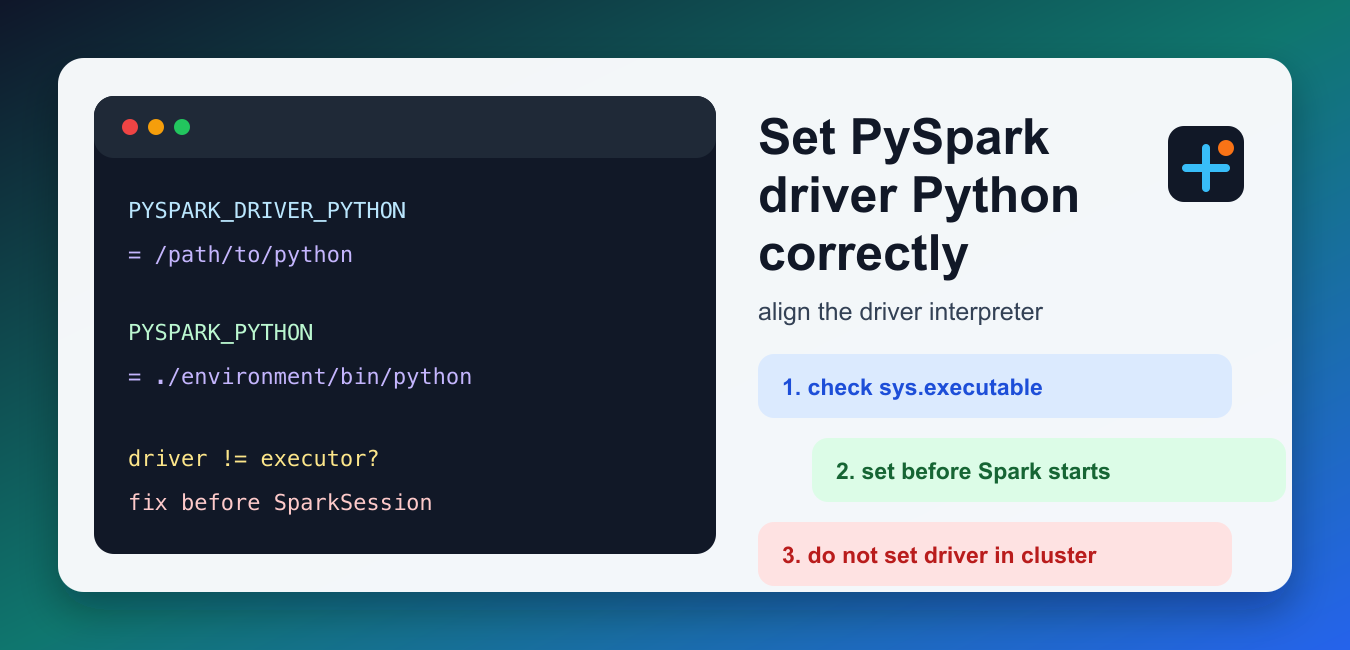
Quick answer: PySpark driver and executor processes can use different Python executables. Configure PYSPARK_DRIVER_PYTHON and PYSPARK_PYTHON for the deployment mode, make paths available to workers, and verify versions in both driver and executor code.
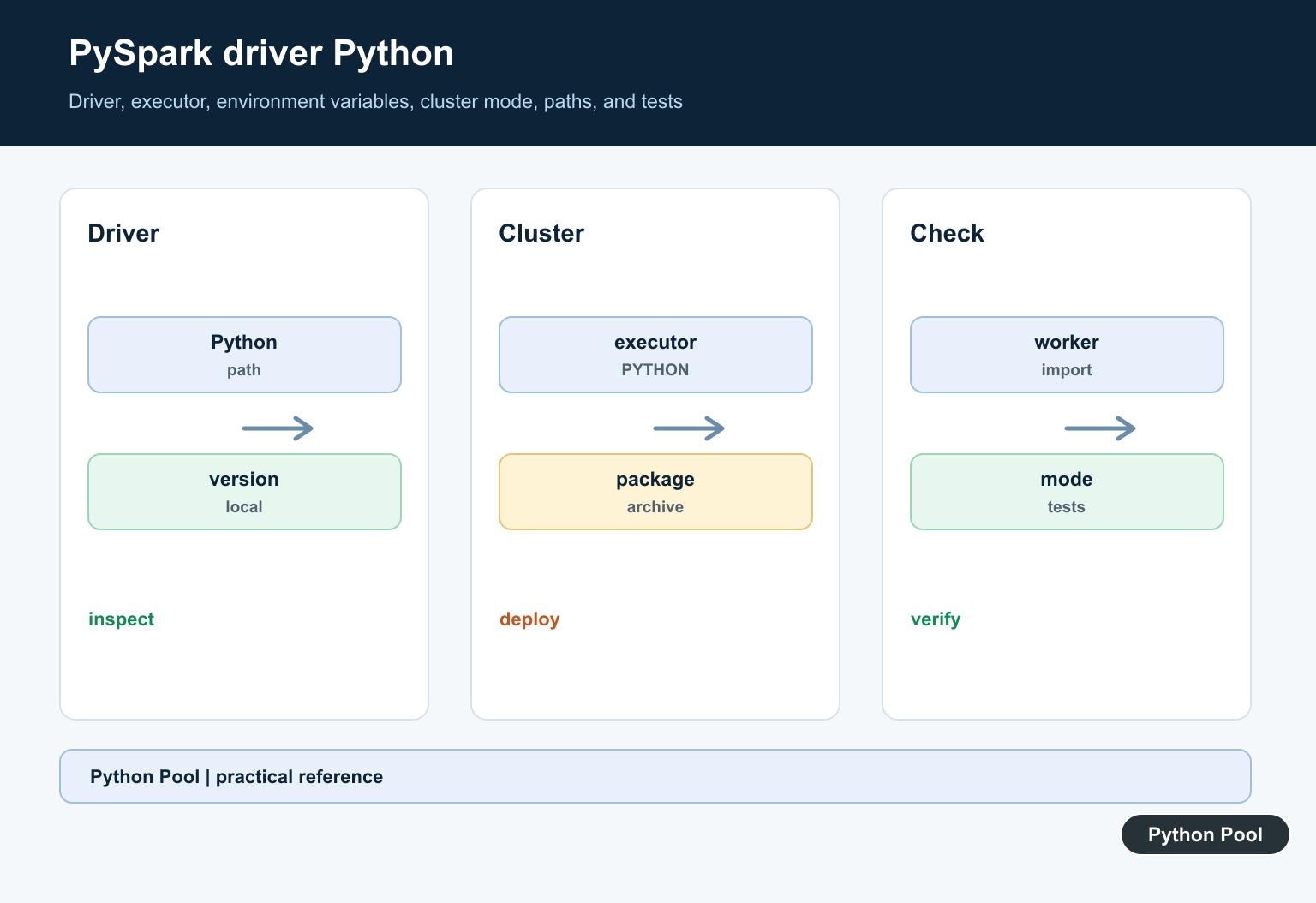
PYSPARK_DRIVER_PYTHON tells PySpark which Python executable should run the driver process. The driver is the Python process that starts your SparkSession, sends work to Spark, and receives results. If it uses a different Python environment from the executors, you can see import errors, version mismatch errors, or notebooks that start with the wrong interpreter.
Spark’s current configuration documentation lists the related spark.pyspark.driver.python and spark.pyspark.python settings. The PySpark Python packaging guide also warns that PYSPARK_DRIVER_PYTHON should not be set for YARN or Kubernetes cluster modes. That distinction matters: local notebooks, client-mode jobs, and cluster-mode submissions need different handling.
Quick answer
Set PYSPARK_DRIVER_PYTHON before Spark starts when you need to choose the Python interpreter for the driver. Set PYSPARK_PYTHON or spark.pyspark.python for the Python executable used by workers and executors. In cluster mode, avoid forcing the driver with PYSPARK_DRIVER_PYTHON; configure the cluster submission instead.
1. Check the current driver Python
Start by checking the Python executable that launches your script, shell, or notebook. If this is already the interpreter you want, you may not need to set the driver variable at all.
import sys

print("Driver executable:", sys.executable)
print("Driver Python:", sys.version)
If the path points to the wrong environment, fix that before creating SparkSession. Environment variables that are set after Spark starts are often too late to affect the already-running driver process.
2. Set it before SparkSession starts
For local development, the safest pattern is to set the environment variables at the very top of the script, before importing or creating a Spark session. Using sys.executable keeps the setting aligned with the Python process running the script.
import os
import sys

os.environ["PYSPARK_DRIVER_PYTHON"] = sys.executable
os.environ["PYSPARK_PYTHON"] = sys.executable

from pyspark.sql import SparkSession

spark = SparkSession.builder.master("local[*]").appName("driver-python-check").getOrCreate()
This is useful for local tests, small scripts, and development machines where the same virtual environment should run the driver and local workers. If you recently recreated the environment, our guide on removing a Python venv safely can help clean stale interpreter paths.
3. Use notebooks carefully
In notebook workflows, the driver may be a notebook kernel rather than a plain Python script. Older examples often set PYSPARK_DRIVER_PYTHON to jupyter and pass notebook options, but that should be done only for local interactive sessions, not for cluster-mode submissions.
import os
import sys

os.environ["PYSPARK_DRIVER_PYTHON"] = "jupyter"
os.environ["PYSPARK_DRIVER_PYTHON_OPTS"] = "notebook"
os.environ["PYSPARK_PYTHON"] = sys.executable
If you are already inside Jupyter, you usually do not need to launch another notebook from PySpark. Instead, align PYSPARK_PYTHON with the kernel environment and create the Spark session from that kernel.
4. Configure executors separately
The driver setting does not automatically guarantee the same Python exists on every executor. For packaged environments, Spark can distribute archives or files and point executors at the shipped Python. The Spark install guide explains supported PySpark installation routes in the current release.
from pyspark.sql import SparkSession

spark = (
    SparkSession.builder
    .config("spark.pyspark.python", "./environment/bin/python")
    .appName("executor-python")
    .getOrCreate()
)
Use this style when executors should run a packaged Python environment. In YARN or Kubernetes cluster mode, follow Spark’s packaging guidance and avoid setting PYSPARK_DRIVER_PYTHON in a way that points the cluster driver to a local-only executable.
5. Inspect Spark’s active Python settings
When debugging, inspect Spark’s effective configuration. This helps you see whether environment variables were picked up or whether explicit Spark configuration values are overriding them.
from pyspark.sql import SparkSession

spark = SparkSession.builder.getOrCreate()
conf = spark.sparkContext.getConf()

for key in ("spark.pyspark.driver.python", "spark.pyspark.python"):
    print(key, conf.get(key, "<not set>"))
If a Spark config key is set, it can be more important than the shell environment variable. Keep the settings in one place when possible so local scripts, notebooks, and submitted jobs do not drift apart.
6. Detect driver and worker mismatches
A classic PySpark failure is a driver running one Python minor version while workers run another. You can collect a small worker-side value to compare the versions before running a larger job.
import sys
from pyspark.sql import SparkSession

spark = SparkSession.builder.getOrCreate()
sc = spark.sparkContext

driver_version = sys.version_info[:2]
worker_versions = sc.parallelize([0], 1).map(lambda _: __import__("sys").version_info[:2]).collect()

print("Driver:", driver_version)
print("Workers:", worker_versions)
If the driver and worker versions differ, fix the environment before debugging application code. It is usually faster to correct the interpreter path than to chase package import errors caused by a mismatched runtime.
Common mistakes
- Setting
PYSPARK_DRIVER_PYTHONafterSparkSessionalready exists. - Using a local virtual environment path for executors that run on remote machines.
- Setting the driver variable in YARN or Kubernetes cluster mode when Spark’s packaging guide says not to.
- Assuming
PYSPARK_DRIVER_PYTHONandPYSPARK_PYTHONcontrol the same process. - Forgetting to verify the Python version in the active environment. Our Python version check guide covers that step.
Driver vs executor rule
Use PYSPARK_DRIVER_PYTHON for the process that creates and controls the Spark application. Use PYSPARK_PYTHON or spark.pyspark.python for Python processes that run tasks. If your next issue is about RDD transformations, our PySpark flatMap guide explains one of the common worker-side operations.
Separate Processes
The driver coordinates the application while executors run distributed tasks. A Python path that works on the driver may not exist or have the same packages on workers.
Distinguish Variables
PYSPARK_DRIVER_PYTHON controls the driver in supported contexts, while PYSPARK_PYTHON identifies the Python used for PySpark processes. Follow the Spark version and cluster-manager guidance.
Avoid Local Settings In Clusters
Interactive local-shell settings can interfere with cluster submission. Keep local development configuration separate from production submission and worker environment configuration.
Package The Runtime
Use a reproducible environment, archive, container, or cluster-supported distribution so the executable and dependencies are available on every executor.
Debug Paths And Versions
Print sanitized executable and version information on the driver and inside a small executor task. Compare import paths, Python versions, Spark version, and environment variables.
Test Small Distributed Jobs
Test local and cluster modes, a simple map, serialization, native dependencies, worker startup, failure reporting, and clean shutdown before running a large job.
Use the official PySpark documentation and the Spark deployment guide for the cluster manager. Related Python Pool references include testing and logging.
For related distributed workflows, compare worker tests, driver diagnostics, and environment mappings before changing PySpark paths.
For the authoritative API and current behavior, consult the PySpark installation documentation.
Frequently Asked Questions
What does PYSPARK_DRIVER_PYTHON control?
It identifies the Python executable used for the PySpark driver process in configurations where that environment variable is honored.
Is PYSPARK_DRIVER_PYTHON the same as PYSPARK_PYTHON?
No. The driver and executor processes can use separate executable settings, and cluster deployment requires consistent paths and packaging.
Should I set PYSPARK_DRIVER_PYTHON in cluster mode?
Follow the Spark deployment guidance for the cluster manager; a local interactive setting can interfere with launching cluster drivers.
How do I debug a Python executable mismatch?
Print the driver and executor Python versions and paths, verify the environment is available on every worker, and test a small distributed job.
