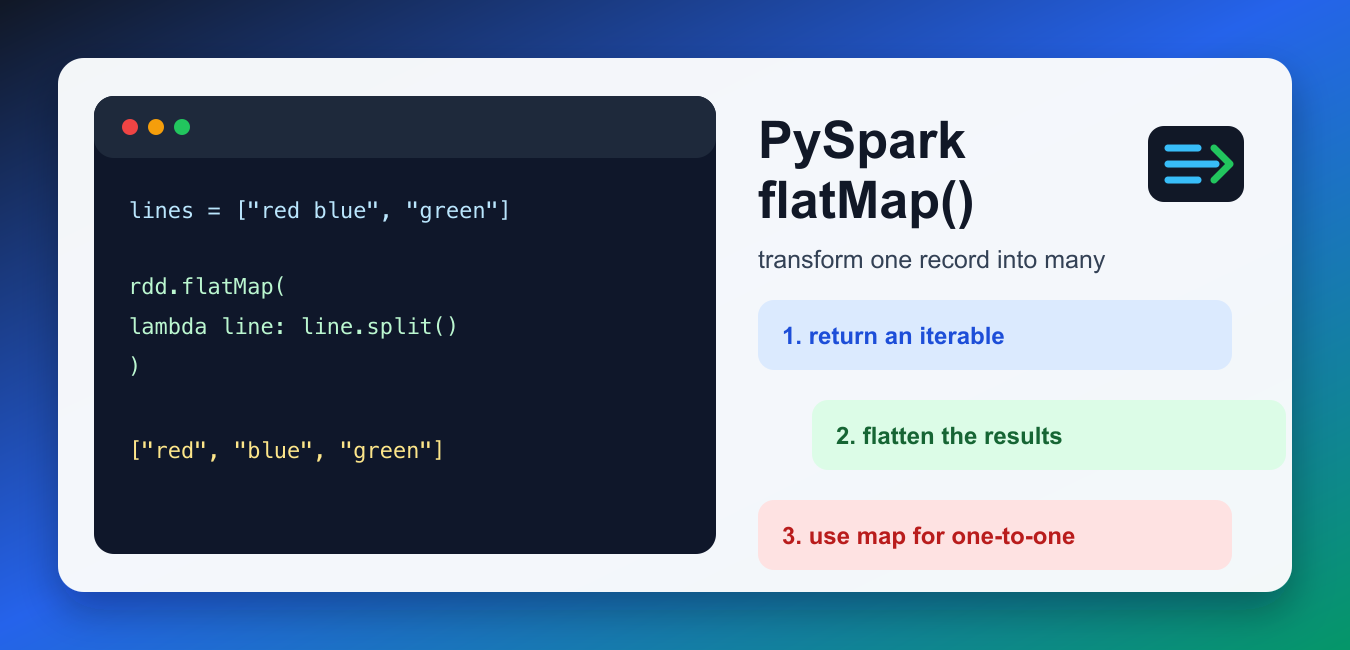
Quick answer: PySpark flatMap applies a function to each input element and flattens the returned iterables into one RDD. It is useful when one record can produce zero, one, or many outputs, such as splitting lines into words, but map is the correct choice when each input must remain one output.
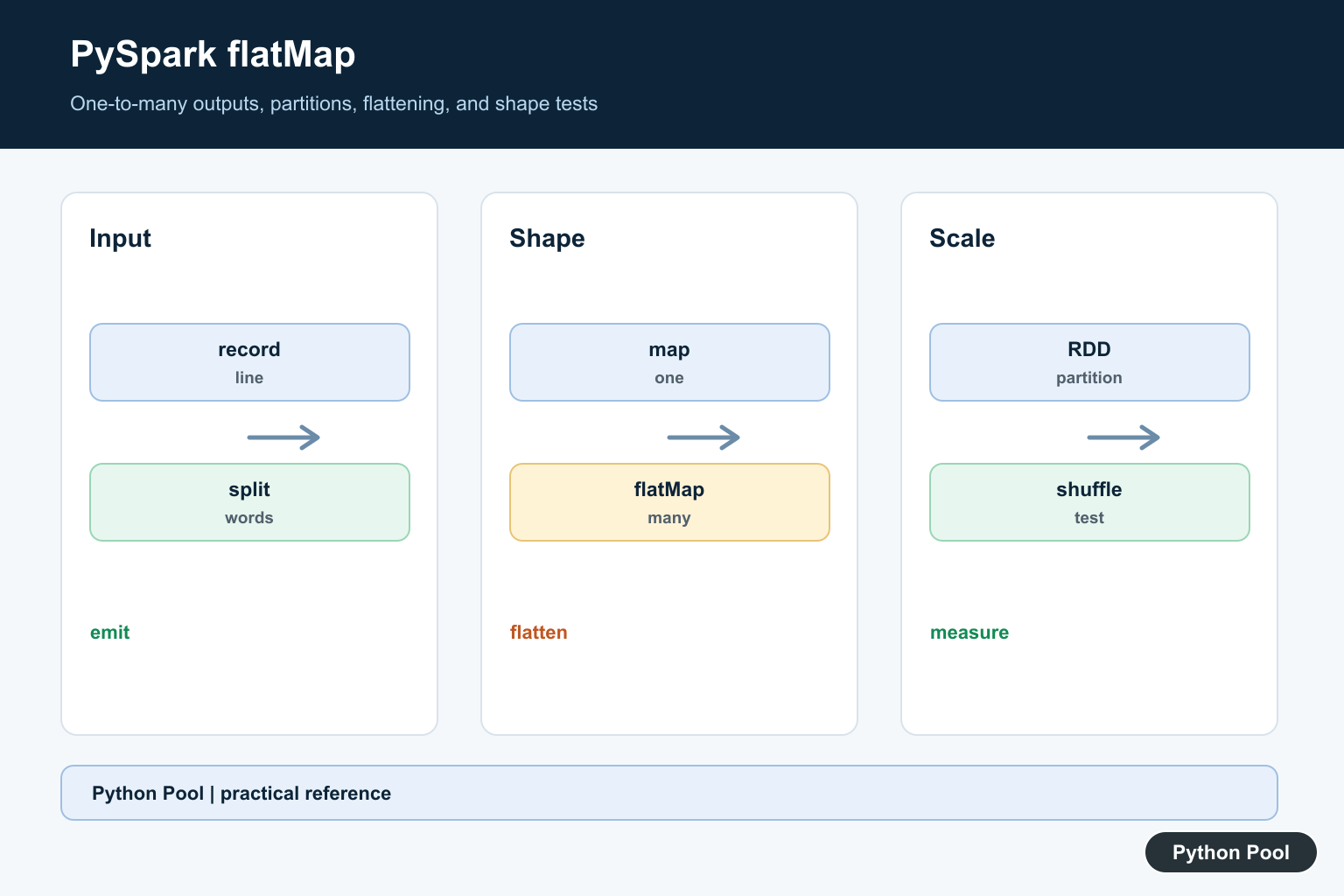
flatMap() in PySpark transforms each input item into zero, one, or many output items, then flattens those outputs into one RDD. It is the right tool when one record can produce multiple values, such as splitting text lines into words, expanding rows into fields, or filtering and expanding values in one pass.
The official PySpark RDD.flatMap documentation defines the operation for RDDs, while the related RDD.map documentation is useful for comparison. The short rule is simple: use map() for one output per input, and flatMap() when each input returns an iterable that should be flattened.
Quick answer
Use rdd.flatMap(function) when your function returns a list, tuple, generator, or other iterable for each input record and you want all returned values in a single output RDD. If your function returns exactly one value per input record, use map() instead.
1. Split lines into words
The most common flatMap example is splitting lines of text into words. Each line becomes a list of words, and flatMap() flattens all those lists into one stream of words.
from pyspark.sql import SparkSession

spark = SparkSession.builder.master("local[*]").appName("flatmap-demo").getOrCreate()
sc = spark.sparkContext

lines = sc.parallelize(["red blue", "green"])
words = lines.flatMap(lambda line: line.split())

print(words.collect())
The first input string produces two words and the second produces one. The result is one flat collection, not a nested list of lists. That shape is usually what you want before counting, grouping, or searching tokens.
2. Understand map vs flatMap
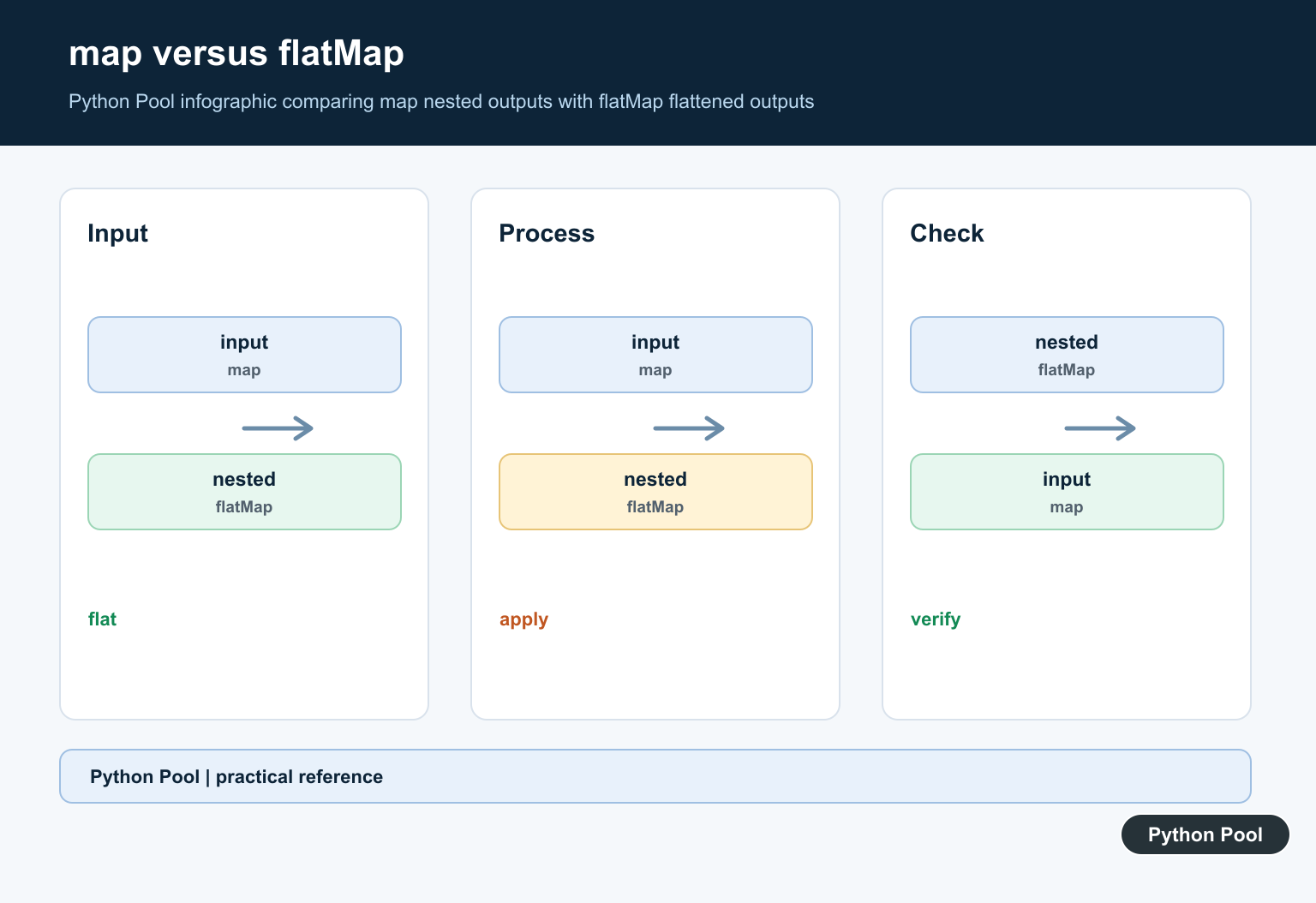
map() keeps one output element for every input element. If the output is a list, the list stays nested. flatMap() removes that extra nesting level.
items = sc.parallelize(["a b", "c"])

mapped = items.map(lambda text: text.split()).collect()
flattened = items.flatMap(lambda text: text.split()).collect()

print(mapped)
print(flattened)
This difference is why flatMap is useful for text processing and tokenization. For regular Python mapping outside Spark, our Python map function guide covers the one-to-one transformation model.
3. Return zero or many values
A flatMap function can also return an empty list for records you want to drop. That makes it useful when filtering and expanding are naturally part of the same step.
numbers = sc.parallelize([1, 2, 3, 4])

even_pairs = numbers.flatMap(
    lambda n: [n, n * n] if n % 2 == 0 else []
)

print(even_pairs.collect())
Odd numbers return an empty list, so they disappear. Even numbers return two values: the number and its square. Keep this pattern readable; if the lambda becomes complex, move the logic into a named function.
4. Flatten structured text rows
flatMap can expand delimited rows into individual fields. For simple CSV-like strings, split each row and strip whitespace before flattening. For real CSV files with quotes or embedded commas, use a proper parser before sending data into Spark transformations.
rows = sc.parallelize(["1, alice, admin", "2, bob, user"])

cells = rows.flatMap(
    lambda row: [cell.strip() for cell in row.split(",")]
)

print(cells.collect())
If a row has missing columns, be careful with indexing after the split. Our list index out of range guide explains that common Python error.
5. Build pairs for reduceByKey
Another common PySpark pattern is to use flatMap to emit key-value pairs, then aggregate them. Word count examples use this exact shape: one input line can produce many (word, 1) pairs.
lines = sc.parallelize(["red blue red", "blue"])

pairs = lines.flatMap(
    lambda line: [(word, 1) for word in line.split()]
)
counts = pairs.reduceByKey(lambda left, right: left + right)

print(dict(counts.collect()))
The lambda returns a list of pairs for each line. Spark flattens those pairs into one RDD, and reduceByKey() groups matching words.
6. Avoid the string return pitfall
A string is iterable in Python. If your flatMap function returns a plain string, Spark will flatten it into characters. Wrap the string in a list when you want each transformed string to remain one output item.
names = sc.parallelize(["Ada", "Lin"])

bad = names.flatMap(lambda name: name.upper()).collect()
good = names.flatMap(lambda name: [name.upper()]).collect()

print(bad)
print(good)
This is one of the easiest flatMap mistakes to miss because both examples are valid Python. The wrong one simply produces a different shape.
Performance notes
flatMap is still a distributed transformation, so the amount of data it emits matters. If each input record expands into thousands of values, the next shuffle or aggregation can become expensive. Filter early, emit only the fields you need, and prefer simple functions that serialize cleanly. Avoid closing over large local objects in the lambda because Spark must ship that function and its captured data to workers.
When to use flatMap
- Use it for one-to-many transformations such as line-to-words.
- Use it when returning an empty iterable is a natural way to drop records.
- Use it before key-value aggregation when each input record can emit several pairs.
- Do not use it when every input produces one output;
map()is clearer. - Do not return a plain string unless you actually want characters.
Setup note
If flatMap examples fail before the transformation runs, the issue may be your PySpark environment rather than the function. Check your Spark session and Python interpreter first. Our PYSPARK_DRIVER_PYTHON guide explains how to align the driver Python with your PySpark setup. Spark’s PySpark quickstart is also useful for confirming a working local install.
Think In Cardinality
map has a one-to-one shape: every input produces one output. flatMap has a one-to-many shape, so a function may return an empty iterable, a single value inside an iterable, or several values.
Split And Flatten Carefully
For tokenization, return the words for one input line as an iterable. flatMap combines those per-line iterables into one stream, while map would leave a collection of collections.
Keep Functions Serializable
The function sent to a Spark transformation must be usable by worker processes. Keep it small, avoid capturing large local objects, and prefer top-level functions or simple expressions when a job is distributed.
Watch Partition And Shuffle Costs
flatMap itself does not automatically mean a shuffle, but downstream groupBy, join, distinct, or repartition operations can move data across workers. Inspect the full pipeline rather than judging one transformation alone.
Handle Empty And Dirty Inputs
Return an empty iterable for records that should emit nothing, and normalize nulls or malformed data explicitly. Silent conversion to strings can create unexpected tokens and inflated output.
Test The Shape
Test one-to-zero, one-to-one, and one-to-many inputs, then compare a small local result with the distributed result. Check counts and representative values before scaling the job.
The official PySpark RDD.flatMap reference defines the transformation. Related Python Pool references include lists and tests.
For related collection pipelines, compare list structure, shape tests, and iteration patterns when choosing flatMap.
For the authoritative API and current behavior, consult the PySpark flatMap documentation.
Frequently Asked Questions
What does flatMap do in PySpark?
flatMap applies a function to each RDD element and flattens the returned iterables into one resulting RDD.
How is flatMap different from map?
map produces one output item for each input item, while flatMap can produce a variable number of output items.
Why do I get nested lists with map?
map preserves each returned list as one element; use flatMap when the intended result is one flattened stream of values.
Can flatMap return zero values?
Yes. Returning an empty iterable drops that input from the resulting RDD, which is useful for filtering and tokenization patterns.
