
Quick answer: np.allclose compares numeric values within relative and absolute tolerances. Choose atol for the scale near zero, understand broadcasting, and use assert_allclose when a test should fail loudly with stricter shape semantics.
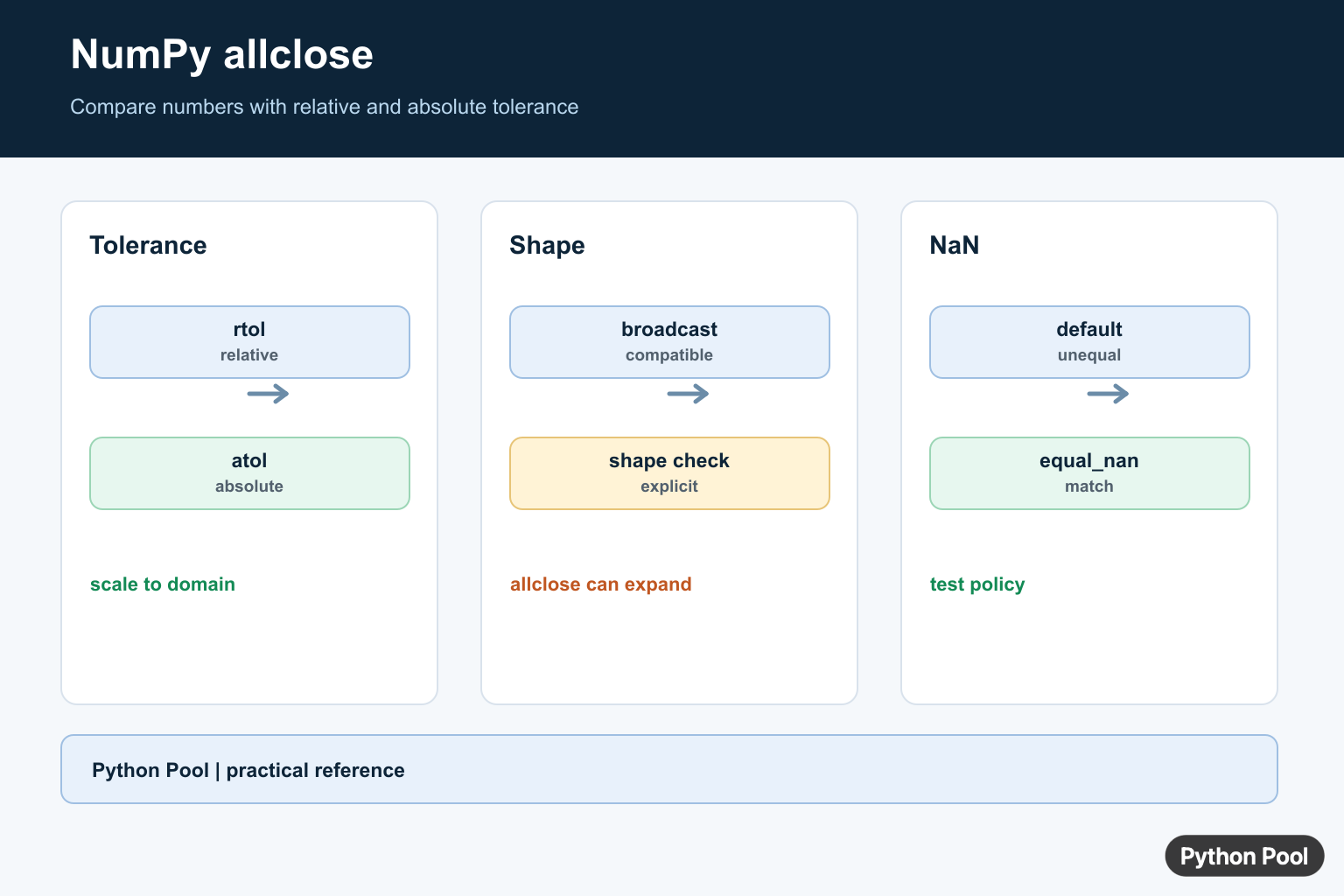
NumPy allclose() checks whether two arrays are close enough to be treated as equal within a tolerance. It is useful when floating-point numbers differ by tiny rounding errors, where exact equality with == would be too strict.
NumPy is a third-party package, not a built-in Python module. The official numpy.allclose documentation defines the function as numpy.allclose(a, b, rtol=1e-05, atol=1e-08, equal_nan=False).
What Does NumPy allclose() Do?
np.allclose() compares two input arrays element by element. It returns one Boolean value: True only when every compared element is close within the selected tolerance, and False when at least one element is outside that tolerance.
The comparison uses this rule:
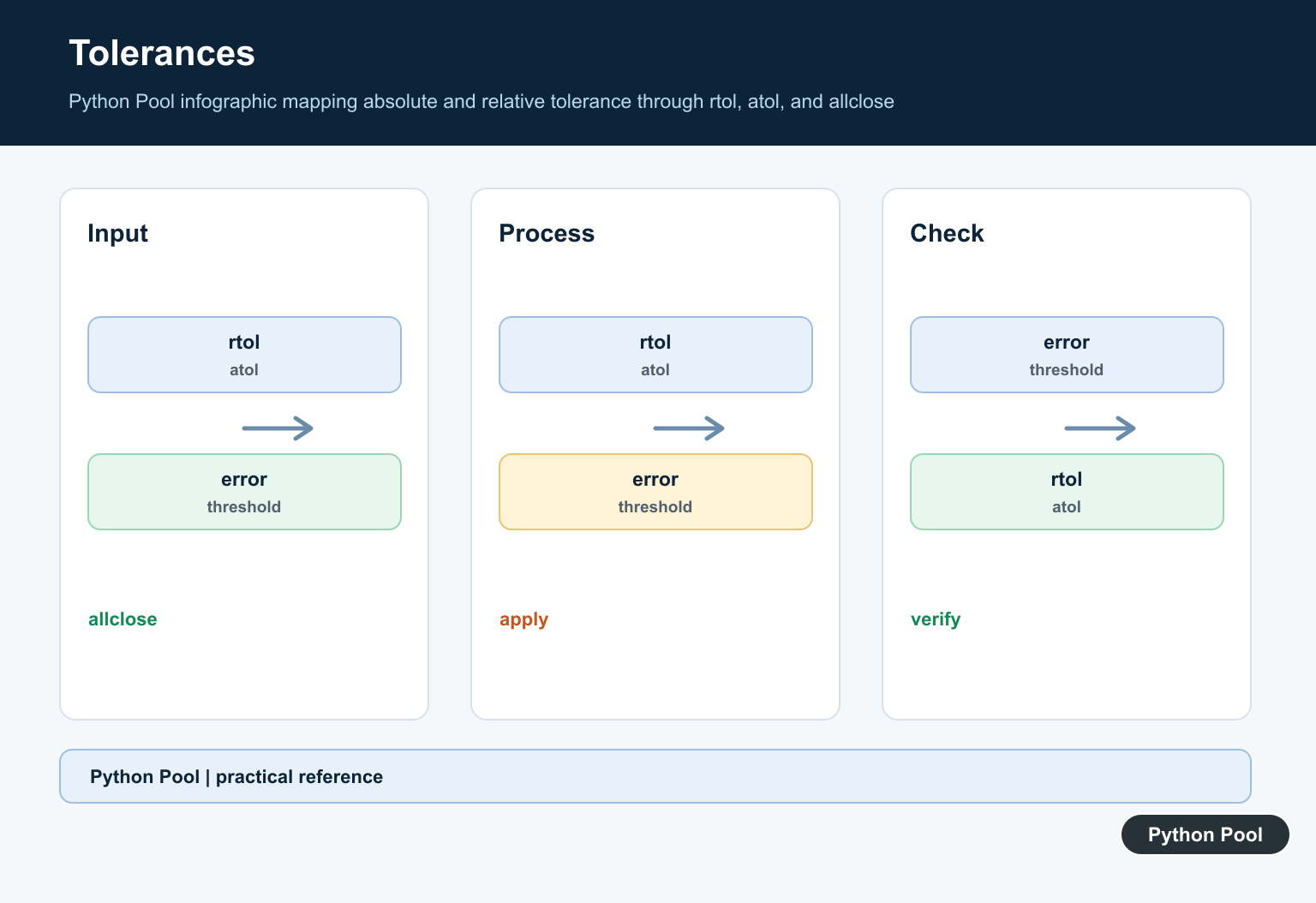
absolute(a - b) <= (atol + rtol * absolute(b))That means both tolerances matter. rtol scales with the size of the reference value b, while atol is a fixed absolute tolerance. For very small values near zero, choose atol carefully instead of blindly trusting the default.
Syntax
numpy.allclose(a, b, rtol=1e-05, atol=1e-08, equal_nan=False)
Parameters
- a, b: array-like inputs to compare.
- rtol: relative tolerance. It is multiplied by the absolute value of
b. - atol: absolute tolerance. It sets a fixed allowed difference.
- equal_nan: when set to
True, NaN values in the same positions compare as equal.
Return Value
np.allclose() returns True if all compared values are within tolerance. Otherwise, it returns False.
Examples of NumPy allclose()
1. Basic NumPy allclose() Example
<div class="pythonpool-code-scroll" style="max-width:100%;overflow-x:auto;-webkit-overflow-scrolling:touch;">import numpy as np

a = [1.67, 3.56]
b = [1.68, 3.56]

print(np.allclose(a, b))</div>
Output:
False
The first values differ by 0.01, which is larger than the default tolerance for numbers around this size. Because not every element is close, the function returns False.
2. NumPy allclose() With Custom Tolerance
<div class="pythonpool-code-scroll" style="max-width:100%;overflow-x:auto;-webkit-overflow-scrolling:touch;">import numpy as np

arr1 = [1e10, 1e-8]
arr2 = [1.00001e10, 1e-9]

print(np.allclose(arr1, arr2, rtol=0.1, atol=0.1))</div>
Output:
True
Here the tolerances are intentionally loose. The absolute differences fit inside the allowed tolerance, so every element is considered close.
3. Choose atol Carefully for Small Values
The default atol can be misleading when numbers are much smaller than one. For example:
<div class="pythonpool-code-scroll" style="max-width:100%;overflow-x:auto;-webkit-overflow-scrolling:touch;">import numpy as np

print(np.allclose(1e-9, 2e-9))
print(np.allclose(1e-9, 2e-9, atol=0.0))</div>
Output:
True
False
With the default absolute tolerance, both tiny values are considered close. With atol=0.0, the relative difference matters more and the comparison becomes stricter.
4. Array Having NaN Value
<div class="pythonpool-code-scroll" style="max-width:100%;overflow-x:auto;-webkit-overflow-scrolling:touch;">import numpy as np

print(np.allclose([2.0, np.nan], [2.0, np.nan]))</div>
Output:
False
By default, matching NaN values are not treated as equal.
5. Array Having NaN Value With equal_nan=True
<div class="pythonpool-code-scroll" style="max-width:100%;overflow-x:auto;-webkit-overflow-scrolling:touch;">import numpy as np

print(np.allclose([2.0, np.nan], [2.0, np.nan], equal_nan=True))</div>
Output:
True
When equal_nan=True, NaN values in the same positions are considered equal. Positive and negative infinity values are considered equal only when they are in the same positions and have the same sign.
NumPy allclose() vs isclose()
np.allclose() and np.isclose() use the same closeness idea, but they return different shapes of results. Use allclose() when you need one final True or False. Use isclose() when you want to see which individual elements are close.
| Function | Returns | Example |
|---|---|---|
np.allclose(a, b) | One Boolean value | False |
np.isclose(a, b) | A Boolean array | [ True False] |
One more important detail: allclose(a, b) is not perfectly symmetric because b is used in the relative tolerance part of the formula. In rare cases, allclose(a, b) and allclose(b, a) can differ.
Related NumPy Guides
- NumPy isclose Explained With Examples in Python
- NumPy sign()
- NumPy ndarray object is not callable: error and resolution
- Fixed: type numpy.ndarray doesn’t define __round__ method
- How to Convert NumPy Array to Pandas DataFrame
Conclusion
numpy.allclose() is best when you need a single answer to the question, “Are these arrays close enough?” For reliable results, choose rtol and atol for the scale of your data, remember that NaN handling requires equal_nan=True, and use np.isclose() when you need element-by-element detail.
Understand The Tolerance
allclose treats two values as close when the absolute difference is within atol + rtol * abs(reference). Relative tolerance scales with the reference value, while absolute tolerance is the floor that matters near zero. The comparison is directional because the second input supplies the reference scale.
import numpy as np

expected = np.array([100.0, 0.001])
actual = np.array([100.0005, 0.0010005])
print(np.allclose(actual, expected, rtol=1e-5, atol=1e-8))
Set atol For Small Values
The default absolute tolerance can be too permissive or too strict for a domain with values much smaller than one. Select tolerances from measurement noise, numerical error, or a test contract. Do not copy defaults into scientific validation without checking the scale.
import numpy as np

print(np.allclose(1e-9, 2e-9))
print(np.allclose(1e-9, 2e-9, atol=1e-10, rtol=0))
Check Shape And NaNs Separately
Broadcasting means compatible different shapes can compare as close, so add an explicit shape assertion when shape is part of correctness. NaNs are unequal by default; equal_nan=True treats NaNs in matching positions as equal. Use numpy.testing.assert_allclose for test failures and diagnostics.
import numpy as np

left = np.array([1.0, np.nan])
right = np.array([1.0, np.nan])
print(np.allclose(left, right))
print(np.allclose(left, right, equal_nan=True))
See NumPy’s allclose reference for the comparison equation and edge cases.
For related numerical checks, compare NumPy any(), standard deviation, and mean calculations with the tolerance policy here.
Frequently Asked Questions
What does np.allclose do?
It returns True when numeric inputs are element-wise equal within relative and absolute tolerances.
What is the difference between rtol and atol?
rtol scales the allowed difference relative to the reference, while atol supplies a fixed floor for values near zero.
Does allclose require equal shapes?
No. NumPy broadcasting can allow compatible different shapes, so check shape equality separately when shape is part of correctness.
How does allclose handle NaN values?
NaNs compare as unequal by default; pass equal_nan=True when matching NaN positions should count as close.
