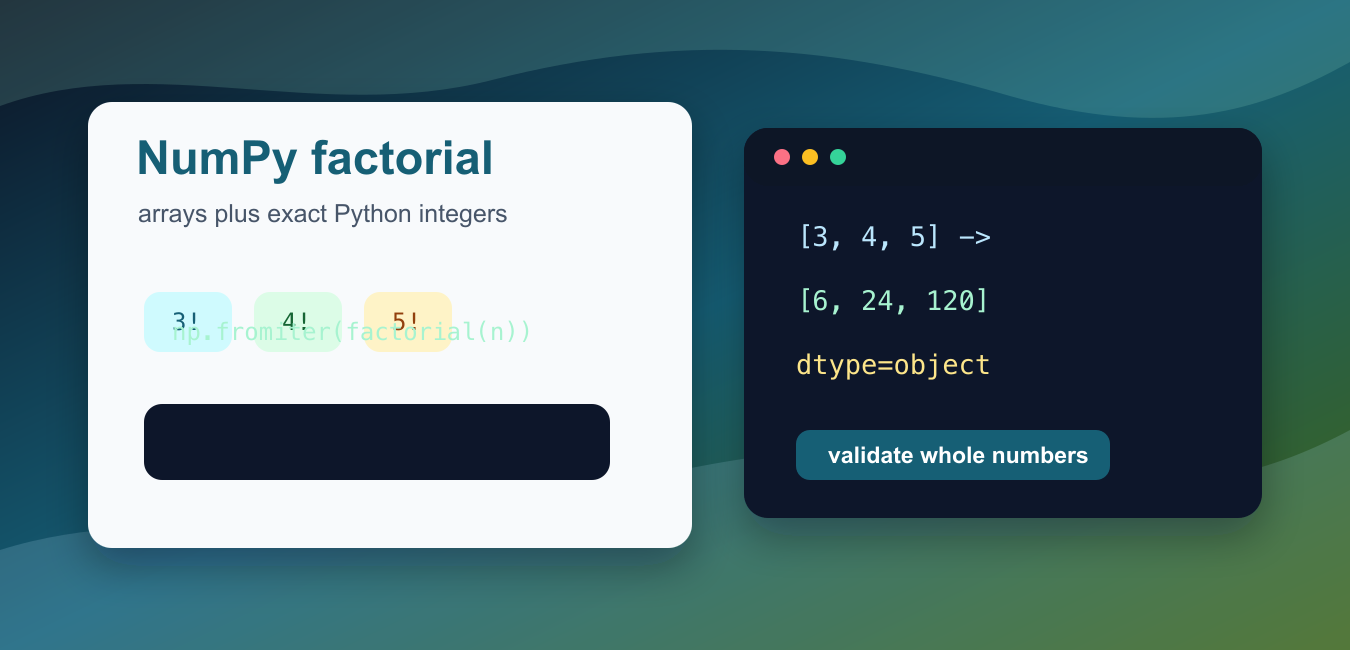
Quick answer: NumPy does not provide a core np.factorial function. Use math.factorial for exact scalar integers, an object-safe approach for arrays, cumulative products for a factorial table, or scipy.special.factorial when its exact or approximate array behavior fits the project.
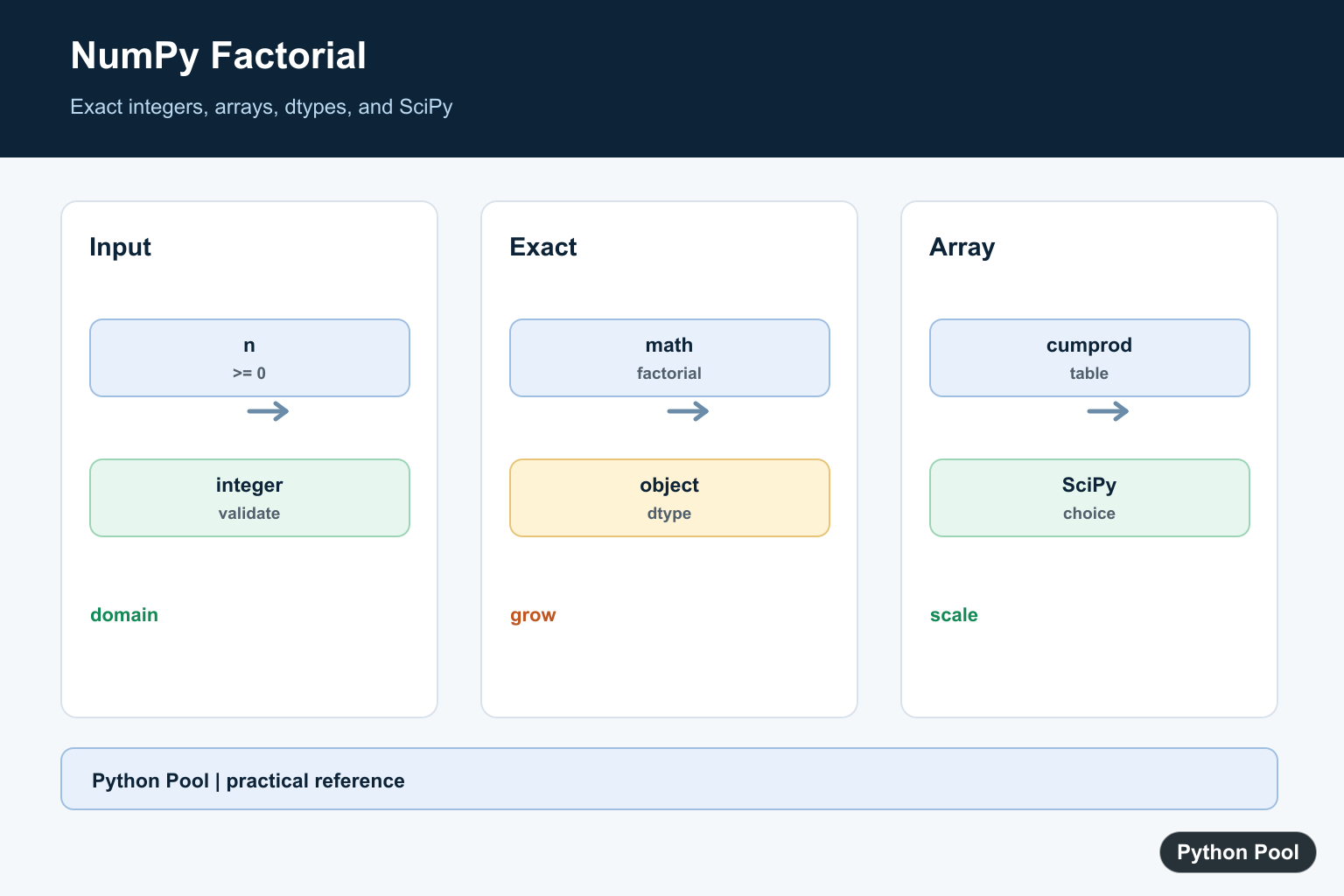
NumPy does not include a core np.factorial() function. For exact factorial values in normal Python and NumPy code, use math.factorial() for each integer and choose a NumPy-friendly wrapper when the input is an array.
This distinction matters because factorial grows very quickly. A small input such as 10 is easy, but larger inputs can exceed fixed-width integer ranges. Python integers can grow as needed, while many NumPy integer dtypes have fixed limits. When exact large factorials matter, store results as Python objects or use a library function that documents its behavior.
The official references are math.factorial(), numpy.fromiter(), numpy.vectorize(), numpy.cumprod(), and scipy.special.factorial().
Choose the technique based on the job. A list comprehension is clear and reliable for small arrays. np.fromiter() is tidy when building an array from generated values. np.vectorize() can make code look array-oriented, but it is a convenience wrapper rather than true low-level vectorization. np.cumprod() is useful when you need a whole factorial table from 1 through n.
Also validate the input. Factorial is defined for nonnegative integers. Negative numbers, floats with fractional parts, and missing values should be rejected or cleaned before calculation. Silent conversion can hide data errors, so make the policy visible in the function.
For analytics work, decide whether the output is meant for exact counting or approximate numeric modeling. Exact factorials are common in combinatorics, probability formulas, permutations, combinations, and classroom examples. Approximate floating-point results can be acceptable in some scientific formulas, but they should not be mixed into code that expects exact integer answers.
Shape handling is another practical detail. If callers pass a two-dimensional array, they usually expect a two-dimensional result with matching shape. A good helper can flatten internally for simple iteration, then reshape the final output. That keeps the implementation straightforward without surprising the caller.
Apply math.factorial To A NumPy Array
For exact values, iterate over the array and call math.factorial() on each integer.
try:
    import numpy as np
except ModuleNotFoundError:
    print("Install numpy to run this example.")
else:
    from math import factorial

    values = np.array([0, 1, 2, 3, 4, 5])
    result = np.array([factorial(int(value)) for value in values], dtype=object)

    print(result.tolist())
The result is stored with dtype=object so Python integers can grow beyond fixed NumPy integer limits.
For small inputs, a normal integer dtype may be fine. For general utilities, object dtype is safer because factorial output grows faster than most people expect.
This form is also easy to debug. You can inspect each input value before calling factorial(), add validation around the comprehension, or replace the output array with a plain list if another API expects Python objects.
Build Results With fromiter
np.fromiter() builds an array from an iterator. It is a clean fit for generated factorial values.
try:
    import numpy as np
except ModuleNotFoundError:
    print("Install numpy to run this example.")
else:
    from math import factorial

    values = np.arange(1, 7)
    factorials = np.fromiter(
        (factorial(int(value)) for value in values),
        dtype=object,
        count=len(values),
    )

    print(factorials.tolist())
The count argument is optional, but passing it can make the intended output length explicit.
This pattern works well when values already come from another generator, file reader, or pipeline step.
Use fromiter() when the output is naturally one-dimensional. If the source data has rows and columns, build the flat result first and then reshape it to match the original array.

Use vectorize As A Convenience Wrapper
np.vectorize() lets you call a Python function with array-shaped input and receive array-shaped output.
try:
    import numpy as np
except ModuleNotFoundError:
    print("Install numpy to run this example.")
else:
    from math import factorial

    def factorial_int(value):
        return factorial(int(value))

    factorial_array = np.vectorize(factorial_int, otypes=[object])
    values = np.array([[3, 4], [5, 6]])

    print(factorial_array(values).tolist())
This is readable for notebooks and small scripts. It does not make math.factorial() a fast compiled NumPy operation.
If performance matters, measure with your actual input sizes and consider whether you can avoid repeated factorial calculation.
Validate Array Input First
Reject negative values and non-integers before calculating factorials.
try:
    import numpy as np
except ModuleNotFoundError:
    print("Install numpy to run this example.")
else:
    from math import factorial

    def factorial_array(values):
        array = np.asarray(values)
        if np.any(array < 0):
            raise ValueError("factorial input must be nonnegative")
        if not np.all(array == np.floor(array)):
            raise ValueError("factorial input must contain whole numbers")
        return np.array([factorial(int(value)) for value in array.ravel()], dtype=object).reshape(array.shape)

    print(factorial_array([2, 3, 4]).tolist())
Keeping validation inside the helper prevents incorrect input from slipping into later analysis.
The example uses ravel() and reshape() so the output keeps the same shape as the input.
If the input may contain strings, blanks, or missing values, clean those before this helper runs. Factorial code should not have to guess whether an empty cell means zero, missing data, or a parsing failure.
Create A Factorial Table With cumprod
If you need every factorial from 1! through n!, cumulative product is concise.
try:
    import numpy as np
except ModuleNotFoundError:
    print("Install numpy to run this example.")
else:
    n = 6
    values = np.arange(1, n + 1, dtype=object)
    table = np.cumprod(values)

    print(dict(zip(range(1, n + 1), table.tolist())))
This creates the sequence 1!, 2!, 3!, and so on. Include 0! separately if your table needs it, because 0! is defined as 1.
Cumulative product is most useful for contiguous ranges. It is less direct when the input contains scattered values such as 3, 10, and 25.
Use SciPy When It Is Available
SciPy provides scipy.special.factorial(), which is convenient for scientific codebases that already depend on SciPy.
try:
    import numpy as np
    from scipy.special import factorial
except ModuleNotFoundError:
    print("Install numpy and scipy to run this example.")
else:
    values = np.array([3, 4, 5])
    exact = factorial(values, exact=True)

    print(exact.tolist())
The exact=True option asks SciPy for exact integer results. Without that option, SciPy may return floating-point values, which are useful for some scientific calculations but not for exact combinatorics.
If SciPy is not already part of the project, do not add it only to calculate a few factorials. The standard-library function plus a small NumPy wrapper is enough for many scripts, and it keeps the dependency list smaller.
In short, use math.factorial() for exact single values, wrap it carefully for NumPy arrays, validate that inputs are nonnegative whole numbers, use dtype=object when large results matter, and consider SciPy only when the project already uses it or needs its special-function API.
Validate The Domain
Factorial is normally defined for nonnegative integers. Reject negative values, fractional floats, and missing data unless the chosen scientific library has a documented extension that your application explicitly wants.
Choose Exactness
Python integers grow as needed, while fixed-width NumPy integer dtypes overflow. Keep exact results in object arrays or Python lists when correctness matters more than compact numeric storage.
Use A Clear Array Strategy
A list comprehension with math.factorial is easy to audit for small inputs. np.fromiter can build an object or integer array from generated values, while np.vectorize improves presentation but is not low-level vectorization.
Build A Factorial Table
When you need every factorial from one through n, cumulative products can be efficient and expressive. Choose the dtype and maximum n before calculating so overflow is not hidden.
Consider SciPy
scipy.special.factorial accepts arrays and exposes exactness choices. Read its behavior for negative or non-integer inputs, and avoid treating an approximate float result as an exact integer.
The Python math.factorial reference, SciPy factorial reference, and NumPy cumprod reference define the available choices. Related references include scalar factorials, numeric checks, and dtype tests.
For related factorial work, compare scalar factorials, numeric checks, and dtype tests when choosing exactness.
Frequently Asked Questions
Does NumPy have np.factorial?
No. Use math.factorial for scalar integers, an object-safe array approach, or scipy.special.factorial when SciPy is appropriate.
Why can factorial overflow NumPy integers?
Factorial grows faster than fixed-width integer dtypes can represent, so large results need Python integers or a documented approximate path.
How should negative values be handled?
Factorial is normally defined for nonnegative integers; validate and reject negative or fractional application inputs before calculation.
When should I use SciPy factorial?
Use scipy.special.factorial when its exact or approximate array behavior matches the project and the SciPy dependency is acceptable.
