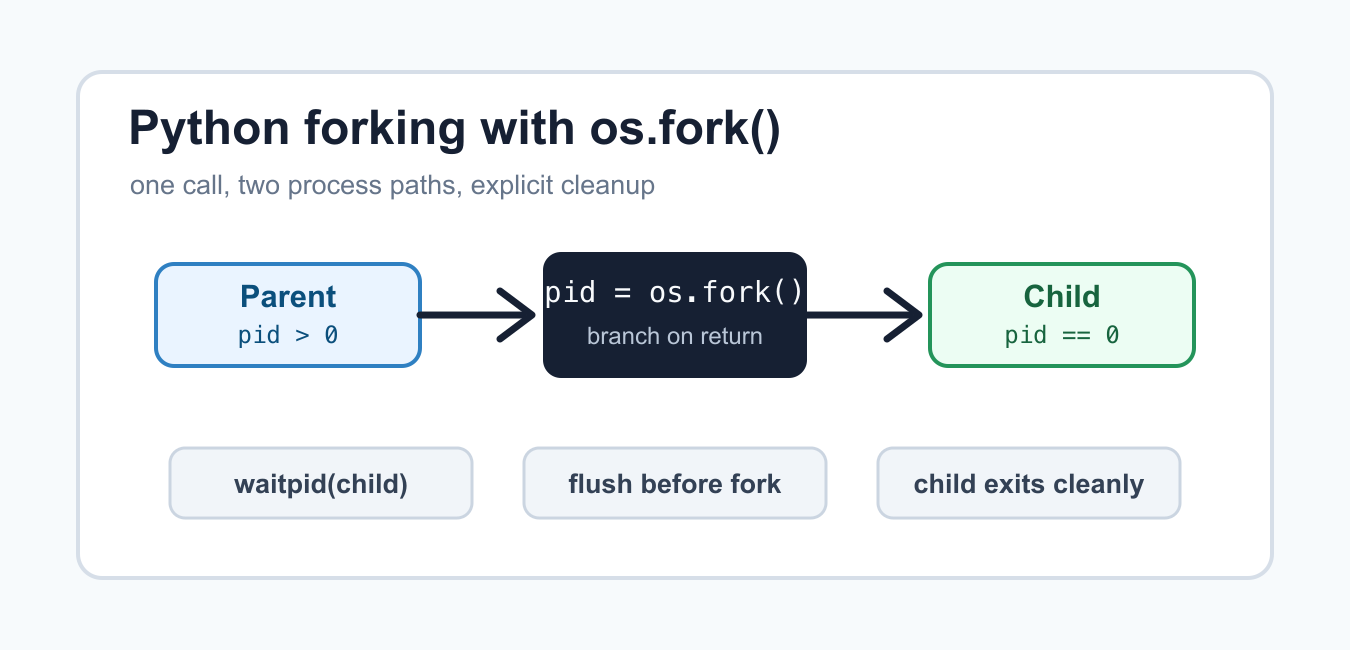
Quick answer: Forking starts a child process from a parent state on supported systems, but inherited locks, threads, file descriptors, and network clients can be unsafe. Write portable multiprocessing code with an explicit start method, a protected entry point, and clear resource ownership.
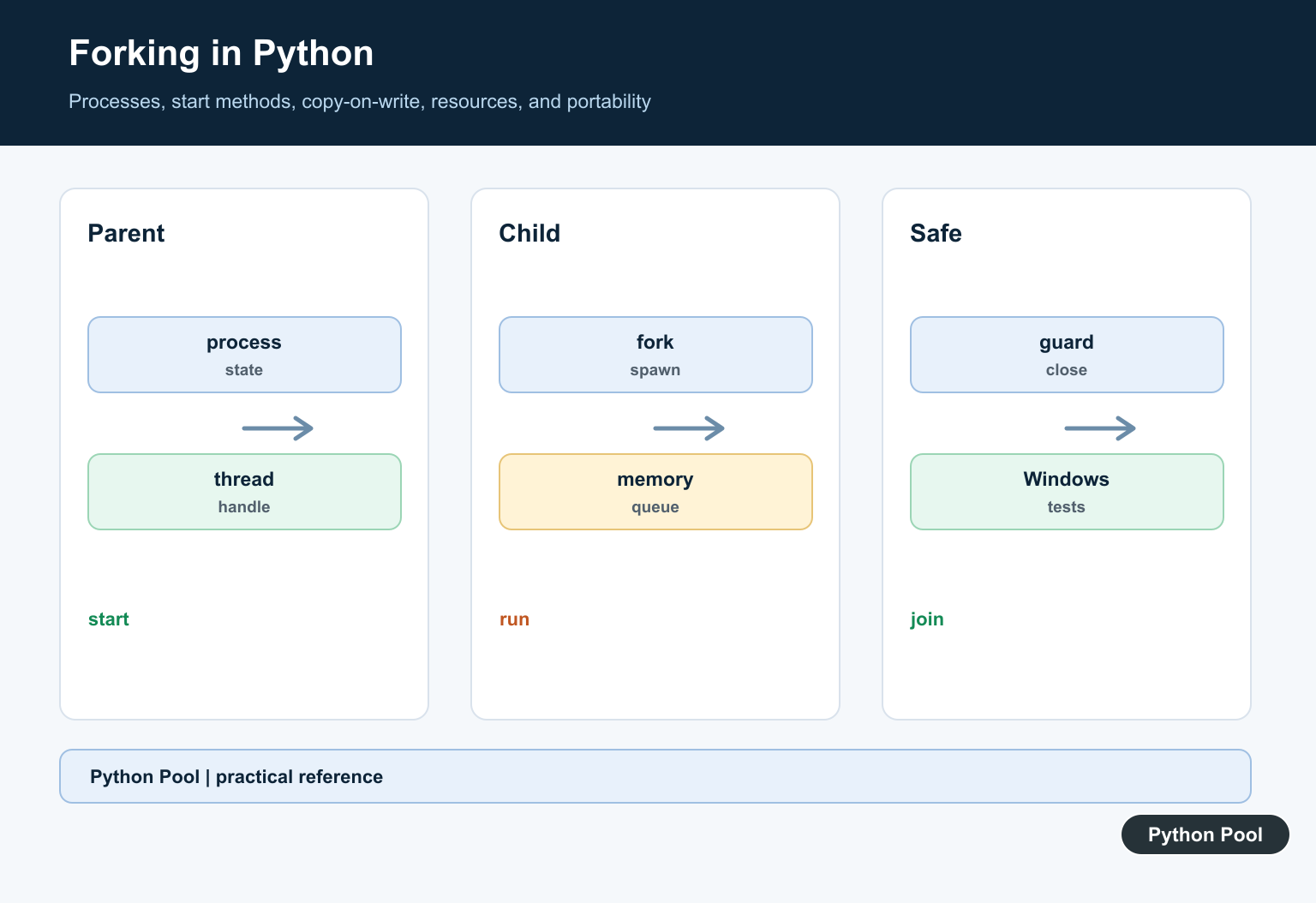
Python forking means creating a new process from the current process. On Unix-like systems, os.fork() makes a child process that continues running from the same point in the program. The parent receives the child’s process ID, while the child receives 0. That return value is how one call splits into two paths.
Forking is useful for low-level process control, servers, test harnesses, and tools that need strict isolation. It is also easy to misuse. After a fork, both processes have their own memory space, both may continue executing the same Python code, and both may hold copies of open file descriptors. Clear branching and cleanup are essential.
The primary references are the official Python documentation for os.fork(), os.waitpid(), os.getpid(), multiprocessing, and signal handling.
Use os.fork() only when you are intentionally writing Unix process-control code. For cross-platform worker pools, prefer multiprocessing or concurrent.futures. Those modules provide clearer APIs and handle platform differences that raw fork code leaves to you.
Call os.fork()
A fork call returns once in the parent and once in the child. The two branches should do different work immediately so the program does not accidentally run the same side effect twice.
import os

pid = os.fork()

if pid == 0:
    print(f"child process: {os.getpid()}")
    os._exit(0)

print(f"parent process: {os.getpid()}")
print(f"created child: {pid}")
The child branch calls os._exit(0) so it stops without running later parent-only code. That is a low-level exit designed for forked children. In normal Python application code, sys.exit() is usually easier to reason about, but forked children often need the more direct behavior.
On systems without os.fork(), this API is not available. Keep fork-specific code behind a small function or use a higher-level process library when the program must run on multiple operating systems.
Wait For The Child
The parent should collect the child process when it finishes. If the parent never waits, the operating system keeps a small record for the child until it is reaped.
import os

pid = os.fork()

if pid == 0:
    print("child work finished")
    os._exit(0)

finished_pid, status = os.waitpid(pid, 0)
exit_code = os.waitstatus_to_exitcode(status)

print(f"reaped child: {finished_pid}")
print(f"exit code: {exit_code}")
os.waitpid(pid, 0) waits for the specific child. The raw status contains signal and exit information, so os.waitstatus_to_exitcode() turns it into a cleaner exit code when that helper is available.
Waiting is part of process ownership. If the parent starts children, it should also decide when to wait, how long to wait, and what to do when a child exits with a failing status.
Handle Fork Failure
A fork can fail when the system refuses to create another process. Production code should treat that as an operational failure instead of assuming process creation always succeeds.
import errno
import os

try:
    pid = os.fork()
except OSError as error:
    if error.errno == errno.EAGAIN:
        print("process limit reached")
    else:
        raise
else:
    if pid == 0:
        os._exit(0)
    os.waitpid(pid, 0)
errno.EAGAIN often means a process limit or resource limit was hit. Logging the surrounding context helps later debugging, especially on shared hosts, CI runners, and containers.
Do not retry in a tight loop. If the system is already refusing new processes, a busy retry can make the host less stable. Add backoff, reduce worker count, or fail clearly.

Flush Output Before Forking
Buffered output can surprise you after a fork. If data is waiting in a buffer when the fork happens, both processes may own a copy of that buffer.
import os
import sys

print("about to fork", end="")
sys.stdout.flush()

pid = os.fork()

if pid == 0:
    print(" from child")
    os._exit(0)

os.waitpid(pid, 0)
print(" from parent")
Flushing before the fork keeps output predictable. This same idea applies to log handlers, buffered files, and network clients. If a resource keeps internal state, think about whether the child should close it, reopen it, or avoid inheriting it.
Forking while multiple threads are running is especially risky because only the calling thread survives in the child. Locks held by other threads can remain locked forever from the child’s point of view. Prefer forking before starting threads, or use a higher-level API that documents the start method.
Start Several Children
A parent process can fork more than one child. Keep the child branch short, store the child IDs in the parent, and wait for each child later.
import os

children = []

for number in range(3):
    pid = os.fork()

    if pid == 0:
        print(f"child {number} has pid {os.getpid()}")
        os._exit(number)

    children.append(pid)

for pid in children:
    finished_pid, status = os.waitpid(pid, 0)
    code = os.waitstatus_to_exitcode(status)
    print(f"{finished_pid} exited with {code}")
This pattern is the beginning of a simple worker supervisor. The parent owns the list of child IDs, and each child exits after its assigned work. Without the explicit child exit, the child would continue the loop and create more children than intended.
Real supervisors also need signal handling, timeouts, logging, and retry rules. Raw fork code gives you control, but it also makes you responsible for the whole lifecycle.

Use multiprocessing When Possible
If the goal is parallel Python work instead of direct Unix process control, multiprocessing is usually the better interface. It can use a fork start method on systems that support it while giving you pools, queues, and a cleaner shutdown model.
from multiprocessing import get_context

def square(number):
    return number * number

if __name__ == "__main__":
    context = get_context("fork")
    with context.Pool(processes=2) as pool:
        results = pool.map(square, [2, 3, 4])

    print(results)
The if __name__ == "__main__" guard keeps worker startup predictable. It is required for spawn-based starts and still a good habit in process code that may be edited or moved later.
Choose raw os.fork() when you need exact Unix behavior around process IDs, inherited descriptors, or custom supervision. Choose multiprocessing when you want workers to run Python functions and return results.
Forking Checklist
Before using fork, confirm that the target platform supports it. Branch immediately on the return value, make the child exit after its work, and make the parent wait for children it creates. Flush or close buffered resources before forking when duplicate output would be harmful.
Keep forked child work small and explicit. Avoid mixing raw fork code with active threads, open database clients, or complex background services unless the library documentation says that pattern is supported.
The safe rule is to treat a fork as a sharp process boundary. The parent supervises, the child performs a clear unit of work, and both paths clean up their own resources.
Compare Start Methods
fork inherits much of the parent state, spawn starts a fresh interpreter, and forkserver uses a server process where supported. The default and availability vary by operating system and Python version.

Protect The Entry Point
Put process creation under if __name__ == ‘__main__’ so a spawned child does not execute the parent module’s startup code recursively. Test the script as a module and as an installed entry point.
Do Not Reuse Inherited Clients
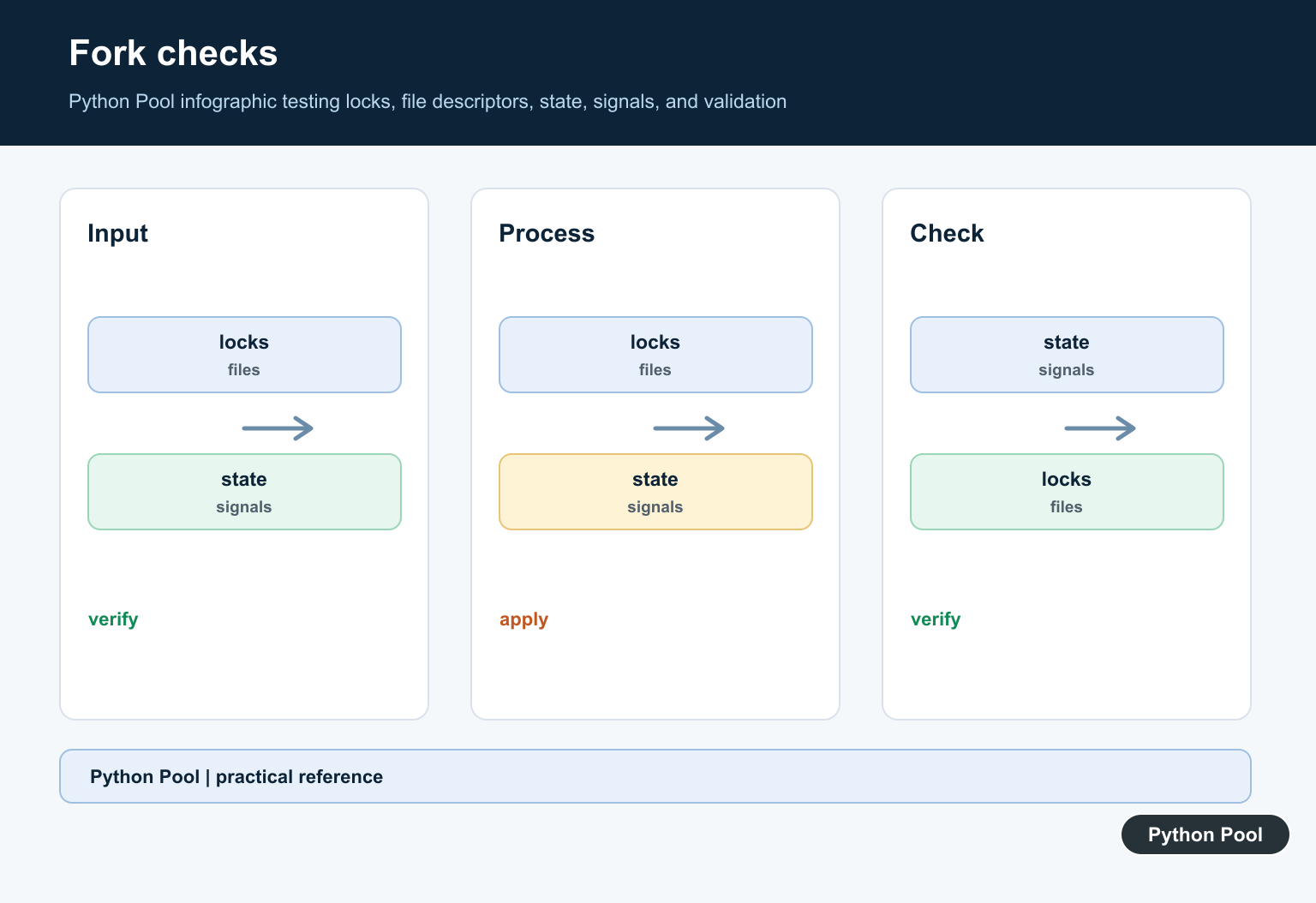
Database connections, sockets, locks, log handlers, and thread pools can be left in unsafe states after fork. Create child-owned resources after the process starts and close parent resources deliberately.
Understand Memory And Serialization
Fork can initially share memory pages through copy-on-write, while spawn serializes arguments into a new process. Pass small explicit values and measure memory rather than assuming one model is always cheaper.
Coordinate Shutdown
Join children, close queues and pools, propagate exceptions, and define timeouts. A child process that hangs can keep a deployment or test suite alive indefinitely without cancellation handling.
Test Across Platforms
Test fork and spawn where supported, imports, lambdas and pickling, logging, signals, open files, network clients, worker failures, and clean shutdown. Prefer ProcessPoolExecutor when its higher-level contract fits.
The official multiprocessing documentation covers start methods and process guidelines. Related Python Pool references include tests and logging.
For related process workflows, compare cross-platform tests, process logging, and explicit worker configuration before forking.
Frequently Asked Questions
What does forking mean in Python?
It starts a child process from a parent process state, traditionally using the fork start method on supported POSIX systems.
Does fork work the same on Windows?
No. Windows uses spawn by default, so child processes import the main module instead of inheriting the parent memory image.
Why is forking risky with threads or open connections?
The child can inherit partially synchronized state, locks, file descriptors, and client connections that are not safe to reuse after a fork.
How do I write portable multiprocessing code?
Protect process creation with if __name__ == ‘__main__’, choose a documented context, pass explicit data, and test on each supported operating system.
