Quick Answer
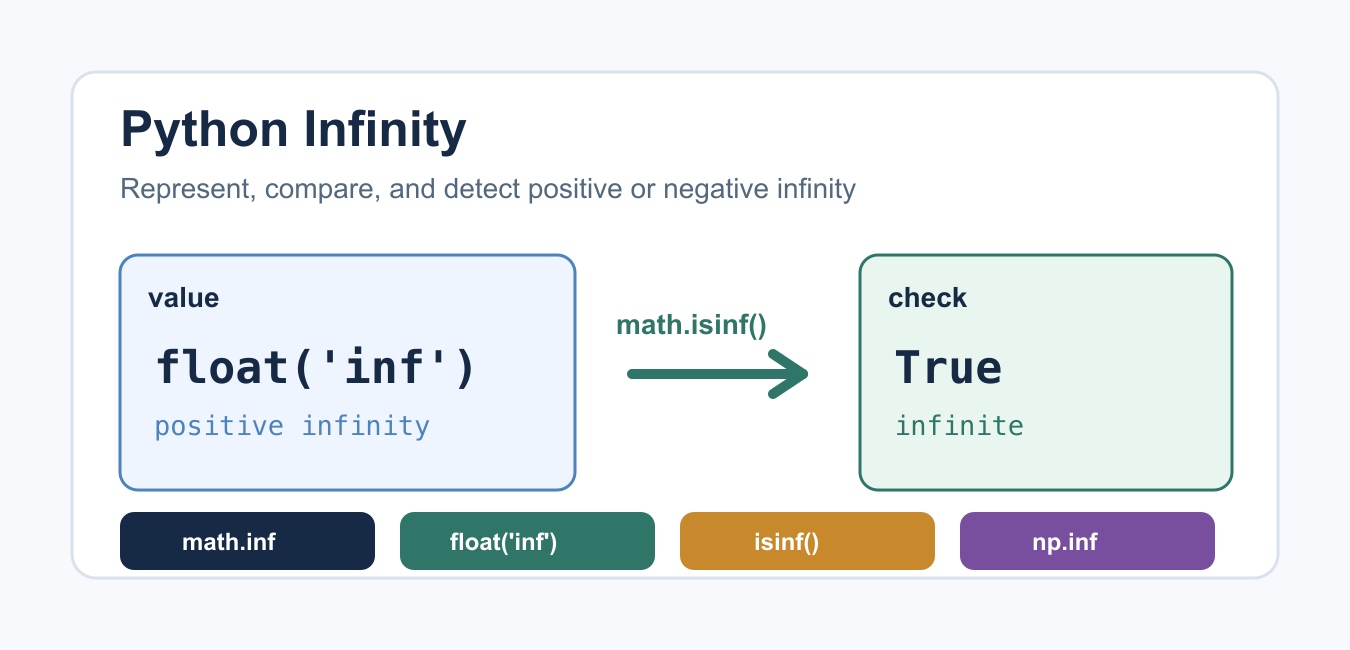
Use math.inf or float('inf') for positive infinity and -math.inf for negative infinity. Detect infinity with math.isinf(value); use math.isnan(value) separately because NaN is not infinity.
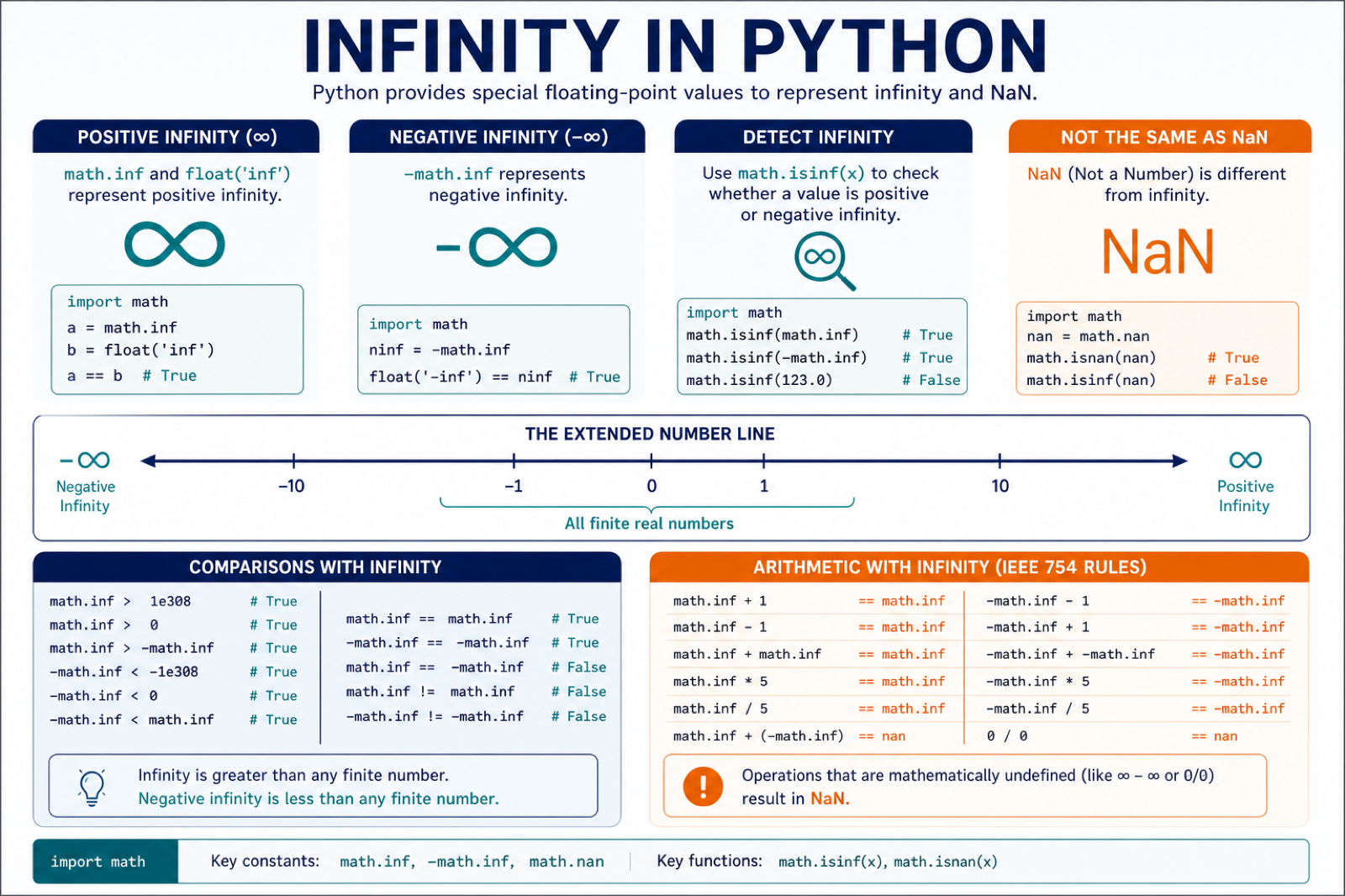
Python infinity is a special floating-point value that represents a number larger than any finite number. It is useful when an algorithm needs an open-ended boundary, a starting value that should be replaced later, or a way to detect overflow-like results without inventing a magic number.
The most common choices are float() with the string "inf", math.inf, Decimal for decimal arithmetic, and numpy.inf for arrays. For checking, prefer math.isinf() or numpy.isinf() instead of comparing string output.
A common mistake is to replace infinity with a very large integer such as 999999999. That works only until real data becomes larger than the placeholder. Python’s infinity value is clearer, compares correctly, and tells future readers that the boundary is intentionally unbounded.
Represent Infinity With float()
The built-in float() constructor accepts "inf", "infinity", and signed versions of those strings. This is the simplest option when you are already working with normal Python floats.
positive = float("inf")
negative = float("-inf")

print(positive)
print(negative)
print(type(positive))
Use positive infinity when you need a value that starts above every real candidate. Use negative infinity when you need a value that starts below every real candidate, such as the initial value in a maximum search. The strings are case-insensitive, but lowercase "inf" is the most common form in examples and code reviews. For vectorized arrays, NumPy Infinity in Python Guide covers NumPy infinity constants, isinf checks, signed values, and replacement strategies.
Use math.inf for Readable Code
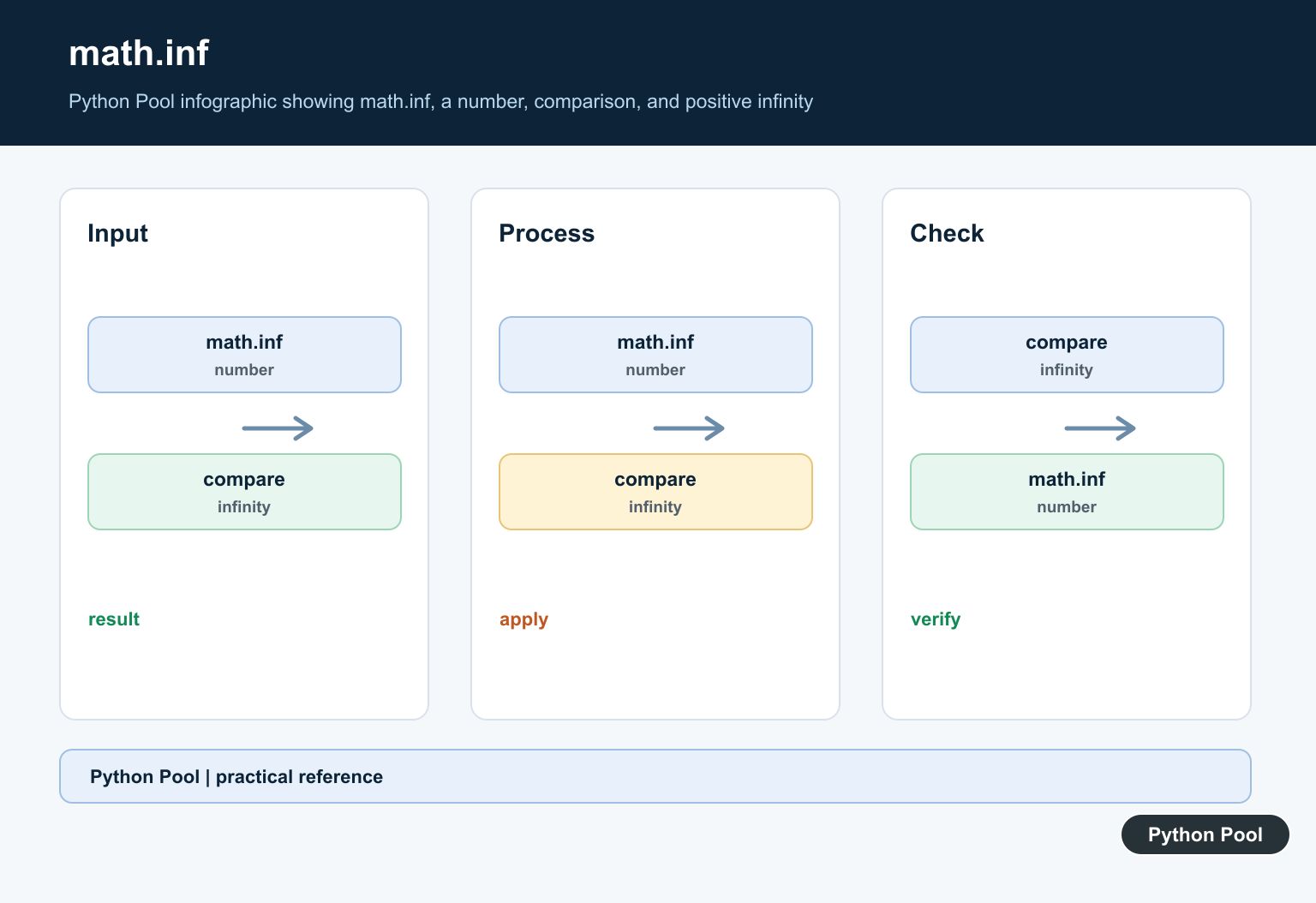
math.inf is the same floating-point infinity value, but it usually reads better in production code. It also keeps infinity-related code near other math module helpers such as isinf() and isfinite().
import math

limit = math.inf
floor = -math.inf

print(limit > 10**100)
print(floor < -10**100)
Both float("inf") and math.inf compare normally with finite numbers. Positive infinity is greater than every finite integer or float, and negative infinity is smaller than every finite integer or float. Infinity is still a float, so use it with the same care you would use for other floating-point values. For max or min searches, it can be a clean starting point that the first real candidate will replace.
Check Infinity With math.isinf()
Do not check for infinity by formatting the number as text. math.isinf() is clearer and avoids mistakes when values come from calculations or third-party libraries.
import math

values = [1.5, math.inf, -math.inf, float("nan")]

for value in values:
    print(value, math.isinf(value))
When you need to reject infinity from user input or calculation output, combine math.isinf() with normal validation. If you also need to reject NaN, use math.isfinite(). This distinction matters because NaN is not infinite, but it is also not a normal finite value.
import math

def safe_ratio(total, count):
    result = total / count
    if math.isinf(result):
        raise ValueError("ratio cannot be infinite")
    return result

print(safe_ratio(10, 2))
Infinity in Decimal Calculations
The decimal module also supports infinity. Choose Decimal("Infinity") when the surrounding code already uses Decimal for exact decimal arithmetic. Avoid mixing Decimal and float values in the same expression.
from decimal import Decimal

price_ceiling = Decimal("Infinity")
negative_ceiling = Decimal("-Infinity")

print(price_ceiling > Decimal("999999.99"))
print(negative_ceiling < Decimal("0"))
This is useful in financial, measurement, or scoring code where Python data types matter and decimal precision should stay explicit. Keep the type consistent through the calculation so later comparisons and serialization behave predictably.
Infinity in NumPy Arrays
NumPy has its own constant, np.inf, for array workflows. It behaves like floating-point infinity and broadcasts through vectorized operations. Use np.isinf() to detect infinite values across an array.
import numpy as np

values = np.array([1.0, np.inf, -np.inf, 8.5])
mask = np.isinf(values)

print(mask)
print(values[~mask])
In data cleaning tasks, replacing or filtering infinite array values before aggregation often prevents confusing summary statistics.
Common Operations With Infinity
Infinity follows IEEE-style floating-point behavior in many ordinary operations. Adding a finite number to positive infinity still gives positive infinity. Dividing a finite number by infinity gives zero. Some undefined operations, such as subtracting infinity from infinity, produce NaN instead of a useful numeric answer.
import math

print(math.inf + 100)
print(5 / math.inf)
print(math.inf - math.inf)
print(math.isnan(math.inf - math.inf))
If your code uses large powers or compact numeric notation, compare infinity behavior with Python scientific notation rather than replacing infinity with a huge finite number. Scientific notation still represents finite values, while infinity represents an unbounded result or sentinel.
When Should You Use Infinity?
Use infinity when the code genuinely needs an unbounded sentinel. Good examples include shortest-path initialization, minimum and maximum searches, open-ended limits, and temporary placeholders in optimization problems. It is also useful for priority queues and path-finding code where an initial distance should be worse than every discovered distance.
nodes = ["start", "middle", "finish"]
distance = {node: float("inf") for node in nodes}
distance["start"] = 0

print(distance)
Avoid infinity when a real domain limit exists. For example, if a value must fit in a database column, API response, or file format, validate against that actual limit. If you need integer formatting instead, see Python int to binary.

Conclusion
For most Python code, use math.inf or float("inf") to represent infinity and math.isinf() to test it. Use Decimal("Infinity") when the rest of the calculation uses decimals, and use np.inf with np.isinf() for NumPy arrays. The important rule is to treat infinity as a numeric sentinel, not as a string or a substitute for normal validation.
Create and Detect Infinity
math.inf is a readable floating-point representation of positive infinity. It compares greater than every finite float, while -math.inf compares lower than every finite float.
import math

values = [math.inf, -math.inf, 3.5]
for value in values:
    print(value, math.isinf(value), math.isfinite(value))
Use isinf() when infinity has special meaning in an algorithm, such as an initial best score or an unbounded limit. Use isfinite() when a calculation requires an ordinary finite number.
Infinity and NaN Are Different
NaN means “not a number” and often represents an undefined or unavailable numeric result. It is not equal to itself, so test it with math.isnan() rather than equality.
import math

value = float("nan")
print(math.isnan(value))
print(math.isinf(value))
print(math.isfinite(value))
Before serializing values as JSON or sending them to an API, check whether non-finite floats are allowed by that format or service. A numeric calculation can produce infinity without raising an exception, so validate at the boundary where finite data is required.
Frequently Asked Questions
How do I represent infinity in Python?
Use math.inf or float(‘inf’) for positive infinity and -math.inf or float(‘-inf’) for negative infinity.
How do I check whether a Python value is infinity?
Call math.isinf(value). Use math.isfinite(value) when you want to accept only ordinary finite numbers.
What is the difference between infinity and NaN?
Infinity represents an unbounded positive or negative value, while NaN represents an undefined numeric result. Test them with isinf() and isnan() respectively.
Can I compare a value with math.inf?
Yes. Normal finite floating-point values compare below math.inf and above -math.inf, but use isinf() when you need to identify infinity explicitly.
