Quick answer: The bitstring package provides convenient bit-level and byte-level parsing, construction, slicing, and interpretation. Binary parsing is a protocol contract: define field widths, offsets, byte order, and validation before converting bytes into application values.
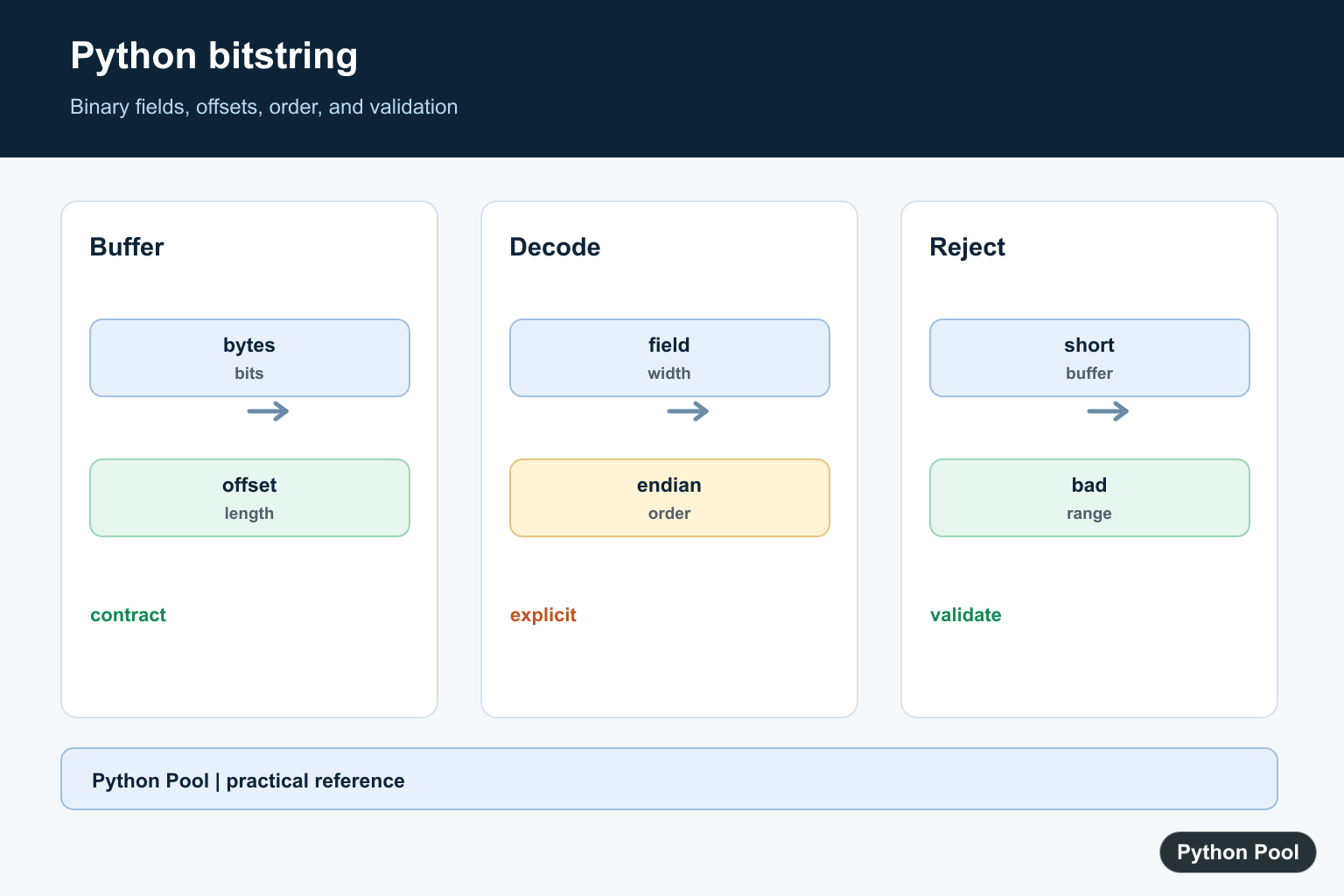
The third-party bitstring package helps Python code create, inspect, slice, read, and write bit-level data. It is useful when bytes are too coarse and the format you are parsing needs individual bits or fields that are not byte-aligned.
The official project documentation includes the bitstring quick reference, the introduction, and the bitstring PyPI page.
Install the package with python -m pip install bitstring. The examples below were checked against bitstring 4.4.0, so they use current class names and construction patterns.
Use Bits for immutable bit data. Use BitArray when the bit sequence needs to be edited. Use BitStream when you want to read fields sequentially from a stream-like object.
Bitstring objects can be created from binary text, hexadecimal text, bytes, unsigned integers, signed integers, and packed format strings. Always provide a length when converting an integer into bits so the representation has the width you expect.
Keep bit order and field widths explicit. A packet field that is four bits wide should be represented as four bits in the example, not as a loosely sized integer. That makes binary protocol code easier to review.
Bit-level tools are not a replacement for normal bytes APIs. Use built-in bytes, struct, or regular integers when data is byte-aligned and simple. Reach for bitstring when the format really needs bit offsets, bit slices, or mixed-width fields.
Choose the most restrictive class that fits the job. Immutable Bits objects are easier to reason about when data should not change. Mutable BitArray objects are better during construction, patching, and test-data setup.
When parsing external data, write down the expected field layout before coding. A short comment or table with field widths can prevent off-by-one slice errors and make reviews much easier.
Keep examples small, but keep widths realistic. Showing a four-bit field as four bits teaches the important habit: the value and its width are both part of the data format.
For production parsers, validate input length before reading fields. A stream that is shorter than expected should fail with a clear error instead of silently returning misleading partial data.
Create Bits From Binary Text
Bits stores an immutable sequence of bits.
from bitstring import Bits

bits = Bits(bin="101101")

print(bits.bin)
print(len(bits))
The bin property returns the binary text.
len(bits) returns the number of bits, not bytes.
Use this form when you already have a readable binary literal and want a bitstring object for slicing or conversion.
Create Bits From An Unsigned Integer
Pass uint and length when the integer width matters.
from bitstring import Bits

value = Bits(uint=23, length=8)

print(value.bin)
print(value.uint)
print(value.hex)
The integer 23 is represented as eight bits.
The same data can be read back as an unsigned integer or shown as hexadecimal.
Without an explicit length, fixed-width protocol examples become ambiguous.
Read Bytes And Slice Bits
Byte input can be inspected as hex or sliced at bit positions.
from bitstring import Bits

data = Bits(bytes=b"\x0f\xf0")

print(data.hex)
print(data[4:12].bin)
The full byte sequence is shown as hexadecimal.
The slice starts at bit position 4 and stops before bit position 12.
This is useful when a format stores several fields inside the same byte range.
Edit Bits With BitArray
BitArray is mutable, so it can be appended to or modified.
from bitstring import BitArray

bits = BitArray(bin="1010")
bits.append("0b11")
bits[1:3] = "0b00"

print(bits.bin)
The object starts with four bits.
The append call adds two more bits.
The slice assignment changes part of the sequence in place.
Use BitArray for construction or editing steps, then convert or expose the final result when needed.

Read Fields With BitStream
BitStream keeps a read position while fields are consumed.
from bitstring import BitStream

stream = BitStream("0x1234")

print(stream.read("uint:8"))
print(stream.read("hex:8"))
The first read consumes eight bits and interprets them as an unsigned integer.
The second read consumes the next eight bits and returns hexadecimal text.
This is a good fit for packet formats where fields are read in order.
Build Packed Bit Fields
pack() creates a bitstring from a compact format description.
from bitstring import pack

packet = pack("uint:4, uint:4, hex:8", 10, 5, "ff")

print(packet.bin)
print(packet.hex)
The first two fields are four-bit unsigned integers.
The final field is one byte of hexadecimal data.
pack() is useful when a binary protocol layout is easier to express as named widths than as manual concatenation.
In short, use Bits for immutable bit data, BitArray for editable bit sequences, BitStream for sequential reads, explicit lengths for integer conversions, slices for bit-level fields, and pack() when constructing mixed-width binary layouts. For compact mutable Boolean storage rather than format-aware bit parsing, Python bitarray: Compact Boolean Arrays covers bitarray construction, slicing, mutation, and byte conversion.

Build A Binary Buffer
Use an explicit representation for the values and document whether the format is bit-aligned or byte-aligned. A small known buffer is useful as a fixture.
from bitstring import Bits

buffer = Bits(uint=5, length=8)
print(buffer.bin)
print(buffer.uint)
Read Fields In Order
Read fields according to the protocol specification and keep the cursor or offset visible. Never assume a field exists before checking the remaining length.
from bitstring import ConstBitStream

stream = ConstBitStream(bin="10110010")
if stream.len < 8:
    raise ValueError("truncated packet")
version = stream.read("uint:3")
flags = stream.read("uint:5")
print(version, flags)

Make Endianness Explicit
A byte sequence can represent different integers under different byte orders. Match the parser to the protocol and test a value whose bytes are not symmetric.
value = int.from_bytes(b"\x01\x02", byteorder="big")
little = int.from_bytes(b"\x01\x02", byteorder="little")
print(value, little)
Validate Before Decoding
Reject unsupported versions, impossible lengths, and out-of-range fields before constructing a domain object. This keeps malformed input from becoming a misleading downstream error.
def parse_length(length, remaining):
    if length < 0 or length > remaining:
        raise ValueError("invalid binary field length")
    return length

print(parse_length(2, 4))
The bitstring documentation covers bit-level objects and reading formats. Python’s standard struct and int.from_bytes tools are useful byte-aligned alternatives. Related references include bytes and text, hashing bytes, and secure transfers.
For related binary workflows, compare bytes and text, hashing bytes, and secure transfers when handling binary data.
Frequently Asked Questions
What is the bitstring Python package used for?
It provides objects and methods for creating, slicing, reading, and interpreting binary data at bit-level boundaries.
Why do byte order and bit order matter?
The same bytes can represent different numbers when endianness or field order changes, so the protocol must define both.
How should I validate binary input?
Check the buffer length and field ranges before reading, and reject truncated or unsupported packet versions explicitly.
Can I use Python’s standard library instead?
struct, int.from_bytes, memoryview, and related standard tools are suitable when the format is byte-aligned and the dependency is unnecessary.
