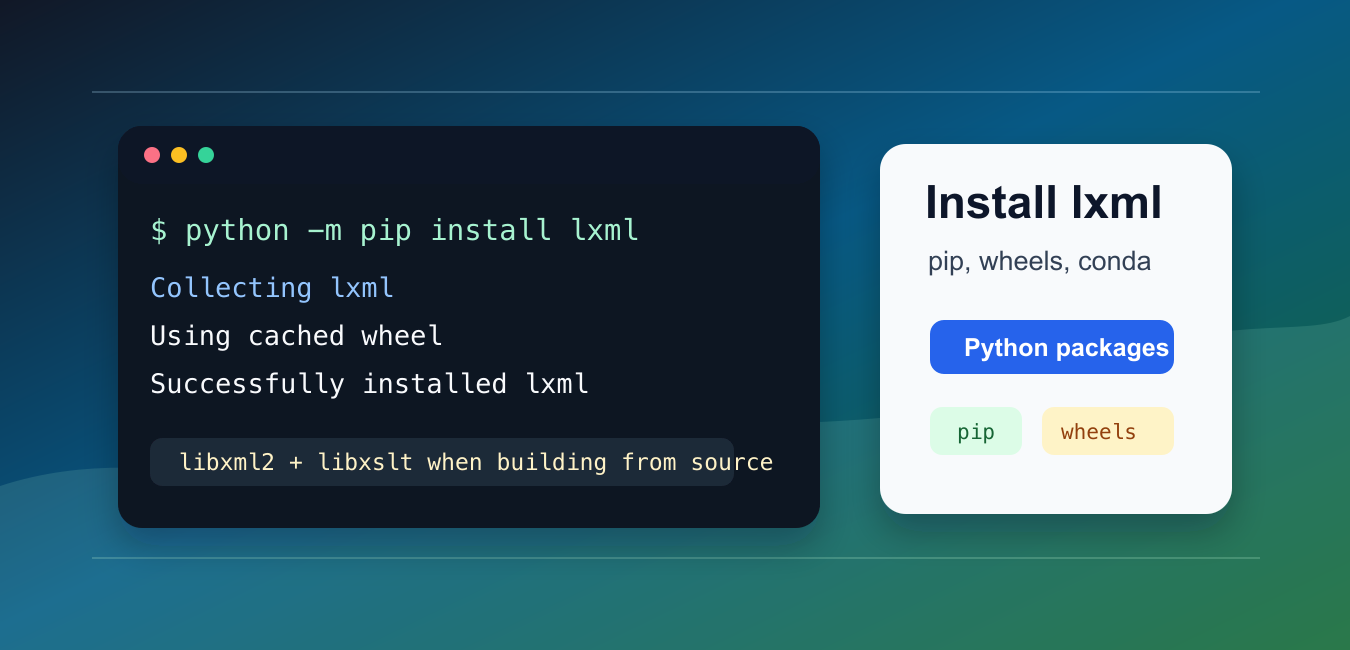
Quick answer: Install lxml with the Python interpreter that owns your project: create a virtual environment, upgrade pip, and run python -m pip install lxml. pip usually selects a wheel, so compilation is only a fallback. If a source build is required, install the platform development packages for libxml2 and libxslt instead of copying an old compiler workaround.
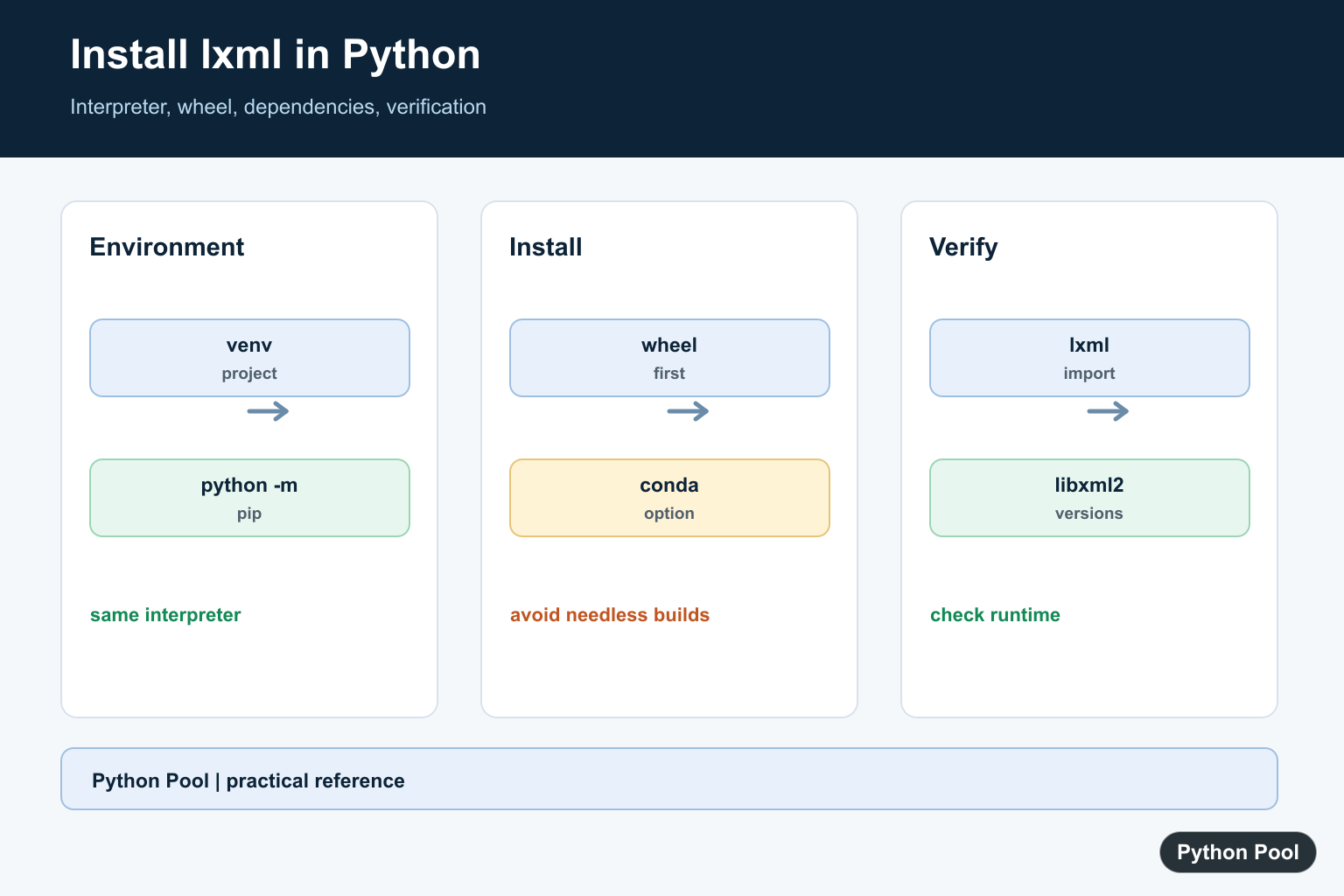
lxml is a fast Python library for XML and HTML processing. In most current environments, the best first step is to install it from a wheel with python -m pip install lxml.
The main references are the official lxml installation guide, lxml on PyPI, and the Python Packaging Authority guide to pip and virtual environments.
Use a virtual environment for project installs. That keeps package versions separate from system Python and makes the install easier to reproduce.
If pip finds a compatible wheel, installation is usually quick and does not require compiling C extensions. If pip builds from source, your system needs development headers for libxml2 and libxslt.
Most install problems come from one of three places: the wrong Python environment, an old pip that cannot select the right wheel, or missing system libraries during a source build. Check them in that order before changing package versions.
Install lxml With pip
Upgrade pip first, then install lxml using the Python interpreter that belongs to your project.
python -m pip install --upgrade pip
python -m pip install lxml
Using python -m pip avoids confusion when several Python versions are installed. It runs pip for that exact interpreter.
After installation, import the package to confirm that Python can load it from the environment you are using.
Verify The Installed Version
A short import check is enough for most scripts and deployment checks.
import lxml
from lxml import etree

print(lxml.__version__)
print(etree.LXML_VERSION)
print(etree.LIBXML_VERSION)
print(etree.LIBXSLT_VERSION)
This prints the Python package version and the linked XML library versions.
If this import fails, check whether your editor, notebook, or service is using the same environment where you installed the package.
You can also print the interpreter path from Python itself. That confirms which environment is running the code.
import sys
from pathlib import Path

print(sys.executable)
print(Path(sys.prefix).name)
print(sys.version.split()[0])
Use A Virtual Environment
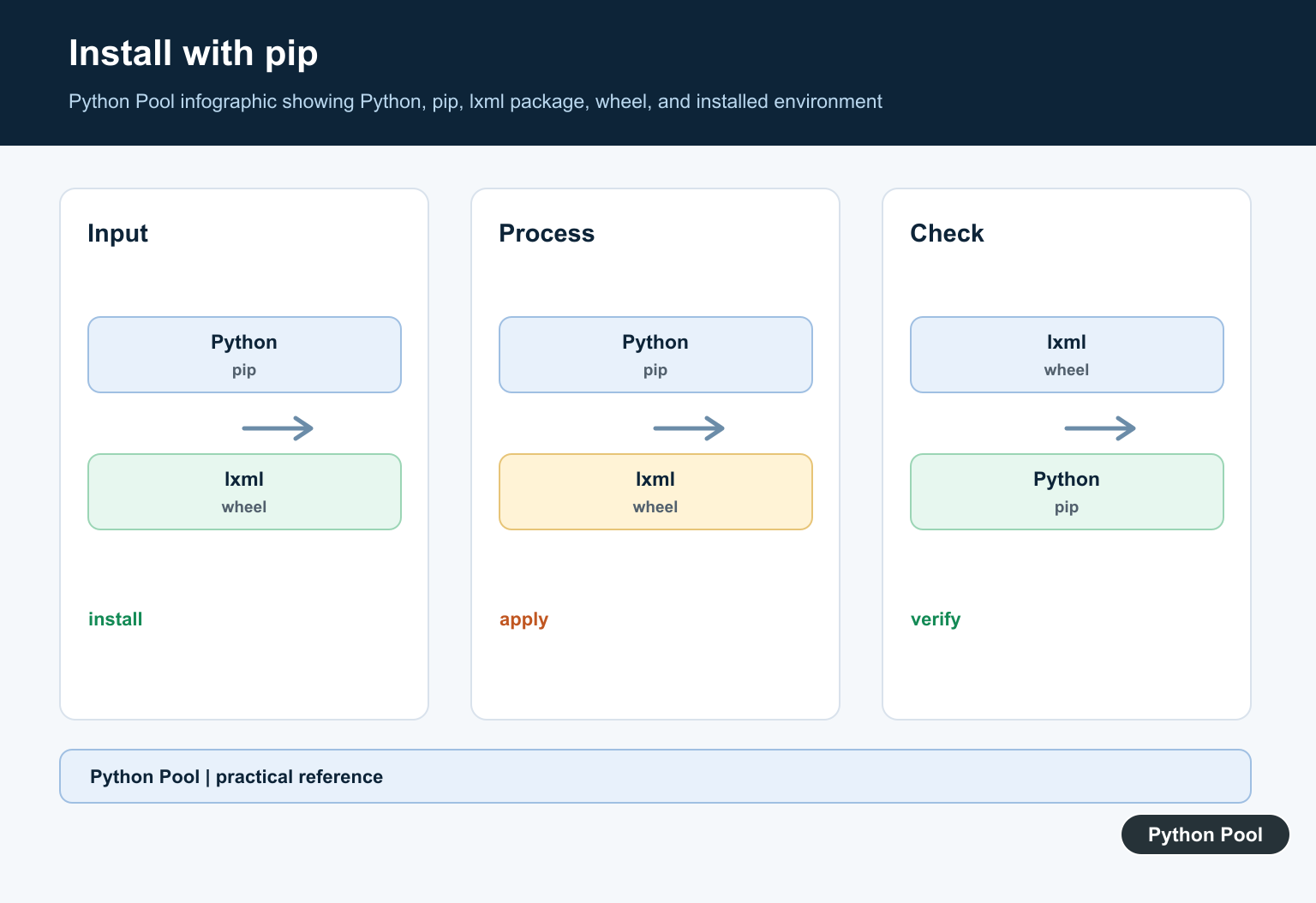
Create and activate a virtual environment before installing project dependencies.
python -m venv .venv
source .venv/bin/activate
python -m pip install --upgrade pip
python -m pip install lxml
On Windows PowerShell, activation normally uses .venv\Scripts\Activate.ps1 instead of the Unix-style activation command.
You can also skip activation and run the environment interpreter directly when automation needs a fixed path.
When a script needs to check whether lxml is importable, use importlib before running parser-specific code.
from importlib.util import find_spec

spec = find_spec("lxml")
if spec is None:
    print("lxml is not installed in this environment")
else:
    print("lxml import path:", spec.origin)
Install With conda
If your project already uses conda, install lxml from a conda channel instead of mixing package managers unnecessarily.
conda create -n xmlwork python=3.12 lxml
conda activate xmlwork
python -c "from lxml import etree; print(etree.LXML_VERSION)"
Conda often manages compiled dependencies for you, which is useful on systems where building from source is inconvenient.
For one project, prefer either pip inside a virtual environment or conda inside a conda environment. Mixing them can work, but it makes troubleshooting harder.
Fix Build Dependency Errors
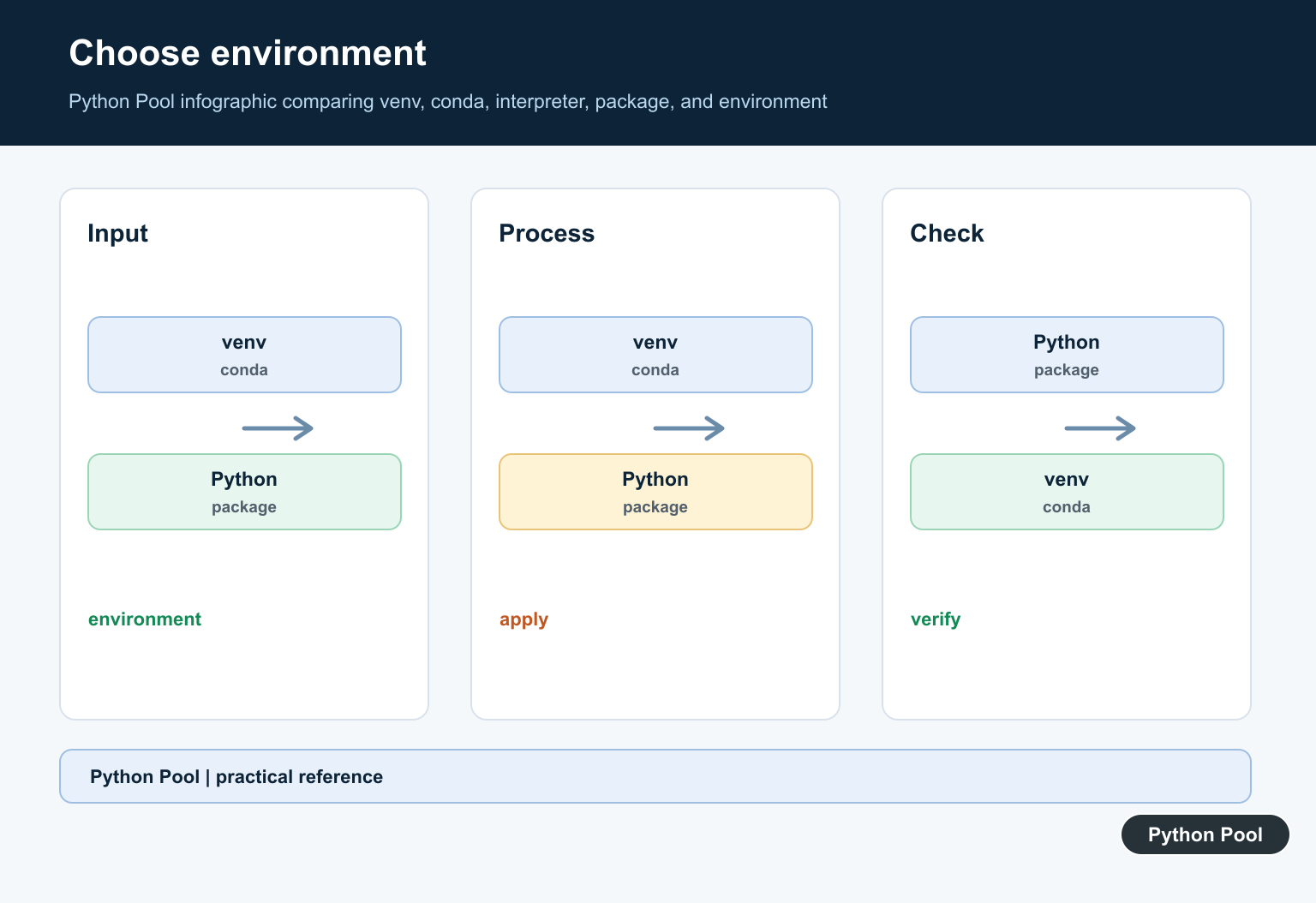
If pip cannot find a wheel for your Python and platform combination, it may try to compile lxml. Build failures often mention missing libxml2 or libxslt headers.
# Debian or Ubuntu
sudo apt install python3-dev libxml2-dev libxslt1-dev zlib1g-dev
python -m pip install lxml

# macOS with Homebrew
brew install libxml2 libxslt
python -m pip install lxml
Use your platform package manager for system libraries. Avoid old unofficial binary links and avoid installing packages into system Python with elevated permissions unless you are intentionally managing a system image.
If a build still fails, read the first compiler error above the final pip summary. The first missing header or tool is usually the real cause.
Do not copy random compiler flags from old forum answers until you know which header or library is missing. Current wheels solve many cases that previously needed manual build flags.
Pin lxml In Requirements
Applications should record dependencies in a requirements file or project metadata so installs are repeatable.
# requirements.txt
lxml>=5.0

# install from the file
python -m pip install -r requirements.txt
Use a lower bound when your code needs a feature from a modern release. Use an exact pin for deployed applications where the full dependency set is tested together.
For libraries, avoid overly strict pins because they can make downstream dependency resolution harder.
When a project has a lock file generated by a packaging tool, update lxml through that tool instead of editing only one dependency line by hand. That keeps the tested dependency set consistent.
Parse A Small XML Document
After installation, test a minimal parse to confirm that lxml.etree works.
from lxml import etree

xml_text = "<root><item id='1'>Python</item></root>"
root = etree.fromstring(xml_text.encode("utf-8"))

item = root.find("item")
print(item.text)
print(item.get("id"))
This confirms that the parser imports, parses bytes, finds an element, and reads both text and attributes.
lxml can also parse HTML fragments with the lxml.html helper.
from lxml import html

document = html.fromstring("<main><a href='/docs'>Docs</a></main>")
links = document.xpath("//a/text()")

print(links[0])
For XML documents that use namespaces, pass a namespace map to XPath calls.
from lxml import etree

root = etree.XML(b'<root xmlns="urn:demo"><item>Python</item></root>')
namespaces = {"demo": "urn:demo"}

print(root.xpath("string(demo:item)", namespaces=namespaces))
The practical install order is: use a virtual environment, upgrade pip, install lxml, verify the import, and only troubleshoot system libraries if pip needs to compile from source.
Check The Interpreter Before Installing
Many lxml errors are environment mismatches. Print the interpreter path, upgrade pip through that interpreter, and install into the same environment used by the editor, notebook, service, or deployment command.
import sys

print(sys.executable)
print(sys.version)
Prefer A Wheel First
A compatible wheel includes the compiled extension and avoids a local C build. Use the normal pip command first; do not add compiler flags or system libraries until pip reports that it cannot use a wheel for the selected Python and platform.
python -m pip install --upgrade pip
python -m pip install lxml
python -m pip show lxml
Diagnose A Source Build
When pip falls back to building lxml, read the first missing header or library in the compiler output. Linux packages commonly provide libxml2 and libxslt development headers; macOS package managers can provide the corresponding libraries. Keep the fix in the environment setup rather than the application code.
# Debian or Ubuntu
sudo apt install python3-dev libxml2-dev libxslt1-dev zlib1g-dev
python -m pip install lxml
Verify The Installed Parser
Confirm both the Python package and the linked parser from the environment that will run the application. This catches cases where a global pip installed lxml but a virtual environment or service uses a different interpreter.
from lxml import etree

print(etree.LXML_VERSION)
print(etree.LIBXML_VERSION)
print(etree.LIBXSLT_VERSION)
These steps follow the official lxml installation documentation and the Python packaging guidance for pip and virtual environments. For package environment diagnostics, compare the active interpreter with the one used by your deployment process and see the related pip vs pip3 guide.
For related Python environment setup, compare pip vs pip3, checking the Python version, and virtualenv workflows before troubleshooting a package import.
Frequently Asked Questions
What is the safest way to install lxml?
Create or activate a project virtual environment, upgrade pip with python -m pip, and install lxml using that same interpreter.
Why does lxml try to compile from source?
pip may not find a compatible wheel for the Python version or platform, so it falls back to a source build that needs libxml2 and libxslt development files.
How do I verify that lxml is installed?
Run an import check such as from lxml import etree and print the package or linked library version from the environment you will actually use.
Should I use pip or conda for lxml?
Use the package manager that owns the environment. pip with a virtual environment is simple for most projects, while conda can manage compiled dependencies inside a conda environment.
