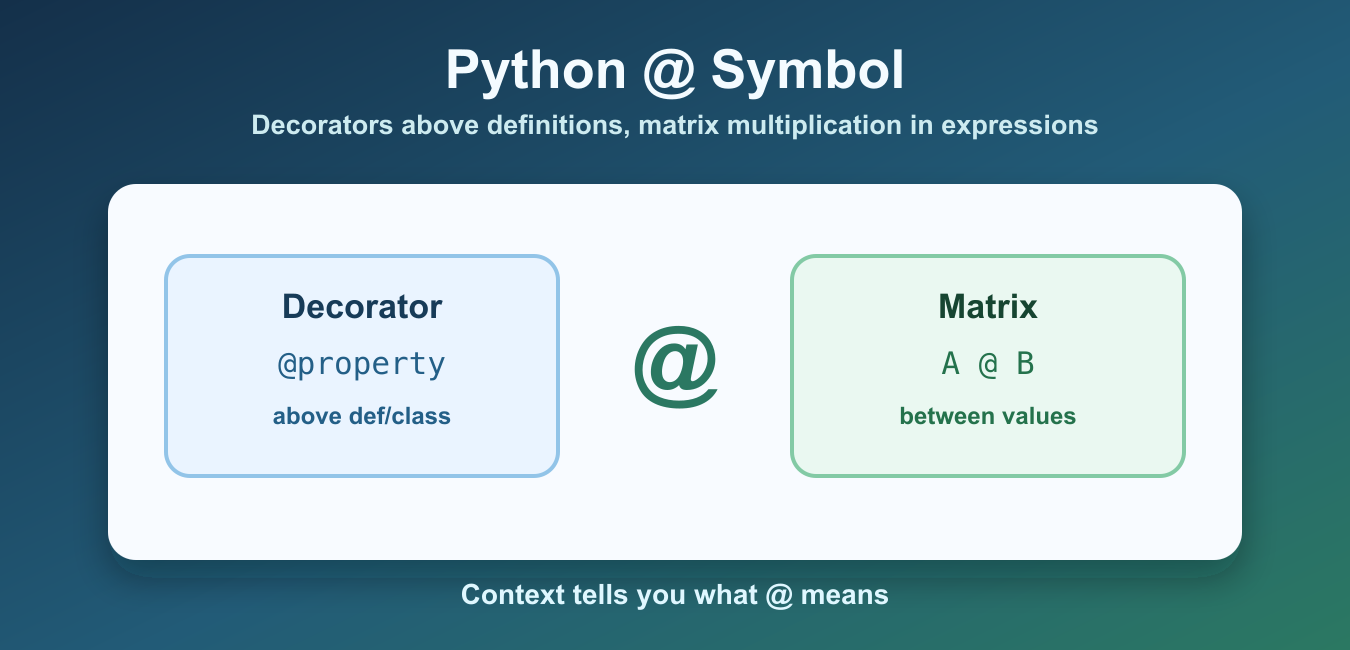
Quick answer: The @ symbol has two unrelated Python roles: it applies a decorator above a function or class, and it performs matrix multiplication between compatible operands. Context determines which meaning applies.
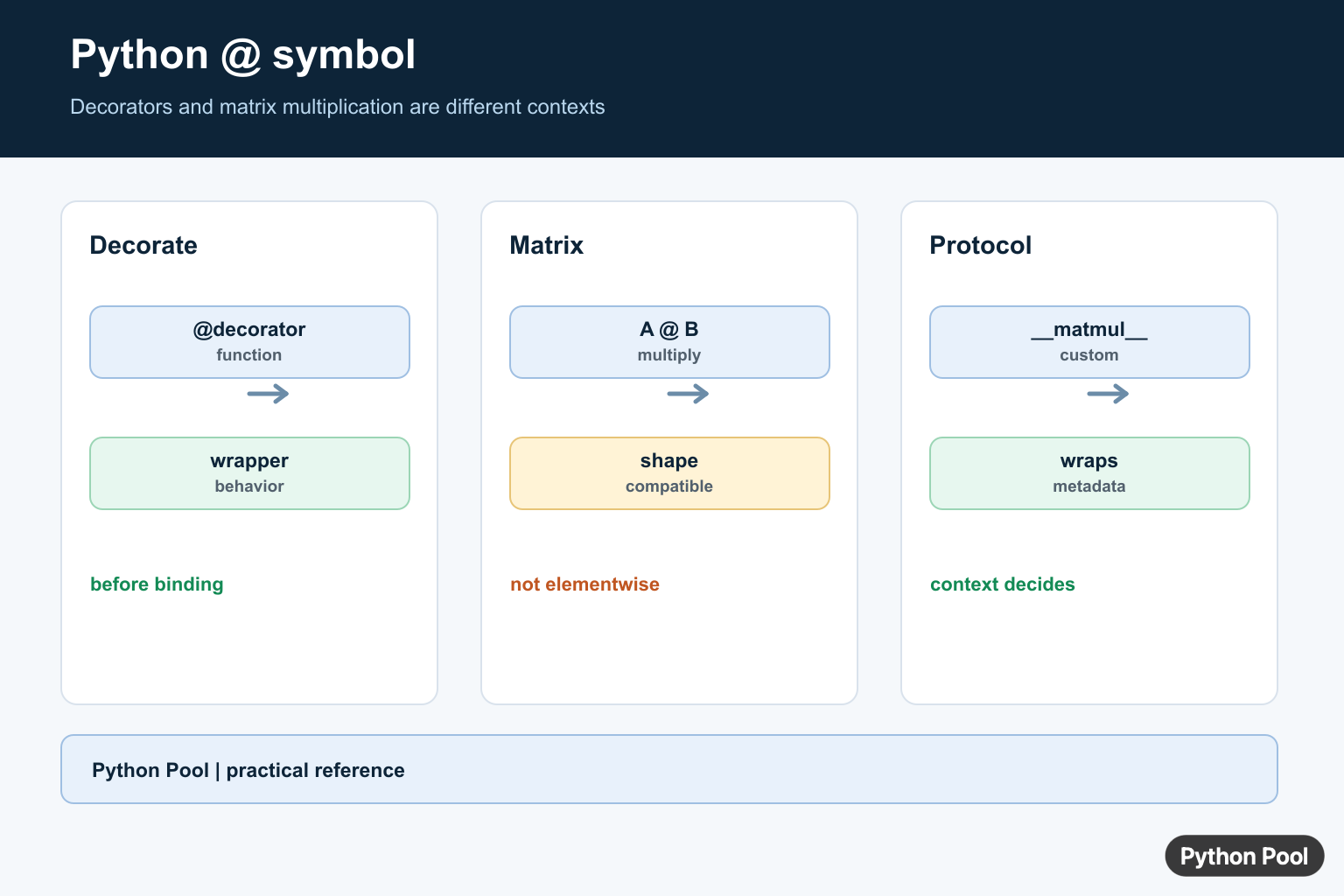
The Python @ symbol has two main meanings. At the start of a function or class definition, it applies a decorator. Between two expressions, it performs matrix multiplication by calling special methods such as __matmul__(). The related @= operator performs in-place matrix multiplication when the left-hand object supports it.
Context decides the meaning. A line that starts with @decorator_name is decorator syntax. An expression such as a @ b is matrix multiplication syntax. The Python function definition documentation covers decorator placement, and PEP 465 explains why the matrix multiplication operator was added.
Do not read @ as normal assignment. It does not assign by itself. The operator @= is an augmented matrix multiplication assignment, similar in shape to +=, but specific to matrix multiplication behavior.
This separation is helpful when reading unfamiliar code. Decorators are part of a definition header and change the object being defined. Matrix multiplication is part of an expression and produces a value. The same character is reused, but the grammar around it is different.
Use @ For Function Decorators
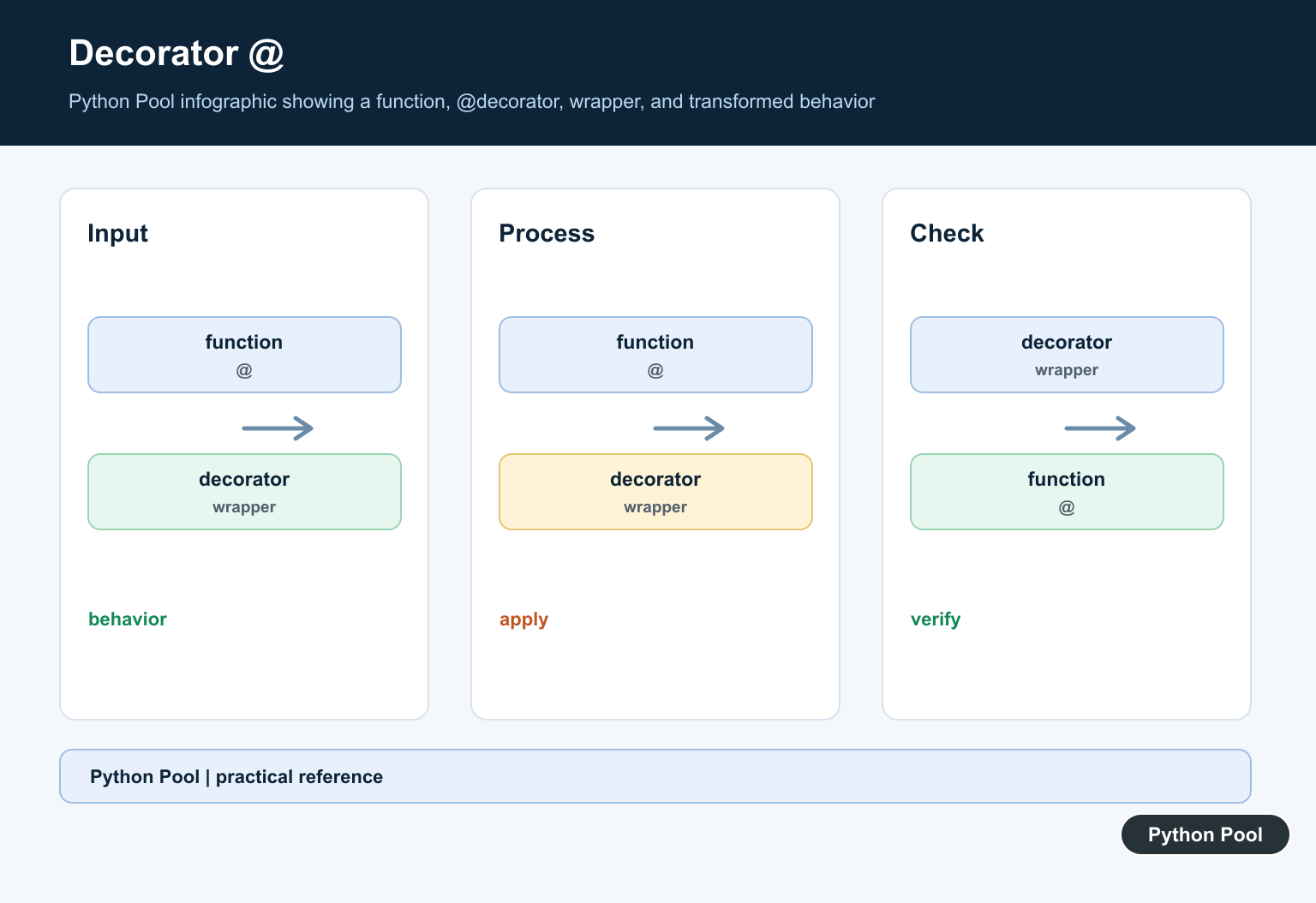
A decorator receives a function and returns a replacement function or wrapper. The @ syntax is a readable shortcut for applying that wrapper.
def trace(func):
    def wrapper(name):
        print("calling function")
        return func(name)
    return wrapper


@trace
def greet(name):
    return f"Hello, {name}"


print(greet("Maya"))
This is equivalent to writing greet = trace(greet) after the function definition. Decorators are common in web frameworks, caching, logging, timing, validation, and access-control code.
A decorator can return the original function, a wrapper function, a class instance, or another callable object. When you stack multiple decorators, Python applies the one closest to the function first.
Use @property For Computed Attributes
@property lets a method be read like an attribute. Use it when a value is computed from object state but should feel natural to callers.
class Circle:
    def __init__(self, radius):
        self.radius = radius

    @property
    def diameter(self):
        return self.radius * 2


circle = Circle(5)
print(circle.diameter)
The caller uses circle.diameter without parentheses. Keep properties inexpensive and predictable; if the operation is slow or has side effects, a normal method is clearer.
Properties are often used to expose derived values while keeping the public API tidy. They can also have setters, but a read-only property is enough when callers should not assign to the derived value directly.
Use @classmethod And @staticmethod
Class methods receive the class as their first argument. Static methods receive neither the instance nor the class automatically. Both are created with decorators.
class User:
    def __init__(self, name):
        self.name = name

    @classmethod
    def from_email(cls, email):
        name = email.split("@")[0]
        return cls(name)

    @staticmethod
    def is_valid_email(email):
        return "@" in email


print(User.is_valid_email("[email protected]"))
print(User.from_email("[email protected]").name)
Use @classmethod for alternate constructors or class-aware behavior. Use @staticmethod for helper behavior that belongs near the class but does not need instance or class state.
The distinction matters during inheritance. A class method receives the subclass as cls, so alternate constructors can preserve subclass types. A static method behaves like a namespaced function stored on the class.
Use @ For NumPy Matrix Multiplication
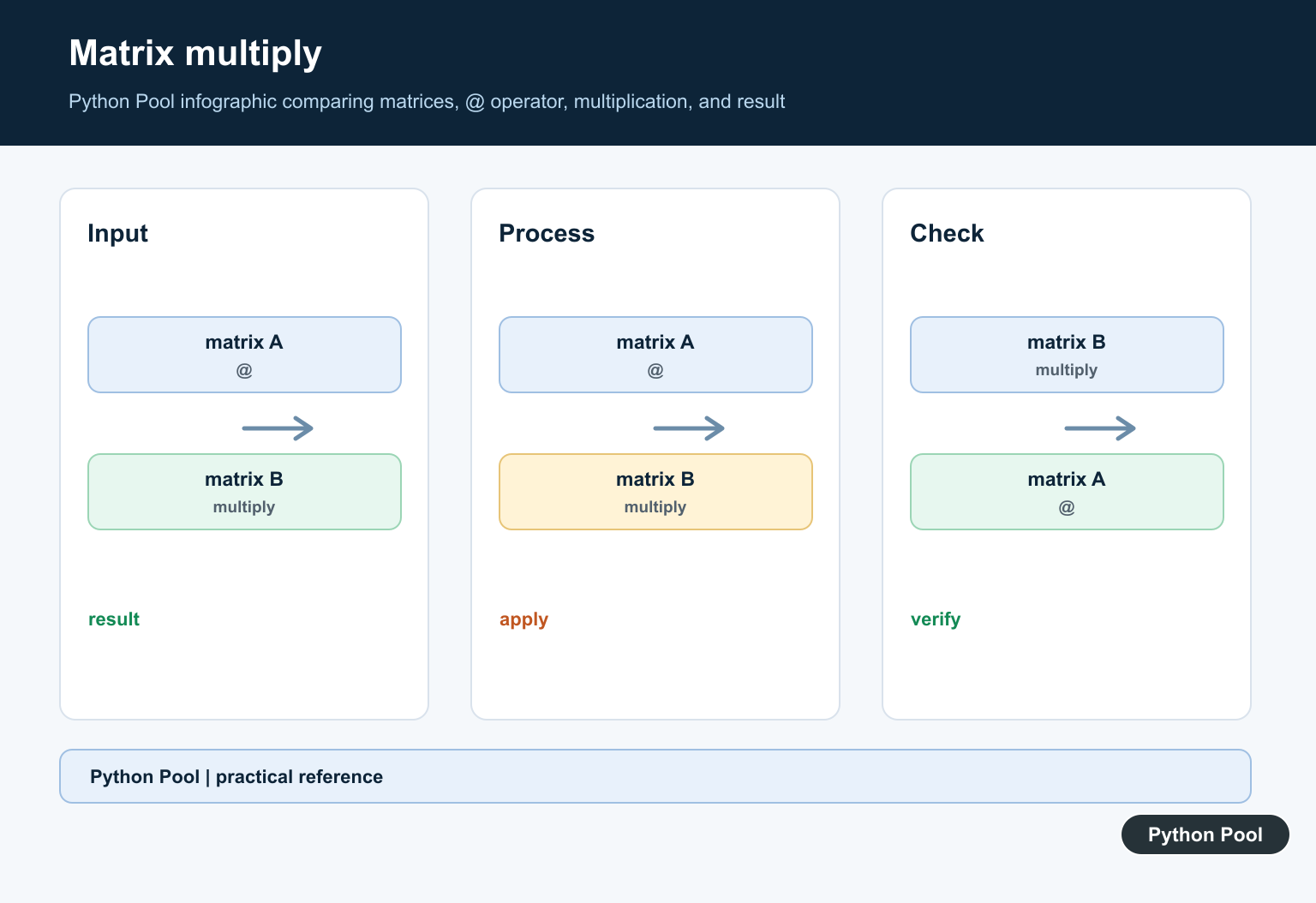
In expressions, @ maps to matrix multiplication. NumPy arrays implement this operator, and the NumPy matmul documentation describes the array rules.
import numpy as np

a = np.array([[1, 2], [3, 4]])
b = np.array([[10], [20]])

print(a @ b)
This is different from element-wise multiplication with *. Matrix multiplication combines rows and columns according to linear algebra rules.
Plain Python lists do not implement matrix multiplication. Use a library object such as a NumPy array, or define the relevant special method in your own class.
Use @= For In-Place Matrix Multiplication
@= asks the left-hand object to update itself with the matrix multiplication result when possible. If in-place behavior is not available, Python can fall back to assigning the result.
import numpy as np

matrix = np.array([[1, 0], [0, 1]])
transform = np.array([[2, 1], [0, 2]])

matrix @= transform
print(matrix)
Use this only when mutating the left-hand object is intended. In many data workflows, creating a new result with result = matrix @ transform is easier to reason about.
In-place operators are compact, but they can surprise readers if the original object is still needed later. Prefer the explicit assignment form when preserving the original matrix matters.
Implement __matmul__ In A Class
Custom classes can support @ by defining __matmul__(). This is useful for vector, matrix, tensor, or domain-specific math objects.
class Vector:
    def __init__(self, values):
        self.values = values

    def __matmul__(self, other):
        return sum(a * b for a, b in zip(self.values, other.values))


left = Vector([1, 2, 3])
right = Vector([4, 5, 6])

print(left @ right)
The Python data model documentation lists the special methods behind @, reflected matrix multiplication, and in-place matrix multiplication. For related NumPy products, see the NumPy outer guide.
Custom operator overloads should match user expectations. If left @ right does not mean a product-like operation in your domain, a normal method name may be clearer than overloading the symbol.
Read the Python @ symbol by location. Above a definition, it applies a decorator. Between expressions, it performs matrix multiplication. With @=, it requests an in-place matrix multiplication update. Keeping those contexts separate makes Python code much easier to read.
Use @ For Decorators
A decorator is a callable that receives a function or class and returns a replacement or wrapped object. The @ line is evaluated before the function binding is created, which lets a decorator add logging, registration, caching, or access policy without changing the call site.
def announce(function):
    def wrapper(*args, **kwargs):
        print("calling", function.__name__)
        return function(*args, **kwargs)
    return wrapper

@announce
def greet(name):
    return f"Hello {name}"

print(greet("Python"))
Use @ For Matrix Multiplication
In an expression, @ invokes the matrix-multiply protocol. With NumPy arrays it differs from *: * is normally elementwise multiplication, while @ follows matrix multiplication rules and shape compatibility.
import numpy as np

left = np.array([[1, 2]])
right = np.array([[3], [4]])

print(left @ right)
print(left * np.array([[3, 4]]))
Preserve Metadata And Shape Contracts
Use functools.wraps inside decorators so the wrapped function keeps useful metadata. For matrix operations, document the expected dimensions and whether a one-dimensional array is intended to represent a vector or a row/column shape.
from functools import wraps

def traced(function):
    @wraps(function)
    def wrapper(*args, **kwargs):
        return function(*args, **kwargs)
    return wrapper

@traced
def add(a, b):
    return a + b

print(add.__name__)
Python’s function-definition reference documents decorator application, while the matrix-multiplication reference defines @ in expressions.
For related syntax and array operations, compare functools.wraps, dot products, and Kronecker delta arrays when deciding what the @ context means.
Frequently Asked Questions
What does the @ symbol mean in Python?
It introduces a decorator above a function or class, and it performs matrix multiplication between compatible operands in an expression.
How do Python decorators use @?
@decorator above a function is syntax for passing the function through the decorator before the resulting binding is created.
How is @ different from * for arrays?
@ expresses matrix multiplication, while * usually performs elementwise multiplication for NumPy arrays.
Can I define my own @ behavior?
Yes. A class can implement __matmul__() and related methods to define matrix-multiply behavior for its instances.
