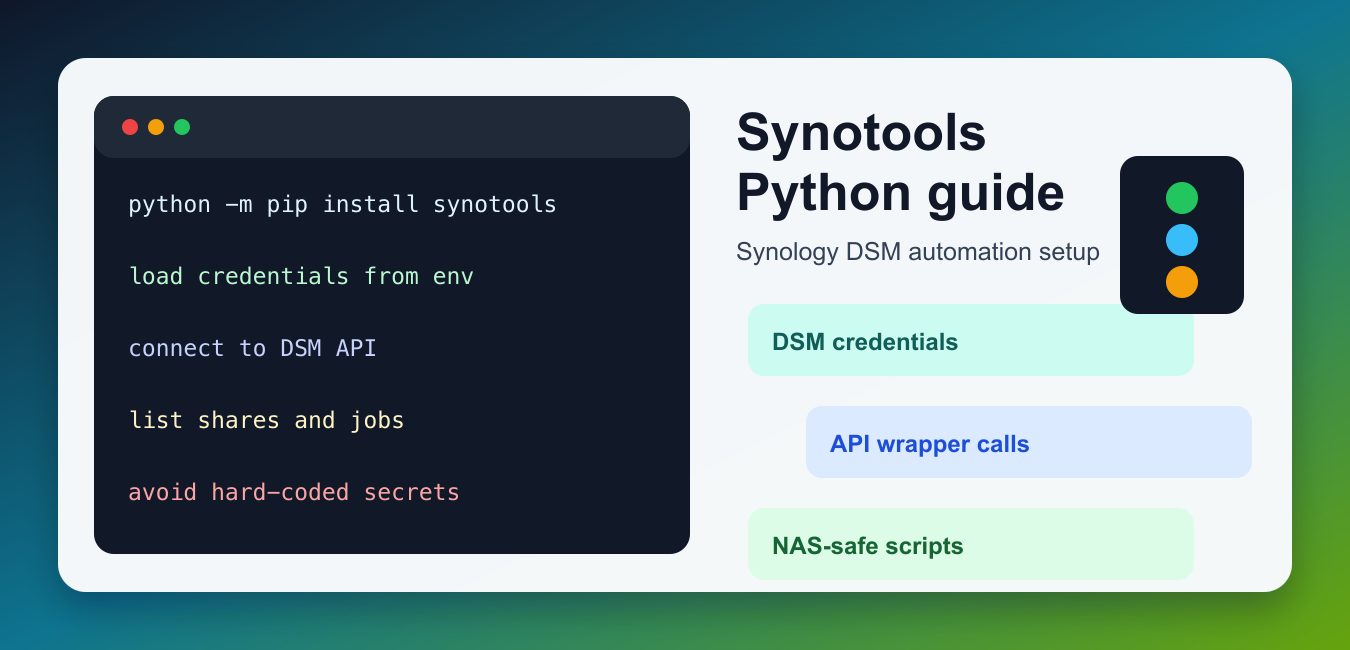
Quick answer: SynoTools can be treated as a Python automation layer for Synology NAS work, but the exact API and supported operations depend on the package version and NAS interface. Reliable scripts isolate authentication, device actions, file operations, and cleanup.
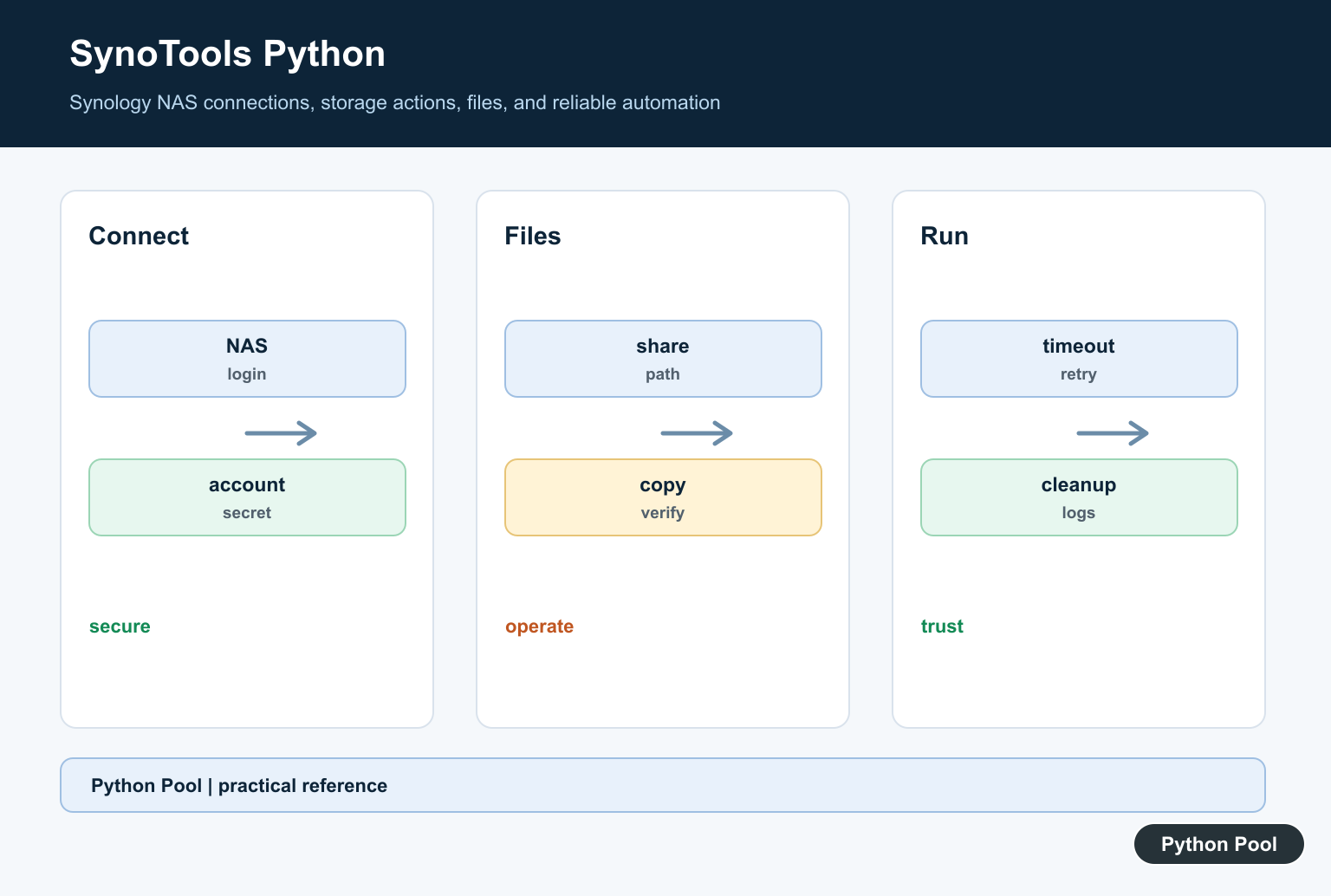
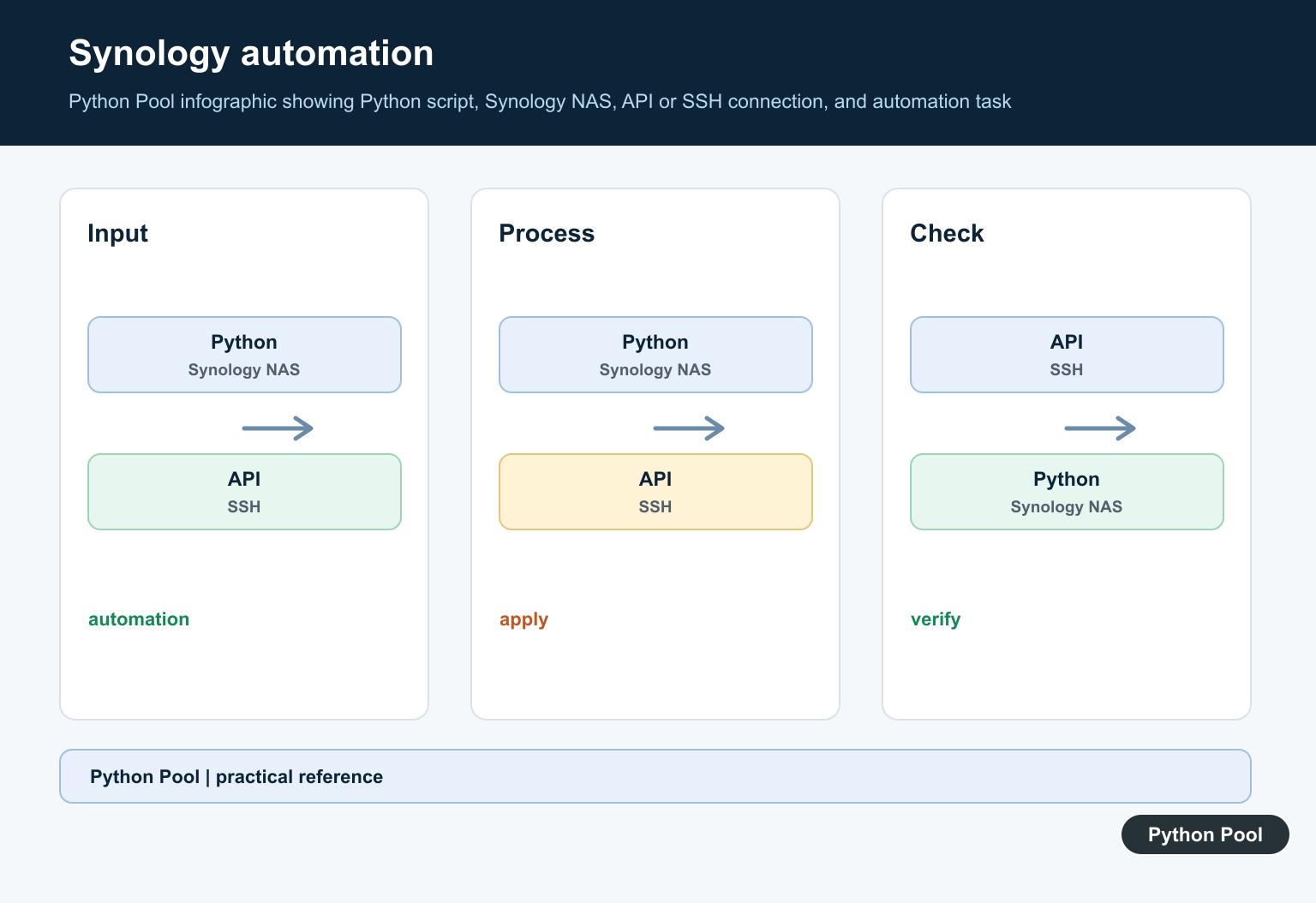
SynoTools is a Python package and command toolset for working with Synology NAS devices that run DiskStation Manager, usually called DSM. It can be useful when you already have a Synology device on a trusted network and want repeatable scripts for device access, credentials, file-related operations, or command wrappers.
The current SynoTools GitHub repository describes the project as a Python API wrapper and toolset for interacting with Synology NAS devices through DSM. It also notes two usage modes: a Python API wrapper and command scripts hosted on the NAS. The repository is now archived and read-only, so treat SynoTools as a legacy or maintenance option rather than the first package to choose for a brand-new Synology automation project. The PyPI package page is still useful for installation and package metadata.
What SynoTools is for
SynoTools is aimed at NAS administration scripts, not general Python storage tutorials. Its setup expects valid DSM credentials and, for command-style workflows, SSH access to the device. That makes secure configuration more important than quick copy-paste examples. Keep credentials local, do not commit them to a repository, and avoid running scripts against a NAS unless you understand which account and folder permissions they use.
Install SynoTools
Install the package into a virtual environment on the machine that will run your scripts. If you are running Python directly on a Synology device, Synology’s own guide to setting up a Python virtual environment on NAS is the right starting point. For a laptop, workstation, or automation server, use the active interpreter pattern below.
import subprocess
import sys

subprocess.check_call([
    sys.executable,
    "-m",
    "pip",
    "install",
    "synotools",
])
After installation, record which Python executable installed the package. This helps when a cron job, service, or editor runs a different interpreter than your terminal.
Create a credentials file
The project documentation expects a local credentials file such as ~/.synotools/credentials on Unix-like systems. Create the file with placeholders first, then fill it manually on the machine that owns the NAS access. Do not paste real passwords into shared scripts or articles.
from pathlib import Path

credentials_dir = Path.home() / ".synotools"
credentials_path = credentials_dir / "credentials"
credentials_dir.mkdir(mode=0o700, exist_ok=True)

if not credentials_path.exists():
    lines = [
        "SYNOLOGY_IP=192.168.1.10",
        "SYNOLOGY_PORT=5001",
        "SYNOLOGY_USERNAME=your-username",
        "SYNOLOGY_PASSWORD=your-password",
    ]
    newline = chr(10)
    credentials_path.write_text(newline.join(lines) + newline, encoding="utf-8")
    credentials_path.chmod(0o600)

print(credentials_path)
This mirrors the upstream setup while keeping the sensitive values out of source control. For path handling in larger scripts, our guide to getting the current directory in Python may also help.
Load and validate configuration
Before calling any NAS API, load the credentials and fail clearly if a required field is missing. A short parser is enough for simple KEY=value files.
from pathlib import Path

required = {
    "SYNOLOGY_IP",
    "SYNOLOGY_PORT",
    "SYNOLOGY_USERNAME",
    "SYNOLOGY_PASSWORD",
}

def load_credentials(path):
    values = {}
    for line in Path(path).read_text(encoding="utf-8").splitlines():
        if not line or line.startswith("#") or "=" not in line:
            continue
        key, value = line.split("=", 1)
        values[key.strip()] = value.strip()
    missing = sorted(required - values.keys())
    if missing:
        raise ValueError(f"Missing SynoTools fields: {', '.join(missing)}")
    return values
Validation is worth doing even for private scripts because NAS connection errors can be vague. If you prefer schema-based validation, see our Voluptuous Python guide for a more formal approach.
Build a connection configuration
Keep connection details in one object so the rest of the script can receive a clean configuration instead of reading files repeatedly. This also makes tests simpler because you can pass fake values without touching the real credentials file.
from dataclasses import dataclass

@dataclass(frozen=True)
class SynologyConfig:
    host: str
    port: int
    username: str
    use_https: bool = True

values = {
    "SYNOLOGY_IP": "192.168.1.10",
    "SYNOLOGY_PORT": "5001",
    "SYNOLOGY_USERNAME": "admin-user",
}

config = SynologyConfig(
    host=values["SYNOLOGY_IP"],
    port=int(values["SYNOLOGY_PORT"]),
    username=values["SYNOLOGY_USERNAME"],
)
print(config)
Notice that the password is intentionally not printed. Logging host and port can be useful during troubleshooting, but passwords and session tokens should stay out of logs.
Prepare command-style workflows
SynoTools also documents command scripts that may be deployed to the NAS and run through a local command entry point. Build command arguments as a list rather than as one shell string. That avoids quoting mistakes and makes the command easier to inspect before execution.
from pathlib import Path

command_root = Path.home() / ".local" / "share" / "synotools"
command_name = "status.py"
command_args = [
    "python",
    str(command_root / "commands" / command_name),
    "--dry-run",
]

print(command_args)
Use a dry-run mode whenever possible before touching NAS state. If a script reports connection problems, compare the NAS IP, port, DSM user, and network path first. Our guide to remote end closed connection without response covers related connection troubleshooting.
Check whether SynoTools fits
Because the upstream repository is archived, you should check the risk before adopting it. SynoTools can still be reasonable for an existing script that already depends on it, but new projects may be better served by an actively maintained Synology DSM package, a direct DSM API client, or vendor-supported tooling. The right choice depends on whether you need long-term maintenance, DSM version compatibility, or only a small one-off script on a trusted local network.
package_status = {
    "name": "synotools",
    "upstream_archived": True,
    "best_for": "existing scripts and maintenance tasks",
    "new_project_review_needed": True,
}

if package_status["upstream_archived"]:
    print("Review alternatives before using SynoTools for new work")
Summary
SynoTools is a legacy Python toolset for Synology DSM automation. Install it in the active environment, keep DSM credentials in a private local file, validate configuration before connecting, and avoid committing secrets. For existing SynoTools scripts, the package can still document a repeatable workflow. For new automation, compare it with actively maintained Synology API options before building around it.
Confirm The Package And Device API
Before writing automation, confirm the package name, version, supported Synology DSM/API endpoints, and authentication flow. A similarly named project or an old example may expose different methods.
Keep Credentials Outside Code
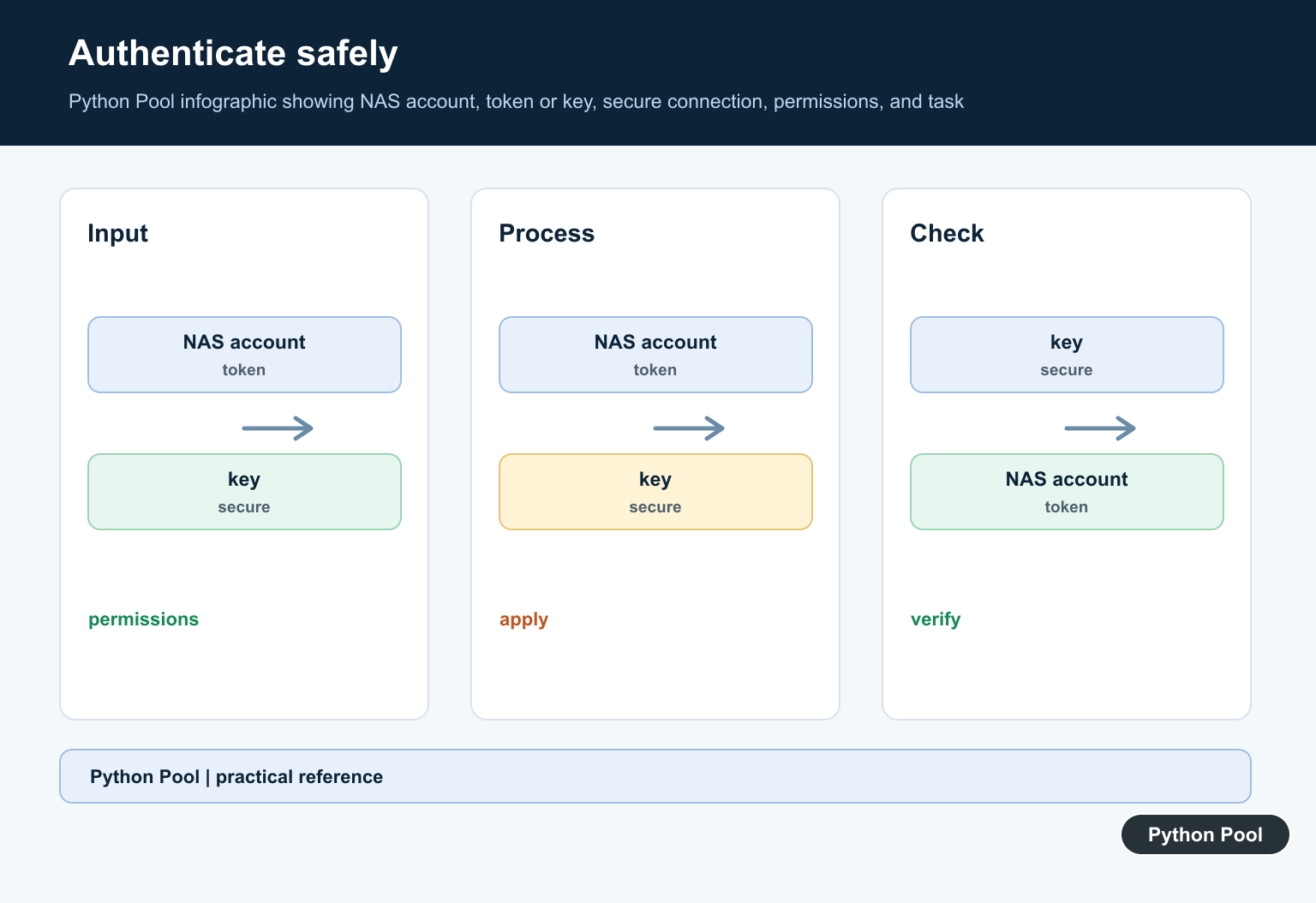
Use an environment-backed secret, a protected configuration store, or a service account with only the needed permissions. Do not put NAS passwords, tokens, or private host details in source control or logs.
Separate Connection From Actions
Create a connection layer, then pass it to narrowly scoped functions for shares, directories, files, or device status. This makes retries and tests easier than mixing login and destructive work in one function.
Validate Paths And Operations
Normalize and validate remote paths, reject unexpected traversal, and make overwrite, delete, and move behavior explicit. A typo in a share name should fail safely instead of targeting a different location.
Design For Network Failure
Use timeouts, bounded retries, structured logs, and cleanup in finally blocks. Verify the result of uploads, downloads, or mutations rather than assuming a request succeeded because no exception was raised.
Test Against Non-Critical Data
Start with a disposable share and read-only operations. Test authentication failure, a disconnected NAS, missing files, permission errors, partial transfers, and repeated runs before touching production data.
Consult the current official Synology developer resources and the package’s own documentation. Related Python Pool references include logging and testing.
For related automation reliability, compare structured logs, failure tests, and environment setup before connecting a NAS.
Frequently Asked Questions
What is SynoTools used for?
SynoTools is used as a Python-oriented way to organize Synology NAS management and automation tasks, depending on the package and device API it targets.
How should a Python NAS script authenticate?
Use the documented Synology connection method, keep credentials outside source code, and apply least-privilege permissions to the service account.
Can NAS file operations be automated with Python?
Yes, but scripts should validate paths, handle network failures, avoid destructive defaults, and verify the result after copying or changing files.
How do I make SynoTools automation reliable?
Use timeouts, structured logs, explicit cleanup, idempotent steps, and tests against a non-critical share before operating on production data.
