Search the Community
Showing results for tags 'wall'.
Found 8 results
-

Version 2.3.9
2,560 downloads
Welcome to Wallpaper Planner a lightweight, fast, and user-friendly extension for Rust that enhances the default wallpaper tool with a powerful custom skin selector. Features Custom UI: Access a sleek, in-game wallpaper selector by middle-clicking (FIRE_THIRD) while holding the wallpaper tool. The plugin automatically detects whether you're aiming at a wall, floor, or ceiling and opens the correct category. Favourites System: Mark your favourite skins in each category, then easily toggle a view that shows only your most liked wallpapers. VIP Skins (New): Offer exclusive VIP-only wallpapers, floors, and ceilings to supporters or special groups. Create unlimited VIP tiers in the config (e.g. wallpaperplanner.vip, wallpaperplanner.vip1, wallpaperplanner.vip2, etc.). Assign unique skins to each tier. Players with the matching permission automatically see their extra VIP skins in the UI. 100% Custom All wallpapers are exclusively made for this plugin. No DLC or official skins are used, though some designs may be inspired by existing skins. More Skins Incoming: New exclusive custom wallpapers are added periodically. You can also import your own Workshop skins with ease. Permissions wallpaperplanner.use — Grants access to the wallpaper planner UI. wallpaperplanner.outside — Allows use of wallpapers outside of a player’s base. (Please note: This is currently in Beta. Not all skins perform perfectly on exterior surfaces or Armoured Tier walls.) wallpaperplanner.admin — Enables admin-only tools to rename, delete, or manage skins directly through the UI. Chat Commands /wallpaperplanner — Use this if you prefer a custom keybind instead of the middle mouse button. Must be used while holding the wallpaper planner. Example: Bind to H key Open console (F1) and enter: bind H "chat.say /wallpaperplanner" List of input keys to use in config that rust accepts. BACKWARD LEFT RIGHT JUMP DUCK SPRINT USE FIRE_PRIMARY FIRE_SECONDARY RELOAD FIRE_THIRD DISABLED DISABLED Input Key (New): Server owners can now disable the UI keybind system entirely. In the config, set: "UI input key": "DISABLED" This prevents the menu from opening with FIRE_THIRD, allowing admins to enforce custom binds (e.g. /wallpaperplanner only).$23.99- 80 comments
- 7 reviews
-
- 9
-

-

-
- #wallpaper
- #wall
- (and 8 more)
-
Version 1.0.0
189 downloads
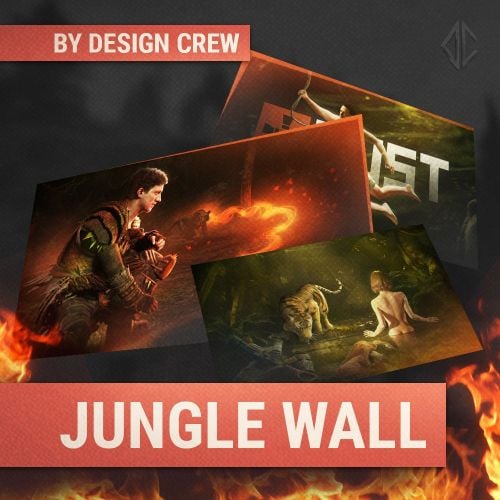
▌ Design studio · Est. 2015 · Free wallpapers About the product Four complex jungle scenes, made by hand and given to you for free. Use them as wallpapers for your computer or phone. Table of contents Jump to any section of this page 01 Overview 02 Features 03 Gallery 04 What's included 05 Changelog ▌ Free wallpapers Overview A gift from the team: four hand-made jungle scenes, processed and ready to use as wallpapers. Free 1920×1080 1080×1920 Free to use What you need ▸ Any computer or phone What is included ▸ 4 wallpapers 1920×1080 ▸ 4 vertical wallpapers 1080×1920 Highlights ▸ Hand-made scenes ▸ Free to download ▸ Use as you want ▌ Why it stands out Built to look great FEATURE 01 Hand-made scenes Four complex scenes, made manually and processed by the team. FEATURE 02 Two formats Horizontal for desktop and vertical for phone. FEATURE 03 Free Download and use it as you want. ▌ Full gallery Every scene in one place ▌ Contents What's included Item Details Wallpapers 4 × 1920×1080 Vertical 4 × 1080×1920 Archive size 15.01 MB Price Free ▌ Updates Changelog 1.0.0 September 4, 2025 — Initial release. ▌ Stay in touch Questions, custom work, new releases Discord · DesignCrew ↗ Discord · MadMappers ↗ VK · DesignCrew ↗ Telegram · DesignCrew ↗ DESIGN CREW · DESIGN STUDIO SINCE 2015 · THANK YOU FOR YOUR SUPPORTFree -
Version 1.0.1
14 downloads
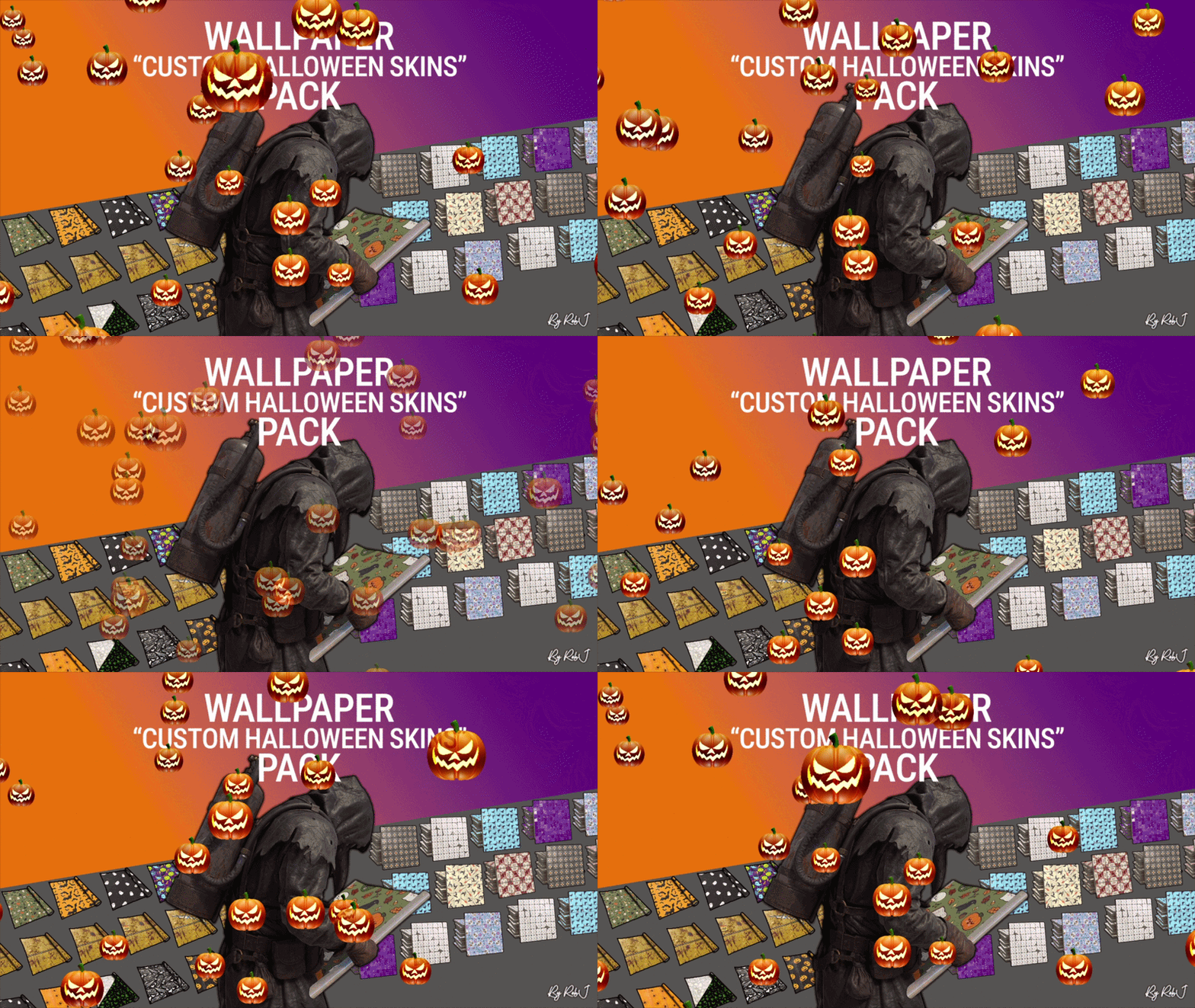
Upgrade your builds this Halloween with this exclusive pack of custom skins! Each design is handcrafted with care and fully maintained. 18 wallpapers ✔ Perfect for Bases & Events These skins drop straight into any plugin and are fully compatible with my Wallpaper Planner for easy in-game browsing and selection. ✔ Fully Compatible Works with any plugin that supports custom skins, plus seamless integration with WallpaperPlanner. ✔ Ongoing Maintenance When you buy this pack, you’re buying long-term access. I personally maintain and update all skins for every buyer, so they stay fresh, polished, and ready to use. ✔ Each skin is built to high standards and includes four image maps: Albedo (base color) Normal/Bump Ambient Occlusion (AO) Specular Emission These maps work together to simulate real lighting and surface detail, giving your builds depth, warmth, and a realistic festive shine. Bring style, atmosphere, and creativity to every build with this essential skin collection! Note: Some base layers were enhanced using generative fill/expand for improved visual quality. Auto-Install Plugin Included No manual setup required. Drop the plugin into your Oxide/Carbon plugins folder. Let it run once. Delete the plugin after it completes. Your skins will automatically appear inside WallpaperPlanner.$13.99-
- 1
-
-
- #wallpaper
- #floor
- (and 6 more)
-
Version 1.0.0
27 downloads
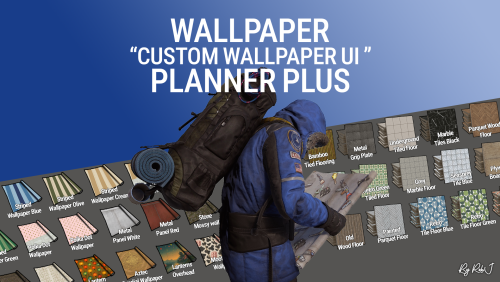
Welcome to Wallpaper Planner Plus — a lightweight, fast, and user-friendly extension for Rust that enhances the default wallpaper tool with a powerful custom skin selector, favourites, flexible sets, permissions, advanced admin management tools, and ongoing content updates. As part of the Plus version, I will add new custom wallpapers every month for at least one year, giving your server a growing collection of fresh designs and more variety over time. Features Custom UI: Access a sleek, in-game wallpaper selector while holding the wallpaper tool. The plugin automatically handles Walls, Floors, and Ceilings, making it quick and easy to find and apply the wallpaper you want. Wallpaper Sets: Create custom sets by combining Walls, Floors, and Ceilings into complete themes or flexible collections. Wallpaper Planner Plus supports two types of sets: Presets: A Preset contains exactly 1 Wall, 1 Floor, and 1 Ceiling. Equipping the Preset assigns all three items to the wallpaper tool at once, making it ideal for complete, ready-to-use themes. Collections: A Collection contains an open mix of wallpaper items. You can add multiple Walls, Floors, or Ceilings, create partial sets, or use any custom combination you want. Collections are ideal for grouping related wallpapers without requiring one item from every category. Players can browse available Presets and Collections directly from the wallpaper UI and equip them quickly while using the wallpaper tool. Favorites System: Mark your favorite wallpapers and quickly switch between viewing all available skins or only your favorites. Monthly Skin Updates: Plus includes ongoing content updates with new custom wallpapers added every month for at least one year. These monthly additions will expand the available collection with fresh designs for Walls, Floors, and Ceilings, giving players new options to discover and use throughout the year. New skins can be organized into Presets and Collections, assigned to permission groups, and managed through the built-in admin tools. Advanced Permission System: Control exactly which wallpapers players can access. Create custom permission groups and assign specific Wall, Floor, and Ceiling skins to each permission. Players automatically see the skins they have permission to use, while restricted skins remain hidden from the UI. This allows you to create anything from supporter rewards to staff-only, event, or special-access wallpaper collections. Admin Editors: Admins can manage your wallpaper library directly through the in-game UI. Add new custom skins Edit existing skins Rename wallpapers Delete wallpapers Create and manage Presets and Collections Create and manage permission groups Assign specific skins to permissions Organise Walls, Floors, and Ceilings No need to manually edit configuration files for everyday skin, set, and permission management. Workshop & Custom Skins: Use your own custom Workshop skins alongside the included wallpaper collection, giving your server complete control over the wallpapers available to players. 100% Custom The included custom wallpapers are created specifically for use with Wallpaper Planners. The plugin can also display official Rust/DLC wallpapers that the player actually owns, automatically filtering them based on their available ownership. Built for Server Owners Wallpaper Planner Plus gives server owners much more control over their wallpaper system while keeping the experience simple for players. Create your own wallpaper library, organize skins into Presets and Collections, control access with permissions, and let players quickly find the wallpapers they want. With the Plus version, your wallpaper library will continue to grow through monthly skin updates for at least one year. Permissions wallpaperplannerplus.use — Grants access to the Wallpaper Planner UI. wallpaperplannerplus.outside — Allows wallpapers to be used outside a player's base. wallpaperplannerplus.admin — Enables the advanced admin tools for managing skins, Sets, and permissions. Custom permissions can also be created and linked to specific wallpapers Like VIP etc etc. Chat Commands /wallpaperplanner — Opens the custom wallpaper menu while holding the wallpaper tool. You can also configure a custom keybind to open the UI instead. Example: Bind to H Open the Rust console with F1 and enter: bind H "chat.say /wallpaperplanner" Wallpaper Planner Plus A complete custom wallpaper management system for Rust — fast, simple for players, powerful for admins, and continuously expanding with new skins every month for at least one year. List of input keys to use in config that rust accepts. BACKWARD LEFT RIGHT JUMP DUCK SPRINT USE FIRE_PRIMARY FIRE_SECONDARY RELOAD FIRE_THIRD DISABLED DISABLE Input Key: Server owners can now disable the UI keybind system entirely. In the config, set: "UI input key": "DISABLED" This prevents the menu from opening with FIRE_THIRD, allowing admins to enforce custom binds (e.g. /wallpaperplanner only).$32.99- 3 comments
-
- 1
-
-
- #custom ui
- #wallpapers
- (and 9 more)
-
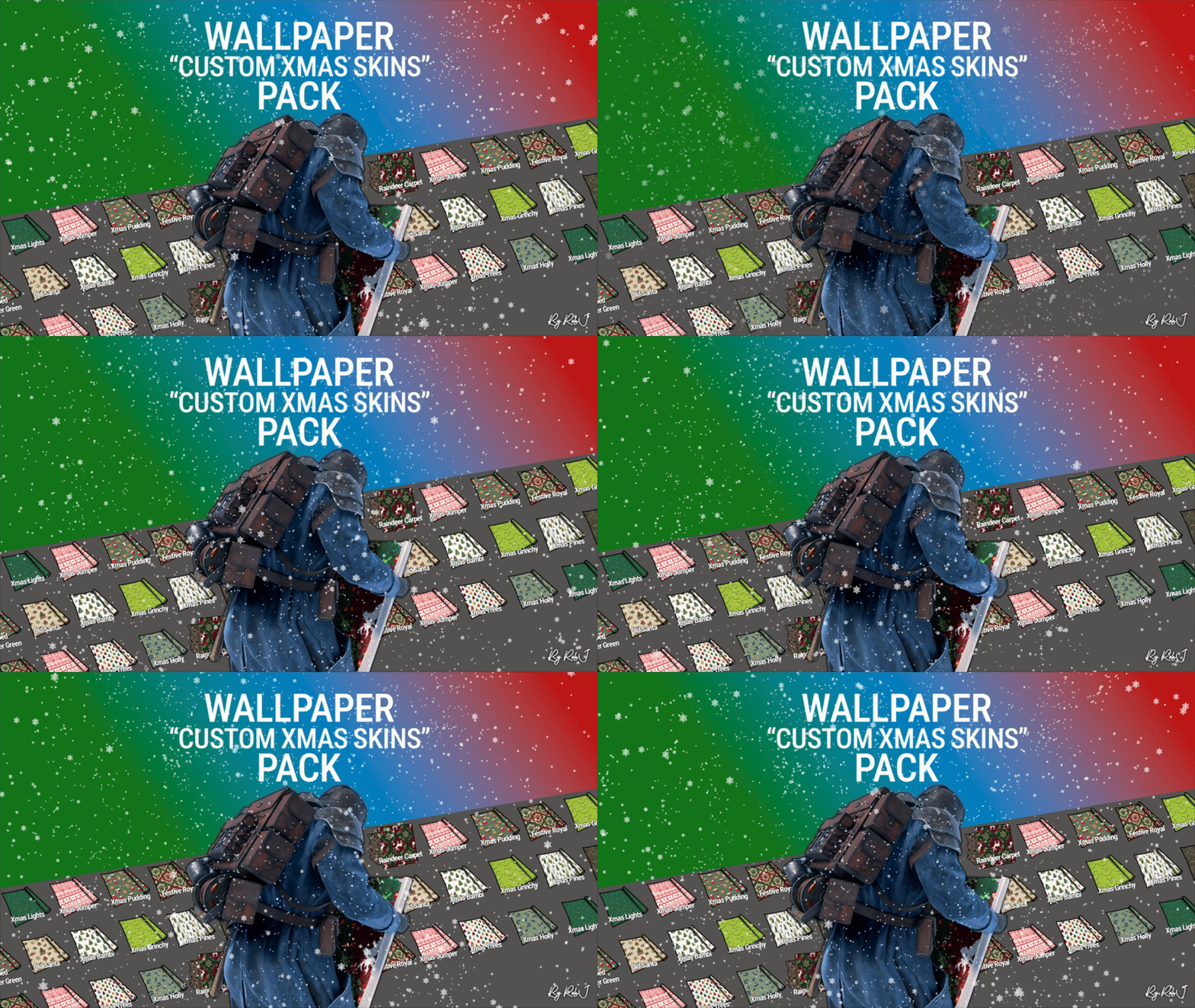
Version 1.0.3
51 downloads
Upgrade your builds this Christmas with this exclusive pack of 14 custom festive floor skins! Each design is handcrafted with care and fully maintained, ensuring your holiday-themed builds look amazing all season long. Perfect for Festive Bases & Events These skins drop straight into any plugin and are fully compatible with my Wallpaper Planner for easy in-game browsing and selection. ✔ Fully Compatible Works with any plugin that supports custom skins, plus seamless integration with WallpaperPlanner. ✔ Ongoing Maintenance When you buy this pack, you’re buying long-term access. I personally maintain and update all skins for every buyer, so they stay fresh, polished, and ready to use. ✔ Each skin is built to high standards and includes four image maps: Albedo (base color) Normal/Bump Ambient Occlusion (AO) Specular These maps work together to simulate real lighting and surface detail, giving your builds depth, warmth, and a realistic festive shine. Bring holiday style, atmosphere, and creativity to every build with this essential Christmas floor-skin collection! Note: Some base layers were enhanced using generative fill for improved visual quality. Auto-Install Plugin Included No manual setup required. Drop the plugin into your Oxide/Carbon plugins folder. Let it run once. Delete the plugin after it completes. Your skins will automatically appear inside WallpaperPlanner.$13.99 -
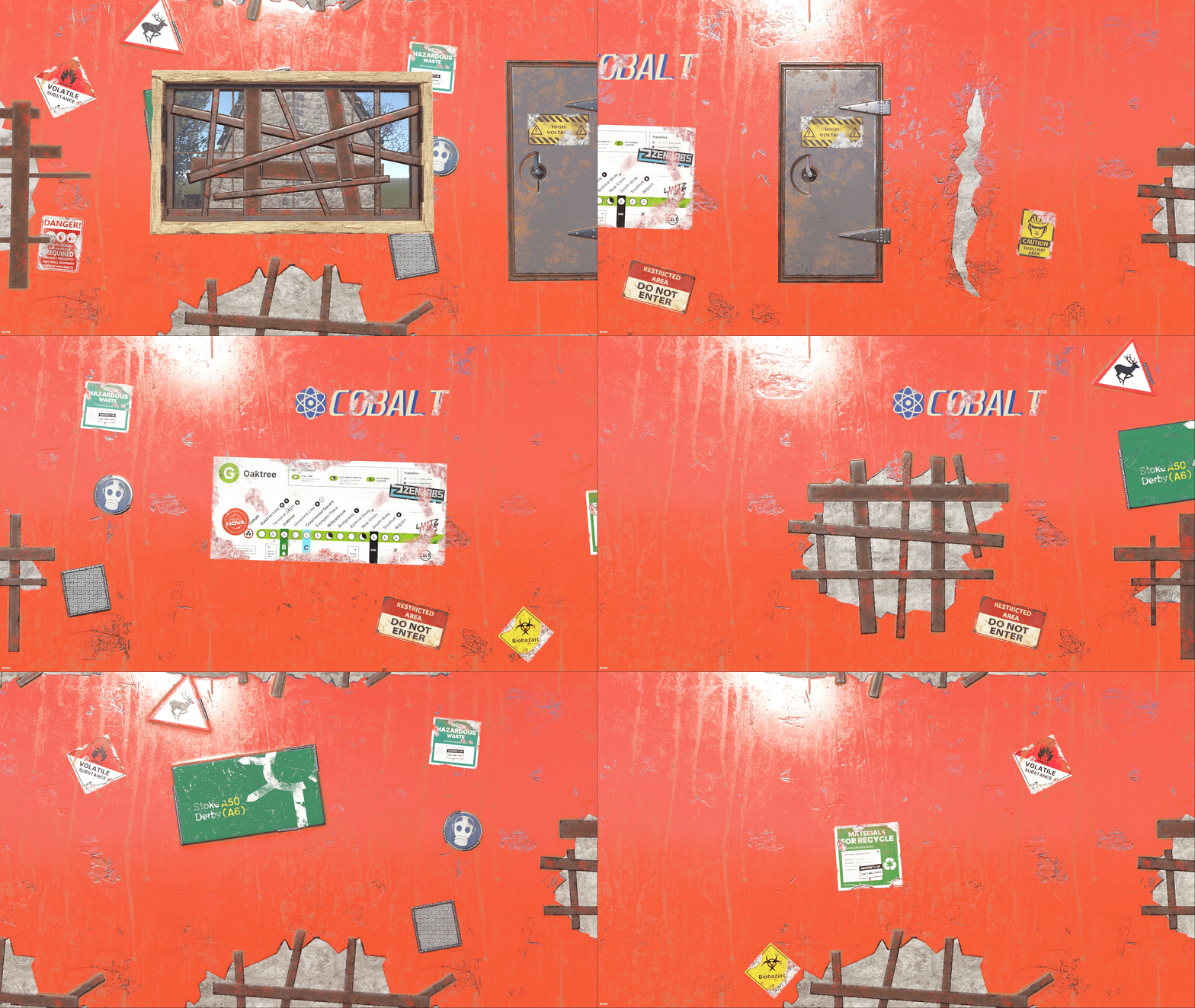
Version 1.0.1
7 downloads
Upgrade your builds with this exclusive set of custom wallpaper skins for walls, floors, and ceilings in Rust. This is my first proper set where all of the skins share the same theme, with each one built from scratch as a true Rust skin using the same process I use to create approved Rust skins for boxes, doors, and other items. 1 Floor Skins 8 Wall Skins 2 Ceiling Skin 1 Rug ✔ No AI Used Each design is handcrafted with care and fully maintained. No AI Used ✔ Fully Compatible Works with any plugin that supports custom skins, plus seamless integration with WallpaperPlanner. ✔ Ongoing Maintenance When you buy this pack, you’re buying long-term access. I personally maintain and update all skins for every buyer, so they stay fresh, polished, and ready to use. ✔ Each skin is built to high standards and includes four image maps: Albedo (base color) Normal/Bump Ambient Occlusion (AO) Specular These maps work together to simulate real lighting and surface detail, giving your builds depth, warmth, and a realistic shine. Bring style, atmosphere, and creativity to every build with this skin collection! Auto-Install Plugin Included No manual setup required. Drop the plugin into your Oxide/Carbon plugins folder. Let it run once. Delete the plugin after it completes. Your skins will automatically appear inside WallpaperPlanner for you.$14.99 -
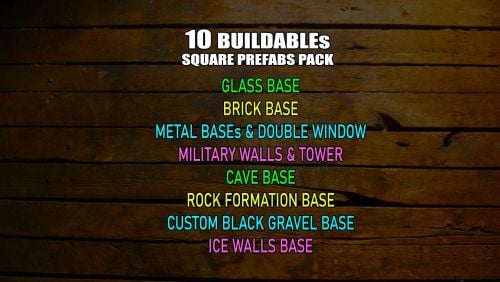
Version 1
5 downloads
Collection of my 10 Buildable Square Prefabs. Designed to have small entity counts and be open inside, letting the player run wild with their creativity. All prefabs are made to easily fit the foundation with a door into the prefab entrance Brick base - has a 8x8 buildable place, it has open roof so players are not limited with height. Contains 7 entities Ice Wall base - has a 7x7 buildable place, but a 8x8 fit in too with walls in the prefab. It has an open roof so players are not limited with height. Contains 17 entities Metal base with double sided windows - has a 7x7 buildable place, and 4 floors if level with ground. Contains 17 entities Cave base - has a 7x7 buildable place, and 4.5 floors if level with ground. Contains 20 entities Rock Wall base - has a 7x7 buildable place, it has open roof so players are not limited with height. Contains 12 entities Glass base - has a 7x7 buildable place, and 4 floors if level with ground. Contains 13 entities Sheet Metal base - has a 8x8 buildable place, it has an open roof so players are not limited with height. Contains 14 entities Black Gravel Block base - has a 7x7 buildable place, and 3 floors if level with ground. Contains 13 entities Military Walls Base with a Watch Tower - has a 8x8 buildable place, it has an open roof so players are not limited with height. Contains 19 entities Military Walls base - has a 6x7 buildable place, with still a lot of free space around. It has an open roof so players are not limited with height. Contains 20 entities$5.00 -
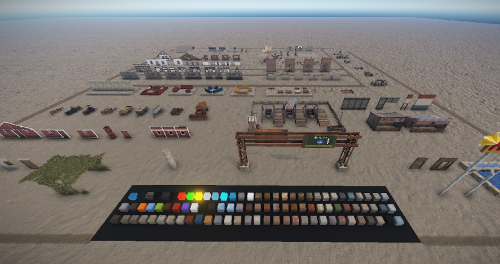
Version 1.0.0
35 downloads
Here you will find a large selection of different things that you can use to build. Create your own prefab! Application: Use (STR + D) to copy the object and drag it to a free area, where you can put together your own building piece by piece then. You find: Signs, walls, farmer vehicles, office supplies, tables, sofas, cabinets, piles of rubble, shelves and much more that you can use to build. Prefabs 2525 Here you can find the first version of the Creative Workspace Please note: Download the prefab files and place them in RustEdit/CustomPrefabs directory of RustEdit. The prefabs can be accessed in the custom section of prefab browser. To use single letters, the prefab has to be broken by selecting it (once placed) and using the "break prefab" function. Questions and suggestions: If you have any problems you can contact me via Katalaner - Discord: https://discord.gg/e2vrPszZFX Katalaner Webseite: http://katalaner.de Youtube: https://www.youtube.com/channel/UC_5P_wAFKl5bdndkDEQDK4g$15.09