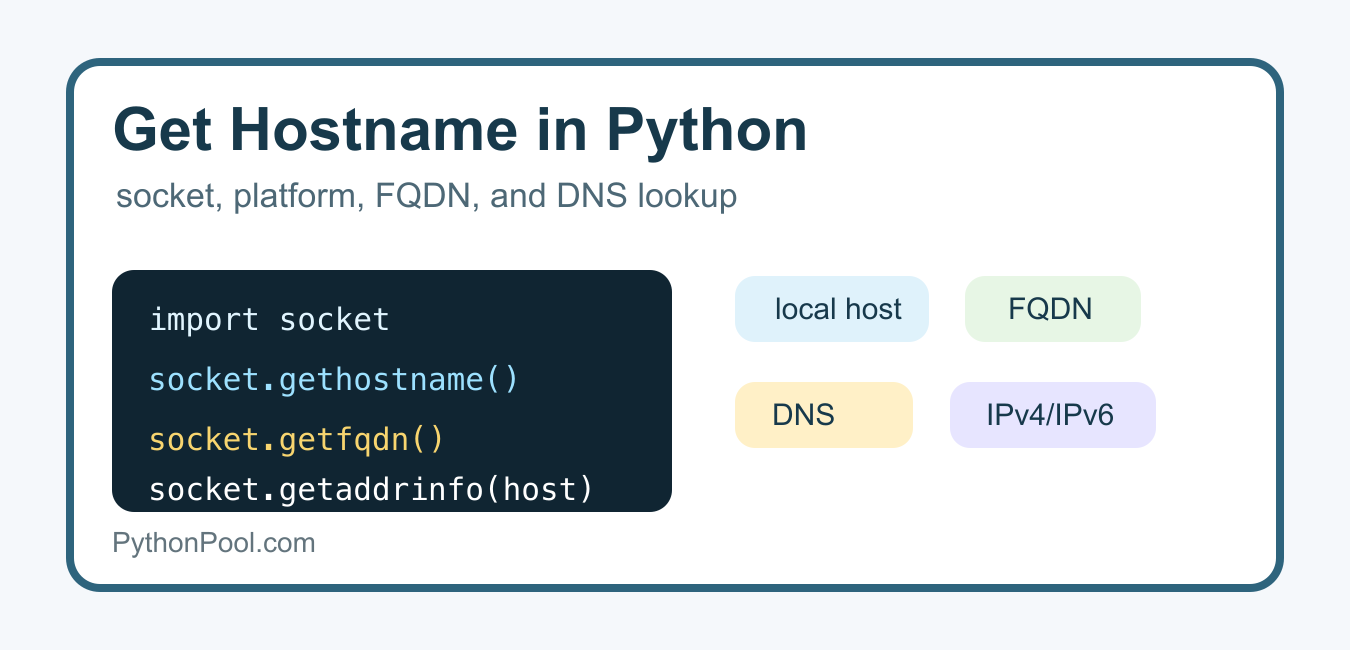
Quick answer: Use socket.gethostname() for the local machine’s host label, platform.node() when you want a platform-level name, and socket.getfqdn() when a fully qualified name is useful. Hostname and DNS results are environment-dependent, so handle lookup failures and do not treat a hostname as a unique machine identity.
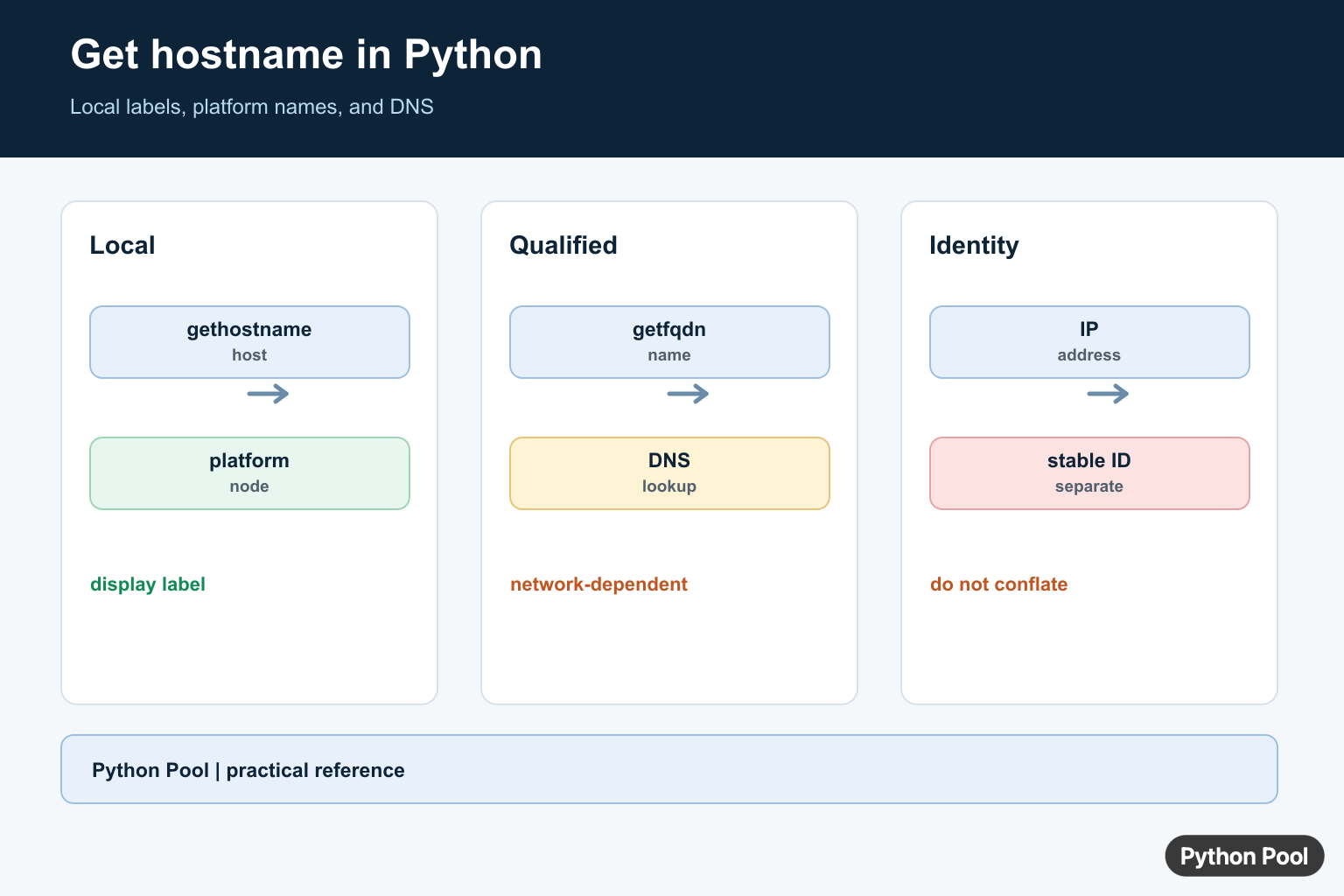
Python can get a hostname in a few different ways, but each method answers a slightly different question. socket.gethostname() returns the local machine name, platform.node() returns the computer’s network name, socket.getfqdn() tries to return a fully qualified domain name, and DNS functions resolve names or IP addresses through the network.
Use the local methods when you need the current computer’s name. Use DNS lookup methods when you need to resolve a remote host, domain, or IP address.
Quick Method Guide
| Goal | Method | Notes |
|---|---|---|
| Local machine name | socket.gethostname() |
Simple and common |
| Platform network name | platform.node() |
May return an empty string |
| Fully qualified local name | socket.getfqdn() |
Depends on local DNS configuration |
| Hostname from IP | socket.gethostbyaddr() |
Requires reverse DNS |
| IP from hostname | socket.gethostbyname() |
IPv4-focused; use getaddrinfo() for broader lookups |
Get the Local Hostname with socket.gethostname()
The simplest approach is socket.gethostname(). Python documents it in the official socket.gethostname() reference.
import socket

hostname = socket.gethostname()
print(hostname)
This returns the local host name known to the operating system. It is useful for logs, diagnostics, local scripts, and identifying which server ran a task. It is not guaranteed to be a public DNS name.
Get the Network Name with platform.node()
platform.node() is another standard-library option. The official platform.node() docs describe it as the computer’s network name, which may not be fully qualified.
import platform

node_name = platform.node()
print(node_name or "No network name found")
This method is good when your script already uses other platform details such as operating system, release, or machine type. If you need to run system commands from Python for diagnostics, see PythonPool’s guide to running a local Python HTTP server for a related local-network workflow.
Get a Fully Qualified Domain Name
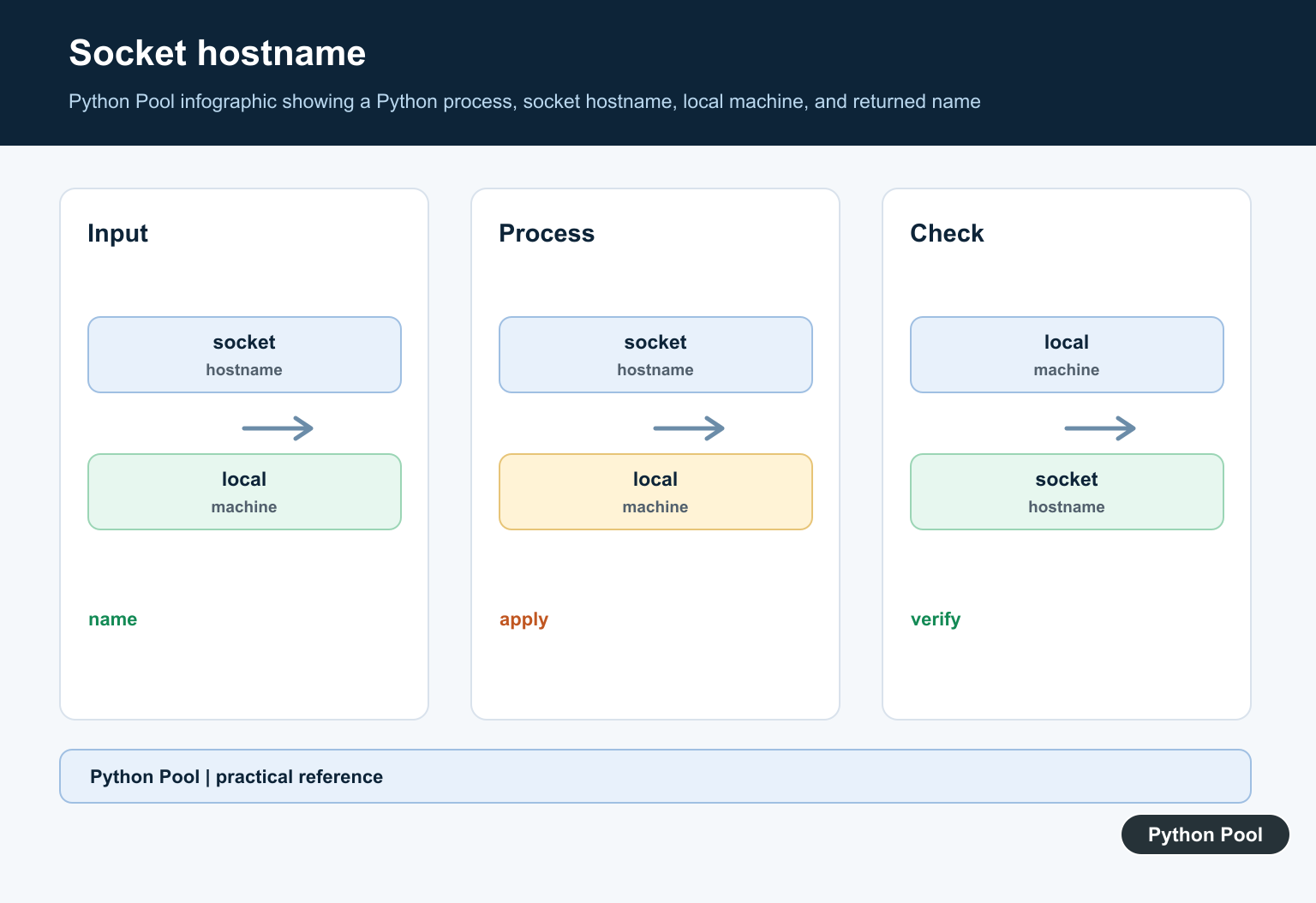
socket.getfqdn() tries to return a fully qualified domain name. The result depends on your machine name, hosts file, DNS setup, and network environment. Python’s socket.getfqdn() documentation explains the lookup behavior.
import socket

fqdn = socket.getfqdn()
print(fqdn)
On a laptop or local development machine, the FQDN may still look local. On a server with DNS configured, it may be more useful for logging and service identification. For dynamic DNS workflows, PythonPool’s Python DDNS article is a useful companion.
Get Hostname from an IP Address
Use socket.gethostbyaddr() for reverse DNS lookup. This can fail when the IP has no PTR record, so handle socket.herror.
import socket

ip_address = "8.8.8.8"

try:
    hostname, aliases, addresses = socket.gethostbyaddr(ip_address)
    print(hostname)
except socket.herror:
    print("No reverse DNS hostname found")
The official socket.gethostbyaddr() reference covers the returned tuple. For validating and manipulating IP addresses before lookup, see Python’s ipaddress module and PythonPool’s older Python ipaddr guide.
Get an IP Address from a Hostname
If you have a domain name and need an IPv4 address, socket.gethostbyname() is compact. It can raise socket.gaierror when resolution fails.
import socket

host = "python.org"

try:
    ip_address = socket.gethostbyname(host)
    print(ip_address)
except socket.gaierror as error:
    print(f"Lookup failed: {error}")
The official socket.gethostbyname() documentation notes that it supports IPv4. For URL parsing before extracting a hostname, read PythonPool’s urlparse guide.
Resolve IPv4 and IPv6 with getaddrinfo()
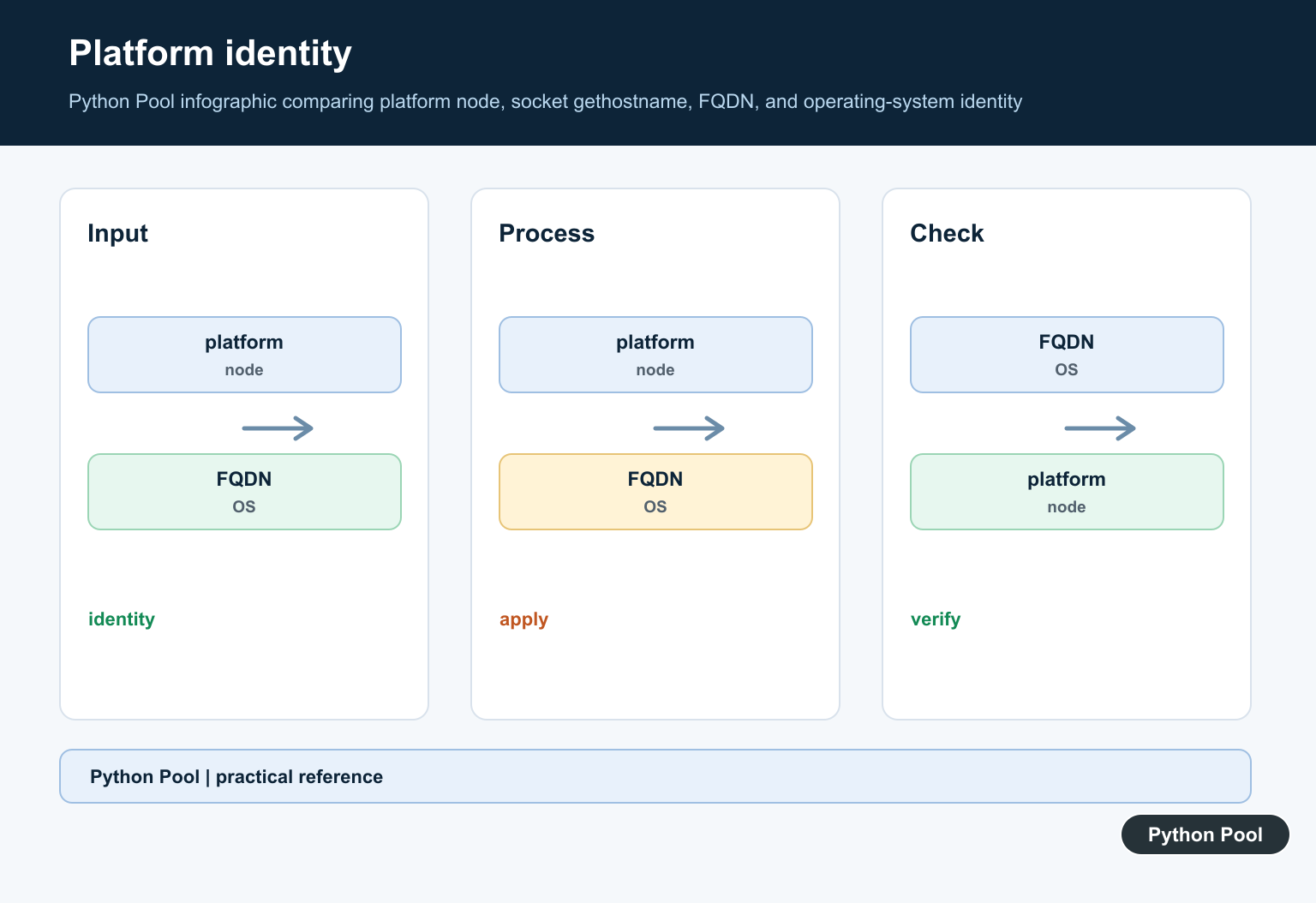
For modern network code, socket.getaddrinfo() is often better than gethostbyname() because it can return multiple address families. The example below collects unique resolved addresses.
import socket

host = "python.org"
addresses = set()

for result in socket.getaddrinfo(host, None):
    sockaddr = result[4]
    addresses.add(sockaddr[0])

print(sorted(addresses))
This is useful when a domain has both IPv4 and IPv6 records. If network calls fail in a larger application, PythonPool’s article on remote end closed connection errors gives related troubleshooting context.
Common Mistakes
- Assuming the local hostname is the same as a public DNS name.
- Assuming every IP address has a reverse DNS hostname.
- Using
gethostbyname()when IPv6 addresses are required. - Using hostname checks in TLS code without understanding certificate verification. See PythonPool’s guide to check_hostname and verify_mode.
- Confusing filesystem paths and host strings. If an API expects a path, PythonPool’s str, bytes, or os.PathLike error guide is relevant.
Which Method Should You Use?
For local scripts, start with socket.gethostname(). For platform reporting, use platform.node(). For a configured server name, try socket.getfqdn(). For remote DNS resolution, use getaddrinfo() or the more specific gethostbyname() and gethostbyaddr() helpers with error handling.
If hostname lookup is part of HTTPS or mail automation, make sure the Python installation has SSL support. PythonPool’s SSL module not available article explains one common environment problem.
FAQs
Does socket.gethostname() return a domain name?
Not necessarily. It returns the local host name known by the operating system. Use socket.getfqdn() if you need a fully qualified name, and still verify the result in your environment.
Why does reverse DNS fail for an IP address?
Reverse lookup needs a PTR record. Many addresses do not have one, and private network addresses often only resolve inside that network.
Should I use gethostbyname() or getaddrinfo()?
Use gethostbyname() for a quick IPv4-only lookup. Use getaddrinfo() when you want production-ready resolution that can include IPv6 and multiple results.
Get The Local Hostname
socket.gethostname() asks the operating system for the host name configured for the local machine. It normally does not require a network lookup, which makes it a good default for a diagnostic label, log field, or local prompt.
import socket

hostname = socket.gethostname()
print(hostname)
Compare platform.node() And getfqdn()
platform.node() provides a platform-oriented node name, while socket.getfqdn() attempts to return a fully qualified domain name. The latter can involve name-resolution behavior and may return a value that depends on local hosts-file or DNS configuration.
import platform
import socket

print("hostname:", socket.gethostname())
print("node:", platform.node())
print("fqdn:", socket.getfqdn())
Resolve An Address Carefully
A hostname is not the same as an IP address. socket.gethostbyname() performs a simple IPv4 lookup and can raise socket.gaierror. For services that may have multiple addresses or IPv6 support, getaddrinfo() exposes more complete address information.
import socket

try:
    address = socket.gethostbyname(socket.gethostname())
except socket.gaierror as error:
    address = None
    print("name resolution failed:", error)

print("address:", address)
Keep Identity And Naming Separate
Hostnames can be changed, duplicated across images, or different inside containers and clusters. Use a database-generated identifier, cloud instance identity, or another explicitly stable identifier when a system needs to distinguish machines. Use a hostname only for display or routing where that is the actual contract.
def display_host():
    try:
        return socket.getfqdn() or socket.gethostname()
    except OSError:
        return socket.gethostname()

print(display_host())
Python’s official socket documentation covers hostname and address-resolution functions, while platform documents platform-level identification.
For related machine and network information, compare Python HTTP servers, dynamic DNS, and network discovery after deciding whether you need a label, address, or service lookup.
Frequently Asked Questions
How do I get the hostname in Python?
Call socket.gethostname() to return the host name configured for the local machine.
What is the difference between gethostname() and getfqdn()?
gethostname() returns the local host name, while getfqdn() attempts to return a fully qualified domain name using name resolution.
Can I get the IP address from a hostname?
Use socket.gethostbyname() for a simple IPv4 lookup, but handle gaierror and remember that one hostname can resolve to multiple addresses.
Is the hostname safe to use as a unique machine ID?
No. Hostnames can be changed, duplicated, or resolved differently across networks; use a stable machine identity designed for that purpose instead.
