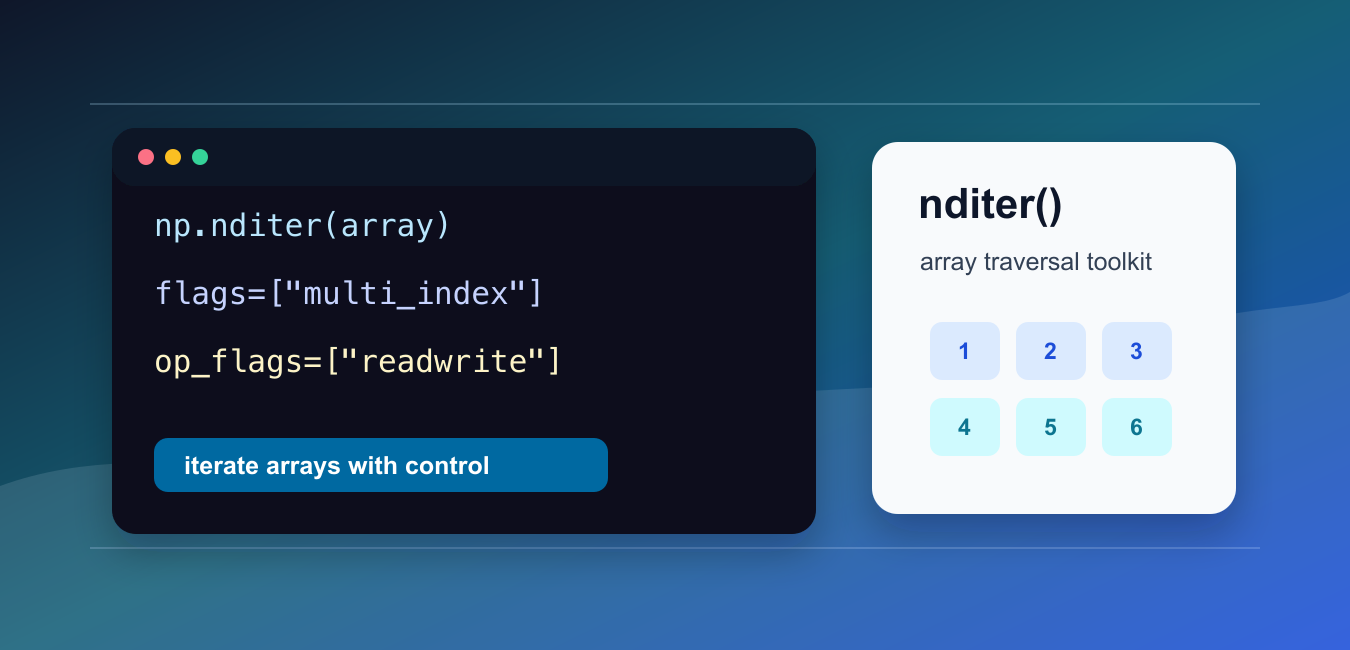
Quick answer: numpy.nditer() is a configurable iterator for explicit array traversal. It can track multi-dimensional coordinates, choose traversal order, expose writable operands, buffer values, and iterate over multiple arrays. Prefer vectorized NumPy operations when they express the computation more clearly or efficiently.
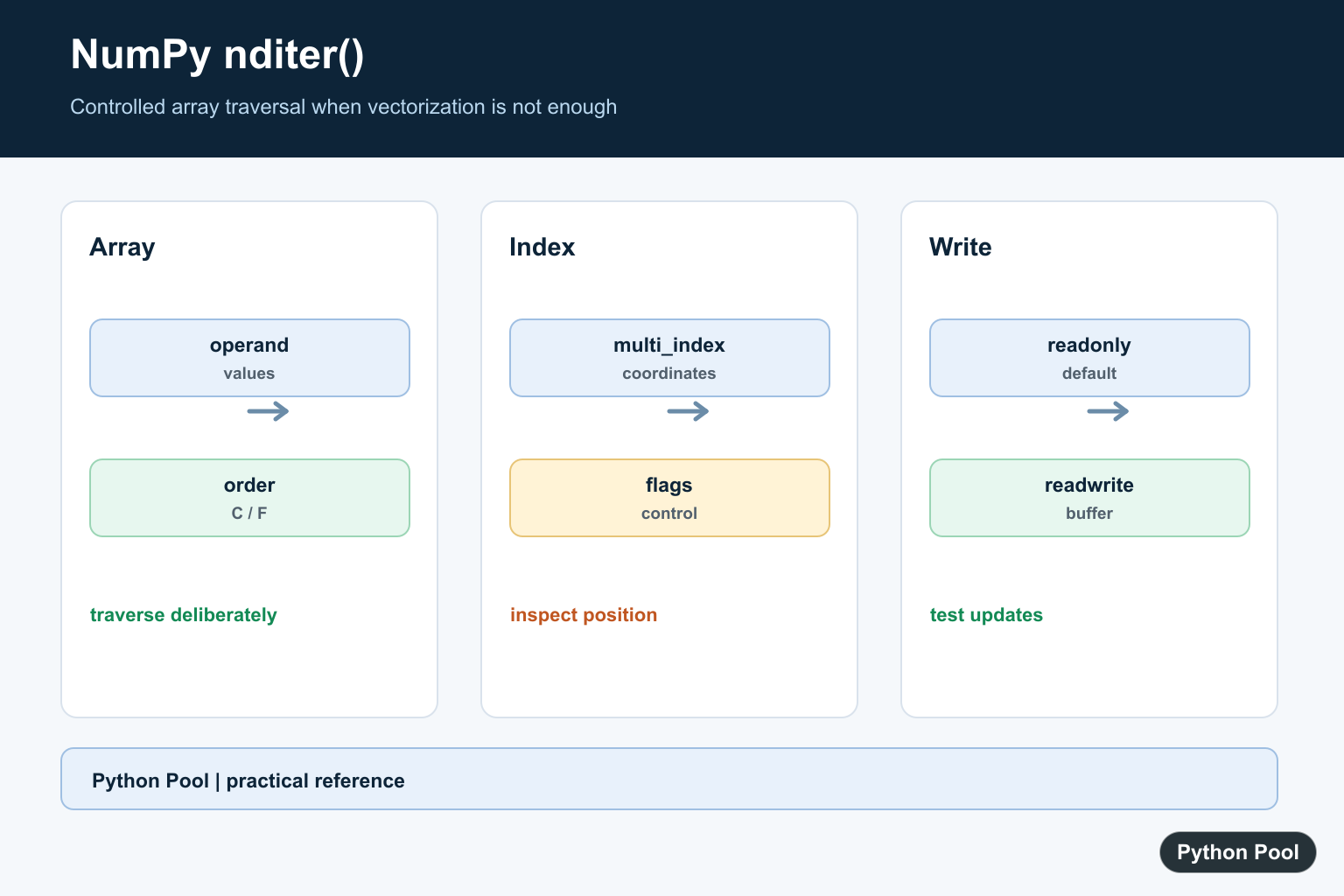
numpy.nditer() is a flexible iterator for NumPy arrays. You can use it for simple element traversal, but its real value is the extra control it gives over traversal order, index tracking, writable operands, and chunked loops.
Most NumPy code should use vectorized operations first. Use nditer() when you need explicit element-by-element logic, when you need to inspect coordinates while looping, or when you need a controlled loop over one or more arrays.
The official NumPy documentation includes the nditer guide and the numpy.nditer reference.
The examples below show practical patterns. They intentionally keep arrays small so the output is easy to inspect. For large numeric work, prefer built-in NumPy operations unless a custom loop is genuinely needed.
Think of nditer() as a lower-level tool. It is helpful when you need iterator features that a normal for value in array.flat loop does not provide. Those features include Fortran-style order, coordinate tracking, in-place writes, and multiple operands under one iterator.
It is not a replacement for broadcasting, ufuncs, reductions, or boolean indexing. If NumPy already has a vectorized function for the calculation, that function will usually be shorter and faster than a Python loop.
Basic nditer Loop
The simplest use of nditer() loops over each element in an array.
import numpy as np

array = np.array([[1, 2, 3], [4, 5, 6]])

for value in np.nditer(array):
    print(int(value))
Each value is returned as a NumPy scalar-like object. Convert it with int(), float(), or another type only when plain Python output is needed.
This form is useful for inspection and teaching, but many real calculations can be written more clearly as vectorized NumPy expressions.
For example, printing values one at a time is reasonable in a tutorial. Adding one to every value should usually be written as array + 1, not as a manual iterator loop.
Control Iteration Order
The order argument controls whether traversal follows row-major or column-major order.
import numpy as np

array = np.array([[1, 2, 3], [4, 5, 6]])

print("C order:")
for value in np.nditer(array, order="C"):
    print(int(value))

print("F order:")
for value in np.nditer(array, order="F"):
    print(int(value))
"C" order walks rows first. "F" order walks columns first.
Order matters when the loop is used for display, serialization, or a custom algorithm that expects a specific traversal shape.
When performance matters, order can also affect memory access patterns. A traversal order that matches the array layout can reduce unnecessary work. Keep this in mind when iterating over large arrays or arrays created by reshaping and transposing data.
Track Coordinates With multi_index
The multi_index flag exposes the current array coordinates while the iterator advances.
import numpy as np

array = np.array([[10, 20], [30, 40]])

iterator = np.nditer(array, flags=["multi_index"])

for value in iterator:
    print(iterator.multi_index, int(value))
This is helpful when the coordinate is as important as the value.
Use it for debugging, sparse updates, reporting, or custom checks that need row and column positions.
The coordinate tuple follows the shape of the array. A two-dimensional array reports pairs such as (0, 1), while higher-dimensional arrays report longer tuples.
Modify Values With readwrite
By default, operands are read-only. Use op_flags=["readwrite"] when the loop should update the array.
import numpy as np

array = np.array([1, 2, 3])

for value in np.nditer(array, op_flags=["readwrite"]):
    value[...] = value * 10

print(array)
The value[...] assignment writes back into the original array element.
Only use this form when in-place mutation is intended. If you need a new array, a vectorized expression such as array * 10 is usually clearer.
Writable operands deserve extra care because the original array changes immediately. Make a copy first when the old data is still needed later in the program.
Use external_loop For Chunks
The external_loop flag returns one-dimensional chunks instead of one scalar at a time.
import numpy as np

array = np.arange(12).reshape(3, 4)

for chunk in np.nditer(array, flags=["external_loop"], order="C"):
    print(chunk)
This can reduce Python-level loop overhead because each iteration handles a slice-like chunk.
Chunked iteration is useful when you still need a Python loop but want to operate on blocks of contiguous values.
Each chunk can be handled with NumPy operations, so this approach can be a middle ground between scalar loops and one large vectorized expression.
Iterate Over Multiple Arrays
nditer() can loop over multiple operands together when their shapes are compatible.
import numpy as np

left = np.array([1, 2, 3])
right = np.array([10, 20, 30])

for a, b in np.nditer([left, right]):
    print(int(a + b))
This pattern is useful for coordinated traversal across arrays.
For simple arithmetic, use vectorized NumPy operations such as left + right. Reserve a multi-operand iterator for custom logic that cannot be expressed cleanly as a built-in operation.
When using more than one operand, confirm that shapes are compatible before relying on the loop. Broadcasting rules still matter, and shape mismatches should be caught during testing.
In short, nditer() is best when you need controlled traversal. Use direct vectorized NumPy operations for ordinary math, and use nditer() when you need flags, coordinates, writable operands, chunks, or coordinated loops over multiple arrays.
Iterate A Single Array
The basic iterator visits scalar values in an order determined by the array and the requested order. Converting the value with item() can produce a Python scalar, but do not add that conversion when a NumPy scalar is acceptable.
import numpy as np

array = np.array([[1, 2], [3, 4]])
for value in np.nditer(array):
    print(value, value.item())
Track Coordinates With multi_index
Pass multi_index when the calculation needs the original coordinate. The iterator exposes a tuple for the current position. This is useful for diagnostics or algorithms that cannot be expressed with vectorized indexing, but it is usually slower than an array operation.
array = np.arange(6).reshape(2, 3)
iterator = np.nditer(array, flags=["multi_index"])
for value in iterator:
    print(iterator.multi_index, value.item())
Request Readwrite Access Carefully
An input operand is read-only by default. Request readwrite only when the loop must update the underlying array, and understand that buffering or casting can change how writes are committed. Use a vectorized assignment when it is simpler and test the final array.
array = np.zeros(4, dtype=int)
with np.nditer(array, op_flags=["readwrite"]) as iterator:
    for value in iterator:
        value[...] = value + 1
print(array)
Use Multiple Operands And Buffering
nditer can coordinate multiple arrays and can buffer values when dtype or layout conversions are needed. All operands must be broadcast-compatible. Check shapes and dtypes before the loop so a silent cast or mismatched array cannot corrupt a calculation.
left = np.array([1, 2, 3])
right = np.array([10, 20, 30])
result = np.empty_like(left)
for a, b, output in np.nditer([left, right, result],
                              op_flags=[["readonly"], ["readonly"], ["writeonly"]]):
    output[...] = a + b
print(result)
NumPy’s nditer reference documents flags, operand access, buffering, order, and index tracking. Use its array iteration guide to compare explicit loops with vectorized alternatives.
For related array traversal, compare NumPy axes, reshape operations, and raveling arrays before writing an explicit iterator.
Frequently Asked Questions
What is NumPy nditer used for?
numpy.nditer provides a configurable iterator for traversing array elements, tracking indexes, controlling order, updating operands, and iterating over multiple arrays.
Should I use nditer instead of vectorization?
No. Prefer vectorized NumPy operations when possible; use nditer when explicit iteration controls or a multi-operand loop are genuinely required.
How do I get indexes with nditer?
Pass the multi_index flag and read the iterator’s multi_index property for a coordinate tuple during each iteration.
How do I modify an array with nditer?
Use an operand with readwrite access and understand buffering and writeback behavior before relying on in-place updates.

That’s a really useful and clear explanation! Thanks you so much ?