
Quick answer: uszipcode is a Python package for searching ZIP code data, but its package version, local database, and supported fields must be checked before use. Treat a lookup as an approximate geographic search, not as exact address validation.
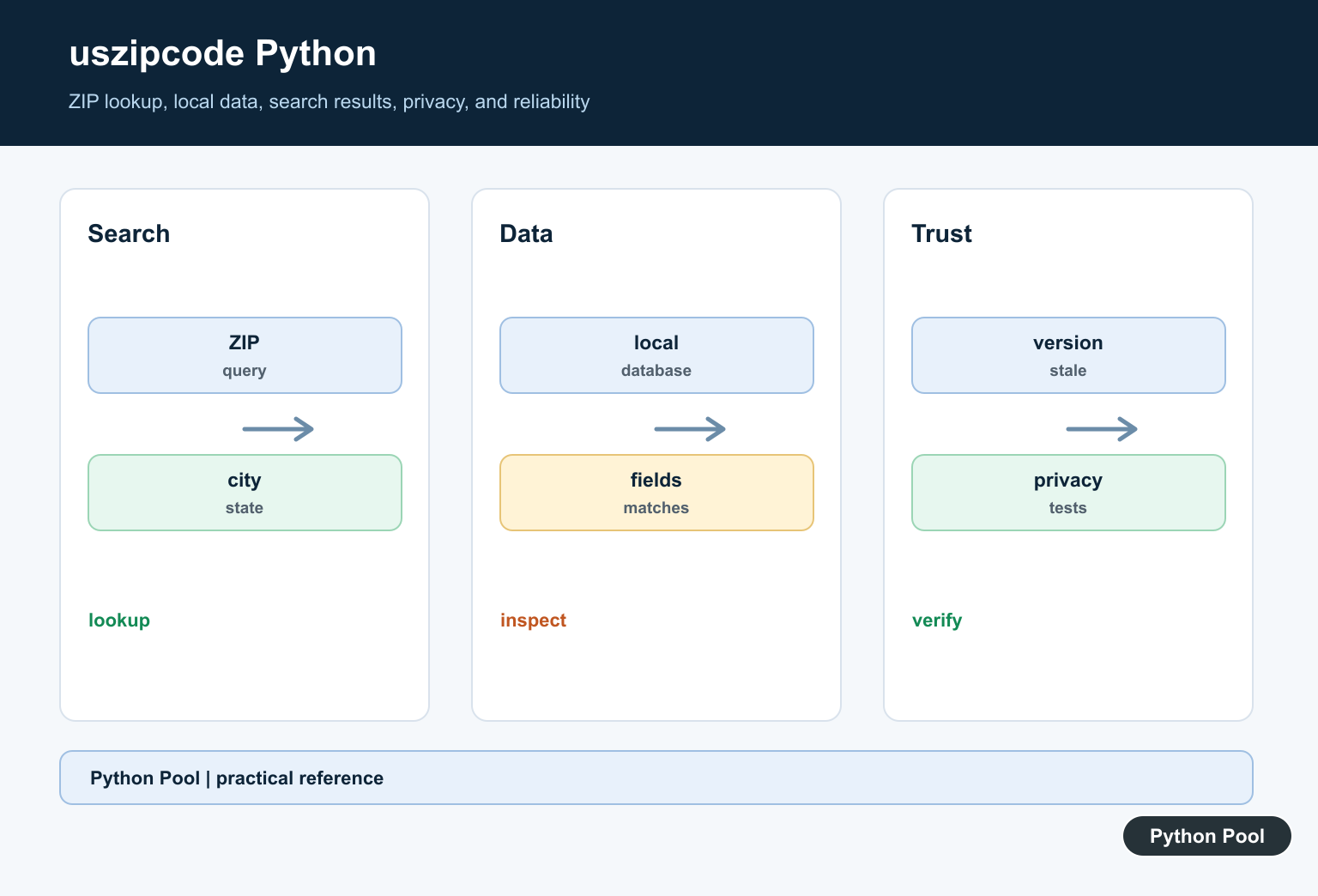
uszipcode Python is a third-party package for looking up United States ZIP code records from Python. It is useful when a project needs city, state, county, latitude, longitude, population, housing, or related fields without hand-maintaining a lookup table. The package exposes a SearchEngine API with helpers such as by_zipcode(), by_city_and_state(), by_coordinates(), and population-based searches.
The current live uszipcode PyPI page lists version 1.0.1, released on January 5, 2022. The uszipcode documentation describes the package as a programmable ZIP code data set with 2020 census and geometry information, while also warning readers to use the data at their own risk. The usage examples show both simple and comprehensive data modes.
That context matters for production code. Treat uszipcode as a convenient local lookup layer, not as a live postal authority. For forms, normalize user input before searching. For address delivery, tax, compliance, or other high-stakes workflows, confirm the result against the system of record your organization depends on. Also remember that the package may need a local SQLite data store, so test your deployment path instead of assuming every server can create files in the same place.
The examples below are written to run locally even when uszipcode is not installed. They guard optional imports and use small in-memory records so they do not fetch anything, open package data, or require a local SQLite file. Python’s re documentation is also useful for input checks.
Normalize ZIP Code Input First
ZIP codes should normally be handled as text, not numbers. A code such as 00501 loses meaning if it becomes the integer 501. Start by trimming whitespace, accepting the five-digit form, and optionally accepting the ZIP+4 form.
import re

ZIP_RE = re.compile(r"^\s*(\d{5})(?:-(\d{4}))?\s*$")

def normalize_zip(text):
    match = ZIP_RE.fullmatch(str(text))
    if not match:
        raise ValueError(f"not a US ZIP code: {text!r}")
    base, plus4 = match.groups()
    return f"{base}-{plus4}" if plus4 else base

samples = ["00501", "10001-1234", "90210"]

for sample in samples:
    print(normalize_zip(sample))
This function keeps leading zeros for string input and rejects partial values. If your source data is a spreadsheet or CSV file, read the ZIP column as text from the start so leading zeros are not stripped before Python sees them.
Guard The Optional uszipcode Import
A script can support uszipcode without making it mandatory for every test run. Import the package defensively, then pass a search object into your lookup function. The demo object below mimics the small part of SearchEngine used by the function.
try:
    from uszipcode import SearchEngine
except Exception:
    SearchEngine = None

class DemoSearch:
    def by_zipcode(self, zipcode):
        rows = {
            "10001": {
                "zipcode": "10001",
                "major_city": "New York",
                "state": "NY",
                "population": 21102,
            }
        }
        return rows.get(str(zipcode).zfill(5))

def get_zip_summary(search, zipcode):
    result = search.by_zipcode(str(zipcode).zfill(5))
    if not result:
        return None
    if hasattr(result, "to_dict"):
        result = result.to_dict()
    return {
        "zipcode": result.get("zipcode"),
        "city": result.get("major_city"),
        "state": result.get("state"),
        "population": result.get("population"),
    }

search = DemoSearch()

print(SearchEngine is not None)
print(get_zip_summary(search, "10001"))
In an application, create the real SearchEngine at the edge of the program and pass it inward. That keeps tests quick and lets you close or replace the search layer without editing business logic.
Search By City And State
The real package supports city and state helpers. The same idea is easy to model in tests: normalize the city name, uppercase the state abbreviation, and return matching records. This keeps your filtering rule explicit.
rows = [
    {"zipcode": "10001", "major_city": "New York", "state": "NY"},
    {"zipcode": "10002", "major_city": "New York", "state": "NY"},
    {"zipcode": "60601", "major_city": "Chicago", "state": "IL"},
]

def city_key(name):
    return " ".join(name.casefold().split())

def by_city_and_state(records, city, state):
    wanted_city = city_key(city)
    wanted_state = state.strip().upper()
    return [
        row
        for row in records
        if city_key(row["major_city"]) == wanted_city
        and row["state"] == wanted_state
    ]

matches = by_city_and_state(rows, " new   york ", "ny")

print([row["zipcode"] for row in matches])
When you switch to uszipcode, keep the same boundary. Let the package search, then convert records into the shape your application expects. That way, templates, API handlers, and reports do not depend on every field of the package model.
Find Nearby ZIP Codes Without Network Calls
uszipcode can search by coordinates when its data store is available. For local tests, a small fixture plus a distance function is enough to verify sorting, radius handling, and return limits.
from math import asin, cos, radians, sin, sqrt

rows = [
    {"zipcode": "10001", "lat": 40.75, "lng": -73.99},
    {"zipcode": "11201", "lat": 40.69, "lng": -73.99},
    {"zipcode": "94103", "lat": 37.77, "lng": -122.41},
]

def miles_between(lat1, lng1, lat2, lng2):
    earth_radius = 3958.8
    dlat = radians(lat2 - lat1)
    dlng = radians(lng2 - lng1)
    start_lat = radians(lat1)
    end_lat = radians(lat2)
    hav = (
        sin(dlat / 2) ** 2
        + cos(start_lat) * cos(end_lat) * sin(dlng / 2) ** 2
    )
    return 2 * earth_radius * asin(sqrt(hav))

def nearby(records, lat, lng, radius):
    ranked = [
        (miles_between(lat, lng, row["lat"], row["lng"]), row)
        for row in records
    ]
    return [row for miles, row in sorted(ranked) if miles <= radius]

print([row["zipcode"] for row in nearby(rows, 40.75, -73.99, 10)])
This is not a replacement for the package data. It is a test technique: keep a tiny known sample so the surrounding code can be validated without relying on a live package store.
Filter And Sort Search Results
uszipcode records expose fields such as population, land area, housing units, and median income when that data is present. Your code should handle missing fields because not every lookup source has the same depth.
try:
    from uszipcode import Zipcode
except Exception:
    Zipcode = None

rows = [
    {"zipcode": "10001", "major_city": "New York", "population": 21102},
    {"zipcode": "33109", "major_city": "Fisher Island", "population": 467},
    {"zipcode": "60601", "major_city": "Chicago", "population": 14675},
]

def top_by_population(records, limit=2):
    usable = [row for row in records if row.get("population") is not None]
    return sorted(
        usable,
        key=lambda row: row["population"],
        reverse=True,
    )[:limit]

for row in top_by_population(rows):
    print(row["zipcode"], row["population"])

print(Zipcode is not None)
If you use the real SearchEngine, its richer query helpers can do much of this work before results reach your code. Still, keeping a small post-processing function makes sorting rules easy to test.
Return A Stable API Shape
Many applications do not need to expose the entire package model. A compact response with status, normalized input, and selected fields is easier for frontends and services to consume. Caching is also simple when the lookup key is normalized.
from functools import lru_cache

ROWS = {
    "00501": {"zipcode": "00501", "city": "Holtsville", "state": "NY"},
    "10001": {"zipcode": "10001", "city": "New York", "state": "NY"},
}

@lru_cache(maxsize=128)
def lookup_response(zipcode):
    key = str(zipcode).zfill(5)
    row = ROWS.get(key)
    if row is None:
        return {"ok": False, "zipcode": key, "data": None}
    return {
        "ok": True,
        "zipcode": key,
        "data": {
            "city": row["city"],
            "state": row["state"],
        },
    }

print(lookup_response("501"))
print(lookup_response("99999"))
The safest pattern is to keep ZIP codes as strings, validate input before lookup, guard optional uszipcode imports, isolate the real search engine behind a small function or class, and use fixtures for tests. That gives you the convenience of uszipcode where it fits while keeping your application stable when the package is missing, the local data store is unavailable, or a field is absent.
Confirm The Package Version
Install into the same interpreter that runs the application and inspect the installed version and documentation. Old examples can reference a SearchEngine API or data layout that differs from the current environment.
Separate Database Setup
Some lookup workflows need a local data file or first-run initialization. Make that setup explicit, cache it in a controlled location, and fail with a useful message when the database is unavailable.
Use Narrow Queries
A ZIP lookup can return multiple fields and records. Request the fields and limits the application needs, and treat missing or ambiguous ZIP codes as normal outcomes rather than assuming a unique exact location.
Protect Location Data
ZIP-related results can contribute to sensitive inferences. Limit retention, avoid logging full query data unnecessarily, and check the data license and permitted use before shipping it in a product.
Handle Stale Geographic Data
ZIP assignments, city names, boundaries, and package datasets can change. Record the dataset version or refresh policy and avoid presenting old results as authoritative current address information.
Test Environment And Results
Test import, first-run database setup, valid and invalid ZIP codes, missing fields, multiple matches, and offline behavior. Run tests in the same deployment environment as the production script.
The uszipcode PyPI page documents the published package metadata and installation. Related Python Pool references include logging and testing.
For related data-boundary work, compare safe logs, environment tests, and package setup before shipping a ZIP lookup.
Frequently Asked Questions
What is uszipcode used for in Python?
uszipcode provides ZIP code data and search-style lookups for geographic fields such as city, state, latitude, and longitude, subject to its package data and version.
How do I install uszipcode?
Install it into the same environment as the program with python -m pip, then verify the package version and import from that interpreter.
Why can a uszipcode search fail after installation?
The package or its search database may not be available in the active environment, or an old example may not match the installed release.
Should I use ZIP code data for exact addresses?
No. ZIP codes represent delivery areas rather than exact addresses; use an address-validation or geocoding service when the application requires that precision.
