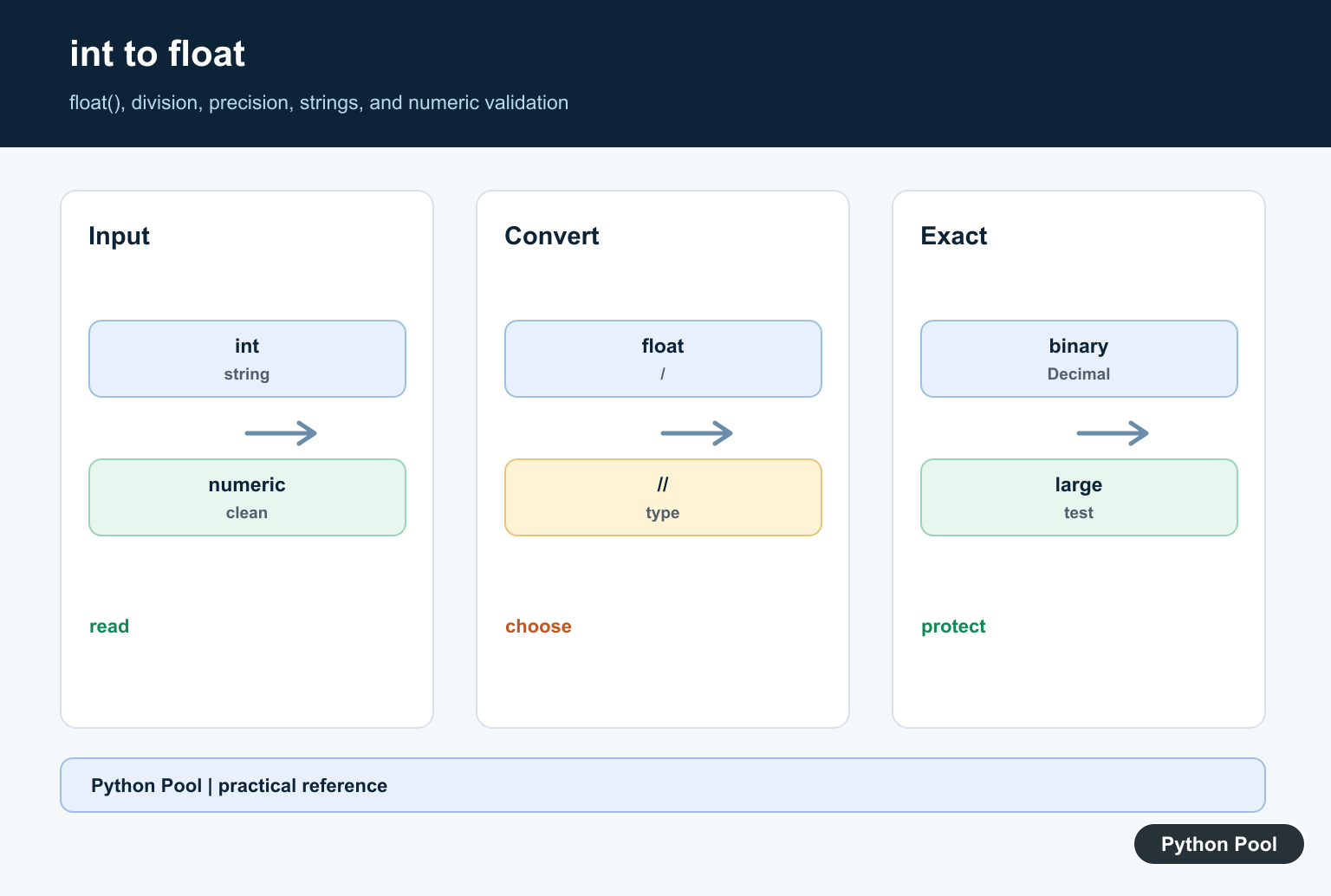
Quick answer: Use float(integer) for an explicit int-to-float conversion. Python’s true-division operator / also produces a float, but floor division // has different semantics. Large integers may lose exactness when represented as binary floats, so choose Decimal or integer arithmetic when exact results matter.
To convert an integer to a floating-point number in Python, use float(value). Python can also convert an int to a float implicitly during mixed numeric arithmetic, but explicit conversion is clearer when you want the result type to be obvious. Mixed numeric arithmetic can promote an int to float, but sequence repetition still requires an integer count; Fix Can’t Multiply Sequence by Float fixes that distinction.
The official float() documentation says it returns a floating-point number built from a number or a string. For numeric background, Python’s numeric types documentation covers int, float, and mixed arithmetic rules.
Convert int to float with float()
The most direct method is the built-in float() constructor:
number = 7
result = float(number)

print(result)
print(type(result))
Output:
7.0
<class 'float'>
The original variable is still an integer unless you assign the converted value back to it:
number = 7
number = float(number)

print(number)
Implicit int to float conversion
Python converts an integer to a float automatically when an arithmetic expression mixes int and float. This is called mixed arithmetic. The numeric types documentation explains that if either operand is a floating-point number, the other operand is converted to floating point for the operation.
a = 5
b = 2.5

result = a + b

print(result)
print(type(result))
Output:
7.5
<class 'float'>
Implicit conversion is normal in calculations, but do not add 0.0 just to force a conversion. Use float(number) instead because it communicates your intent.
Division already returns a float
Regular division with / returns a float, even when both operands are integers:
print(8 / 2)
print(type(8 / 2))
Output:
4.0
<class 'float'>
Floor division with // behaves differently. If you are comparing division operators, read Python Pool’s guide to integer division in Python and the tutorial on Python divmod().
Convert a string integer to float
float() can also convert a numeric string:
value = "42"
result = float(value)

print(result)
Output:
42.0The string must contain a valid numeric value. This fails because the text contains non-numeric words:
float("42 apples")Output:
ValueError: could not convert string to float: '42 apples'Precision note
Python integers have unlimited precision, but floating-point numbers use finite precision. That means a very large integer can lose exactness after conversion:
number = 10**20 + 1
result = float(number)

print(result)
Output:
1e+20For formatting rounded decimal output, see Python round to two decimals and Python round().
When Not to Convert int to float
Use float for measurements, ratios, averages, plotting values, and scientific calculations where binary floating-point precision is acceptable. Do not convert to float just to display a decimal point, and avoid it for money or exact decimal rules.
For exact decimal arithmetic, Python provides the decimal module. The standard library documentation notes that decimal arithmetic is useful when exact decimal representation and controlled rounding matter, such as accounting-style calculations.
from decimal import Decimal

amount = Decimal(10)
price = Decimal("2.50")

print(amount * price)
Output:
25.00
Quick Summary
- Use
float(number)for explicit int-to-float conversion. - Mixed arithmetic with a float produces a float result.
/returns a float;//is floor division.- Use numeric strings only when converting strings with
float().
Use An Explicit Conversion
float(value) communicates that a numeric value should enter floating-point arithmetic. It accepts integers and valid numeric strings, but invalid or decorated strings should be rejected before conversion.
Know Division Rules
The / operator performs true division and returns a float, even when both operands are integers. // performs floor division, so its result and type should be selected deliberately rather than treated as a conversion shortcut.
Understand Precision
Binary floating point cannot represent every decimal fraction exactly, and very large integers can be rounded when converted. Formatting a value does not restore information that was lost during conversion.
Handle User Input
Strip only input characters that the application actually permits, validate the numeric format, and report conversion errors. Do not use eval to parse a number supplied by a user.
Use Decimal For Decimal Rules
When financial or decimal-rounding rules require exact decimal behavior, use decimal.Decimal from a string and define the rounding policy. A float is not a replacement for a decimal specification.
Test Types And Boundaries
Test zero, negative values, large integers, numeric strings, whitespace, invalid text, true division, floor division, and a precision-sensitive calculation. Assert both type and value where the API promises them.
Format Only At The Display Boundary
Keep the numeric value numeric during calculations and apply formatting such as a fixed number of decimal places only when presenting it. Converting through formatted text too early can introduce parsing errors or hide precision decisions.
Prefer A Clear Conversion Boundary
Convert once when data enters the calculation layer, document whether the result is approximate or exact, and avoid repeatedly converting between strings, integers, and floats inside a loop. A clear boundary makes debugging and type checks simpler for callers and tests. It also keeps serialization rules separate from arithmetic rules when values cross an API boundary.
The official float() reference and Decimal documentation define the conversion choices. Related Python Pool references include tests and diagnostics.
For related numeric behavior, compare boundary tests, conversion diagnostics, and array dtypes before choosing float arithmetic.
Frequently Asked Questions
How do I convert an int to a float in Python?
Call float(integer), which returns the corresponding floating-point value.
Does division convert an int to a float?
The / operator returns a float in Python, while // performs floor division and may return an integer result depending on the operands.
Can float conversion lose precision?
Large integers may not be represented exactly by a binary floating-point value, so use Decimal or integer arithmetic when exactness is required.
Why does float(’10’) work but float(’10 dollars’) fail?
float accepts strings that follow a valid numeric format; validate and clean user input before converting it.
