Quick answer: break is legal only inside a for or while loop and terminates the nearest enclosing loop. If the goal is to leave a function, use return; if the goal is to stop the whole process, choose an explicit exit strategy such as sys.exit.
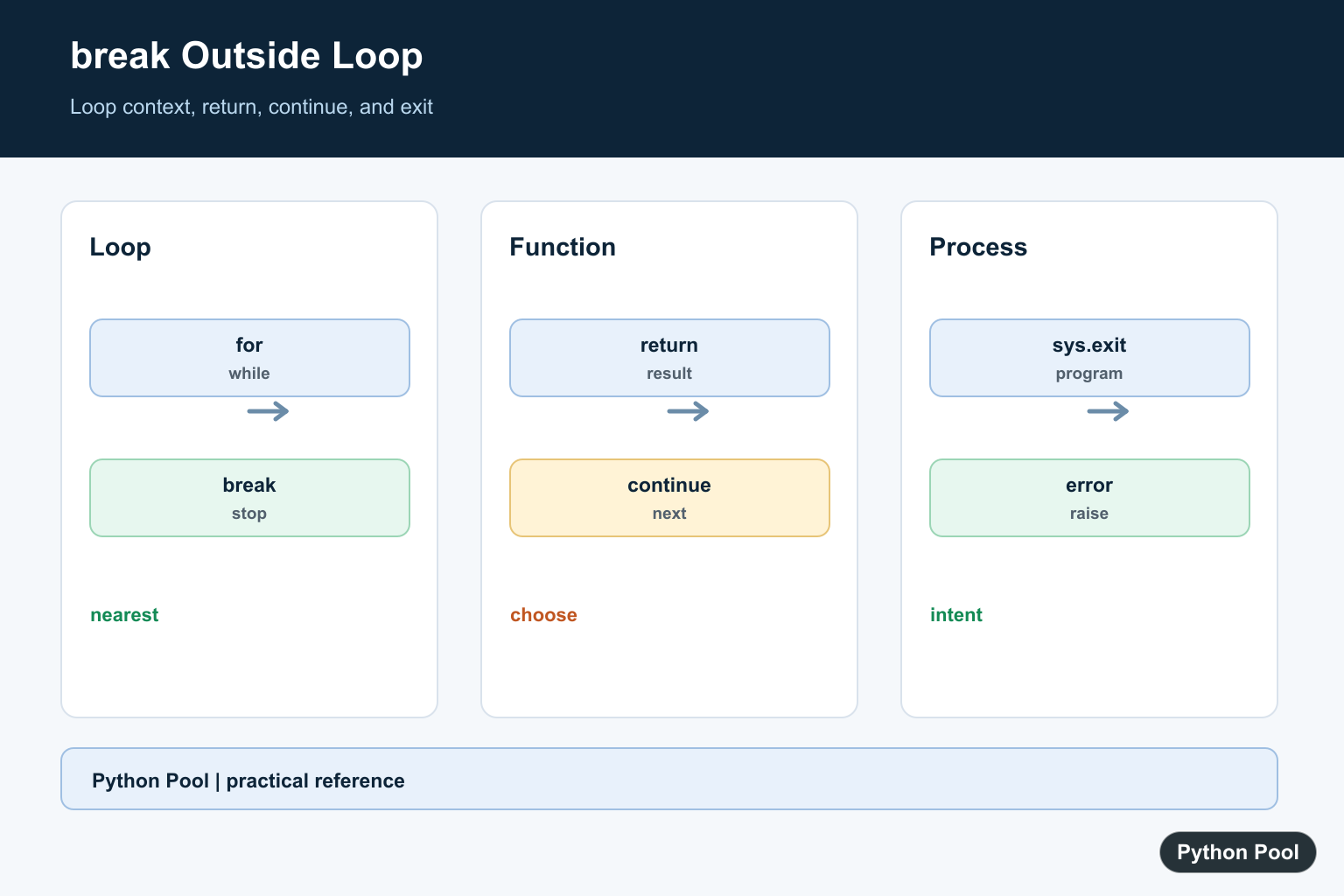
SyntaxError: 'break' outside loop means Python found a break statement in a place where it cannot legally stop a loop. The fix is to put break inside a for or while loop, or replace it with the correct control-flow statement for what you are trying to do.
The official Python reference for the break statement defines break as a statement that terminates the nearest enclosing loop. If there is no enclosing loop, Python raises a syntax error before the program runs.
Why the Error Happens
This code is invalid because the break statement is inside an if block, but that if block is not inside a loop:
number = 20

if number > 10:
    break
Output:
SyntaxError: 'break' outside loopAn if statement does not create a loop. break can appear inside an if only when that if is nested inside a for or while loop.
Fix 1: Move break Inside a Loop
Use this pattern when you are searching, reading repeated input, or stopping iteration early:
numbers = [2, 4, 6, 9, 10]

for number in numbers:
    if number % 2 != 0:
        print("Found an odd number:", number)
        break
Output:
Found an odd number: 9For more examples of loop control, read Python Pool’s Python break guide and for vs while loop comparison.
Fix 2: Use return Inside a Function
If you are trying to leave a function, use return, not break. Python’s reference for the return statement covers this behavior.
def check_number(number):
    if number > 10:
        return "too large"

    return "ok"


print(check_number(20))
Output:
too largeIf you are choosing between printing and returning, see print vs return in Python.
Fix 3: Stop the Program Intentionally
If your goal is to stop the whole script, use sys.exit() or raise an exception with a clear message. The official sys.exit() documentation describes it as a way to exit from Python by raising SystemExit.
import sys

number = 20

if number > 10:
    sys.exit("number is too large")

print("done")
Python Pool also has a separate guide to Python sys.exit() and another on exiting a Python program.
Common Indentation Mistake
Sometimes the code has a loop, but break is accidentally indented outside that loop. Python reads indentation as structure, so the placement matters.
Wrong:
names = ["Ada", "Grace", "Guido"]

for name in names:
    print(name)

    if name == "Grace":
        print("Found Grace")

break
The final break is at the top level, so Python raises the syntax error. Put it inside the loop block:
names = ["Ada", "Grace", "Guido"]

for name in names:
    print(name)

    if name == "Grace":
        print("Found Grace")
        break
Output:
Ada
Grace
Found Grace
break vs return vs sys.exit
| Statement | Use it when | Where it belongs |
|---|---|---|
break | You want to stop a loop early | Inside for or while |
return | You want to leave a function | Inside a function |
sys.exit() | You want to stop the script | Anywhere after importing sys |
Quick Checklist
- Check whether
breakis inside a real loop. - Do not use
breakjust because anifcondition is true. - Use
returnto leave a function. - Use
sys.exit()or an exception to stop a script intentionally.
For related syntax issues, read SyntaxError: keyword can’t be an expression and Python traceback.
Put break Inside A Loop
An if statement can contain break only when that if is nested in a for or while loop. The conditional decides when to stop; the loop supplies the control-flow context.
Use return For Functions
When a function has found its answer or cannot continue, return communicates that the function is finished and can carry a value to its caller. It is not a substitute for loop behavior in every case.
Use Continue For One Iteration
If the loop should skip the remaining body and continue with the next item, continue is the correct statement. Do not use break when the search or validation should keep processing later values.
Choose Process Exit Carefully
sys.exit can terminate a command-line program, but libraries should usually raise an exception or return an error instead of ending their caller’s process.
Test Nested Control Flow
Cover a match on the first and later iterations, no match, nested loops, function return, and an empty input. Confirm which loop or function should stop in every branch. Add a test for a loop nested inside another loop so the nearest-loop rule is explicit, and test the no-match path so the program does not appear to succeed after scanning every item. When a function owns the loop, return a documented result rather than relying on a process exit. These checks keep syntax repair aligned with the user’s actual control-flow goal. Also check whether a loop should stop before or after processing the matching item, whether cleanup must run, and whether an exception is more informative than an exit. Naming the intended action, such as found, should_stop, or result, often makes the replacement statement obvious. Document the no-match result and the cleanup behavior. Include a nested-loop regression test and explicit branch assertions for every exit path at the boundary.
The Python break reference, return reference, and sys.exit documentation define the alternatives. Related references include iteration, conditions, and control-flow tests.
For related control flow, compare iteration, conditions, and control-flow tests when choosing break, return, or continue.
Frequently Asked Questions
Why is break outside loop a syntax error?
break is only legal inside a for or while loop, so Python rejects it before execution when no loop encloses it.
Can break appear inside an if statement?
Yes, but only when that if is nested inside a loop.
What should replace break inside a function?
Use return when the goal is to leave the function and provide its result or no result.
How do I stop a whole script?
Use an explicit program-level exit strategy such as sys.exit when terminating the process is really intended.
