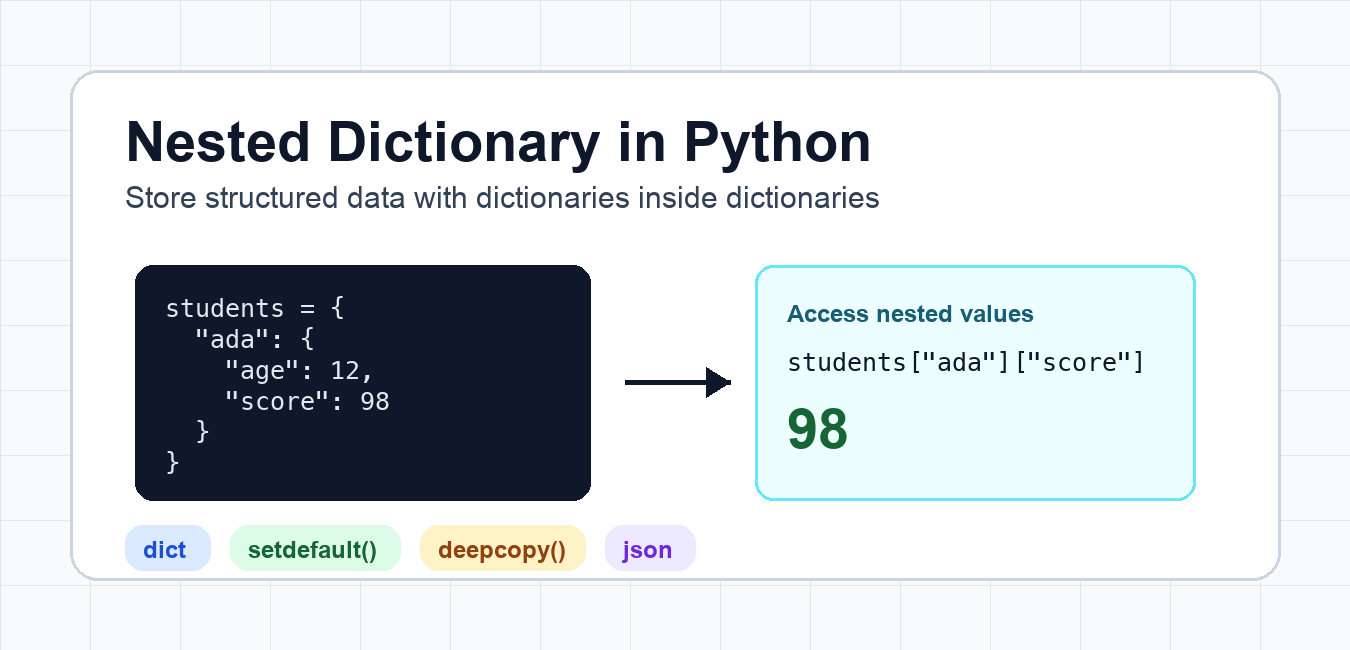
Quick answer: A nested dictionary stores dictionaries inside an outer dictionary. Use direct indexing when keys are required, get() when a key is optional, setdefault() for controlled creation, deepcopy() when nested objects must be independent, and validation when data comes from outside the program.
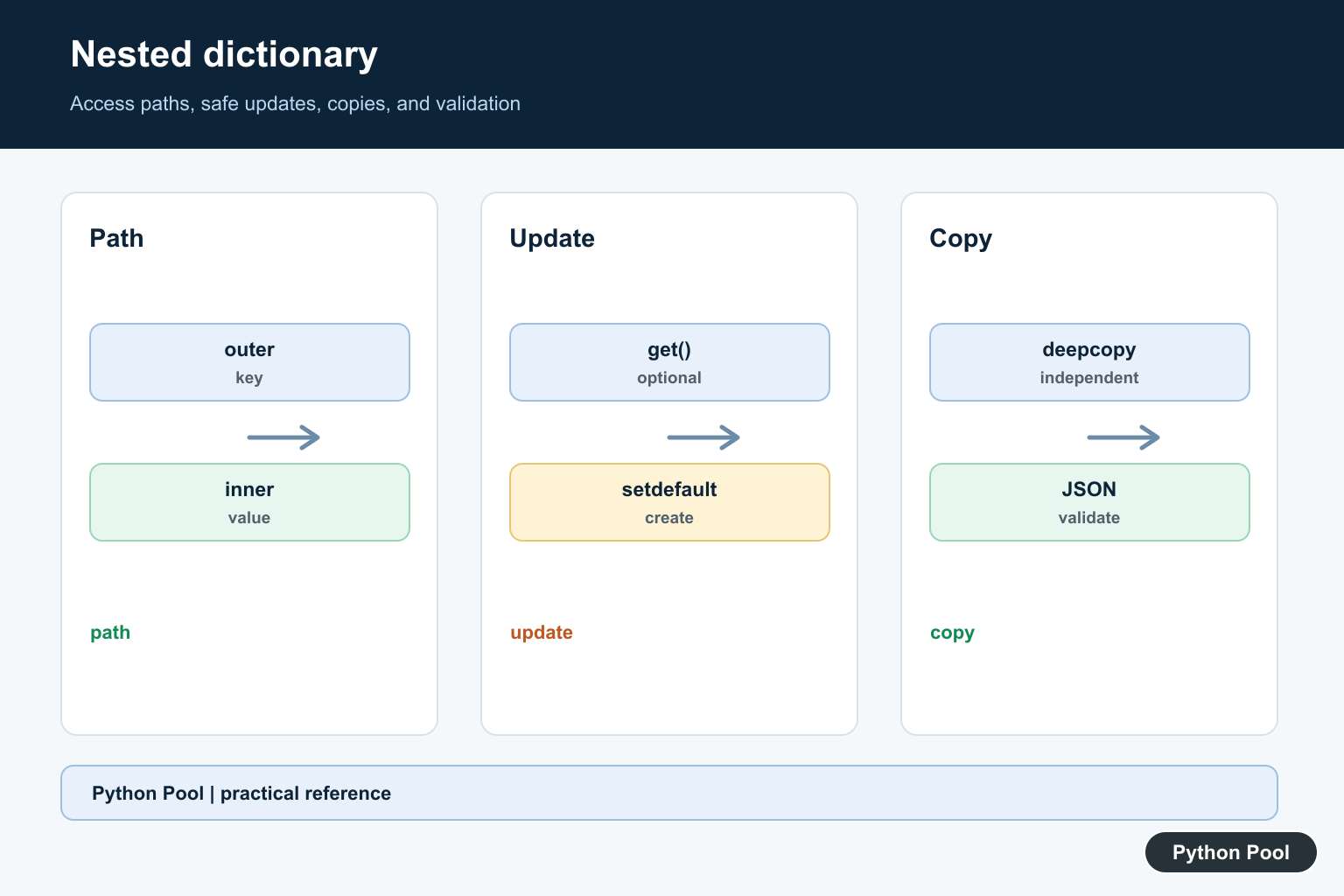
A nested dictionary in Python is a dictionary that stores another dictionary as one or more of its values. It is useful when each top-level key represents an object, record, user, product, or group, and each nested dictionary stores the details for that item.
Nested dictionaries work well for structured data that still fits comfortably in memory. Use them for configuration, small datasets, API-style payloads, test fixtures, and grouped values. If the data becomes large or you need complex queries, consider a database or a table-oriented library instead.
Create a nested dictionary
The simplest way to create a nested dictionary is to write the structure directly with braces. Each outer key points to another dictionary.
<div class="pythonpool-code-scroll" style="max-width:100%;overflow-x:auto;-webkit-overflow-scrolling:touch;">students = {
    "ada": {"age": 12, "score": 98},
    "bo": {"age": 11, "score": 91},
}

print(students["ada"])</div>
{'age': 12, 'score': 98}Access nested dictionary values
Use one set of square brackets for each level. The first lookup gets the inner dictionary, and the second lookup reads the value inside it.
<div class="pythonpool-code-scroll" style="max-width:100%;overflow-x:auto;-webkit-overflow-scrolling:touch;">score = students["ada"]["score"]
print(score)</div>
98
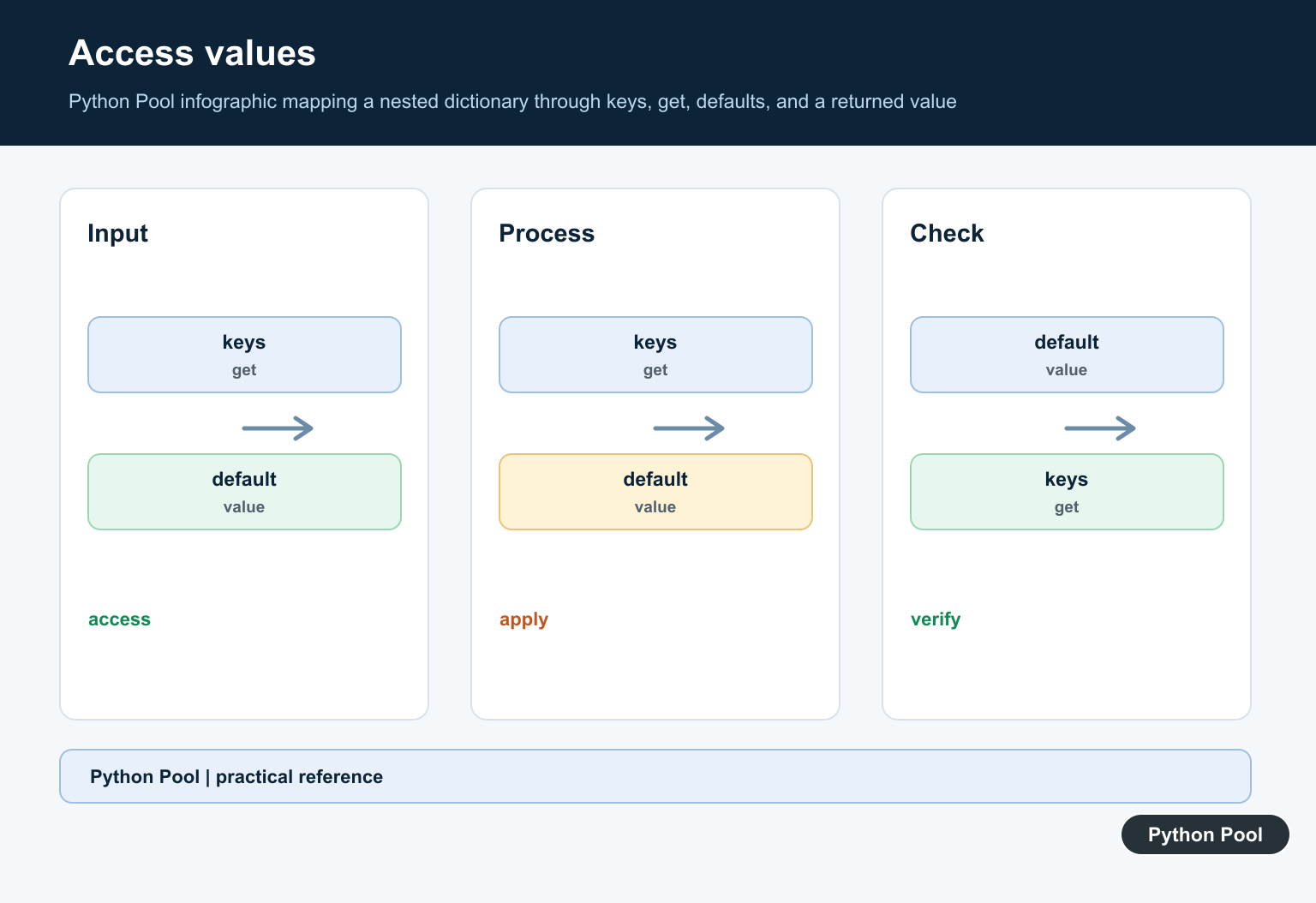
If a key may be missing, use get() or check membership first. Direct bracket access is clear, but it raises KeyError when a key is not present.
Update values in a nested dictionary
To update a nested value, access the inner dictionary and assign the new value. This changes the dictionary in place.
<div class="pythonpool-code-scroll" style="max-width:100%;overflow-x:auto;-webkit-overflow-scrolling:touch;">students["bo"]["score"] = 94
print(students["bo"])</div>
{'age': 11, 'score': 94}Add a new nested entry
You can assign a complete inner dictionary for a new top-level key. When you want to create the inner dictionary only if it does not already exist, setdefault() is convenient.
<div class="pythonpool-code-scroll" style="max-width:100%;overflow-x:auto;-webkit-overflow-scrolling:touch;">students.setdefault("cy", {})["score"] = 88
print(students["cy"])</div>
{'score': 88}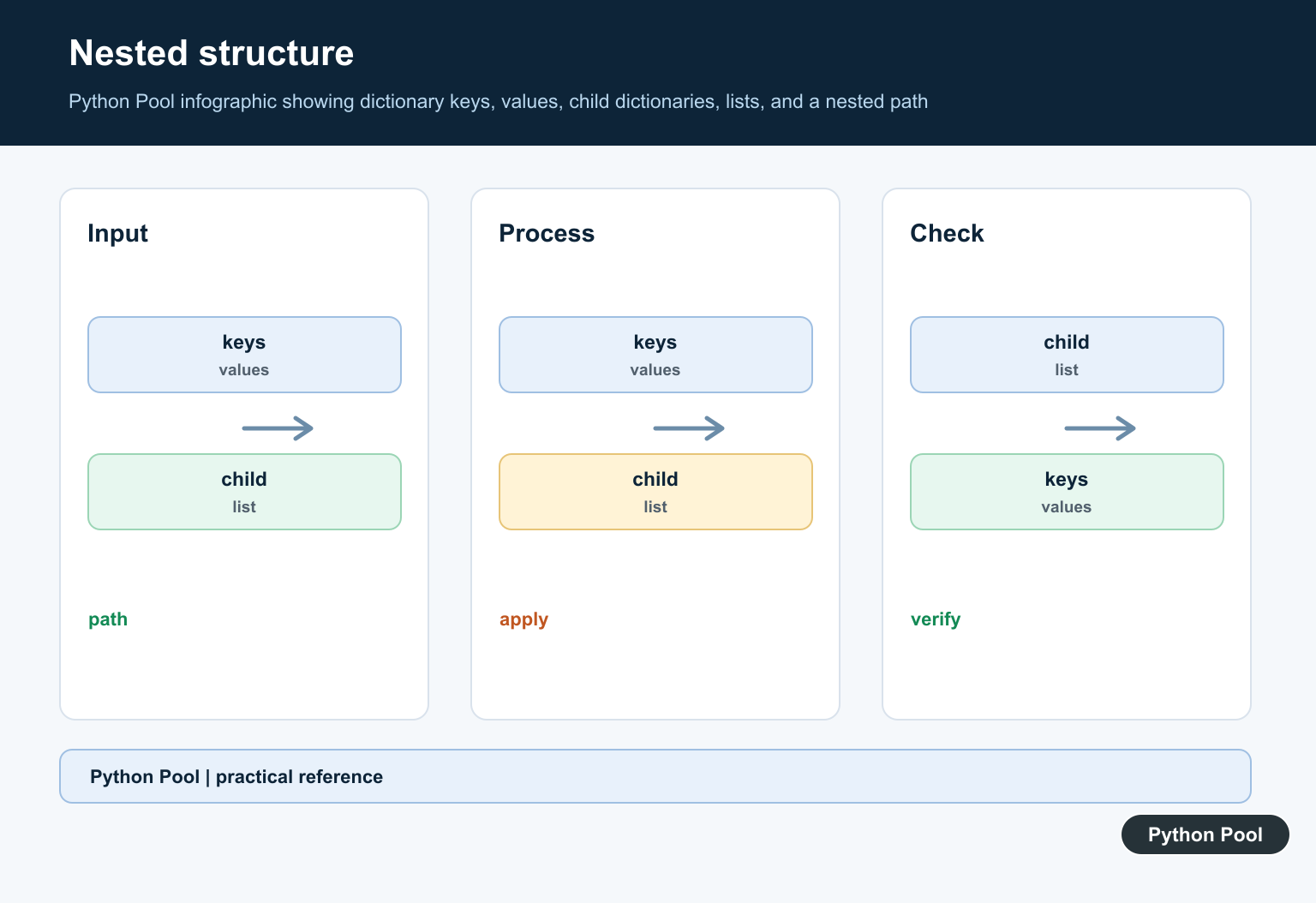
Loop through a nested dictionary
Use items() to loop over the outer dictionary. The loop variable for each value is the inner dictionary.
<div class="pythonpool-code-scroll" style="max-width:100%;overflow-x:auto;-webkit-overflow-scrolling:touch;">for name, data in students.items():
    print(name, data.get("score"))</div>
You can also use a dictionary comprehension to extract one nested field from every record.
<div class="pythonpool-code-scroll" style="max-width:100%;overflow-x:auto;-webkit-overflow-scrolling:touch;">scores = {name: data["score"] for name, data in students.items()}
print(scores)</div>
Copy nested dictionaries safely
A shallow copy copies the outer dictionary only. The inner dictionaries or lists are still shared. Use copy.deepcopy() when you need an independent copy of all nested objects.
<div class="pythonpool-code-scroll" style="max-width:100%;overflow-x:auto;-webkit-overflow-scrolling:touch;">from copy import deepcopy

original = {"team": {"members": ["Ada"]}}
clone = deepcopy(original)
clone["team"]["members"].append("Bo")

print(original["team"]["members"])
print(clone["team"]["members"])</div>
Convert nested dictionaries to JSON
Nested dictionaries map naturally to JSON objects as long as the keys and values are JSON-compatible. This makes them useful for API payloads and configuration files.
<div class="pythonpool-code-scroll" style="max-width:100%;overflow-x:auto;-webkit-overflow-scrolling:touch;">import json

payload = json.dumps(students, sort_keys=True)
print(payload)</div>
Common mistakes
- Using direct bracket access when a nested key may be missing.
- Confusing a shallow copy with an independent deep copy.
- Letting nesting grow so deep that the structure becomes hard to read.
- Mixing unrelated record shapes in the same dictionary.
- Serializing values that JSON cannot handle, such as custom objects, without converting them first.
Safely read optional nested keys
When a nested key may not exist, avoid chaining direct bracket lookups unless you want the program to stop with KeyError. A simple pattern is to call get() at each level and provide an empty dictionary as the default for the next lookup.
<div class="pythonpool-code-scroll" style="max-width:100%;overflow-x:auto;-webkit-overflow-scrolling:touch;">students = {"ada": {"age": 12, "score": 98}}

score = students.get("missing", {}).get("score")
print(score)</div>
This returns None instead of raising an error. For important required fields, direct bracket access can still be better because it reveals bad data immediately.
Avoid shared inner dictionaries
Be careful with helpers that reuse the same mutable object for more than one key. For example, dict.fromkeys(keys, {}) gives every key the same inner dictionary. Updating one key then appears to update all keys.
<div class="pythonpool-code-scroll" style="max-width:100%;overflow-x:auto;-webkit-overflow-scrolling:touch;">bad = dict.fromkeys(["a", "b"], {})
bad["a"]["score"] = 1
print(bad["b"])

good = {key: {} for key in ["a", "b"]}
good["a"]["score"] = 1
print(good["b"])</div>
Use a comprehension when every top-level key needs its own independent inner dictionary. This prevents hidden shared-state bugs that are hard to spot later.
When nested dictionaries become too deep
One or two nested levels are usually easy to read. More levels can make updates, validation, and error handling difficult. If your code often needs expressions such as data["a"]["b"]["c"]["d"], consider flattening the structure, using a dataclass, or moving the data into a database table where each field has a clear name.
A good nested dictionary has consistent record shapes. If some records store scores, some store addresses, and others store settings, split the data into separate dictionaries or use clearer top-level keys. Consistent shapes also make testing, JSON export, and future refactoring much easier.
Related Python guides
- Add keys to a dictionary in Python
- Python key-value pairs
- Sort dictionary by key
- Python OrderedDict
- Shallow copy, slicing, and deepcopy()
- Tabulate JSON in Python
Official references
- Python tutorial: dictionaries
- Python dict type
- copy.deepcopy()
- Python json module
- Python pprint module
Choose A Missing-Key Policy
data[‘user’][’email’] is concise when both keys are guaranteed, but it raises KeyError when a contract is broken. data.get(‘user’, {}).get(’email’) avoids that exception but can hide malformed input. Use the style that matches whether missing data is expected or an error.
Create Inner Dictionaries Predictably
Assign a complete inner dictionary when the record is known. Use setdefault() when an outer key should be created once and then updated. For repeated grouping, collections.defaultdict can make the creation policy explicit, but it should not mask invalid input silently.
Loop At The Correct Level
items() gives each outer key and inner record. A loop over a dictionary alone gives keys, so attempting to read a field from that key can produce confusing errors. Name variables according to their level, such as student_name and student_record.
Copy Nested Data Intentionally
dict.copy() duplicates only the outer mapping. Inner dictionaries and lists remain shared. Use copy.deepcopy() for a fully independent structure, or copy only the specific nested values that the operation will mutate.
Validate External Nested Records
API payloads, JSON files, and user input can omit keys or contain the wrong types. Validate the outer and inner shapes before business logic, and return a useful error that identifies the path rather than allowing a distant KeyError or TypeError.
Know When To Use Another Structure
Nested dictionaries are practical for small, flexible records. For relational queries, large tables, strict schemas, or frequent joins, a database, dataclass, typed model, or DataFrame may communicate the data contract more clearly.
Python’s dict documentation covers mapping operations and deepcopy() explains independent nested copies. Related guidance includes lookup tables and JSON handling.
For related structured data, compare lookup tables, JSON boundaries, and copying patterns when choosing a nested-data representation.
Frequently Asked Questions
What is a nested dictionary in Python?
It is a dictionary whose value contains another dictionary, allowing related fields to be grouped under an outer key.
How do I access a value in a nested dictionary?
Use one bracket lookup per level, such as data[‘user’][‘name’], or use get() when a missing key should not raise KeyError.
How do I add a key to a nested dictionary?
Assign through the existing inner dictionary or use setdefault() to create the inner dictionary only when the outer key is absent.
How do I copy a nested dictionary without shared inner values?
Use copy.deepcopy() when the copy must not share nested dictionaries or lists with the original object.
