
Quick answer: Normalize a NumPy array only after deciding what scale means for the data. Min-max scaling maps values to a range, L2 scaling normalizes vector length, and both require explicit handling for constant arrays, NaNs, and the axis being transformed.
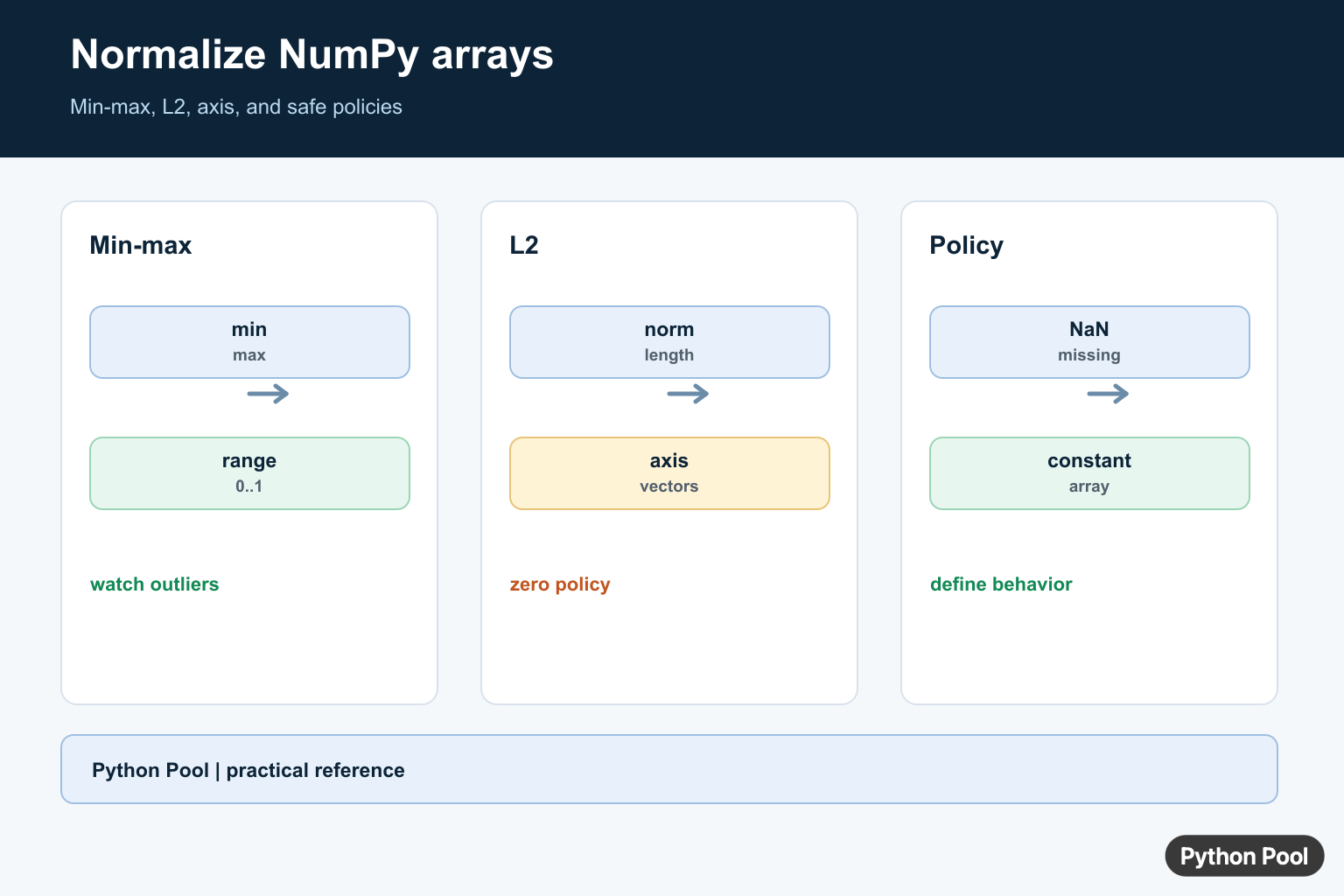
To normalize a NumPy array, convert the values to a common scale while keeping the shape and meaning of the data clear. The right formula depends on the goal: min-max normalization maps values into a fixed range, z-score standardization centers data around its mean, and L2 normalization rescales vectors so their length is 1.
These methods are common before distance calculations, clustering, gradient-based models, search ranking, and feature comparison. They are not interchangeable. A min-max result is easy to read when bounded input is expected, while z-scores are better when relative distance from the average matters. L2 normalization is usually chosen when direction matters more than magnitude.
The official NumPy references for this topic include numpy.min(), numpy.max(), numpy.mean(), numpy.std(), numpy.linalg.norm(), numpy.where(), and the NumPy guide to broadcasting.
Always decide whether normalization should happen across the full array or along a specific axis. Full-array normalization treats every element as part of one pool. Axis-aware normalization treats each row or column separately. For tabular data, column-wise normalization is often the correct choice because each feature has its own unit and range.
Zero-division handling is the detail that keeps these examples reliable. A constant array has no range, a constant column has zero standard deviation, and an all-zero vector has zero L2 norm. In those cases, return zeros or choose another explicit policy instead of letting nan or inf quietly enter later calculations.
Min-Max Normalize One Array
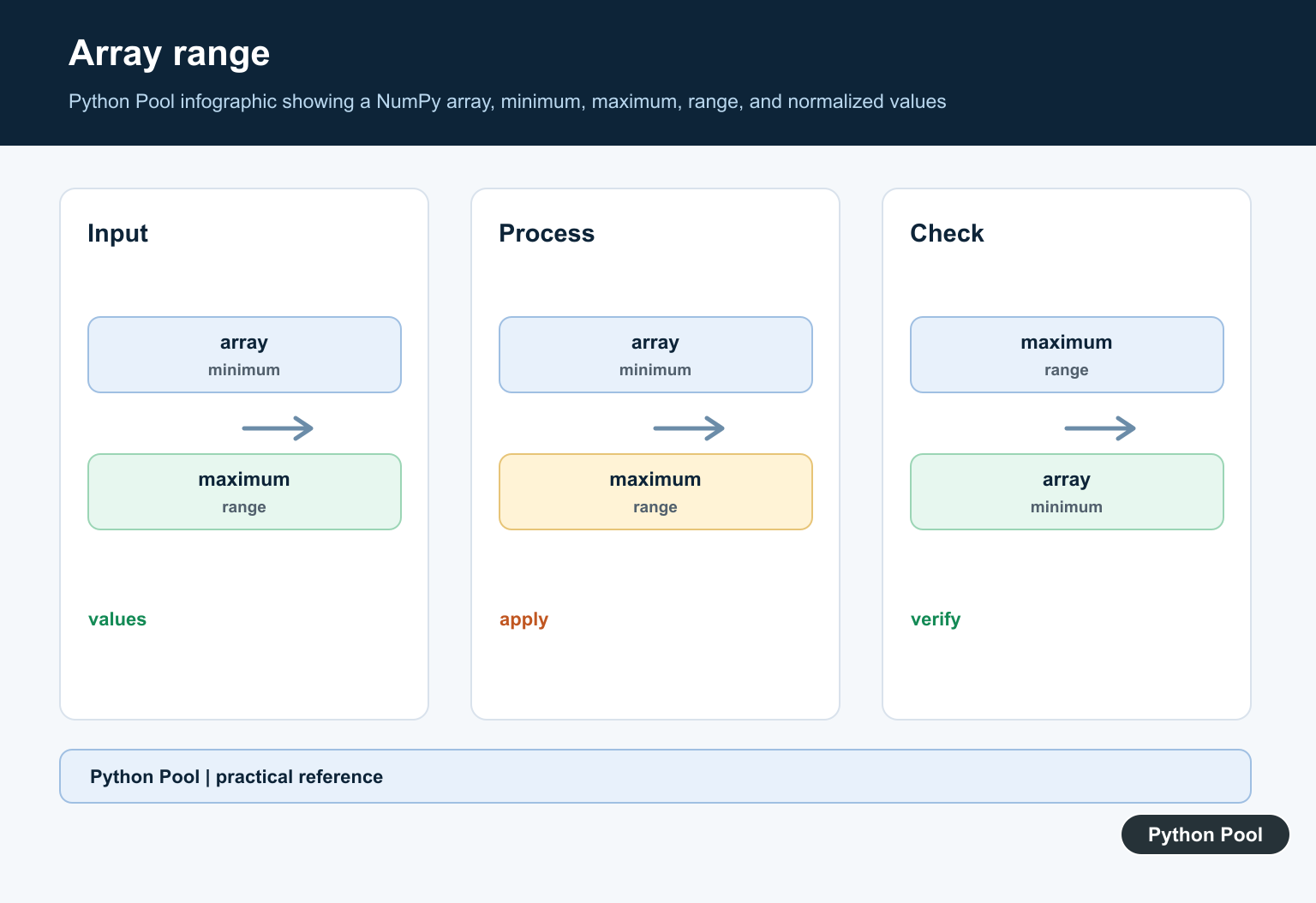
Min-max normalization maps the smallest value to 0 and the largest value to 1. For a single numeric array, subtract the minimum and divide by the range.
try:
    import numpy as np
except ModuleNotFoundError:
    print("Install numpy to run this example.")
else:
    values = np.array([12.0, 18.0, 24.0, 30.0])
    minimum = values.min()
    maximum = values.max()
    scaled = (values - minimum) / (maximum - minimum)

    print(np.round(scaled, 3).tolist())
This formula is useful when values have a meaningful lower and upper bound. It keeps the order of the data, but it changes the unit. A score of 0.5 means the value sits halfway between the observed minimum and maximum, not that it is half of the original measurement.
Min-max normalization is sensitive to outliers. If one value is much larger than the rest, most normalized values can become compressed near zero. In that case, inspect the distribution first or consider a robust scaling rule that fits the dataset.
Guard Min-Max Normalization Against Zero Range
When a row or column is constant, the maximum and minimum are equal. Use a guarded denominator so the result is predictable instead of divided by zero.
try:
    import numpy as np
except ModuleNotFoundError:
    print("Install numpy to run this example.")
else:
    matrix = np.array([
        [5.0, 2.0],
        [5.0, 6.0],
        [5.0, 10.0],
    ])

    column_min = matrix.min(axis=0)
    column_range = matrix.max(axis=0) - column_min
    safe_range = np.where(column_range == 0, 1.0, column_range)
    scaled = (matrix - column_min) / safe_range

    print(np.round(scaled, 3).tolist())
The first column is constant, so it becomes zeros after subtracting its minimum. Replacing the zero range with 1 avoids a bad denominator without changing those zero results.
This pattern is useful for feature tables because it normalizes each column independently. The axis=0 reductions produce one minimum and one range per column, and NumPy broadcasting applies those column values back across the rows.
Standardize With Z-Scores
Z-score standardization subtracts the mean and divides by the standard deviation. The result says how many standard deviations each value is from the mean.
try:
    import numpy as np
except ModuleNotFoundError:
    print("Install numpy to run this example.")
else:
    values = np.array([8.0, 10.0, 12.0, 14.0, 16.0])
    mean = values.mean()
    std = values.std()
    standardized = np.zeros_like(values) if std == 0 else (values - mean) / std

    print(round(float(mean), 3))
    print(round(float(std), 3))
    print(np.round(standardized, 3).tolist())
NumPy uses population standard deviation by default, which means ddof=0. That is often fine for preprocessing arrays, but statistical analysis may require a different degrees-of-freedom setting. Set the argument deliberately when the distinction matters.
Standardization does not put values between 0 and 1. Negative values are normal because data below the mean receives a negative score. This is helpful for algorithms that benefit from centered features.
Standardize Columns With Broadcasting
For a two-dimensional array, column-wise standardization is a common preprocessing step. Compute the mean and standard deviation along axis=0, then rely on broadcasting to apply them to every row.
try:
    import numpy as np
except ModuleNotFoundError:
    print("Install numpy to run this example.")
else:
    data = np.array([
        [10.0, 200.0, 3.0],
        [12.0, 200.0, 6.0],
        [14.0, 200.0, 9.0],
    ])

    means = data.mean(axis=0)
    stds = data.std(axis=0)
    safe_stds = np.where(stds == 0, 1.0, stds)
    standardized = (data - means) / safe_stds

    print(np.round(standardized, 3).tolist())
The middle column is constant, so its standardized values become zeros. The other columns are centered and scaled independently.
For row-wise standardization, use axis=1 and preserve the reduced dimension with keepdims=True, or reshape the result before subtracting. Keeping dimensions explicit makes the broadcasting behavior easier to read and less likely to surprise the next person who edits the code.
L2 Normalize A Vector
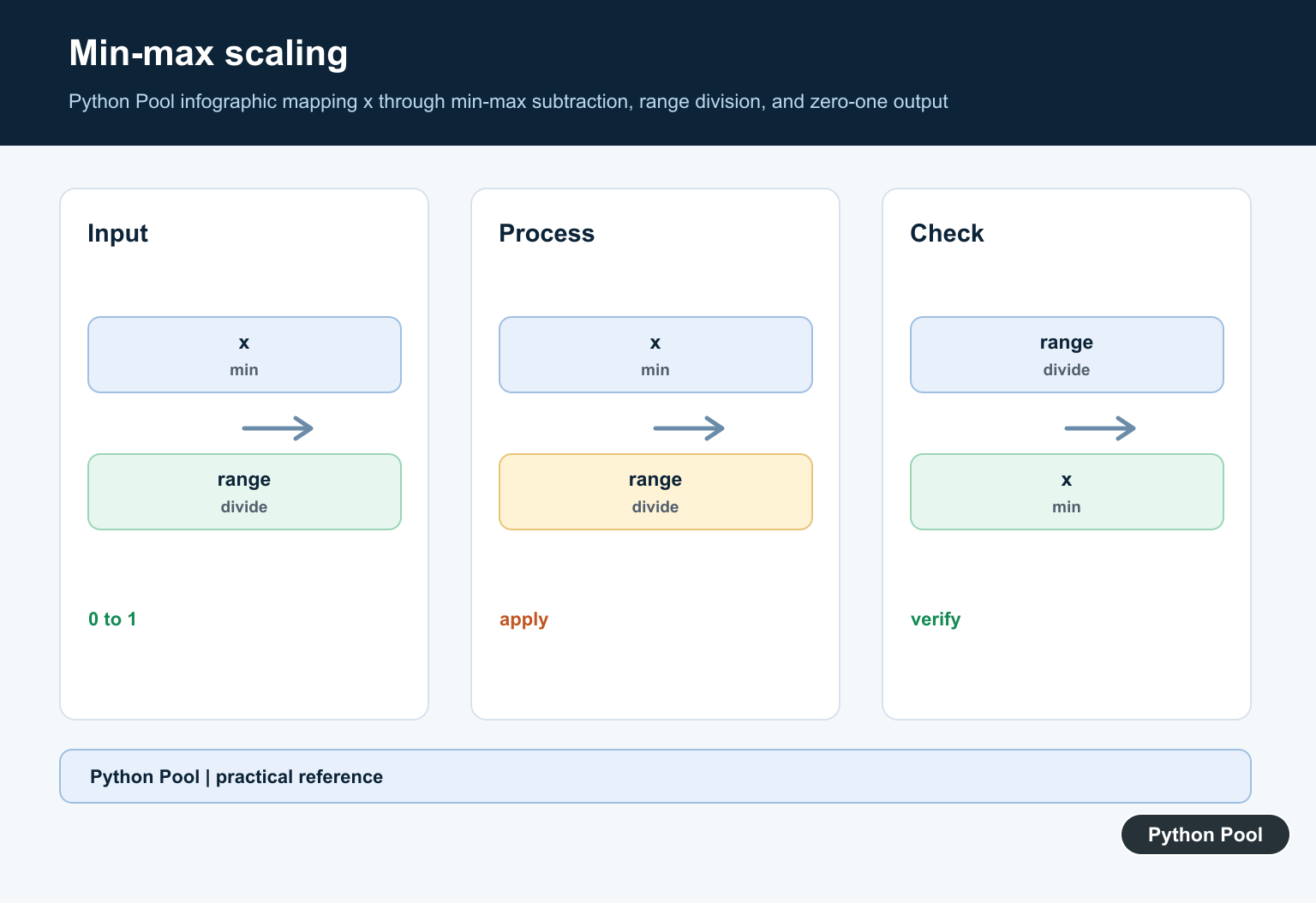
L2 normalization divides a vector by its Euclidean norm. After normalization, the vector has length 1 unless the original vector is all zeros.
try:
    import numpy as np
except ModuleNotFoundError:
    print("Install numpy to run this example.")
else:
    vector = np.array([3.0, 4.0])
    norm = np.linalg.norm(vector)
    normalized = np.zeros_like(vector) if norm == 0 else vector / norm

    print(round(float(norm), 3))
    print(np.round(normalized, 3).tolist())
    print(round(float(np.linalg.norm(normalized)), 3))
This method is common for embeddings, search vectors, text features, and cosine-similarity workflows. The magnitude is removed, so two vectors with the same direction but different original sizes become comparable by direction.
Do not use L2 normalization when the original size is itself meaningful. For example, if a count vector should preserve volume, dividing it to length 1 may remove information that the later calculation needs.
L2 Normalize Rows In A Matrix
To normalize each row separately, calculate row norms with axis=1 and keepdims=True. Keeping the norms as a column lets NumPy divide each row by its own length.
try:
    import numpy as np
except ModuleNotFoundError:
    print("Install numpy to run this example.")
else:
    matrix = np.array([
        [3.0, 4.0],
        [0.0, 0.0],
        [1.0, 2.0],
    ])

    norms = np.linalg.norm(matrix, axis=1, keepdims=True)
    safe_norms = np.where(norms == 0, 1.0, norms)
    normalized = matrix / safe_norms

    print(np.round(normalized, 3).tolist())
    print(np.round(np.linalg.norm(normalized, axis=1), 3).tolist())
The all-zero row stays all zeros because the guarded norm uses 1 only as a safe denominator. Nonzero rows become unit-length rows.
In practice, the best normalization method is the one that matches the calculation after it. Use min-max normalization for bounded feature ranges, z-score standardization for centered numeric features, and L2 normalization for vector direction. Choose the axis deliberately, add guards for constant data, and inspect a small sample of output before applying the rule to a larger array.
Use Min-Max Scaling
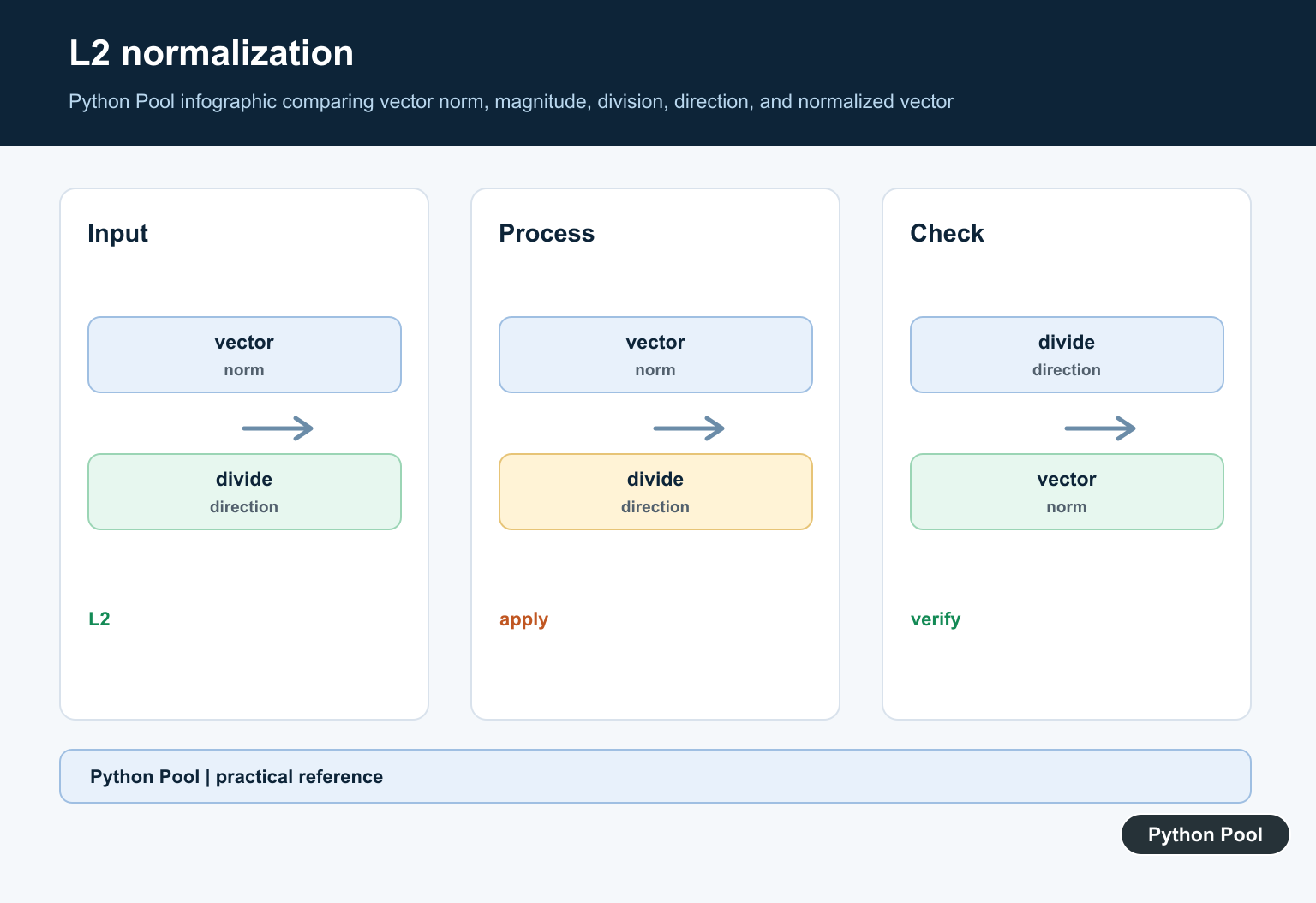
For one-dimensional data, min-max normalization is (x – min) / (max – min). It maps the observed range to 0 through 1, but it is sensitive to outliers and cannot divide a constant array without a policy.
import numpy as np

values = np.array([10.0, 15.0, 20.0])
low = values.min()
high = values.max()
normalized = (values - low) / (high - low)
print(normalized)
Normalize Rows With An Axis
For a matrix, define whether each row, column, or the entire matrix is the unit being scaled. keepdims=True preserves the reduced dimension so NumPy broadcasting applies the result to the original shape.
import numpy as np

values = np.array([[1.0, 2.0, 3.0], [10.0, 20.0, 30.0]])
low = values.min(axis=1, keepdims=True)
high = values.max(axis=1, keepdims=True)
scaled = (values - low) / (high - low)
print(scaled)
Use L2 Normalization
L2 normalization divides each vector by its Euclidean norm. It is useful when direction matters more than magnitude, but a zero vector has no direction and needs an explicit zero-norm policy.
import numpy as np

vectors = np.array([[3.0, 4.0], [0.0, 0.0]])
norms = np.linalg.norm(vectors, axis=1, keepdims=True)
normalized = np.divide(vectors, norms, out=np.zeros_like(vectors), where=norms != 0)
print(normalized)
Handle Constants And NaNs
A constant array has max equal to min, so min-max scaling has no unique answer. Return zeros, preserve the values, or raise an error according to the model contract. For missing data, use nanmin and nanmax only when ignoring NaNs is intentional.
import numpy as np

def minmax(values):
    values = np.asarray(values, dtype=float)
    low = np.nanmin(values)
    high = np.nanmax(values)
    span = high - low
    if span == 0:
        return np.zeros_like(values)
    return (values - low) / span

print(minmax([5, 5, 5]))
print(minmax([1, np.nan, 3]))
NumPy’s linalg.norm() reference documents vector and matrix norms. Choose the normalization policy from the downstream model or visualization, not from the name alone.
For related NumPy scaling decisions, compare clipping values, standard deviation, and tolerance comparisons before choosing a normalization policy.
Frequently Asked Questions
How do I normalize a NumPy array to 0 and 1?
Use min-max scaling, (x – min) / (max – min), after defining the axis and handling the constant-array case.
What is L2 normalization?
L2 normalization divides a vector by its Euclidean norm so its length becomes one when the norm is nonzero.
How do I normalize each row or column?
Compute min, max, or norm with axis set to the dimension whose values should be scaled, then keepdims=True for broadcasting.
What should I do with NaN values during normalization?
Choose whether NaNs should be rejected, ignored with nanmin and nanmax, or imputed before scaling; do not silently change their meaning.
