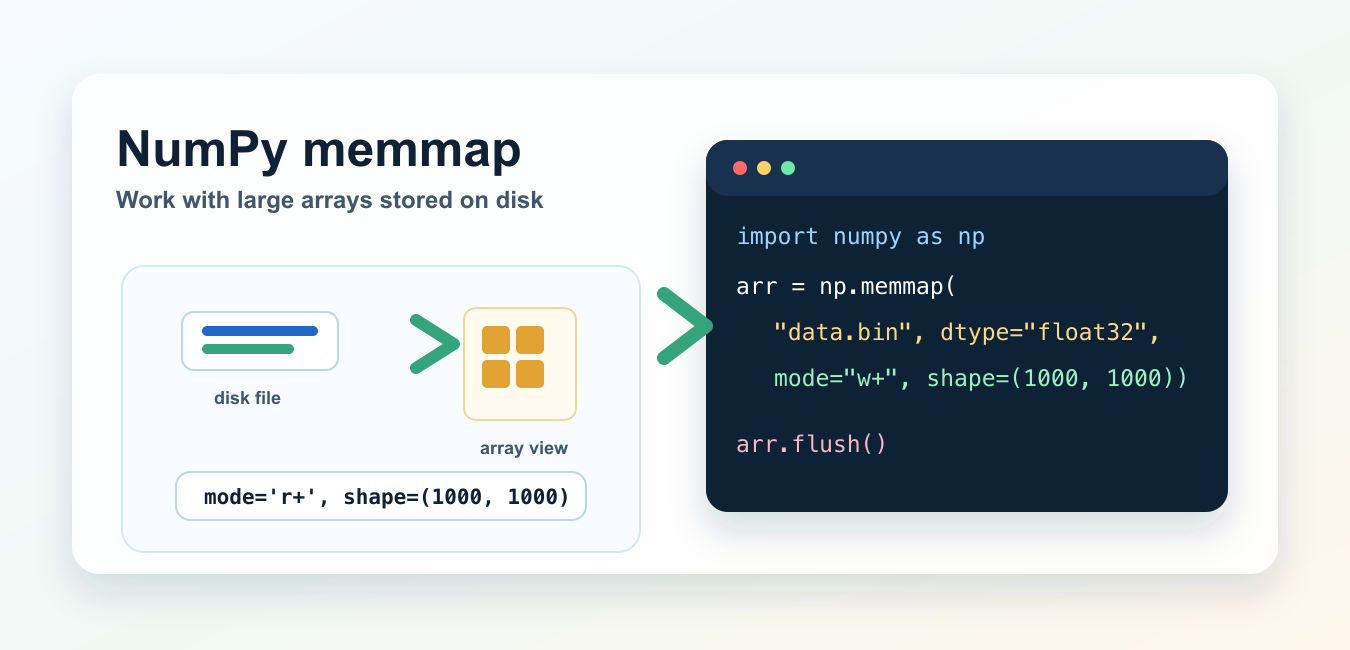
Quick answer: numpy.memmap exposes a file-backed NumPy array so a program can access slices without reading the entire file into RAM. Correct dtype, shape, offset, mode, and flush behavior are essential because a raw memmap does not store enough metadata to infer the intended array on its own.
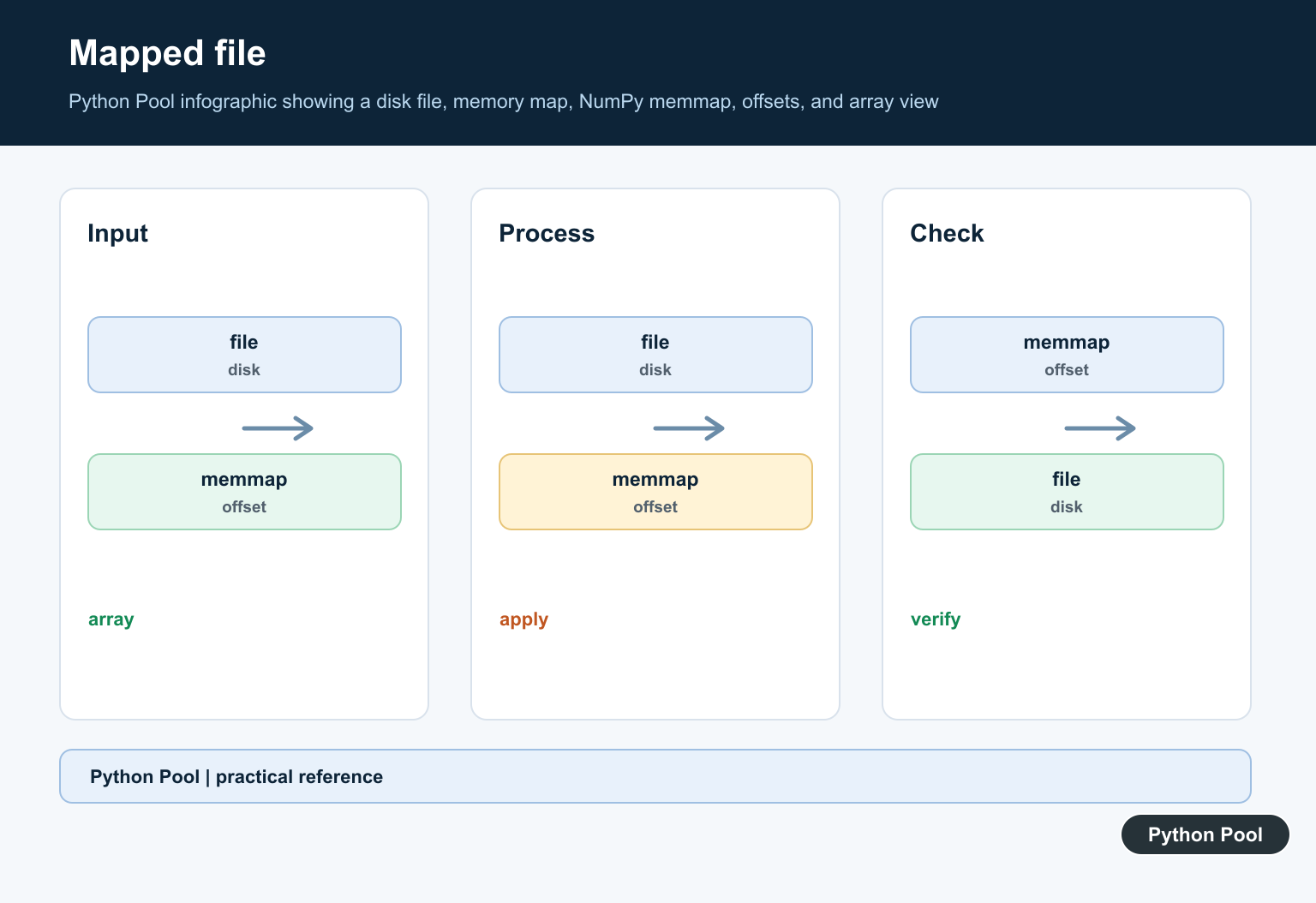
numpy.memmap creates an array-like view of data stored in a binary file on disk. It lets you work with slices of a large array without loading the entire file into memory at once.
Use memmap when the data is too large for RAM, when you need repeated access to a raw binary array, or when multiple steps in a pipeline should share data through a file. For .npy files, use numpy.lib.format.open_memmap() instead of raw np.memmap(), because .npy files include a header with dtype and shape metadata.
Create a new memmap file
To create a new raw binary file, use mode "w+", pass a dtype, and specify the shape.
import numpy as np

arr = np.memmap(
    "data.bin",
    dtype="float32",
    mode="w+",
    shape=(1000, 1000),
)

arr[0, :] = 1.0
arr.flush()
arr behaves like a NumPy array, but the backing storage is a file. Calling flush() writes pending changes to disk. NumPy is not installed in this local environment, so these snippets were syntax-checked and aligned with the official NumPy documentation rather than executed here.
Open an existing memmap read-only
When reading an existing raw binary file, you must provide the same dtype and shape used to create it.
import numpy as np

arr = np.memmap(
    "data.bin",
    dtype="float32",
    mode="r",
    shape=(1000, 1000),
)

print(arr[0, :10])
The file does not store shape and dtype information by itself. If you use the wrong shape or dtype, NumPy will interpret the bytes incorrectly. If you need a format that stores that metadata, use .npy plus open_memmap().
Choose the right memmap mode
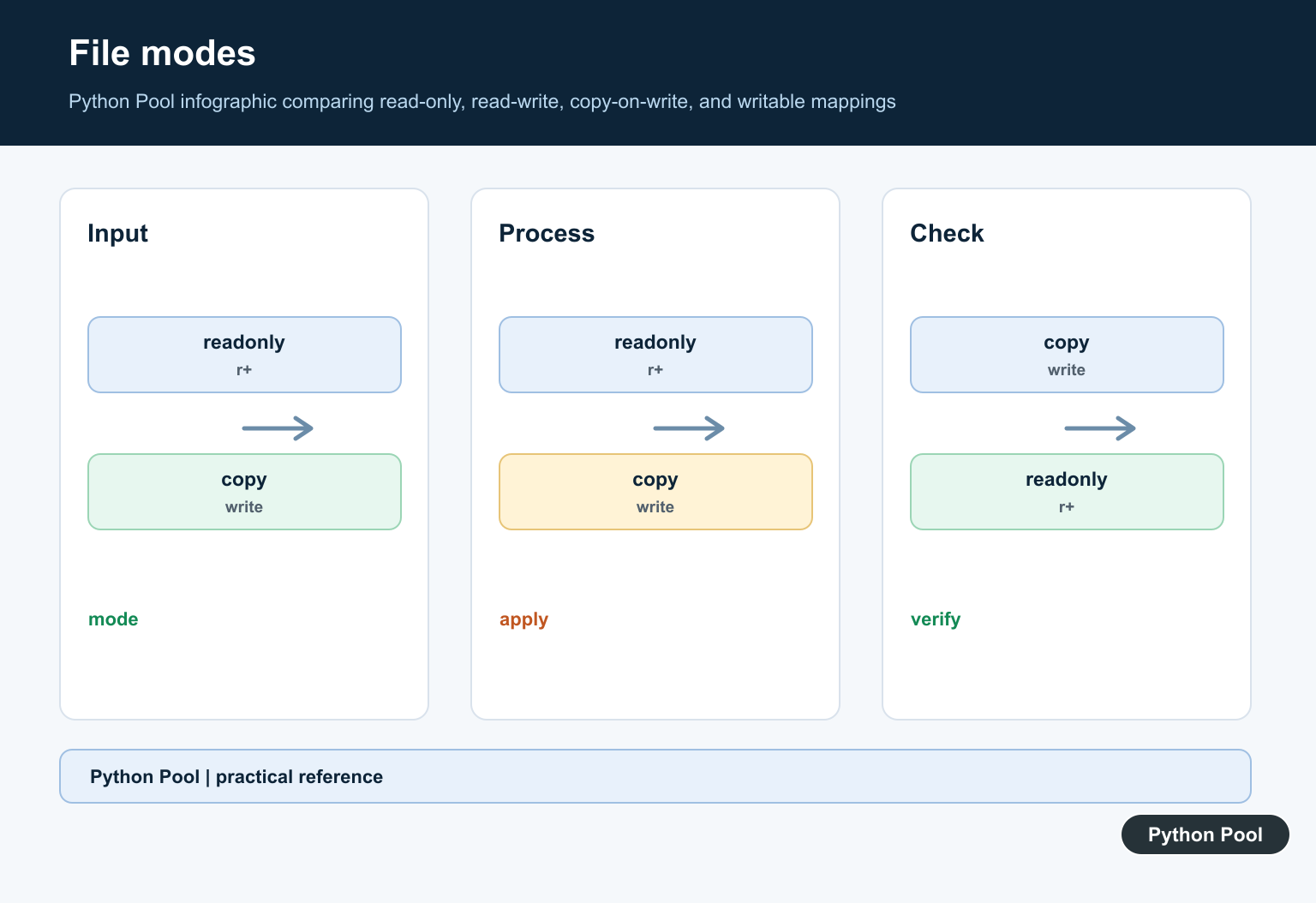
The mode controls whether the file is read-only, writable, newly created, or copy-on-write.
| Mode | Meaning | Use case |
|---|---|---|
"r" |
Read-only | Inspect an existing file without modifying it. |
"r+" |
Read and write | Update an existing file. |
"w+" |
Create or overwrite | Create a new file with a known shape. |
"c" |
Copy-on-write | Change the array view without saving changes to disk. |
import numpy as np

arr = np.memmap("data.bin", dtype="float32", mode="r+", shape=(1000, 1000))
arr[10, 10] = 42
arr.flush()
Use copy-on-write mode
Mode "c" lets you modify the array in memory without writing those changes back to the file.
import numpy as np

arr = np.memmap("data.bin", dtype="float32", mode="c", shape=(1000, 1000))
arr[0, 0] = 99
This is useful for experiments where the original file should remain unchanged. It is not a substitute for making a permanent copy if you need to keep the edited result.
Use open_memmap() for .npy files
Raw np.memmap() reads bytes directly. A .npy file has a NumPy header before the array data, so use open_memmap() when you want a memory-mapped .npy file.
from numpy.lib.format import open_memmap

arr = open_memmap(
    "data.npy",
    mode="w+",
    dtype="float32",
    shape=(1000, 1000),
)

arr[0, :] = 1.0
arr.flush()
For ordinary array persistence, see NumPy save. Use open_memmap() when the array is large enough that loading the whole .npy file is not practical.
Flush changes to disk
memmap.flush() writes changes in the array to the file on disk. Call it after writes that must be visible to later steps.
NumPy’s current documentation also notes that there is no API to close the underlying memory map directly. Treat flush() as the important explicit write step, and avoid keeping unnecessary references to memmap objects longer than needed.
Common mistakes
Do not use raw np.memmap() on a .npy file unless you deliberately handle the file header and offset yourself. Use open_memmap() instead.
Do not omit shape and dtype for raw binary files. The bytes on disk need those details to be interpreted correctly. Do not expect memmap to make every operation memory-free either; some NumPy operations may create normal in-memory arrays as results.
If you are building file paths dynamically, see how to get a filename from a path in Python. If you need to compress generated files after processing, see Python gzip.
Official references
The examples here follow the NumPy documentation for numpy.memmap, memmap.flush(), numpy.lib.format.open_memmap(), and the NumPy .npy format.
Conclusion
Use numpy.memmap for large raw binary arrays that should stay on disk, and use open_memmap() for large .npy files. Always specify dtype and shape for raw files, choose the correct mode, and call flush() after writes that must be saved.
Treat The File Layout As A Contract
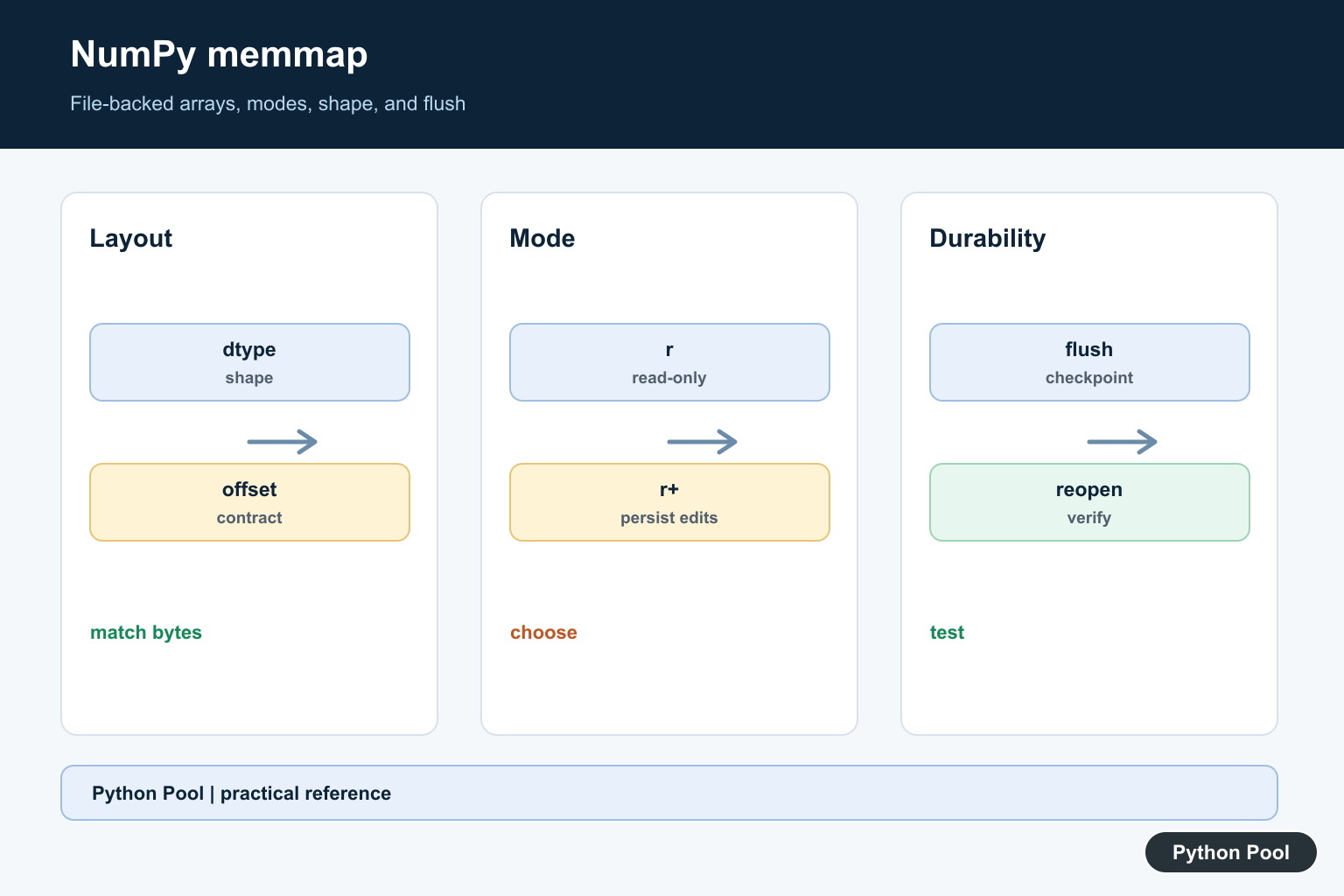
A raw memmap reads bytes according to the dtype, shape, order, and offset you provide. If any of those differ from the writer’s contract, the result can look like valid numbers while being wrong. Store or document the metadata beside the binary file, and use a format such as .npy when self-description is valuable.
Choose The Mode Deliberately
Use r for read-only access, r+ to edit an existing file, w+ to create or overwrite a file, and c for copy-on-write behavior. The mode controls whether edits can reach the backing file; it does not replace application-level validation or access control.
Understand Flush And Durability
flush() asks NumPy to write pending changes toward the operating system. It is useful at defined checkpoints, but durability guarantees also depend on the filesystem and storage device. For a critical replacement, write a new file, flush it according to the platform policy, and replace the published path atomically.
Use Slices And Memory Carefully
A memmap can reduce peak memory for slice-oriented workloads, but operations that materialize a full array can still allocate a large object. Profile access patterns, avoid accidental copies, and close or release references when a file must be replaced or deleted.
Test Reopening And Boundaries
Write a small deterministic fixture, reopen it in a separate process or scope, and verify values, dtype, shape, offsets, read-only behavior, and copy-on-write behavior. Include truncated files and mismatched metadata so corruption is detected rather than silently analyzed.
The official numpy.memmap reference documents modes, dtype, shape, offset, and flush. The open_memmap reference covers memory-mapped .npy files. Related guidance includes NumPy file storage and fixture tests.
For related array storage, compare NumPy file saving, array views, and fixture tests when validating a file-backed array contract.
Frequently Asked Questions
What is NumPy memmap used for?
numpy.memmap provides an array-like view backed by a binary file so code can work with data larger than available RAM.
Which memmap mode should I use?
Use r for read-only access, r+ for persisted edits, w+ to create or overwrite a file, and c for copy-on-write changes that are not written back.
Do I need to call flush()?
Call flush() when you need pending changes pushed toward the operating system; close references deliberately and use an atomic file-replacement strategy when durability matters.
Why does a memmap have the wrong values?
The dtype, shape, byte order, offset, or file format must match the bytes on disk; a raw memmap is not a self-describing .npy file.
