
Quick answer: A Python comment should explain intent, constraints, invariants, or a non-obvious decision. Use # for source notes, docstrings for inspectable documentation, and a consistent process for TODOs so comments stay accurate as code evolves.
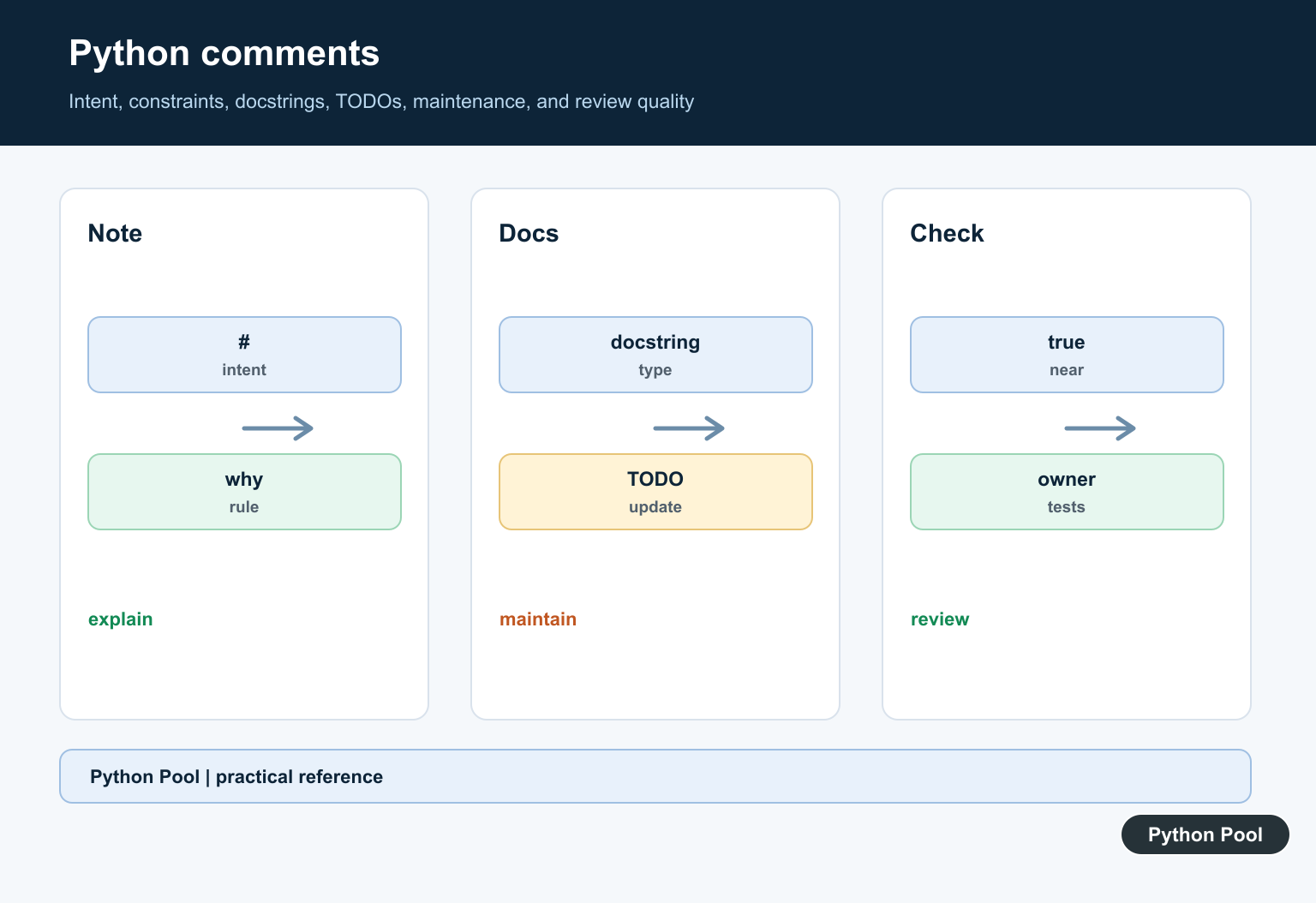
Python comments are notes for people reading the code. The interpreter ignores text that starts with # outside a string literal, so comments do not change how the program runs.
The official Python lexical analysis reference defines comments, and PEP 8’s comments section gives style guidance for block comments, inline comments, and documentation strings. The official tutorial section on documentation strings explains how docstrings differ from ordinary comments.
A useful comment explains intent, context, or a constraint that is not obvious from the code itself. A weak comment repeats the code in different words. For example, # add one above count += 1 adds little value, while a note about a business rule or external limitation can save future debugging time.
Keep comments current. An outdated comment is worse than no comment because it sends readers in the wrong direction. When code changes, review nearby comments as part of the same edit.
Before adding a comment, ask whether a clearer name or smaller function would remove the need. Comments are valuable, but they should not compensate for code that could be made easier to read directly.
During code review, comments deserve the same attention as executable lines. Check whether the note is accurate, close to the code it describes, and specific enough to help someone maintain the file later.
Single Line Comments
A comment starts with # and continues to the end of the line.
# Convert minutes to seconds before calling the scheduler.
minutes = 5
seconds = minutes * 60

print(seconds)
This comment explains why the conversion exists. The calculation itself is simple, but the scheduler requirement gives the reader useful context.
Put a space after # for readability. That convention is part of normal Python style and makes comments easier to scan.
Short comments are usually best. If the note needs several sentences, the code may need a named helper, a module-level explanation, or external documentation instead.
Inline Comments
An inline comment appears on the same line as code. Use it sparingly and leave enough spacing before the #.
timeout = 30  # Matches the upstream service limit.
retries = 3

print(timeout * retries)
Inline comments are best for short, local context. If the explanation is long, put a block comment above the code instead.
Avoid inline comments that merely repeat the expression. They make the line longer without making the code clearer.
Inline comments are also easy to miss when lines wrap in a terminal or code review. Keep them short and reserve them for details that genuinely belong beside that exact line.
Block Comments
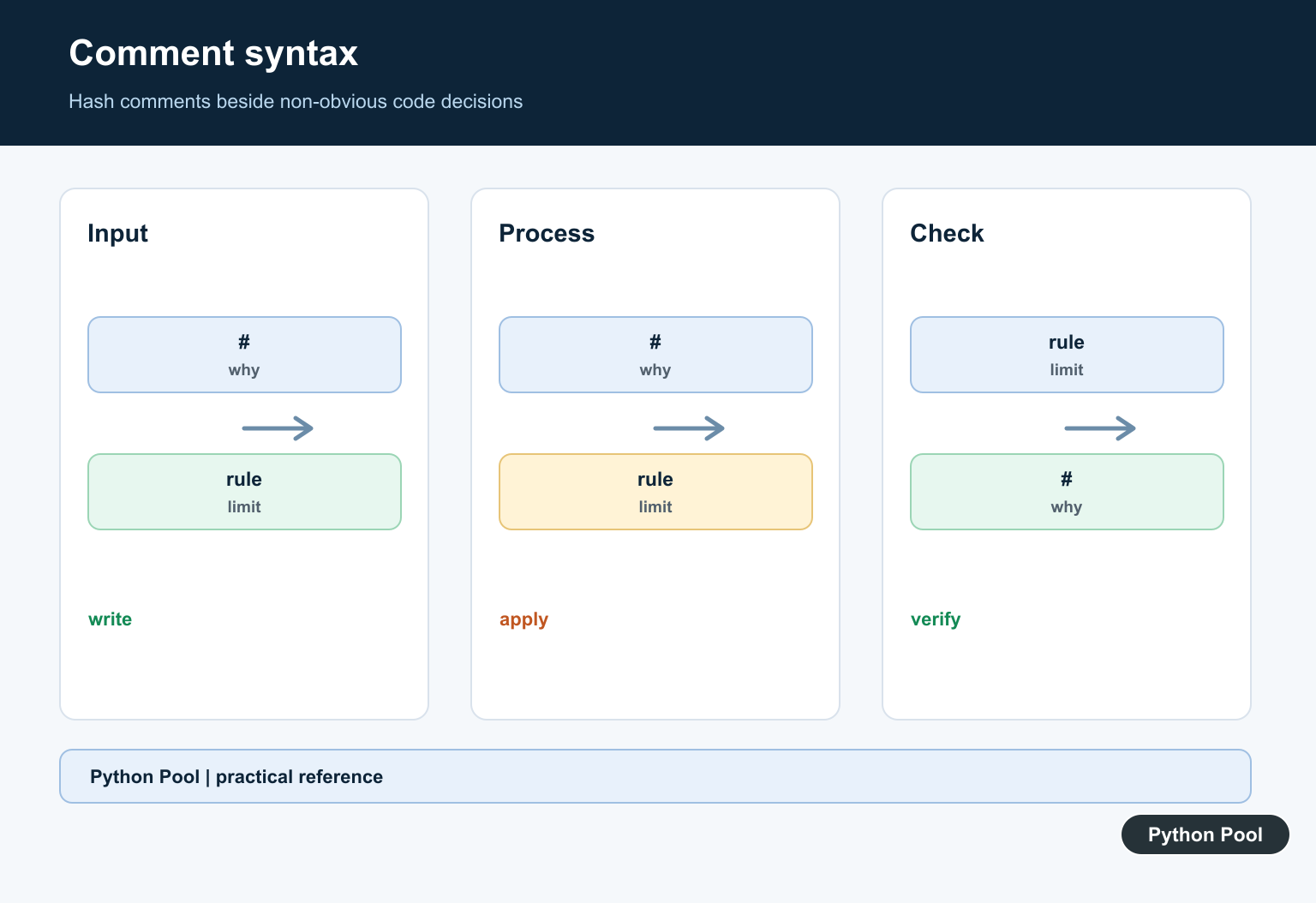
A block comment uses one or more comment lines before the code it explains.
# The report groups rows by calendar day because the
# downstream dashboard does not support hourly buckets.
rows = ["2026-07-09 10:00", "2026-07-09 11:00"]
group_by = "day"

print(group_by, len(rows))
Use block comments for assumptions, tradeoffs, or external requirements. Keep the comment close to the code it describes so the connection stays obvious.
If a block comment grows too large, consider moving the detail into documentation or splitting the code into smaller named helpers.
Block comments should be indented to match the code they explain. That keeps the visual structure aligned with Python’s indentation-based blocks.
Comments Are Not Strings
Text inside a string is data, not a comment. A # inside quotes stays part of the string.
message = "Use # to start a Python comment"
comment = "# This text is stored, not ignored"

print(message)
print(comment.startswith("#"))
This matters in templates, command strings, configuration files, and examples. Python only treats # as a comment marker when it is outside a string literal.
Syntax highlighters usually make the difference visible, but tests and examples should still be written carefully.
This distinction is important when generating code snippets or teaching examples. A quoted # may look like a comment on the page, but Python treats it as normal string content.
Docstrings Are Different
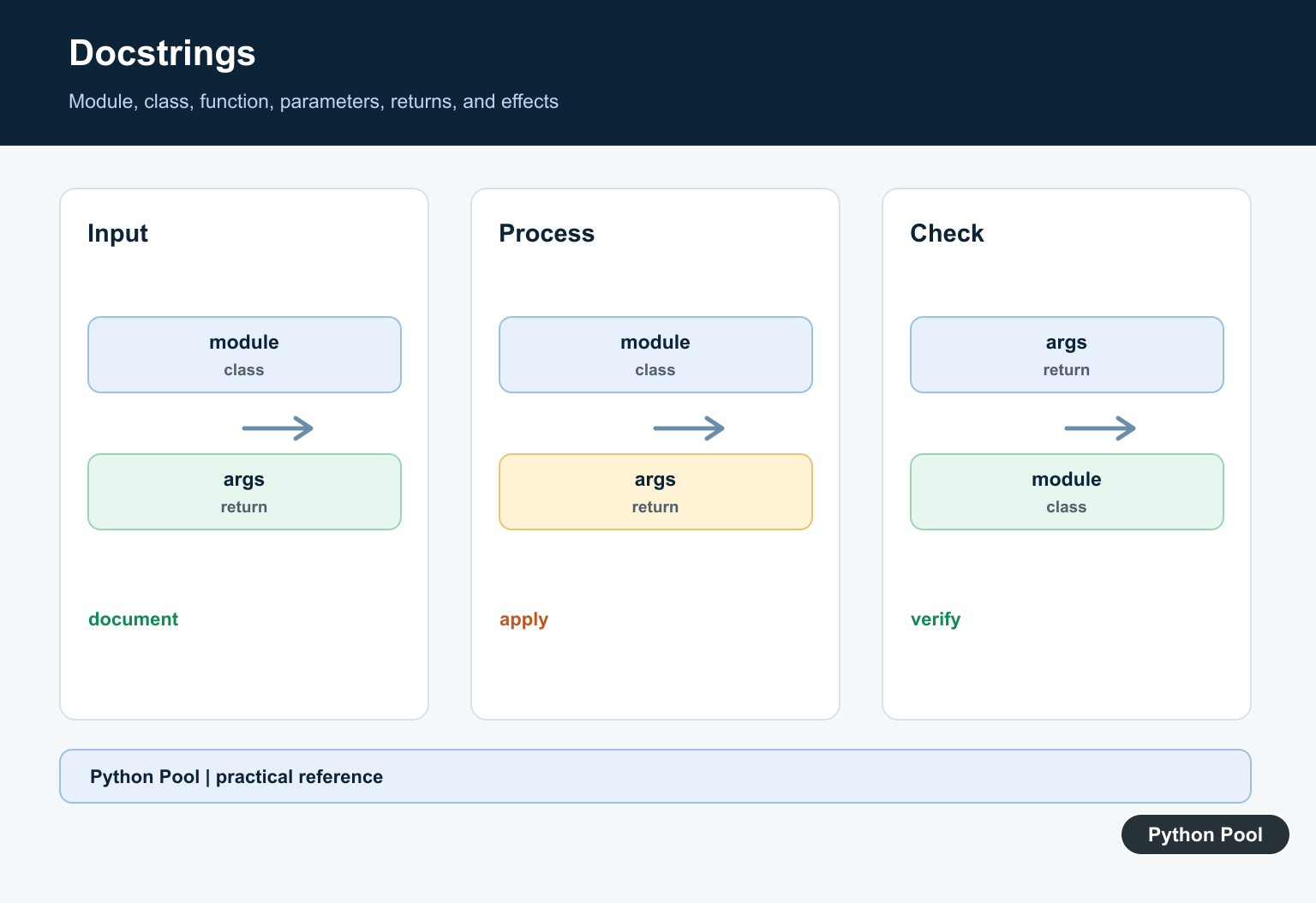
A docstring is a string literal placed at the start of a module, class, or function. Tools can read it through __doc__.
def area(width, height):
    """Return the area of a rectangle."""
    return width * height

print(area(4, 5))
print(area.__doc__)
Use docstrings to document public behavior. Use comments for local implementation notes that do not belong in generated help text.
Triple-quoted strings that are not docstrings are still strings. Do not use them as a replacement for normal comments in ordinary code blocks.
Docstrings are part of the program’s introspection surface. They can be read by help(), documentation tools, and tests. Ordinary comments are not available that way after parsing.
Comment Out Code Carefully
Temporarily commenting out code can help during debugging, but committed code should not keep large dead sections.
items = [1, 2, 3]

# print("debug:", items)
total = sum(items)

print(total)
Version control is a better place to keep old code. If a commented-out line must stay briefly, mark why it exists and remove it once the test or migration is complete.
In short, use comments to explain why code exists, not to narrate every operation. Prefer clear names and simple structure first, then add comments where they preserve context that code alone cannot show.
Use Hash Syntax
Text after # on a physical line is ignored by Python’s parser as a comment. Keep comments near the code they explain without crowding obvious statements.
Explain Why
The best comments capture an external requirement, safety rule, performance tradeoff, compatibility constraint, or invariant that a future reader cannot infer from syntax alone.
Use Docstrings For Documentation
Module, class, and function docstrings are string literals that documentation tools can inspect. Include parameters, return behavior, exceptions, and important side effects where appropriate.
Keep Comments True
When implementation changes, update or remove nearby comments. A stale comment is worse than no comment because it makes maintenance decisions less reliable.
Track TODOs Clearly
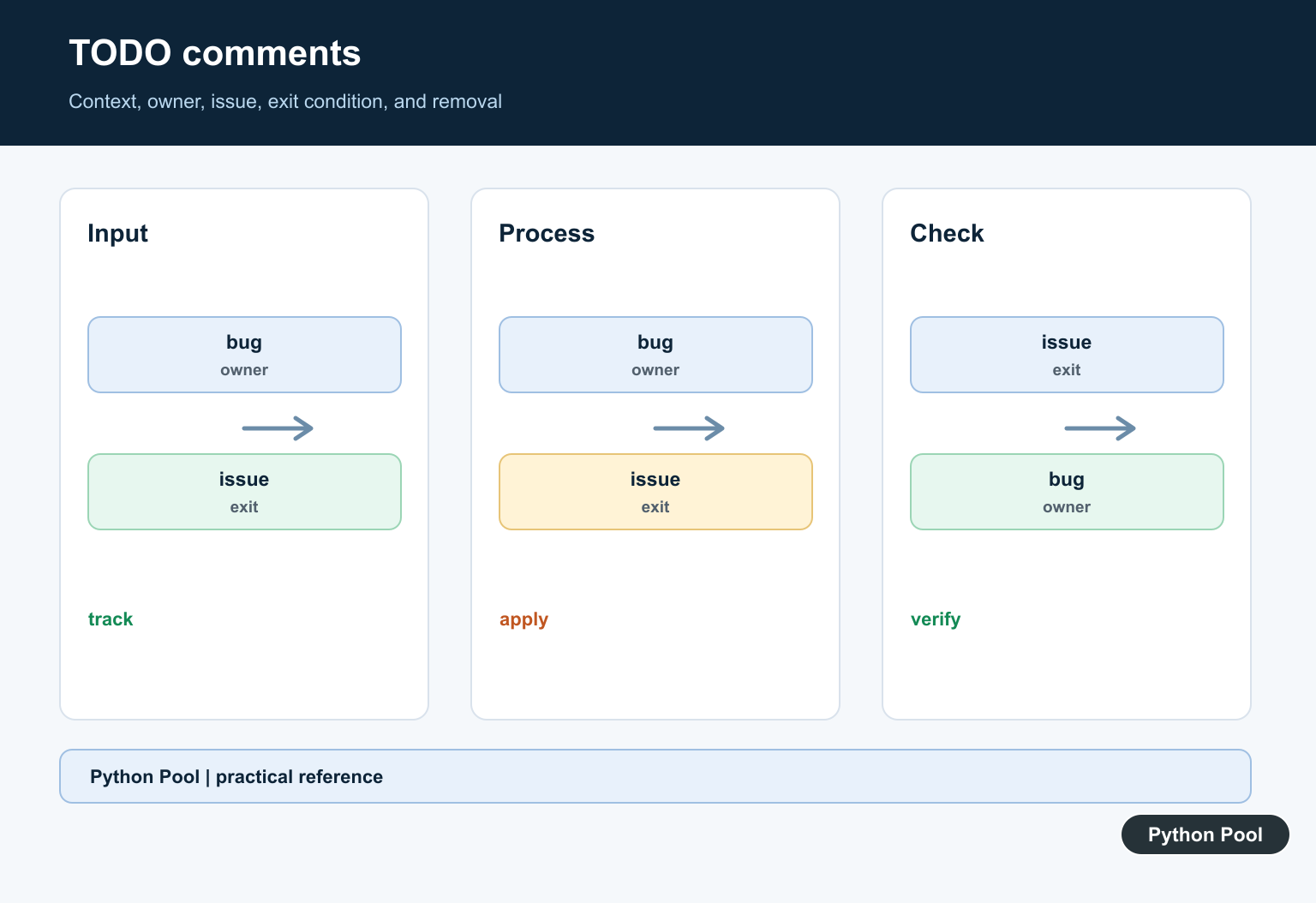
Use a consistent marker and issue reference for actionable work. Avoid leaving vague TODOs that have no owner, context, or condition for removal.
Review Comment Quality
During review, remove comments that repeat the code, preserve comments that explain intent, and add tests or documentation when a comment is compensating for unclear behavior.
Use the official Python comments documentation and PEP 257 for docstrings. Related Python Pool references include testing and logging.
For related maintenance work, compare test intent, diagnostic notes, and configuration comments before annotating code.
Frequently Asked Questions
How do I write a comment in Python?
Start a comment with #; Python ignores the text from the hash character to the end of that physical line.
What makes a Python comment useful?
A useful comment explains why code exists, an invariant, an external constraint, or a non-obvious tradeoff rather than repeating the syntax.
Are docstrings comments?
Docstrings are string literals used as documentation for modules, classes, and functions; tools can inspect them, so they are not identical to ordinary comments.
Where should TODO comments go?
Use a consistent format with an actionable owner or issue reference when possible, and remove stale TODOs instead of letting them become permanent noise.

#this is the first comment
This is exactly how you should comment in Python!