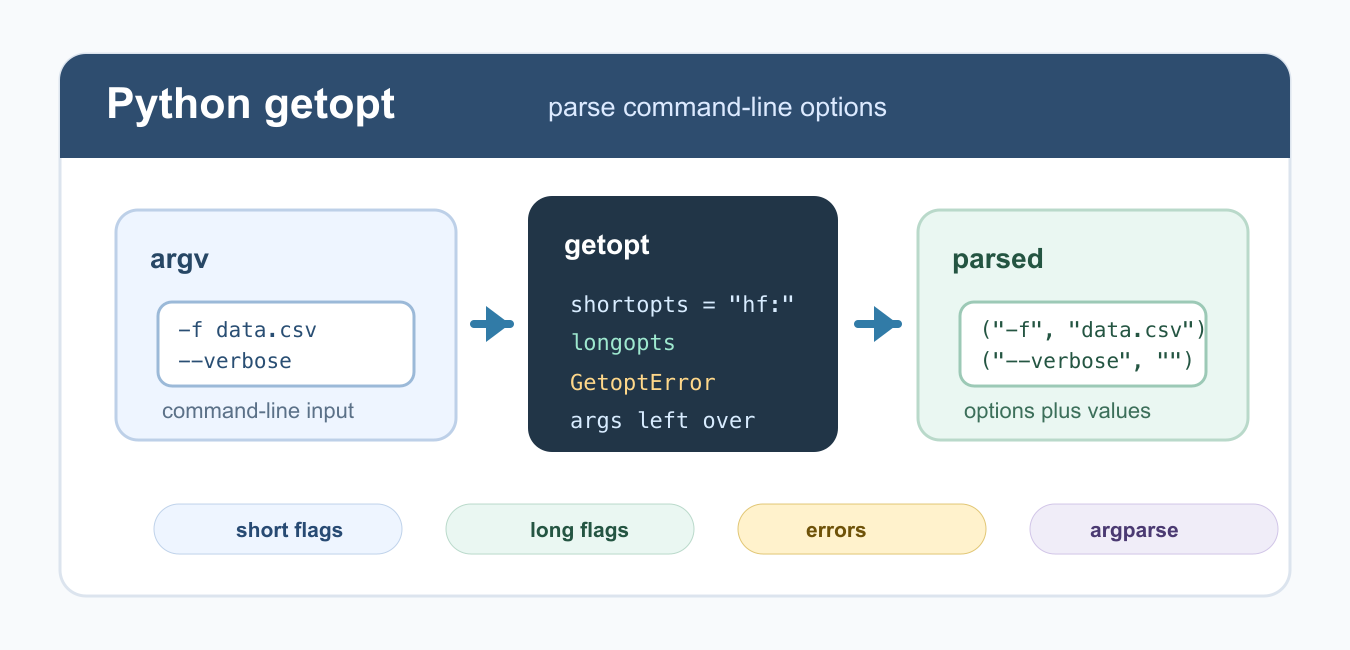
Quick answer: getopt.getopt() parses short and long options from a command-line argument list, returning option-value pairs and leftover positional arguments. Define required values precisely, catch GetoptError, and prefer argparse for new interfaces that need typed validation or subcommands.
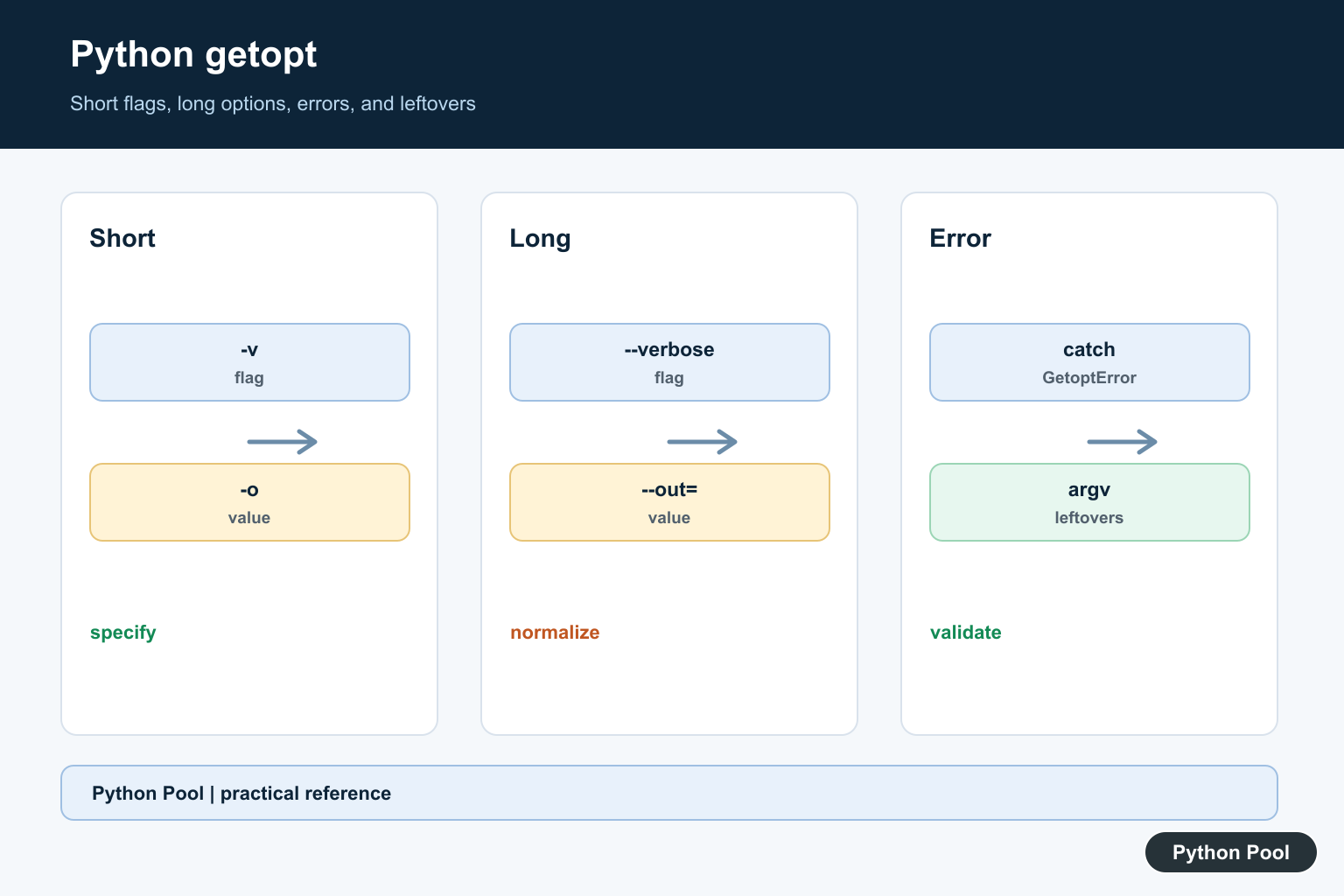
The Python getopt module parses command-line options from sys.argv. It is useful when you need Unix-style short options like -h and long options like --help, especially in small scripts that already follow that style.
For new command-line applications, argparse is usually the better default because it creates help text, validates types, and supports subcommands. Use getopt when you want a lightweight parser that stays close to traditional C-style option parsing.
The module does not decide what each option means. It only separates options, option values, and leftover positional arguments. Your code still needs to validate required combinations, show usage text, and decide what to do with each parsed option.
Parse Short Options
getopt.getopt() accepts an argument list, a short-option specification, and an optional long-option list. A colon after a short option means that option requires a value.
import getopt
import sys

opts, args = getopt.getopt(sys.argv[1:], "hf:")

for option, value in opts:
    if option == "-h":
        print("show help")
    elif option == "-f":
        print(f"file: {value}")

print(args)
In the option string "hf:", -h is a flag with no value, while -f requires a value. The remaining positional arguments are returned separately in args. Keep the short-option string close to the parser code so it is easy to audit.
Understand Option Specifications
The option specification is the part most people get wrong. Short options are written together in one string, and only the option that needs a value gets a colon. Long options are written as a list of names, and only names that need values end with =.
For example, "ab:c" means -a is a flag, -b requires a value, and -c is another flag. Matching this with long options like ["all", "bucket=", "count"] keeps short and long behavior consistent.
Parse Long Options
Long options are passed as strings. Add an equals sign to a long option name when it requires a value.
import getopt

argv = ["--file", "data.csv", "--verbose"]
opts, args = getopt.getopt(argv, "", ["file=", "verbose"])

for option, value in opts:
    print(option, value)
--file expects a value because the long option is written as "file=". --verbose is a flag because it has no equals sign in the option specification. Long names are easier for users to remember, so offer them for scripts that other people will run.
Handle getopt Errors
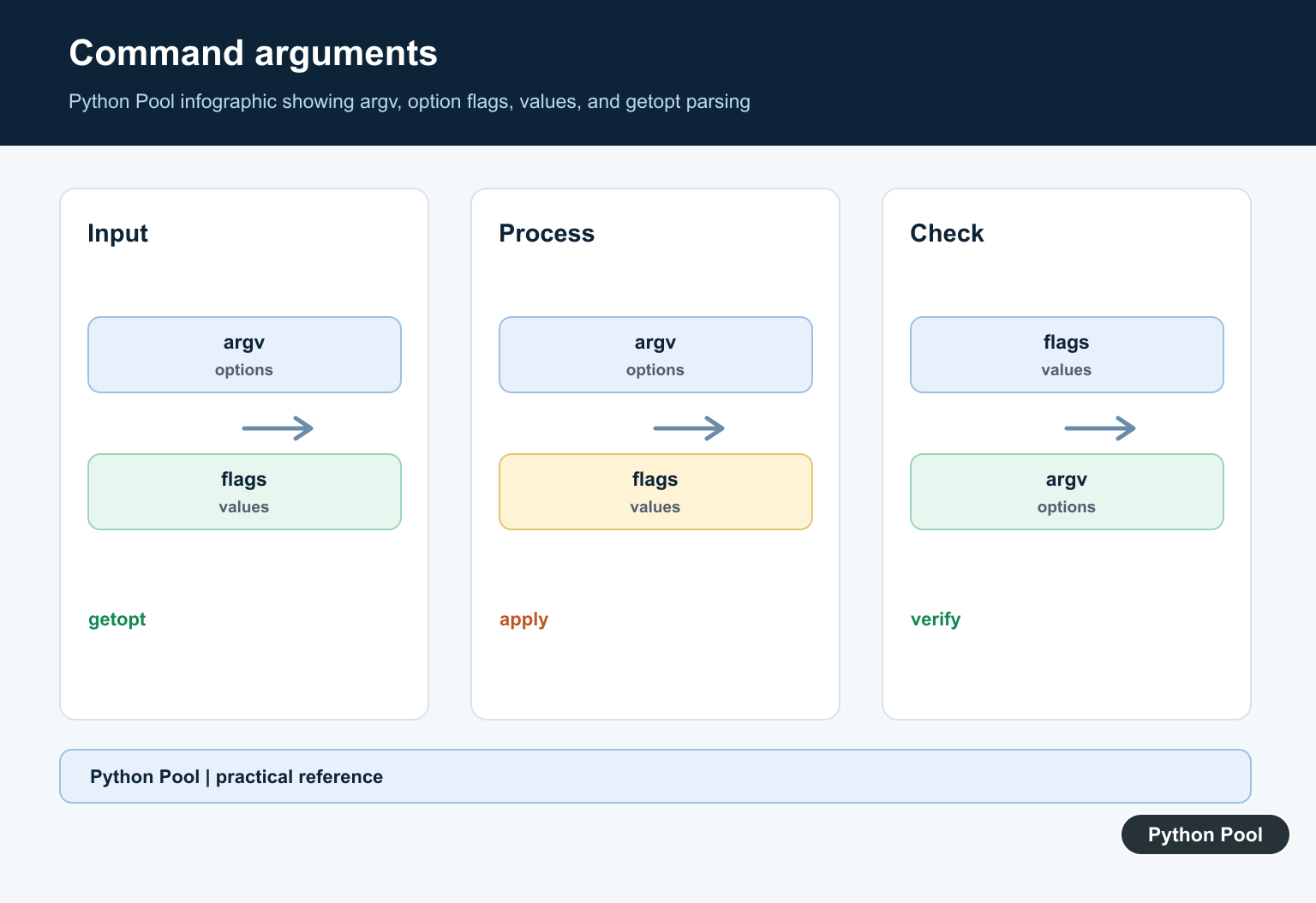
Invalid options and missing required values raise getopt.GetoptError. Catch it so your script can show a useful message instead of a traceback.
import getopt

try:
    opts, args = getopt.getopt(["-f"], "f:")
except getopt.GetoptError as error:
    print(f"argument error: {error}")
This is especially important for scripts that other people run from a terminal. A concise error plus a usage message is easier to act on than a stack trace. After catching the error, return a non-zero exit code in real command-line tools.
Build a Small Parser Function
Wrapping getopt in a function keeps parsing separate from the rest of the program. Return a dictionary or a small configuration object after the options are interpreted.
import getopt

def parse_args(argv):
    config = {"file": None, "verbose": False}
    opts, args = getopt.getopt(argv, "hf:v", ["help", "file=", "verbose"])

    for option, value in opts:
        if option in ("-h", "--help"):
            config["help"] = True
        elif option in ("-f", "--file"):
            config["file"] = value
        elif option in ("-v", "--verbose"):
            config["verbose"] = True
    return config, args

print(parse_args(["--file", "data.csv", "--verbose"]))
A function also makes testing easier because you can pass a list of arguments directly instead of modifying sys.argv. This keeps parser tests fast and avoids side effects in the rest of the script.
Use Leftover Positional Arguments
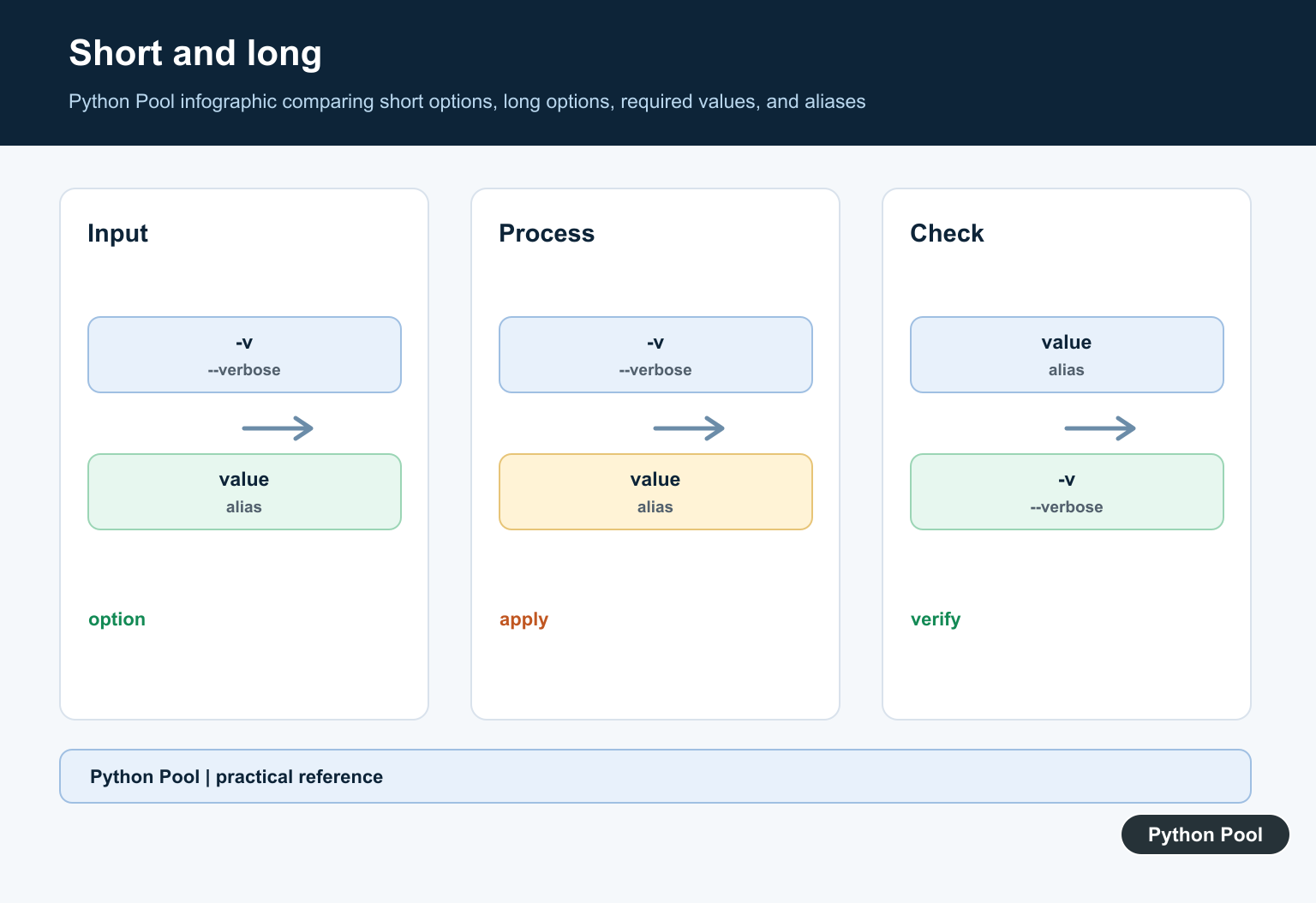
After options are parsed, getopt returns leftover positional arguments. These are values that were not consumed as option names or option values.
import getopt

argv = ["-v", "input.txt", "output.txt"]
opts, args = getopt.getopt(argv, "v")

print(opts)
print(args)
Use this when your command accepts both flags and positional files. For example, -v input.txt output.txt may mean verbose mode plus two paths. If the command becomes complex, switch to argparse so required positional arguments and help output are handled more clearly.
Prefer argparse for New CLIs
getopt is small and direct, but it does not provide the full command-line experience most users expect. argparse can generate help text, enforce types, set defaults, and produce better errors.
import argparse

parser = argparse.ArgumentParser()
parser.add_argument("--file", required=True)
parser.add_argument("--verbose", action="store_true")
args = parser.parse_args(["--file", "data.csv", "--verbose"])

print(args.file)
print(args.verbose)
Use getopt for compatibility with older scripts or when you want very thin parsing. Use argparse for new tools with user-facing help, defaults, and validation. If a parser starts collecting many manual if branches, that is usually the point where argparse becomes cleaner.
Common Mistakes
The most common mistake is forgetting a colon or equals sign for options that require values. Another is passing the full sys.argv list instead of sys.argv[1:], which includes the script name. A third is ignoring leftover positional arguments.
Keep getopt parsers small. If a script grows multiple modes, nested commands, or many validation rules, migrate to argparse. For control-flow cleanup inside parser functions, see for vs while loop in Python, and use Python pass only as a temporary placeholder.
References
- Python getopt documentation
- Python sys.argv documentation
- Python GetoptError documentation
- Python argparse documentation
Define Short Options Precisely
The short-options specification lists valid one-letter flags. A colon after a letter means that option requires a value, so -o output.txt and -ooutput.txt can be interpreted according to the parser rules. Keep the specification close to the usage message so they cannot drift apart.
Parse Long Options
Long options are supplied as a list, with an equals sign marking a required value. Decide whether aliases such as –verbose and -v should be supported, then normalize the returned options into an application configuration object rather than scattering string comparisons through the program.
Handle Errors At The Entry Point
Catch getopt.GetoptError, show a concise usage message, and return a nonzero status. Missing values, unknown options, and malformed invocation are user-input errors; do not let a traceback become the normal command-line interface.
Keep Positional Arguments Explicit
getopt returns options separately from leftover arguments. Validate the count, path format, and ordering of those arguments before opening files or starting work. An option parser should not be the only layer that checks the command’s safety assumptions.
Know When To Use argparse
argparse supplies help generation, defaults, type conversion, choices, required options, subcommands, and clearer errors. getopt remains useful for compatibility or very small interfaces, but a new multi-command CLI usually benefits from argparse’s declarative model.
The official getopt documentation defines short and long option specifications and GetoptError. The argparse documentation explains the recommended higher-level alternative. Related guidance includes CLI tests.
For related command-line interfaces, compare argparse booleans, command boundaries, and CLI tests when validating user-supplied options.
Frequently Asked Questions
What is Python getopt used for?
The getopt module parses command-line options from sys.argv using short and long option specifications.
How do I mark an option as requiring a value?
Put a colon after a short option, or an equals sign after a long option name, then validate the returned value before using it.
What happens when getopt receives an invalid option?
getopt.GetoptError is raised; catch it, show a concise usage message, and return a nonzero status from the command-line entry point.
Should I use getopt or argparse?
Use argparse for most new command-line interfaces because it provides typed arguments, help, defaults, subcommands, and validation with less manual code.
