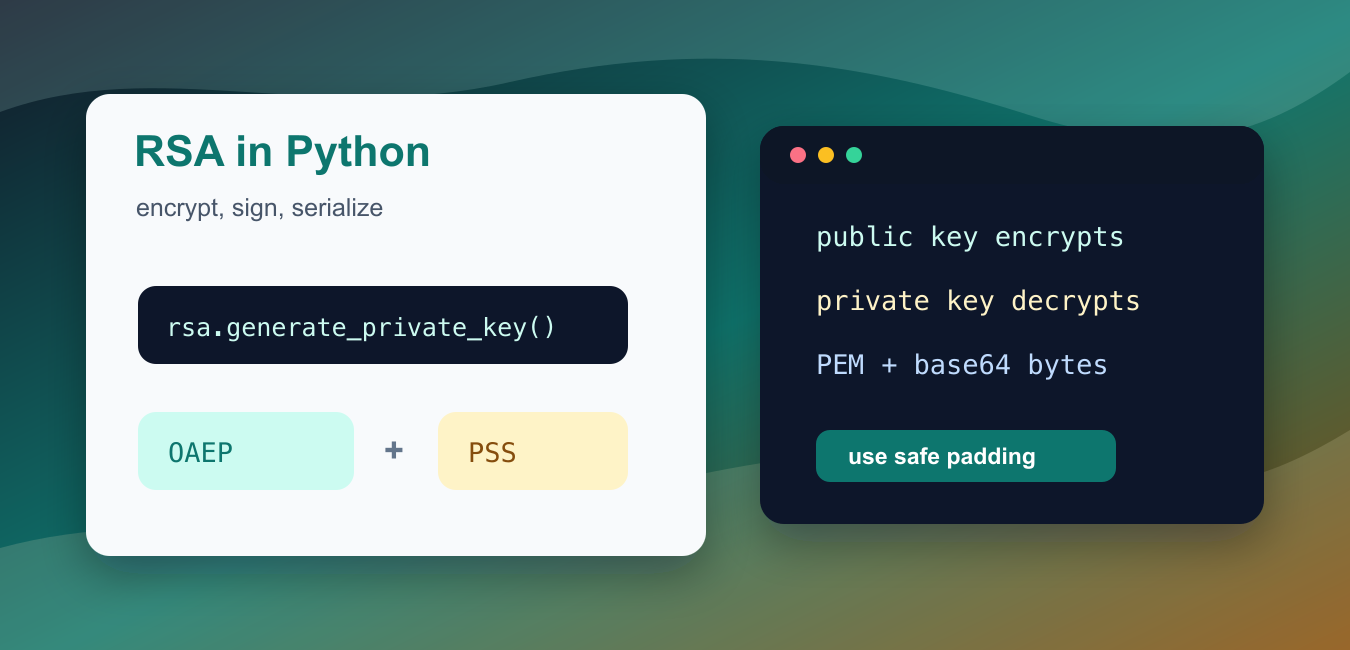
Quick answer: For new Python code, use the cryptography package and modern padding: RSA-OAEP for encryption and RSA-PSS for signatures. Generate strong keys, protect the private key, and use RSA to wrap small secrets rather than encrypting large application data directly.
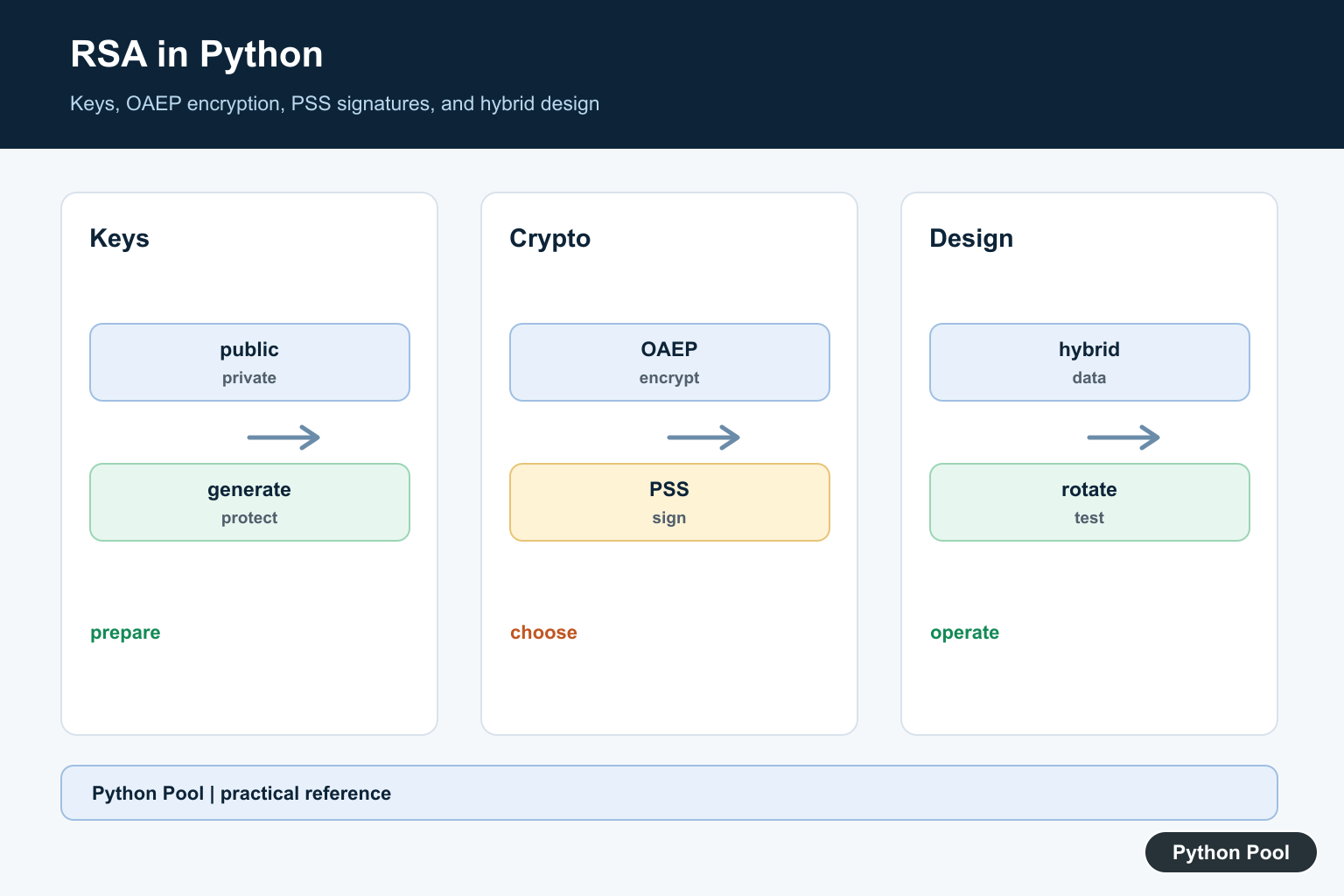
RSA encryption in Python should be implemented with a maintained cryptography library, not by hand. RSA is mathematically interesting, but production code needs correct padding, secure random key generation, serialization rules, and careful message-size limits. The cryptography package provides those pieces through well-tested APIs.
Use RSA for small payloads such as wrapping a symmetric key, encrypting a short token, or verifying a digital signature. Do not use raw textbook RSA, and do not encrypt large files directly with RSA. For large data, use a hybrid design: encrypt the data with a symmetric cipher, then use RSA only for the small key material or signature.
The primary references for this guide are the cryptography docs for RSA, key serialization, and hash algorithms, plus Python’s base64 module and secrets module.
Install the package in the interpreter that runs your project with python -m pip install cryptography. The examples below focus on safe building blocks: generating a 2048-bit key, encrypting with OAEP, signing with PSS, serializing PEM keys, calculating size limits, and encoding binary results for transport.
Keep the threat model clear. A public key can be distributed widely, but the matching private key must stay protected. If a service needs to decrypt data, that service needs access to the private key or to a key-management system that can perform the operation. If a client only needs to verify releases, it should receive the public key and never the private key.
Also separate confidentiality from authenticity. Encryption hides a short message from people who do not hold the private key. A signature proves that a private key holder signed a message. Many systems need both, but they should still be implemented as distinct steps with distinct failure handling.
Generate An RSA Key Pair
Start by generating a private key. The public key is derived from it and can be shared with systems that need to encrypt data for you or verify your signatures.
from cryptography.hazmat.primitives.asymmetric import rsa

private_key = rsa.generate_private_key(
    public_exponent=65537,
    key_size=2048,
)
public_key = private_key.public_key()
public_numbers = public_key.public_numbers()

print(public_numbers.e)
print(public_numbers.n.bit_length())
The public exponent 65537 is the standard choice for most RSA use. The key size should be at least 2048 bits for normal modern examples. Larger keys may be required by your policy, but they are slower.
Encrypt And Decrypt With OAEP
Use OAEP padding with a modern hash algorithm for RSA encryption. The public key encrypts, and the private key decrypts.
from cryptography.hazmat.primitives import hashes
from cryptography.hazmat.primitives.asymmetric import padding, rsa

private_key = rsa.generate_private_key(public_exponent=65537, key_size=2048)
public_key = private_key.public_key()
message = b"PythonPool RSA message"

ciphertext = public_key.encrypt(
    message,
    padding.OAEP(
        mgf=padding.MGF1(algorithm=hashes.SHA256()),
        algorithm=hashes.SHA256(),
        label=None,
    ),
)
plaintext = private_key.decrypt(
    ciphertext,
    padding.OAEP(
        mgf=padding.MGF1(algorithm=hashes.SHA256()),
        algorithm=hashes.SHA256(),
        label=None,
    ),
)

print(len(ciphertext))
print(plaintext.decode())
The ciphertext length equals the RSA key size in bytes, so a 2048-bit key produces a 256-byte ciphertext. OAEP includes randomness, so encrypting the same message twice produces different ciphertext.
Sign And Verify With PSS
RSA is also used for digital signatures. The private key signs a message, and the public key verifies that signature.
from cryptography.exceptions import InvalidSignature
from cryptography.hazmat.primitives import hashes
from cryptography.hazmat.primitives.asymmetric import padding, rsa

private_key = rsa.generate_private_key(public_exponent=65537, key_size=2048)
public_key = private_key.public_key()
message = b"release artifact digest"

signature = private_key.sign(
    message,
    padding.PSS(
        mgf=padding.MGF1(hashes.SHA256()),
        salt_length=padding.PSS.MAX_LENGTH,
    ),
    hashes.SHA256(),
)

try:
    public_key.verify(
        signature,
        message,
        padding.PSS(
            mgf=padding.MGF1(hashes.SHA256()),
            salt_length=padding.PSS.MAX_LENGTH,
        ),
        hashes.SHA256(),
    )
    print("valid signature")
except InvalidSignature:
    print("invalid signature")
Use encryption when secrecy is the goal. Use signatures when authenticity and integrity are the goal. They are different operations, even though both can use RSA keys.
Serialize Keys To PEM
Applications usually need to save or load keys. PEM is a text-friendly encoding for key material. Private keys should normally be encrypted at rest with a password.
from cryptography.hazmat.primitives import serialization
from cryptography.hazmat.primitives.asymmetric import rsa

private_key = rsa.generate_private_key(public_exponent=65537, key_size=2048)
password = b"demo-password-only"

private_pem = private_key.private_bytes(
    encoding=serialization.Encoding.PEM,
    format=serialization.PrivateFormat.PKCS8,
    encryption_algorithm=serialization.BestAvailableEncryption(password),
)
public_pem = private_key.public_key().public_bytes(
    encoding=serialization.Encoding.PEM,
    format=serialization.PublicFormat.SubjectPublicKeyInfo,
)
loaded_key = serialization.load_pem_private_key(private_pem, password=password)

print(private_pem.splitlines()[0].decode())
print(public_pem.splitlines()[0].decode())
print(loaded_key.key_size)
The password in this example is only for demonstration. In real code, read it from a secure prompt, secret store, environment injection system, or key-management service. Never hard-code production key passwords in source code.
Store PEM files with restrictive permissions and rotate keys through a documented process. Backups matter too: losing a decryption key can make old ciphertext permanently unreadable, while leaking a signing key can make forged signatures look valid until trust is revoked.
Check The OAEP Message Limit
RSA encryption has a strict payload size. For OAEP with SHA-256, the maximum message length is key_bytes - 2 * hash_bytes - 2. Check the length before encrypting user input.
from cryptography.hazmat.primitives import hashes
from cryptography.hazmat.primitives.asymmetric import rsa

private_key = rsa.generate_private_key(public_exponent=65537, key_size=2048)
key_bytes = private_key.key_size // 8
hash_bytes = hashes.SHA256().digest_size
limit = key_bytes - 2 * hash_bytes - 2

payloads = [b"short message", b"x" * (limit + 1)]

for payload in payloads:
    if len(payload) > limit:
        print(len(payload), "too large for direct RSA OAEP")
    else:
        print(len(payload), "fits")
This is why RSA is usually paired with symmetric encryption. Encrypt the large content with a symmetric key, then use RSA to protect that short key or to sign a digest.
When reviewing code, look for red flags such as custom modular arithmetic, no padding argument, direct encryption of whole files, unencrypted private PEM output, or logs that print keys and plaintext. Those are design problems, not style issues.
Base64 Encode Ciphertext For Transport
RSA ciphertext and signatures are binary bytes. Use base64 when you need to place them in JSON, logs, or text protocols.
import base64
from cryptography.hazmat.primitives import hashes
from cryptography.hazmat.primitives.asymmetric import padding, rsa

private_key = rsa.generate_private_key(public_exponent=65537, key_size=2048)
public_key = private_key.public_key()

ciphertext = public_key.encrypt(
    b"token",
    padding.OAEP(
        mgf=padding.MGF1(algorithm=hashes.SHA256()),
        algorithm=hashes.SHA256(),
        label=None,
    ),
)
encoded = base64.urlsafe_b64encode(ciphertext).decode("ascii")
decoded = base64.urlsafe_b64decode(encoded.encode("ascii"))

print(encoded[:16])
print(decoded == ciphertext)
Base64 does not add security. It only turns bytes into text. Keep private keys private, use OAEP for encryption, use PSS for signatures, verify errors explicitly, and avoid rolling your own RSA math. A small, boring wrapper around cryptography is safer than a clever homegrown implementation.
Choose The Operation First
Encryption addresses confidentiality; signatures address authenticity and integrity. Do not use a signing operation as a substitute for encryption or assume that a public key can recover a signature.
Generate And Serialize Keys Carefully
Generate keys with the library’s supported API, serialize private material with an intentional encryption policy, and store it in a protected secret manager or file. Never commit private keys or passwords to a repository.
Use OAEP For Encryption
OAEP combines RSA with a hash and mask-generation function. Its payload is limited by the modulus size and padding, which is why hybrid encryption is the normal design for files and long messages.
Use PSS For Signatures
PSS is a modern probabilistic signature padding scheme. Verify signatures with the public key, the same hash policy, and the exact bytes that were signed; text normalization can otherwise produce a mismatch.
Prefer Hybrid Encryption
Generate a random symmetric data key, encrypt the data with an authenticated symmetric mode, and wrap that short key with RSA-OAEP. This is faster and avoids RSA’s small-message limit.
Plan Rotation And Failure
Record key identifiers, rotate keys through an explicit migration plan, reject invalid signatures, and avoid revealing whether a secret was almost valid. Test serialization, wrong keys, tampered ciphertext, and corrupted signatures.
The cryptography RSA documentation covers supported padding and key operations. Related Python Pool references include safe logging and security tests.
For related security boundaries, compare secret-safe logging, failure tests, and dependency control before shipping RSA code.
Frequently Asked Questions
Which Python library should I use for RSA?
The cryptography package is a maintained choice for common RSA operations when used with current documentation and secure defaults.
Should RSA encrypt a large file directly?
Usually no. Use hybrid encryption: encrypt the data with a symmetric key, then encrypt that short key with RSA-OAEP.
What is the difference between RSA encryption and signing?
Encryption protects confidentiality, while a signature proves that the private-key holder approved the message and that it was not changed.
Where should I store an RSA private key?
Keep it out of source control, restrict file permissions, protect backups, and use a managed key store when the application handles production secrets.

Hi, there!! Thank you… Looks nice. How to use it on files in a directory? How to encrypt and decrypt the files? How to encrypt a file and send it to someone else to decrypt it? May you send me some examples, please. Regards, IOS
Yes, you can easily do that with python. First of all, ask the receiver to generate RSA keys using
publicKey, privateKey = rsa.newkeys(512). Then ask him for the public key and encrypt the file data usingencMessage = rsa.encrypt(message.encode(), publicKey). Nextly, send him the encoded message where he’ll use his private key to decrypt the message.decMessage = rsa.decrypt(encMessage, privateKey).decode()can be used for the same. Please, note that after the creation of the private key, it shouldn’t be shared between sender and receiver to compromise the security.In the case of files, you can read the file contents using file.read() method and then encrypt the whole content.
Hi, thank you for sharing this, just what i was looking for.
I installed the lib and when running this code, i get an error at this line:
encrypted = encryptor.encrypt(msg)
The error reads:
File “…..\PKCS1_OAEP.py”, line 121, in encrypt
db = lHash + ps + b’\x01′ + _copy_bytes(None, None, message)
TypeError: can’t concat str to bytes
Would you be able to help with this?
Best regards!
This error is raised when there is a problem in converting strings to bytes. When you use a file as input, you can get this error more often due to different characters. You can use bytes of data to encrypt your message. The following example will help you –
data = b'Text to encrypt'
encryptor = PKCS1_OAEP.new(pubKey) encrypted = encryptor.encrypt(data) print("Encrypted:", binascii.hexlify(encrypted))
If you are taking input from a file, make sure you use ‘rb’ as file mode.
I hope this clarifies everything. Let me know if you have any other doubt!
Regards,
Pratik
I fix it by adding .encode() after msg in the encrypt() method. When I use an online RSA decryptor to try and decrypt the encrypted message with the private key is it never able to. How can I check the correctness of the encryption?
Yes, .encode() also works as it converts strings to bytes. RSA has different Cipher methods (RSA/ECB/PKCS1Padding is the most used one) which may prevent proper encryption and decryption when you change systems. To check the correctness, you may have to first check the key size, and matching public and private keys. Generally, remember that a public key is used to encrypt and a private key is used to decrypt.
Hope this helps. If not, please let me know!
Regards,
Pratik
encrypted = encryptor.encrypt(msg.encode())
ITS NOT WORKING, there is no module named Crypto with an upper case C
ModuleNotFoundError: No module named ‘Crypto’
pip install pycryptodomewill solve the issue.if we install pycryptodome as you suggested,
will it understand
this Crypto with uppercase C?
Yes it does. “Crypto” is included in pycryptodome.
we are using pycharm from jetbrains, it gives errors when we try to install pycryptodome… what we do? where can we run it so that pycryptodome will be installed and be available so the rest can execute as well?
I suggest you use normal Python installation from python.org then. Make sure you select the “Add to Path” option while selecting and after installing just run “pip install pycrytodome” and run the program by using “python“.
it worked as you suggested, THANK YOU!
How do you decrypt the data without using a library? and are the original numbers 7 and 11 the private key?
Using a library would be the best and safest way to do it. In cryptography don’t try to reinvent the wheel. I’ll give you errors and risks 🙂
Regards,
Pratik
How we can apply this on an image ?
I’d suggest you read the image as a byte and then try to encrypt the byte array. You might need to change the values of a few byte characters as they need to be less than the value of Modulo.
Regards,
Pratik
How can we decrypt encrypted message?
You can use keyPair.decrypt(encrypted) to decrypt the message.
Regards,
Pratik
NotImplementedError: Use module Crypto.Cipher.PKCS1_OAEP instead
Try using:
decryptor = PKCS1_OAEP.new(key)
decrypted = decryptor.decrypt(ast.literal_eval(str(encrypted)))
modBits = Crypto.Util.number.size(self._key.n)
AttributeError: ‘bytes’ object has no attribute ‘n’
Which public-key are you using? It should be the recipient’s public key.
Hi.. how we can find memory usage of this program in python.
how can we use profiler as no definition is there.. any other suggestions
You can use memory_profiler to check the memory consumption of this program. More info can be found on Github.
How to encrypt the random key using cryptography instead of pycryptodome
You can always generate a key in cryptography using
Fernet.generate_key(). And then use the key to encrypt the message.