
Quick answer: xrange() was Python 2’s lazy integer sequence constructor. Python 3 removed that name and made range() provide the lazy, immutable sequence behavior used for efficient iteration. Replace xrange(…) with range(…), then wrap it in list() only when code genuinely requires a materialized mutable list. Check the surrounding API as well, because migration bugs often come from assuming a lazy range is a mutable list.
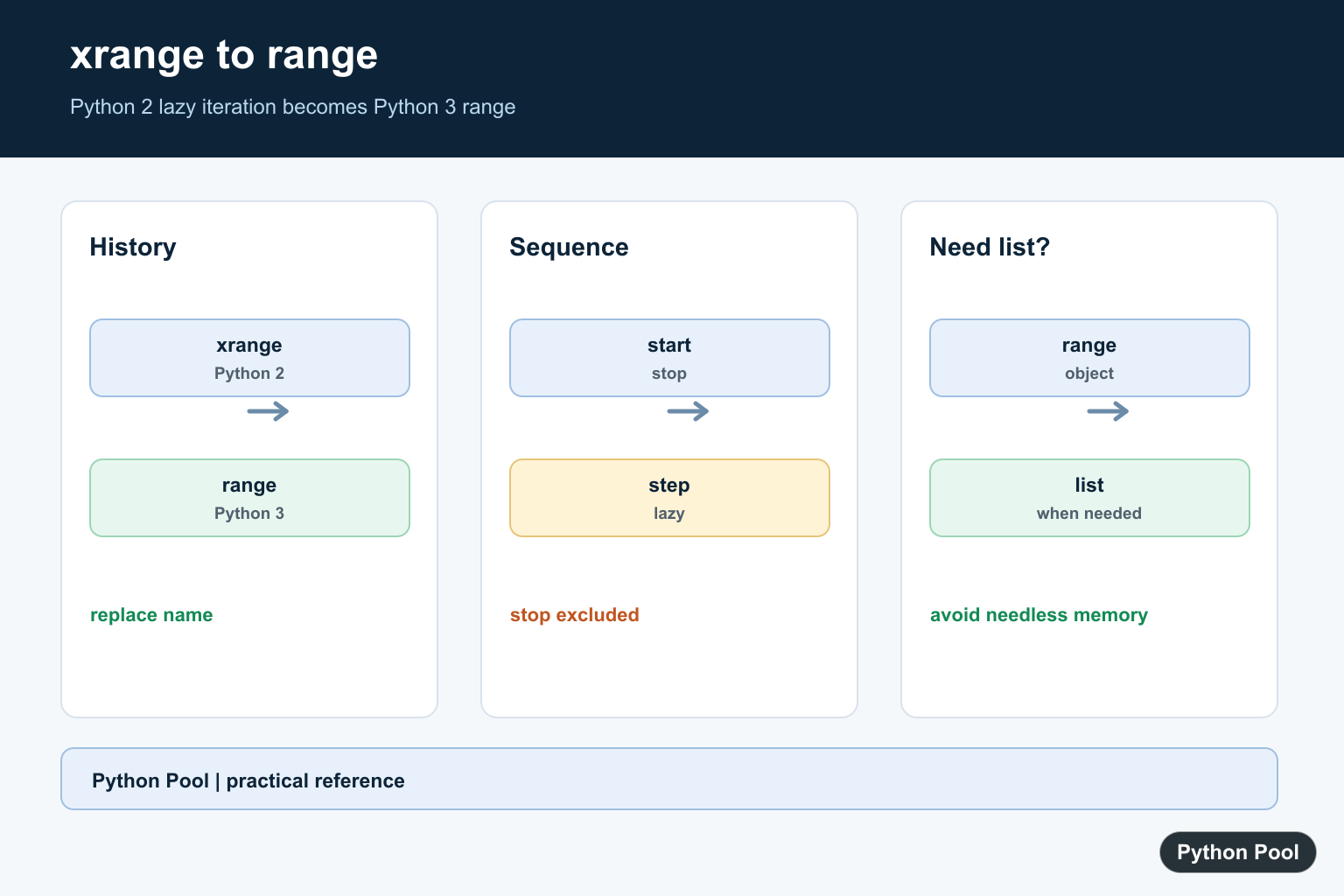
xrange() was a Python 2 built-in for creating a lazy sequence of integers. In Python 3, xrange() no longer exists. Use range() instead.
For most migrations, the replacement is direct:
# Python 2
for number in xrange(5):
    print(number)

# Python 3
for number in range(5):
    print(number)
The reason this works is that Python 3 changed range. It is no longer a function that builds a full list. It is an immutable sequence type that stores only the start, stop, and step values, then calculates items as needed.
Quick answer
- Use
range()in Python 3 code. - Use
list(range(...))only when you truly need a list. - Keep
xrange()only when maintaining Python 2 code that cannot be upgraded yet. - If Python 3 raises
NameError: name 'xrange' is not defined, replacexrangewithrange.
xrange() syntax in Python 2
Python 2 supported these forms:
xrange(stop)
# xrange(start, stop, step)
The arguments behave like range(): start is included, stop is excluded, and step controls the difference between generated values.
# Python 2 only
xrange(5)        # 0, 1, 2, 3, 4
xrange(2, 7)     # 2, 3, 4, 5, 6
xrange(10, 0, -2)  # 10, 8, 6, 4, 2
Python 3 replacement: range()
In Python 3, write the same patterns with range():
print(list(range(5)))
print(list(range(2, 7)))
print(list(range(10, 0, -2)))
[0, 1, 2, 3, 4]
[2, 3, 4, 5, 6]
[10, 8, 6, 4, 2]Notice the list() wrapper in the example. It is only there so the values print as a list. In a loop, do not wrap range() with list() unless you need all values stored at once.
for number in range(1_000_000):
    if number == 3:
        break
This loop does not create a million-item list. It iterates over a compact range object.
Why did Python 3 remove xrange?
Python 2 had both range() and xrange(). The old range() returned a list, while xrange() returned a lighter sequence object. Python 3 simplified the choice by making range() behave like the efficient sequence people usually wanted.
That means this Python 2 pattern:
for index in xrange(len(items)):
    print(items[index])
usually becomes this in Python 3:
for index in range(len(items)):
    print(items[index])
When you do not need indexes, prefer iterating over values directly:
for item in items:
    print(item)
Fix NameError: name ‘xrange’ is not defined
This error means Python 3 is running code written for Python 2:
# NameError: name 'xrange' is not definedThe normal fix is to replace xrange(...) with range(...):
# Before
for i in xrange(10):
    print(i)

# After
for i in range(10):
    print(i)
If the old code expected a real list, make that explicit:
numbers = list(range(10))
range() examples in modern Python
Loop a fixed number of times
for attempt in range(3):
    print(f"Attempt {attempt + 1}")
Count with a custom start and stop
for value in range(3, 8):
    print(value)
Count backward with a negative step
for value in range(10, 0, -2):
    print(value)
For more reverse-loop examples, see Python for loop decrement.
Check membership
evens = range(0, 20, 2)

print(10 in evens)
print(11 in evens)
True
FalseIndex and slice a range
values = range(0, 20, 2)

print(values[3])
print(values[-1])
print(values[:4])
6
18
range(0, 8, 2)If you are transforming the values from a range instead of only looping over them, Python also gives you tools such as comprehensions and the map() function.
range() vs list(range())
| Code | Result | Use when |
|---|---|---|
range(10) |
A compact range object | You are looping, checking membership, indexing, or slicing |
list(range(10)) |
A list with all values stored | You need list methods, mutation, JSON output, or display as a list |
If you need an inclusive endpoint, do not use xrange. Adjust the stop value in range(); the Python range inclusive guide covers those patterns.
Compatibility wrapper for old code
For a small legacy script that must run on both Python 2 and Python 3, you may see this compatibility alias:
try:
    xrange
except NameError:
    xrange = range
Use that only as a temporary migration aid. New code should use Python 3 and range() directly.
Common mistakes
- Using
xrange()in Python 3. It raisesNameError. Userange(). - Wrapping every range with
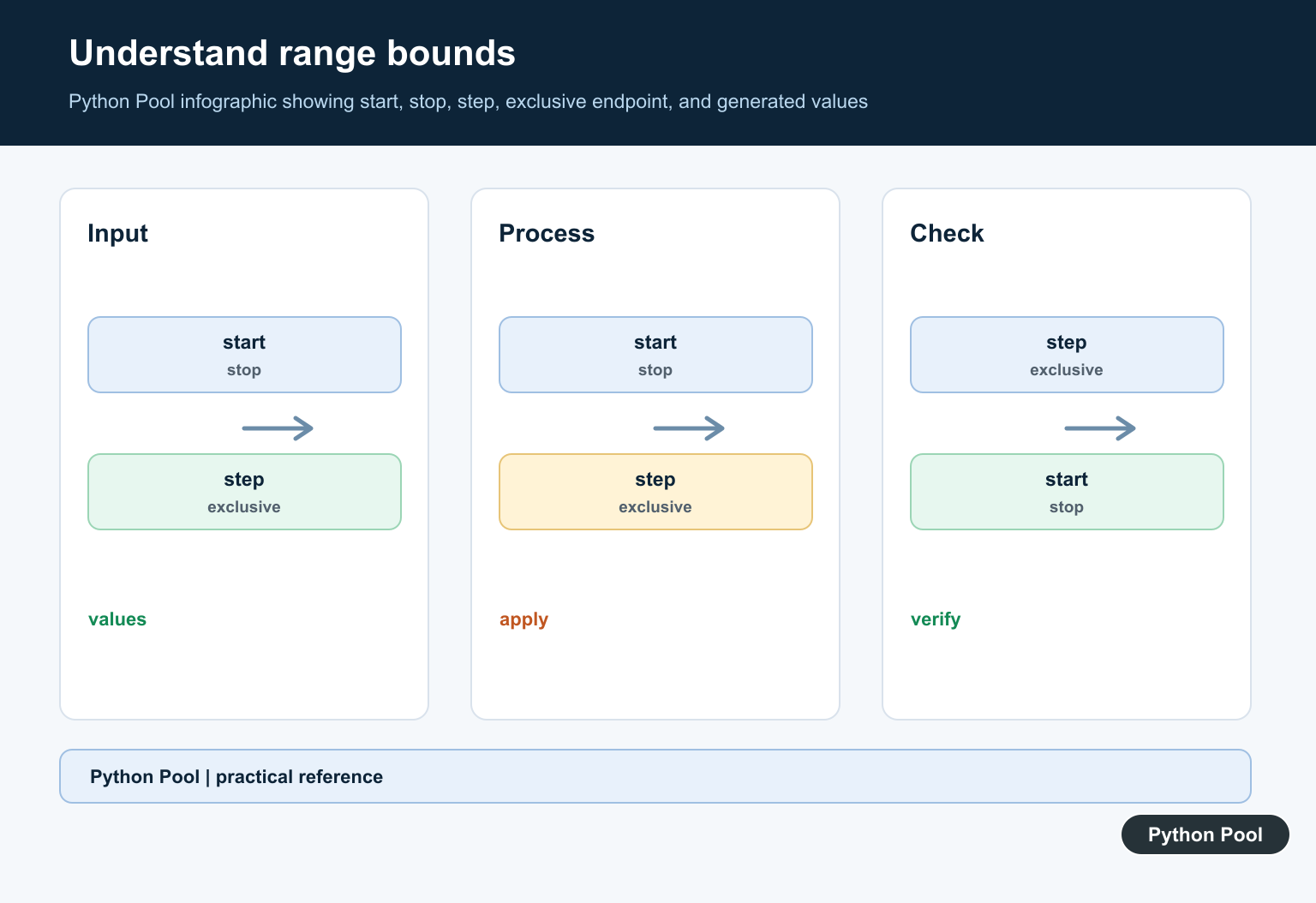
list(). That can waste memory on large ranges. - Expecting the stop value to be included.
range(1, 5)produces1, 2, 3, 4, not5. - Using a zero step.
range(1, 10, 0)raisesValueError.
Official references
The Python 3 documentation describes range as an immutable sequence type and lists the constructor forms in the built-in functions reference. The archived Python 2 documentation explains the old xrange() behavior.
Conclusion
xrange() is a Python 2 name. In Python 3, use range(). It gives you the memory-friendly behavior that made xrange() useful, while also supporting common sequence operations such as indexing, membership tests, slicing, and reverse iteration.
Replace xrange With range
Most migrations are a direct spelling change. range supports start, stop, and step, and the stop value remains exclusive. Keep the loop lazy so a large interval does not allocate a full list before iteration begins.
# Python 3
for number in range(2, 8, 2):
    print(number)

try:
    xrange(5)
except NameError as error:
    print(error)
Know What range Returns
range is an immutable sequence with length, indexing, membership, and slicing behavior. It does not store every integer. This makes it appropriate for loops and many membership checks, but it is not a drop-in replacement when code expects list mutation or list-specific methods.
numbers = range(5)
print(type(numbers).__name__)
print(numbers[2])
print(4 in numbers)
print(list(numbers))
Materialize Only When Needed
Use list(range(…)) for APIs that require a list, for mutation, or when you need to serialize all values. For large ranges, materialization can use substantial memory, so keep the range object through the computation whenever possible.
values = list(range(3))
values.append(3)
print(values)

lazy_values = range(1_000_000)
print(lazy_values[999_999])
Migrate Compatibility Code Carefully
If one codebase must run on Python 2 and Python 3, use a compatibility strategy appropriate to the project’s supported versions rather than defining a local alias without considering return types. Test indexing, list mutation, serialization, and memory behavior after migration.
def integer_sequence(stop):
    # Python 3-only implementation.
    return range(stop)

sequence = integer_sequence(4)
assert list(sequence) == [0, 1, 2, 3]
Python 3’s range() documentation defines its immutable sequence behavior. For historical code, Python 2 documented xrange() separately; modern Python 3 code should use range() and test the expected return type.
For related Python version and iteration changes, compare input() migration, list iteration patterns, and loop control with break when updating older code.
Frequently Asked Questions
Does Python 3 have xrange()?
No. Python 3 removed xrange(); use range(), which provides the lazy sequence behavior most Python 2 code wanted from xrange().
How do I fix NameError: xrange is not defined?
Replace xrange(…) with range(…) in Python 3, then convert to list only if the code needs indexing, mutation, or a materialized list.
Is Python 3 range a list?
No. range is an immutable sequence object that calculates integer values as needed and does not store a full list of values.
When should I use list(range())?
Use list(range(…)) when an actual list is required by an API or operation; keep range lazy for iteration and membership checks.

Python 2 is dead, please update the article so it is applicable to Python 3 in the first place instead of mentioning it only in the Q&A section.
Thank You for your valuable feedback.
Yes, I’ve updated the article with a note at the start of it. As for the range() function in Python 3, we’re about to release a separate post on it soon.
Best Regards,
Pratik