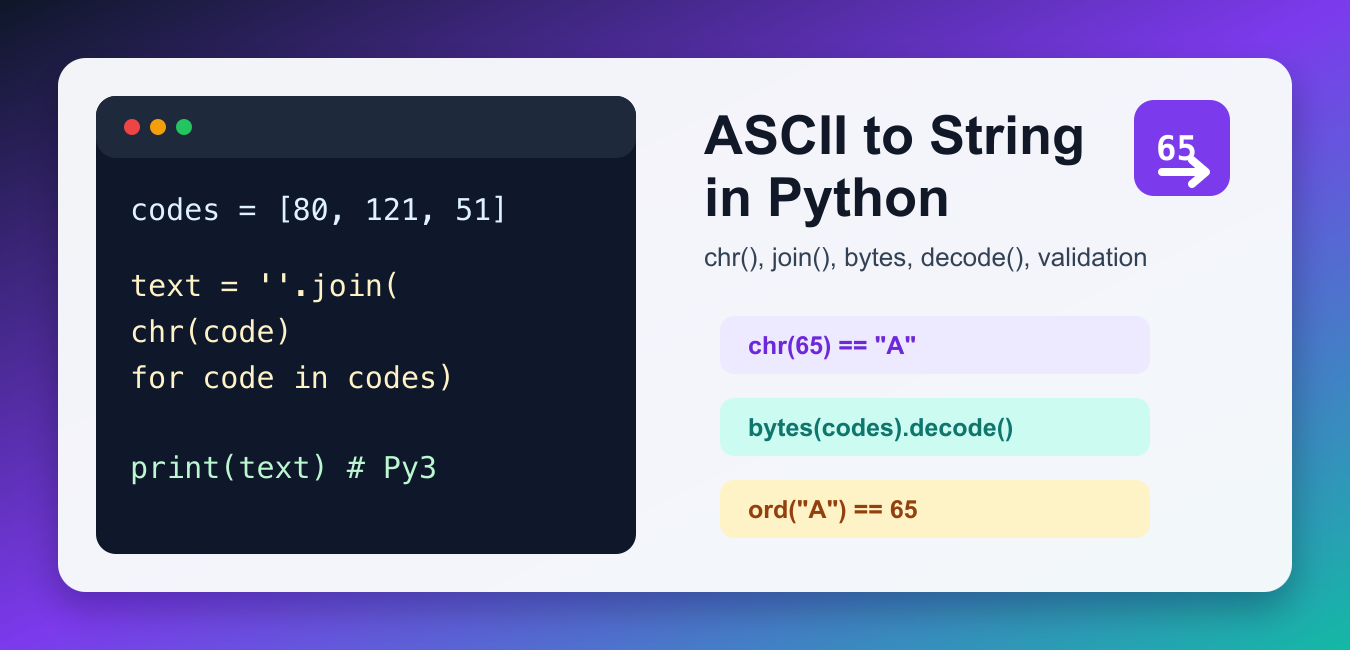
Quick answer: Use chr(code) to convert an integer Unicode code point into a Python string and ord(character) to convert one character back to its code point. ASCII is the 0 through 127 subset, so validate that range when the input must be ASCII-only. For bytes, decode with the correct encoding instead of calling chr on each byte unless you intentionally need code-point-level handling.
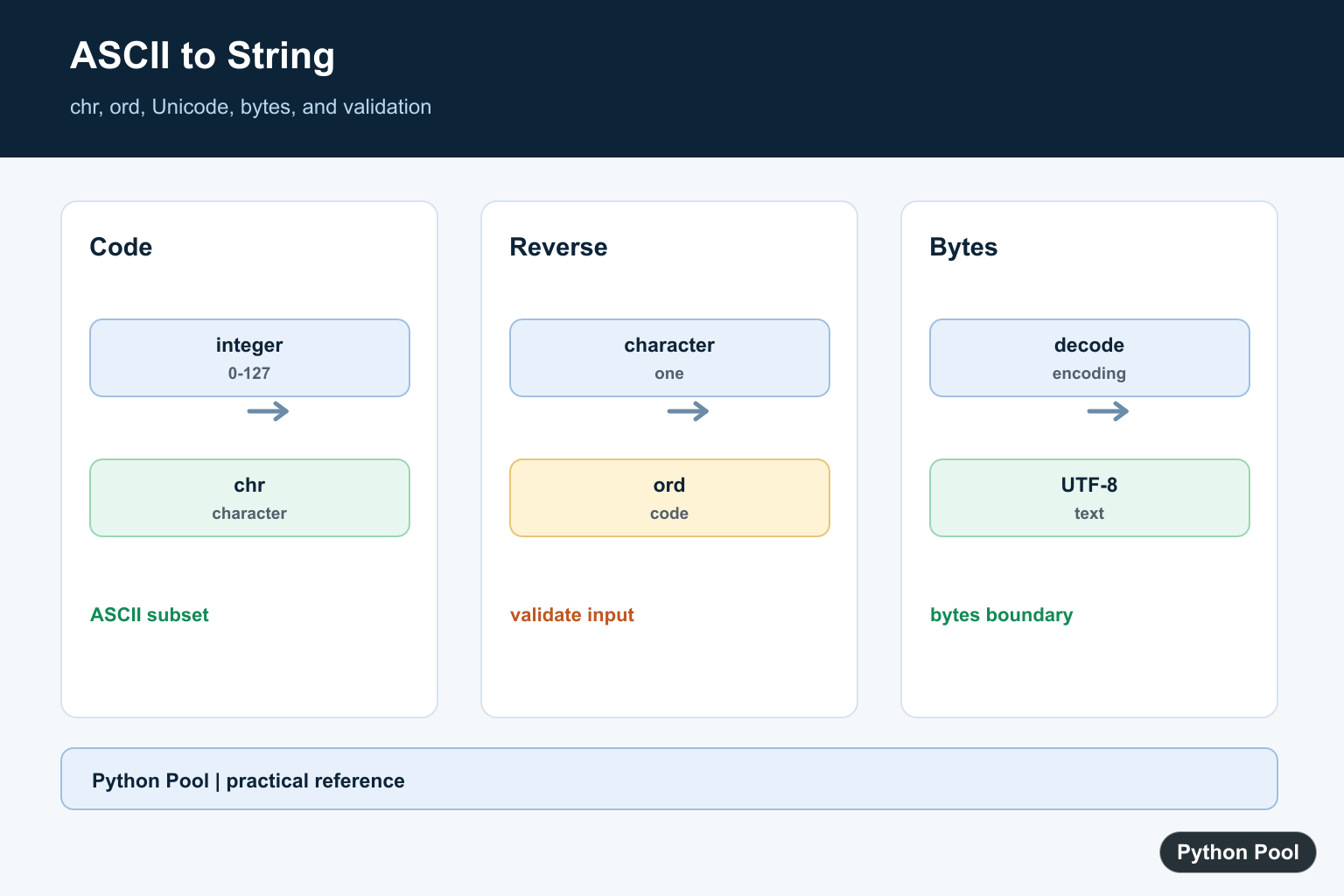
To convert ASCII to string in Python, use chr() for a single ASCII code, ''.join(chr(code) for code in codes) for a list of codes, or bytes(codes).decode('ascii') when the numbers represent raw bytes. These methods handle the common cases without extra libraries.
ASCII is a character encoding where numbers map to characters. For example, 65 maps to A, 97 maps to a, and 32 maps to a space. In Python, the safest approach is to decide whether you have individual integer code points, a list of byte values, or a text input that must be parsed first.
Use chr() when the data is already a Python integer. Use bytes(...).decode() when the data came from a binary source such as a file, socket, or byte-oriented API. Keeping those cases separate makes encoding bugs easier to diagnose.
Convert One ASCII Code With chr()
The built-in chr() function converts an integer code point into the matching character. For standard ASCII, use values from 0 through 127.
code_point = 65

letter = chr(code_point)
print(letter)
This prints A. chr() also supports Unicode code points beyond ASCII, but if your data is specifically ASCII, validating the range keeps mistakes easier to catch. It also makes errors clearer when the source data contains unexpected UTF-8 or extended characters.
Convert a List of ASCII Codes to a String
Use a generator expression with join() when you have several integer codes. Each integer becomes one character, and join() combines the characters into one string.
codes = [80, 121, 116, 104, 111, 110]

text = "".join(chr(code_point) for code_point in codes)
print(text)
This returns Python. The same idea works for spaces and punctuation as long as their numeric codes are present in the list. For a deeper look at the single-character conversion, see Python chr().
Use map() With chr()
map() is another compact way to apply chr() to every number. It is especially readable when the conversion function already exists and does not need extra logic.
codes = [72, 101, 108, 108, 111]

text = "".join(map(chr, codes))
print(text)
Both the generator expression and map() are valid. Prefer the generator expression when you need validation or filtering inside the conversion. Prefer map() when the operation is exactly one function call per item. In production code, readability is usually more important than saving one short line.
Decode ASCII Bytes
If your values represent byte data, create a bytes object and call decode(). This makes the encoding explicit.
codes = [72, 105, 33]

raw = bytes(codes)
text = raw.decode("ascii")
print(text)
This prints Hi!. Use this method when reading byte values from a file, network response, or binary protocol. The guide on writing bytes to a file in Python covers the related file side of that workflow.
Parse ASCII Codes From a String
Sometimes the input arrives as text such as "80 121 51". Split the input, convert each part to an integer, then convert the integers to characters. Validate the tokens first if the input comes from users.
raw_input = "80 121 51"

codes = [int(part) for part in raw_input.split()]
text = "".join(chr(code_point) for code_point in codes)

print(text)
If a token might not be numeric, check it before calling int(). The guide to checking if a string is an integer shows practical validation patterns. This is especially important for form input, command-line arguments, and CSV values copied from spreadsheets.
Validate ASCII Range Before Converting
ASCII values are limited to 0 through 127. If you want strict ASCII behavior, reject values outside that range before calling chr().
codes = [65, 83, 67, 73, 73]

if all(0 <= code_point <= 127 for code_point in codes):
    text = "".join(chr(code_point) for code_point in codes)
    print(text)
else:
    print("Input contains a non-ASCII code")
This prevents non-ASCII Unicode characters from slipping into output that is supposed to be plain ASCII. For other encodings, check the standard encodings list and decode with the correct codec instead of guessing.
Convert a Character Back to ASCII
The reverse operation uses ord(). It returns the numeric code point for a one-character string.
character = "A"

code_point = ord(character)
print(code_point)
This is useful when debugging conversions or building tests. If you are also studying binary representations of numbers, see Python int to binary.
chr() or decode(): Which Should You Use?
Use chr() for code points and decode() for bytes. If you are unsure which one you have, inspect the input type first. A list of integers can represent either idea, but the source usually tells you the correct interpretation. File and network data should usually be decoded as bytes.
Common Mistakes
Do not pass a whole list directly to chr(); it accepts one integer at a time. Do not use ASCII decoding for UTF-8 text that contains characters outside the ASCII range. Also remember that lowercase and uppercase letters have different ASCII codes. For text normalization after conversion, Python lowercase explains the string methods.
References
Convert A Code With chr
chr accepts a Unicode code point, not only ASCII. If a protocol promises ASCII, validate 0 through 127 before converting so non-ASCII values do not enter a supposedly restricted field.
def ascii_to_char(code):
    if not isinstance(code, int) or not 0 <= code <= 127:
        raise ValueError("ASCII code must be an integer from 0 through 127")
    return chr(code)

print(ascii_to_char(65))
Convert A Character With ord
ord expects a string containing exactly one character or a one-byte bytes value. Check the length when the input comes from a user or a file so a multi-character string produces a controlled error.
def char_to_ascii(character):
    if len(character) != 1:
        raise ValueError("expected one character")
    code = ord(character)
    if code > 127:
        raise ValueError("character is outside ASCII")
    return code

print(char_to_ascii("A"))
Decode Bytes As Text
Bytes are raw values, while str is text. Decode a bytes object using the encoding specified by the protocol; ASCII rejects bytes above 127, while UTF-8 handles a wider Unicode text set.
payload = b"Python"
text = payload.decode("ascii")
print(text)
print(text.encode("ascii"))
Build A Small ASCII Table
Generating a table is useful for teaching or protocol diagnostics, but do not confuse numeric code points with user-visible glyphs. Keep the encoding and allowed range in the function contract.
table = {code: chr(code) for code in range(32, 127)}
print(table[65])
print(table[48])
Python’s official chr() and ord() references define code-point conversion, while the bytes decoding reference covers the bytes-to-text boundary. Related references include chr, ord, and bytes to string.
For related text conversions, compare chr, ord, and bytes to string when crossing from numeric codes to text.
Frequently Asked Questions
How do I convert an ASCII number to a character?
Call chr(code) after validating that the value is an integer in the ASCII range when ASCII-only input is required.
How do I convert a character to an ASCII number?
Use ord(character) and check that the input contains one character.
Is chr limited to ASCII?
No. chr accepts Unicode code points, so values outside 0-127 produce non-ASCII characters.
How do I convert ASCII bytes to text?
Decode the bytes with the correct encoding, usually ASCII for strict ASCII data or UTF-8 for broader text.
