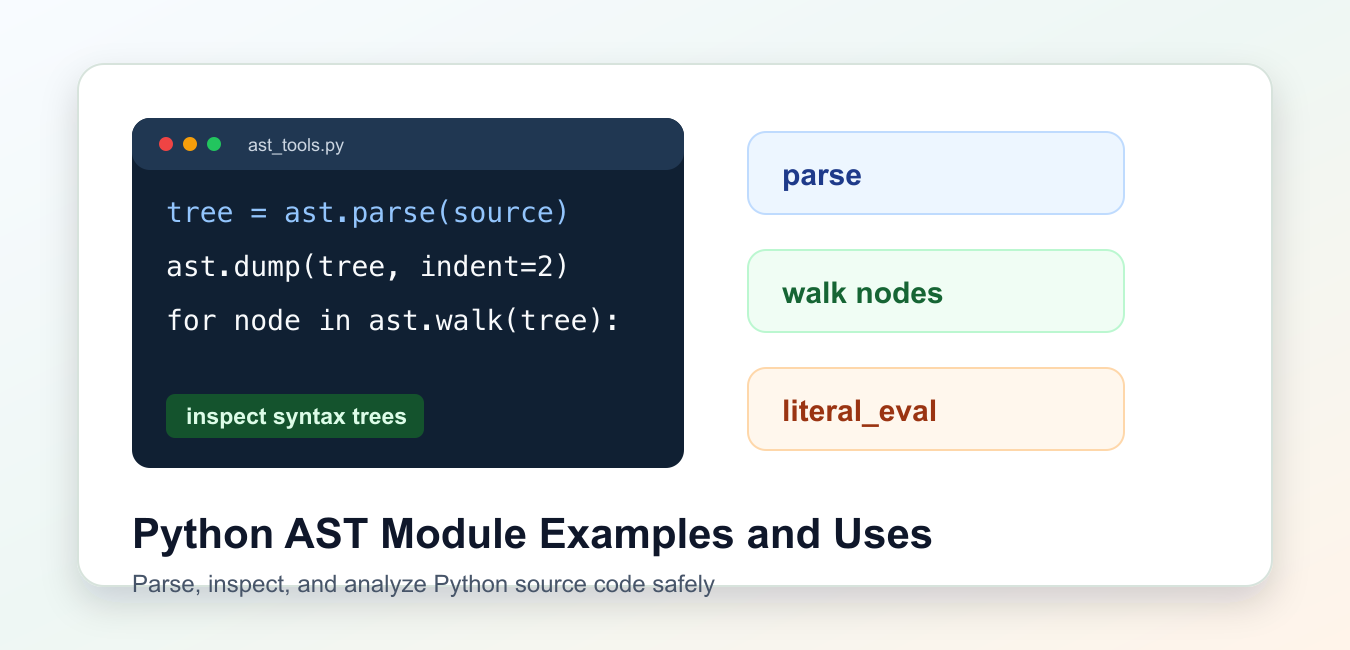
Quick answer: The ast module parses Python source into a syntax tree that tools can inspect and, in controlled cases, transform. Parsing alone does not make source safe; validate the tree, preserve locations, and never execute untrusted code without a real sandbox and threat model.
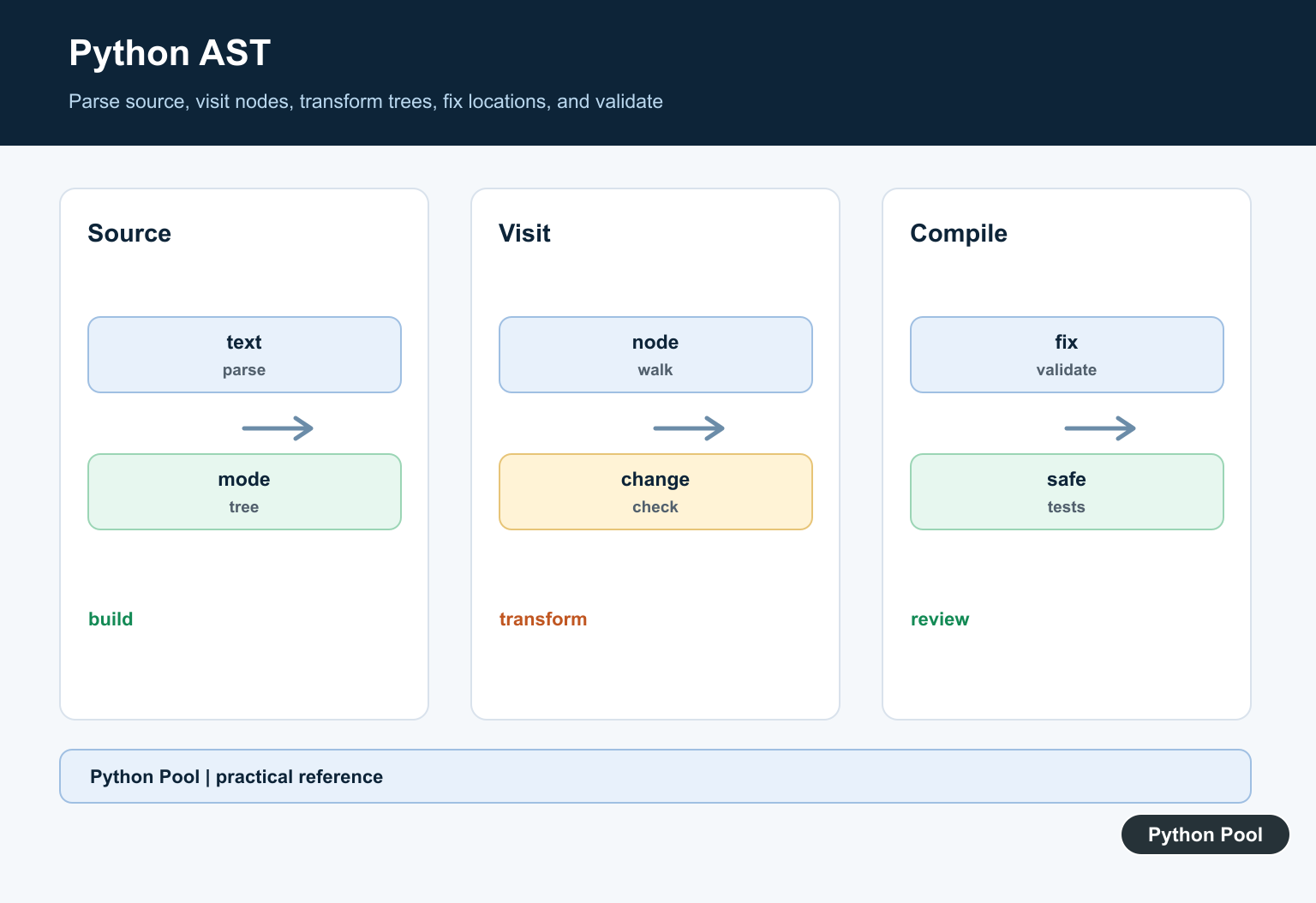
The Python ast module parses source code into an abstract syntax tree. That tree represents code structure as nodes such as modules, imports, function definitions, calls, names, constants, and expressions.
The primary reference is the official ast module documentation, including ast.parse() and ast.literal_eval().
Use AST tools when you need to inspect Python code without running it. Common uses include linters, formatters, import analyzers, refactoring tools, documentation generators, and safe parsing of simple literals.
An AST is not the same thing as source text. Comments and many formatting choices are not preserved in the standard tree, so the module is best for understanding structure rather than reproducing the exact original file.
For transformations that must preserve formatting, use a concrete syntax tree library. For analysis where structure matters more than whitespace, ast is often enough.
Parse Source Code
ast.parse() converts Python source text into a tree. The root node for a file is usually ast.Module.
import ast

source = "answer = 40 + 2"
tree = ast.parse(source)

print(type(tree).__name__)
print(len(tree.body))
print(type(tree.body[0]).__name__)
Parsing checks syntax but does not execute the code. That makes AST parsing useful for static analysis.
If the source has invalid syntax, ast.parse() raises SyntaxError.
Parsing is also version-sensitive. New syntax can fail on older Python versions, so run analysis with a Python version that understands the code you are checking.
Dump A Tree
ast.dump() is the quickest way to see the node structure of a small example.
import ast

source = "total = price * quantity"
tree = ast.parse(source)

print(ast.dump(tree, indent=2))
The dump shows assignment, name, binary operation, and load/store context nodes.
Use small snippets while learning. Large modules produce dumps that are hard to read.
When debugging a larger tree, dump only the node you care about. That keeps output readable and avoids losing the important structure in a large wall of text.
Walk Nodes
ast.walk() visits every node in the tree. You can filter for the node types you care about.
import ast

source = """
import json
from pathlib import Path

print(Path.cwd())
"""

tree = ast.parse(source)

for node in ast.walk(tree):
    if isinstance(node, ast.Name):
        print(node.id)
This example prints every identifier represented as a name node.
For precise parent-child logic, use a custom NodeVisitor instead of walking everything flat.
Walking is useful for quick counts and broad searches. Visitors are better when the context matters, such as imports inside functions or calls inside specific classes.
Collect Imports
A small visitor can collect import statements from a source file.
import ast

class ImportCollector(ast.NodeVisitor):
    def __init__(self):
        self.modules = []

    def visit_Import(self, node):
        for alias in node.names:
            self.modules.append(alias.name)

    def visit_ImportFrom(self, node):
        if node.module:
            self.modules.append(node.module)

source = "import json\nfrom pathlib import Path\n"
collector = ImportCollector()
collector.visit(ast.parse(source))

print(collector.modules)
NodeVisitor methods are named after node classes. Python calls the matching method as it traverses the tree.
This pattern is the basis for many linting and code-audit tools.
Real import analysis may also need aliases, relative imports, optional dependencies, and imports inside functions. Start small and add those cases deliberately.
Use literal_eval Safely
ast.literal_eval() evaluates strings containing Python literals such as lists, dictionaries, strings, numbers, booleans, and None. It does not run arbitrary code.
import ast

text = "{'name': 'Ada', 'score': 98}"
data = ast.literal_eval(text)

print(data["name"])
print(type(data).__name__)
This is safer than eval() for literal data, but it is still not a general parser for untrusted huge input. Validate size and shape when needed.
For JSON data, prefer the json module because JSON and Python literals are not identical.
literal_eval() should not be treated as a universal safe parser for all untrusted input. Very large or deeply nested input can still cause resource problems.
Build A Syntax Checker
Because parsing raises SyntaxError, a small helper can validate source text.
import ast

def syntax_ok(source):
    try:
        ast.parse(source)
    except SyntaxError as exc:
        return False, exc.msg
    return True, "ok"

print(syntax_ok("x = 1"))
print(syntax_ok("if True print('bad')"))
This checks Python syntax only. It does not prove names exist, imports are installed, or runtime behavior is correct.
The practical rule is to use ast when you need to understand Python source structure without executing it, and to keep analysis code focused on specific node types.
That focus keeps tools predictable. A checker that only reports imports, for example, should not also try to evaluate expressions or guess runtime values.
Most AST analysis should treat source as data. Avoid executing code just to answer questions that the tree can answer, such as which imports exist, which functions are defined, or whether the text parses successfully.
If a tool eventually transforms code, write tests around the before-and-after source and run the transformed code in a controlled environment.
Keep generated diagnostics short and tied to exact line numbers when possible.
Parse Source With A Mode
ast.parse accepts source text and a mode such as exec, eval, or single. Choose the mode that matches the intended grammar and keep the original source available for diagnostics.
Inspect Nodes With Visitors
NodeVisitor and ast.walk make traversal explicit. Match the node types and fields you actually support, and treat unexpected syntax as a deliberate error instead of silently ignoring it.
Transform Carefully
NodeTransformer can return replacement nodes or remove nodes in supported contexts. A transformation should have a narrow contract, avoid changing evaluation order accidentally, and be tested against representative syntax.
Restore Source Locations
New or copied nodes may need location information before compilation. Call fix_missing_locations when appropriate, but still validate line and column behavior if diagnostics depend on it.
Keep Security Boundaries Clear
An AST is a representation, not a security boundary. Avoid compile and exec on untrusted input, and do not infer safety merely because a visitor removed a few node types.
Test Syntax Variants
Test imports, calls, comprehensions, async syntax, literals, decorators, nested scopes, invalid source, and version-specific nodes. Assert both transformed structure and the intended behavior in a controlled environment.
The official ast documentation covers parsing, visitors, transformers, and location helpers. Related Python Pool references include tests and logging.
For related code-analysis workflows, compare syntax tests, safe diagnostics, and node metadata mappings before transforming an AST.
Frequently Asked Questions
What is the Python AST?
It is a tree representation of Python source syntax that tools can inspect and, in controlled cases, transform.
How do I parse Python code into an AST?
Use ast.parse with the source text and an appropriate mode, then inspect the returned tree with a visitor or ast.dump.
How do I modify an AST?
Subclass NodeTransformer, return replacement nodes carefully, call fix_missing_locations when needed, and test the transformed source or compiled result.
Is it safe to execute code parsed with ast?
Parsing does not make code safe; do not compile or execute untrusted source without a separate, robust sandbox and threat model.
