
Quick answer: Python Telnet code is usually legacy interoperability code. The old telnetlib API was deprecated and removed from newer Python versions, and Telnet itself lacks transport confidentiality, so prefer SSH or a protocol-specific TLS client with verification and explicit timeouts.
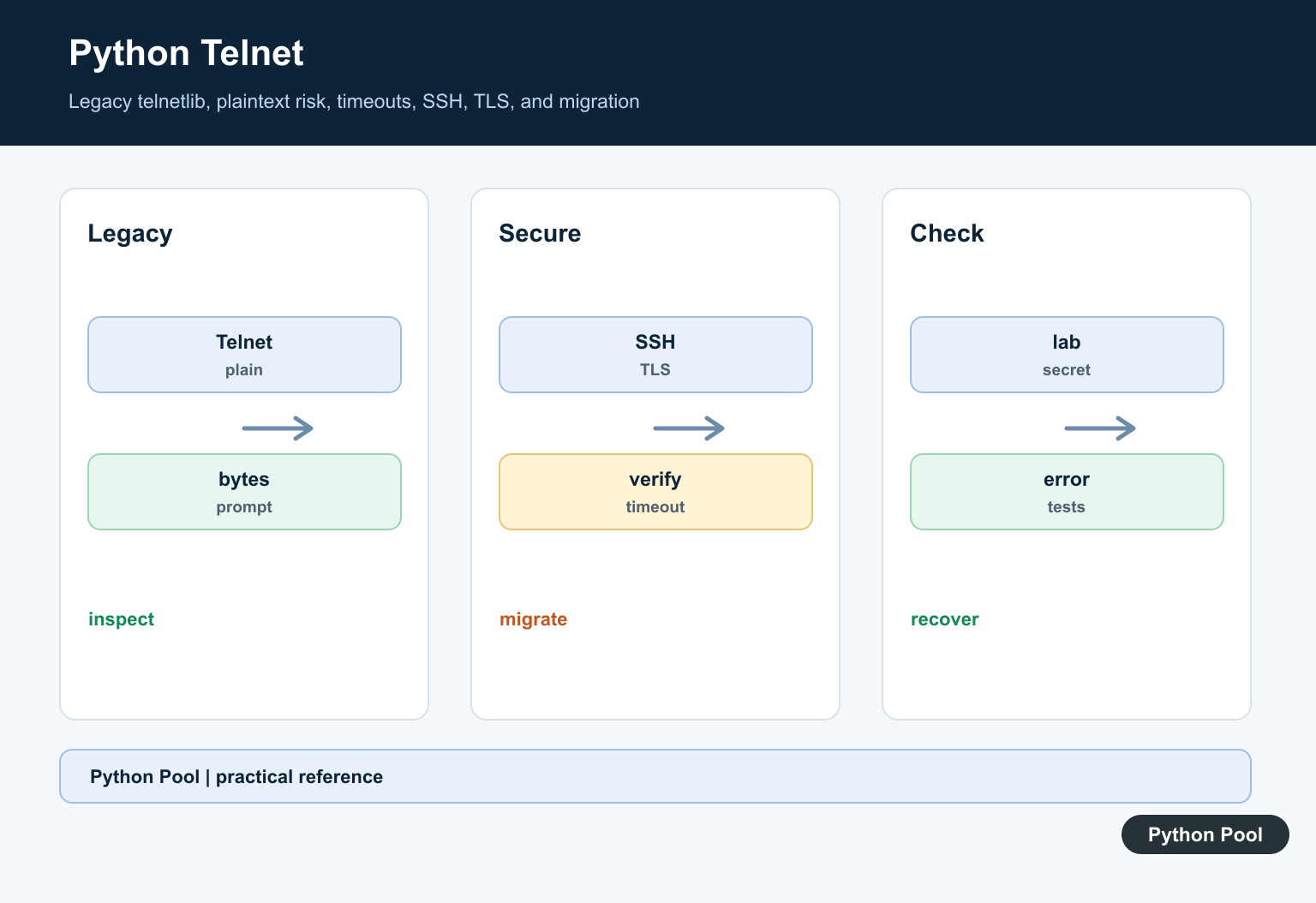
Python Telnet code needs a modern warning before any example: telnetlib is no longer a normal standard-library choice. The Python 3.12 documentation marks telnetlib as deprecated since Python 3.11 and scheduled for removal in Python 3.13. The current Python documentation lists it under removed modules, and PEP 594 explains the removal of older standard-library modules.
That does not mean every old Telnet-controlled device disappeared. Network appliances, serial-to-Ethernet bridges, lab instruments, and embedded systems may still expose Telnet. It means new Python work should treat Telnet as a legacy integration path, not as a default remote-management protocol. Telnet sends terminal-oriented traffic; for structured network-device configuration over SSH, use Python NETCONF Client Setup Guide.
Telnet normally sends commands and credentials as plain text. Use SSH, HTTPS APIs, vendor SDKs, or another authenticated encrypted transport whenever the device supports one. If Telnet is unavoidable, keep it on an isolated management network, use least-privilege accounts, avoid logging secrets, and test parsing with local fixtures before connecting to hardware.
The official Python references that still matter are socket for TCP bytes and ssl for encrypted transports.
Check telnetlib Availability
On Python 3.13 and newer, importing telnetlib fails because the module was removed. Check the runtime first so old automation does not fail halfway through a maintenance job.
import sys

try:
    import telnetlib
except ModuleNotFoundError:
    telnetlib = None

print("Python version:", ".".join(map(str, sys.version_info[:3])))
print("telnetlib available:", telnetlib is not None)

if telnetlib is None:
    print("Use a legacy runtime or a maintained client for old Telnet systems.")
else:
    print("Telnet class:", telnetlib.Telnet.__name__)
This check is useful in deployment scripts and migration audits. It also helps teams find jobs that silently depended on an older Python interpreter.
If your application still imports telnetlib at module load time, move that dependency behind a narrow adapter. The rest of the application should not need to know whether the legacy path is present.
Guard Legacy Telnet Imports
If you must support older Python installations, import telnetlib only inside the function that opens the legacy connection. The example below defines the helper without opening a network connection.
def build_legacy_telnet(host, port=23, timeout=5):
    try:
        from telnetlib import Telnet
    except ModuleNotFoundError as exc:
        raise RuntimeError("telnetlib is not available in this Python") from exc

    return Telnet(host, port, timeout)

print("helper defined; call it only for an approved legacy Telnet host")
That pattern makes failures explicit on Python versions where telnetlib is gone. It also keeps tests importable on modern Python even when the legacy connection path cannot run.
Do not use this as a reason to keep Telnet forever. Treat it as a bridge while you replace device access with SSH, HTTPS, a message broker, or a vendor-supported management interface.
Mock A Telnet Login Flow
Most Telnet scripts are prompt readers: wait for a login prompt, send a username, wait for a password prompt, send a password, then wait for a command prompt. You can test that logic without a server by mocking the small methods your code needs.
class FakeTelnet:
    def __init__(self, replies):
        self.replies = list(replies)
        self.writes = []
        self.closed = False

    def read_until(self, expected, timeout=1):
        if not self.replies:
            return b""
        data = self.replies.pop(0)
        if expected not in data:
            return data
        return data

    def write(self, data):
        self.writes.append(data)

    def close(self):
        self.closed = True

def login(client, user, password):
    banner = client.read_until(b"login: ", timeout=1)
    client.write(user.encode("ascii") + b"\n")
    client.read_until(b"Password: ", timeout=1)
    client.write(password.encode("ascii") + b"\n")
    return banner.decode("ascii", errors="replace")

client = FakeTelnet([b"router login: ", b"Password: ", b"ready> "])
print(login(client, "admin", "testpass"))
print(client.writes[0])
print(len(client.writes))
The mock records what the code sends but does not contact a host. In real code, do not print password writes or full session transcripts. Log step names, command names, and sanitized errors instead.
Testing with mocks is especially helpful when device prompts are inconsistent. Some systems include banners before login, some echo commands, and some use prompts that change after privilege escalation.
Parse Telnet Command Output
Telnet clients read bytes. Decode bytes deliberately, then parse the format your device returns. The sample below handles a simple key-value command response from local bytes.
raw_output = (
    b"show status\r\n"
    b"name: lab-router\r\n"
    b"uptime: 4 days\r\n"
    b"users: 2\r\n"
    b"router> "
)

def parse_key_value_output(data):
    lines = data.decode("ascii", errors="replace").splitlines()
    pairs = {}
    for line in lines:
        if ": " in line:
            key, value = line.split(": ", 1)
            pairs[key] = value
    return pairs

print(parse_key_value_output(raw_output))
Keep parsing separate from transport. A parser that accepts bytes is easy to test, while a parser that reaches into a live connection is hard to reproduce and easy to break.
For production jobs, save representative sanitized transcripts in tests. Include odd banners, timeouts, empty responses, and changed prompts so the script fails predictably when the device firmware changes.
Use socketpair For Local Byte Tests
Telnet runs over TCP, but a unit test does not need a public host. socket.socketpair() creates two connected sockets inside the current process, which is enough to test byte-level prompt handling.
import socket

client, server = socket.socketpair()
try:
    server.sendall(b"login: ")
    prompt = client.recv(1024)
    client.sendall(b"operator\n")
    received = server.recv(1024)
finally:
    client.close()
    server.close()

print(prompt.decode("ascii"))
print(received.decode("ascii").strip())
This is not a Telnet protocol implementation. It is a safe way to confirm that your code sends and receives bytes in the order you expect before a real integration test touches a device.
Use timeouts in real socket or Telnet code. A missing prompt should become a clear timeout error, not a script that blocks forever during a maintenance window.
Choose A Safer Transport
For new work, decide on the transport before writing automation. Telnet should be the exception for isolated legacy systems, not the first option.
def choose_management_transport(has_https_api, has_ssh, needs_encryption):
    if has_https_api:
        return "Use HTTPS API"
    if has_ssh:
        return "Use SSH"
    if needs_encryption:
        return "Do not use Telnet for this workflow"
    return "Telnet only on an isolated, approved legacy network"

checks = [
    (True, True, True),
    (False, True, True),
    (False, False, True),
    (False, False, False),
]

for check in checks:
    print(choose_management_transport(*check))
This decision belongs in design notes, not only in code. If a system requires encryption, Telnet is the wrong answer unless an external secure tunnel and strict network controls are part of an approved architecture.
In short, Python Telnet today is mostly about maintaining old integrations responsibly. Know that telnetlib was removed from modern Python, keep old imports guarded, test command parsing with local bytes, and prefer encrypted management protocols whenever the target system allows it.
Check The Runtime And API
Before changing code, identify the Python version and telnetlib dependency. A script that worked on an older interpreter may fail after an upgrade because a deprecated standard-library module is no longer available.
Treat Telnet As Plaintext
Traditional Telnet exposes credentials and session content to network observers. Do not send production secrets over it unless an isolated, documented legacy requirement has been approved and compensating controls exist.
Prefer Encrypted Alternatives
SSH is the usual choice for remote administration. For a device-specific service, use a maintained client for its supported TLS or secure protocol and verify certificates, host keys, and capabilities.
Set Timeouts And Bound Reads
Legacy network code can hang while connecting or waiting for a prompt. Set connection and read timeouts, cap buffered data, and define how partial responses and prompt detection are handled.
Keep Credentials Out Of Code
Use a secret manager or protected environment configuration, avoid logging command output that contains credentials, and use separate low-privilege accounts for lab testing.
Build A Migration Test
Record the required commands and expected responses in a safe fixture, then implement the secure client against a lab service. Test authentication failure, timeouts, malformed responses, reconnects, and rollback.
Use the Python telnetlib documentation for legacy compatibility context and the Telnet protocol specification. Related Python Pool references include tests and safe logging.
For legacy network work, compare lab protocol tests, credential-safe logging, and connection configuration before keeping Telnet code.
Frequently Asked Questions
Does Python support Telnet?
Legacy Python versions provided telnetlib, but it has been deprecated and removed from newer Python releases; check the interpreter and package version before relying on it.
Why is Telnet insecure?
Traditional Telnet does not provide transport encryption, so credentials and session data can be exposed to network observers.
What should replace Telnet?
Use SSH for secure remote administration or a protocol-specific TLS client when the service supports it; select a maintained library with host and certificate verification.
How should I test legacy Telnet code?
Use an isolated lab service, explicit connection and read timeouts, non-production credentials, captured protocol fixtures, and a migration plan; never test against sensitive systems casually.
