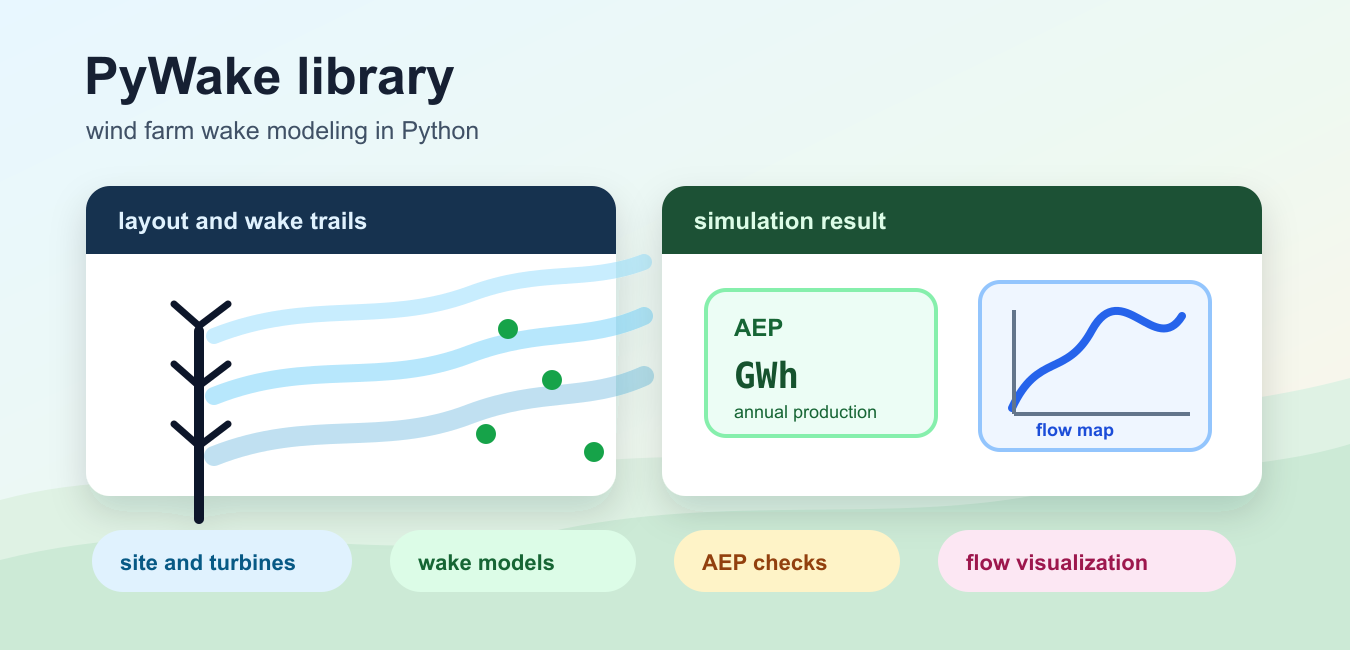
Quick answer: PyWake is a Python framework for engineering wind-farm wake simulations. A sound workflow separates the site, turbine, wind-condition, and wake-model inputs, then checks the resulting power and wake fields against physical expectations and benchmark or measured data.
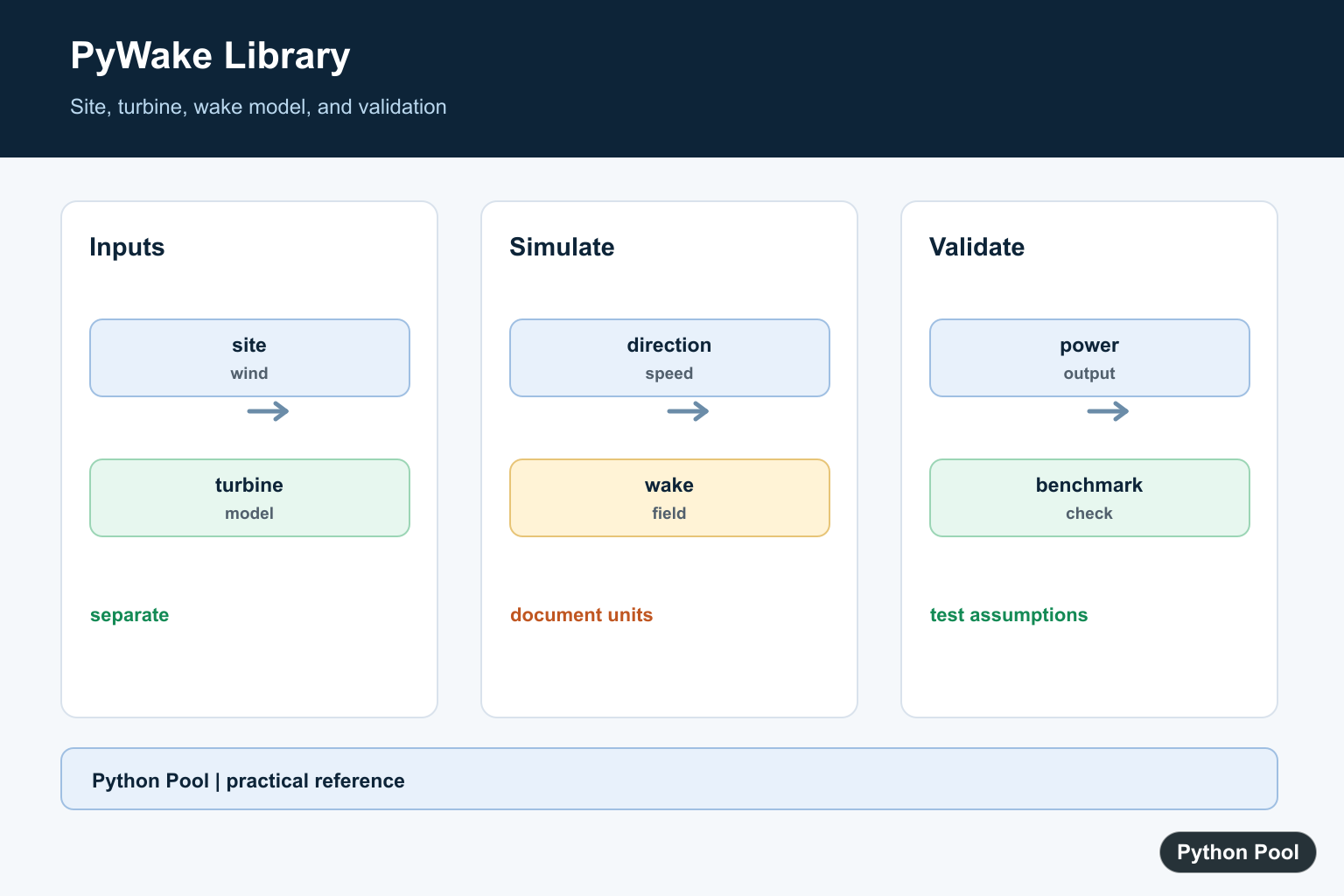
PyWake is a Python package for wind farm wake simulation from DTU Wind Energy. The official PyWake documentation describes it as a tool for calculating flow fields, individual turbine power, and annual energy production for wind farms. That makes it useful when you want a repeatable way to compare layouts, wake models, turbines, and wind resource assumptions.
The package name on PyPI is py-wake, and PyPI currently lists Python 3.10 or newer as the requirement. Install it with python -m pip install py-wake. For numerical setup, PyWake examples commonly use NumPy arrays for coordinates and outputs; if shape handling is new, the NumPy reshape guide is a useful companion.
Use PyWake when you need engineering wake models rather than a simple power-curve calculation. It can run a wind farm model for selected wind directions and speeds, return a simulation result, calculate AEP in GWh, and create flow maps that show velocity deficit behind turbines. Those outputs help you test whether a layout change improves production or only moves losses from one turbine to another.
The most important habit is to keep the site, turbine object, wake model, and layout coordinates explicit. When those inputs are visible in the code, a later comparison is easier to review and easier to reproduce.
Check The Installed PyWake Version
Start by confirming that the installed distribution is the one your project expects. This is especially useful on notebooks and shared servers where environments can drift.
from importlib.metadata import version

package_version = version("py-wake")
print(package_version)
This prints the installed package release. If the command raises PackageNotFoundError, install PyWake into the active interpreter and restart the notebook or process before running the simulation code.
Version checks also help when copying examples from documentation. PyWake has active releases, so a short note about the tested package release can save time when someone reruns the analysis later.
Create A Site, Turbine, And Wake Model
A PyWake run combines a site object, a wind turbine object, and a wind farm model. This example uses the IEA Task 37 sample data and a Gaussian model from the PyWake literature module.
from py_wake.examples.data.iea37 import IEA37Site, IEA37_WindTurbines
from py_wake.literature.gaussian_models import Bastankhah_PorteAgel_2014

site = IEA37Site(16)
turbines = IEA37_WindTurbines()
model = Bastankhah_PorteAgel_2014(site, turbines, k=0.0324555)
The site provides wind resource information and the sample layout. The turbine object provides rotor and power data. The model decides how wakes are propagated and combined.
For a first pass, keep the predefined examples. After the workflow is clear, replace the site, turbine, or model with data that matches the real project.
Run A Basic AEP Simulation
After the model is created, call it with turbine coordinates. The result object can calculate annual energy production with the aep() method, which the PyWake simulation docs describe as returning AEP in GWh.
x, y = site.initial_position.T

result = model(x, y, wd=[0, 90, 180, 270], ws=[8, 10, 12])
total_aep = result.aep().sum()

print(total_aep)
Here wd controls wind direction cases and ws controls wind speed cases. Passing smaller lists is a practical way to test code before running a larger case.
When a result looks surprising, inspect the coordinate arrays and the chosen direction first. Wake losses depend strongly on turbine order relative to incoming wind.
Compare Two Layouts
Layout comparison is one of the common reasons to use PyWake. Keep the same site, turbine, model, direction, and speed while changing only the coordinates being tested.
baseline_x = [0, 500, 1000, 1500]
baseline_y = [0, 0, 0, 0]

offset_x = [0, 500, 1000, 1500]
offset_y = [0, 180, -180, 90]

baseline = model(baseline_x, baseline_y, wd=270, ws=10).aep().sum()
offset = model(offset_x, offset_y, wd=270, ws=10).aep().sum()

print("baseline:", baseline)
print("offset:", offset)
This pattern keeps the comparison focused. If the offset layout improves AEP, the next step is to test more wind directions and speeds before treating it as a durable layout improvement.
Coordinate arrays need matching lengths. If layout data comes from a file, check shapes early rather than discovering a mismatch deep inside a simulation call.
Create A Wake Flow Map
The PyWake wind farm simulation guide shows that simulation results can create flow maps. A flow map helps you see where wind speed deficit is concentrated behind the turbines.
import matplotlib.pyplot as plt
from py_wake import HorizontalGrid

flow_result = model(x, y, wd=270, ws=9.8)
grid = HorizontalGrid(x=None, y=None, resolution=100, extend=1)
flow_map = flow_result.flow_map(grid=grid, wd=270, ws=9.8)

flow_map.plot_wake_map()
plt.xlabel("x [m]")
plt.ylabel("y [m]")
plt.show()
Use a lower grid resolution while experimenting, then raise it for final plots. That keeps notebooks responsive while you tune direction, speed, and layout assumptions.
The map is not just decoration. It can reveal which turbines are shielded, which areas are underused, and whether a layout change spreads wake losses more evenly.
Use Chunks Or CPUs For Larger Runs
The simulation documentation also notes that PyWake can split work into chunks and run wind-direction work in parallel. This matters when a study grows from a few test cases to many wind directions, wind speeds, or turbines.
chunked_result = model(
    x,
    y,
    wd_chunks=4,
    ws_chunks=2,
)

parallel_result = model(
    x,
    y,
    n_cpu=4,
)
Chunking can reduce memory pressure, while parallel execution can reduce runtime on suitable machines. Benchmark both with your real layout size before choosing defaults for production scripts.
For a reliable workflow, record the PyWake version, site source, turbine source, model name, layout coordinates, and wind cases beside the result. That record makes AEP comparisons easier to audit, and it keeps changes in wake model behavior separate from changes in the layout itself. For vector and matrix cleanup around simulation inputs, the NumPy dot product guide covers another common array operation.
Model The Inputs Separately
Keep turbine definitions, site conditions, wind directions, and model assumptions separate so a result can be reproduced and reviewed. Changing one input should not silently change the others.
from dataclasses import dataclass

@dataclass
class WindCase:
    direction: float
    speed: float

case = WindCase(direction=270.0, speed=8.0)
print(case)
Start With A Baseline
Before comparing advanced wake models, run a simple baseline with known turbine positions and wind conditions. Record the units and coordinate convention used by the site model.
import numpy as np

wind_directions = np.array([0.0, 90.0, 180.0, 270.0])
wind_speeds = np.array([6.0, 8.0, 10.0, 12.0])
print(wind_directions.shape, wind_speeds.shape)
Inspect Wake Interactions
A wind-farm result should be inspected by direction and turbine, not only as one total number. Look for expected downstream losses and test how spacing or direction changes the wake pattern.
def relative_loss(free_power, wake_power):
    if free_power <= 0:
        raise ValueError("free-stream power must be positive")
    return 1.0 - wake_power / free_power

print(relative_loss(100.0, 92.0))
Validate Before Optimization
Optimization can make a flawed model look precise. Use sensitivity tests, documented assumptions, and independent measurements or reference cases before trusting an optimized layout.
results = {"baseline": 100.0, "candidate": 103.0}
if results["candidate"] < results["baseline"]:
    raise RuntimeError("candidate did not improve the baseline")
print(results)
The PyWake project documentation should be the source of truth for supported models and APIs. Related Python Pool references include numerical gradients, secure file transfer, and plot range control.
For related numerical modeling, compare NumPy gradients, plot range control, and logarithmic grids when checking simulation outputs.
Frequently Asked Questions
What is the PyWake library used for?
PyWake is used to model wind-turbine wakes and estimate how wake interactions affect wind-farm performance.
What inputs does a PyWake model need?
A useful model needs a site, turbine definitions, wind directions and speeds, and a wake or engineering model with documented assumptions.
How should I validate PyWake results?
Compare model outputs with expected physical behavior, sensitivity tests, and measured or benchmark data where available.
Can PyWake model multiple turbines?
Yes. A wind-farm simulation can include multiple turbine positions and evaluate interactions across wind conditions.
