
Quick answer: Tuple unpacking assigns sequence positions to names, such as first, second = pair. A starred target collects a variable number of remaining values into a list. Use unpacking for a known structure and validate external data before assuming its length or nesting.
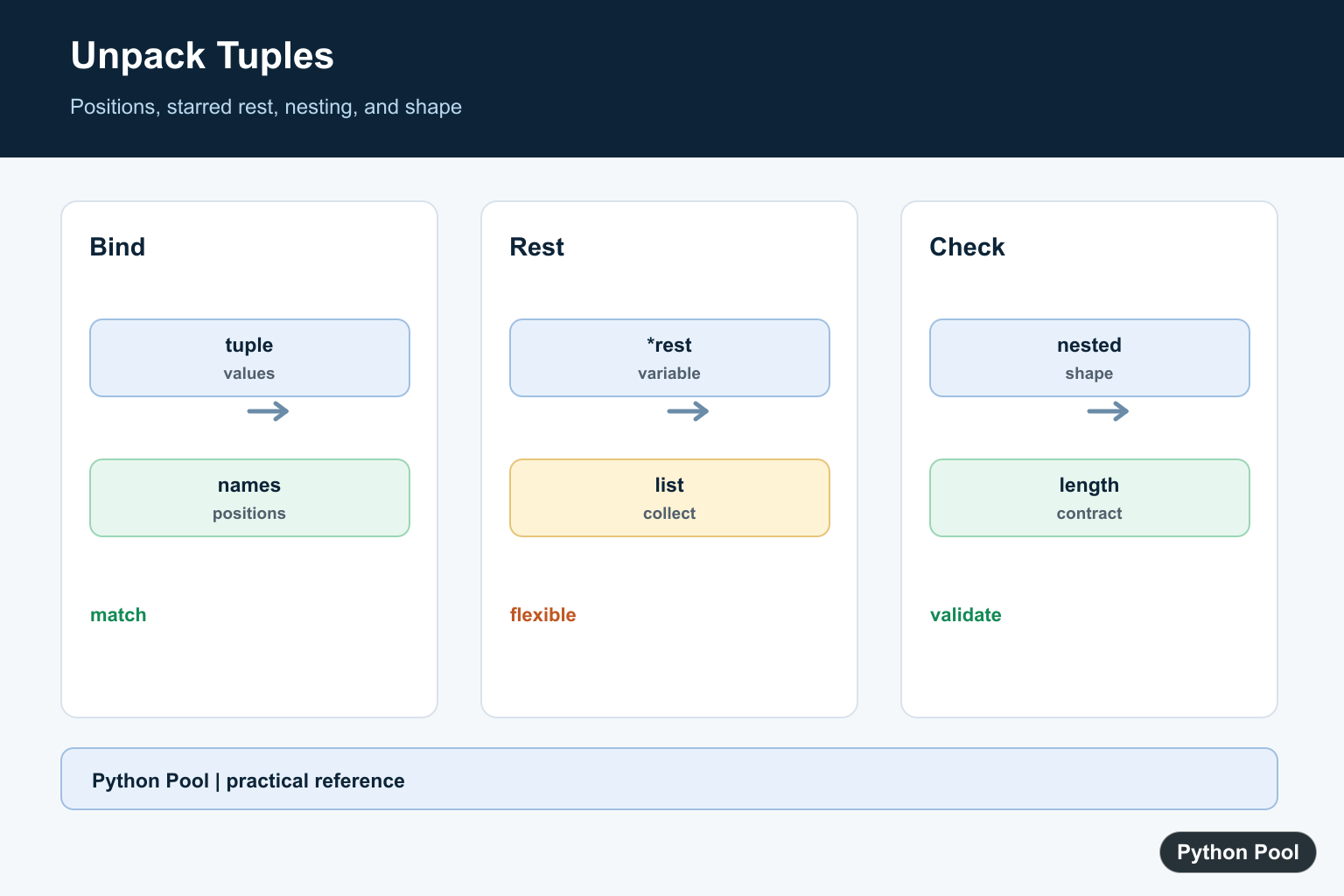
To unpack a tuple in Python, assign the tuple to the same number of variables. Python reads the values from left to right and binds each item to the matching variable name.
Tuple unpacking is most useful when a tuple has a clear structure, such as (name, score), (x, y), or (status, message). It makes code easier to read because each position gets a meaningful name instead of repeated numeric indexes.
Quick Answer
Use multiple assignment when the number of variables matches the number of tuple items. Python’s tutorial describes tuples as part of tuples and sequences, and the language reference documents the assignment behavior under assignment statements.
point = (12, 8)
x, y = point

print(x)
print(y)
This prints 12 and 8. The tuple itself is not changed; only the names x and y are assigned to its values.
Unpack a Tuple with Multiple Assignment
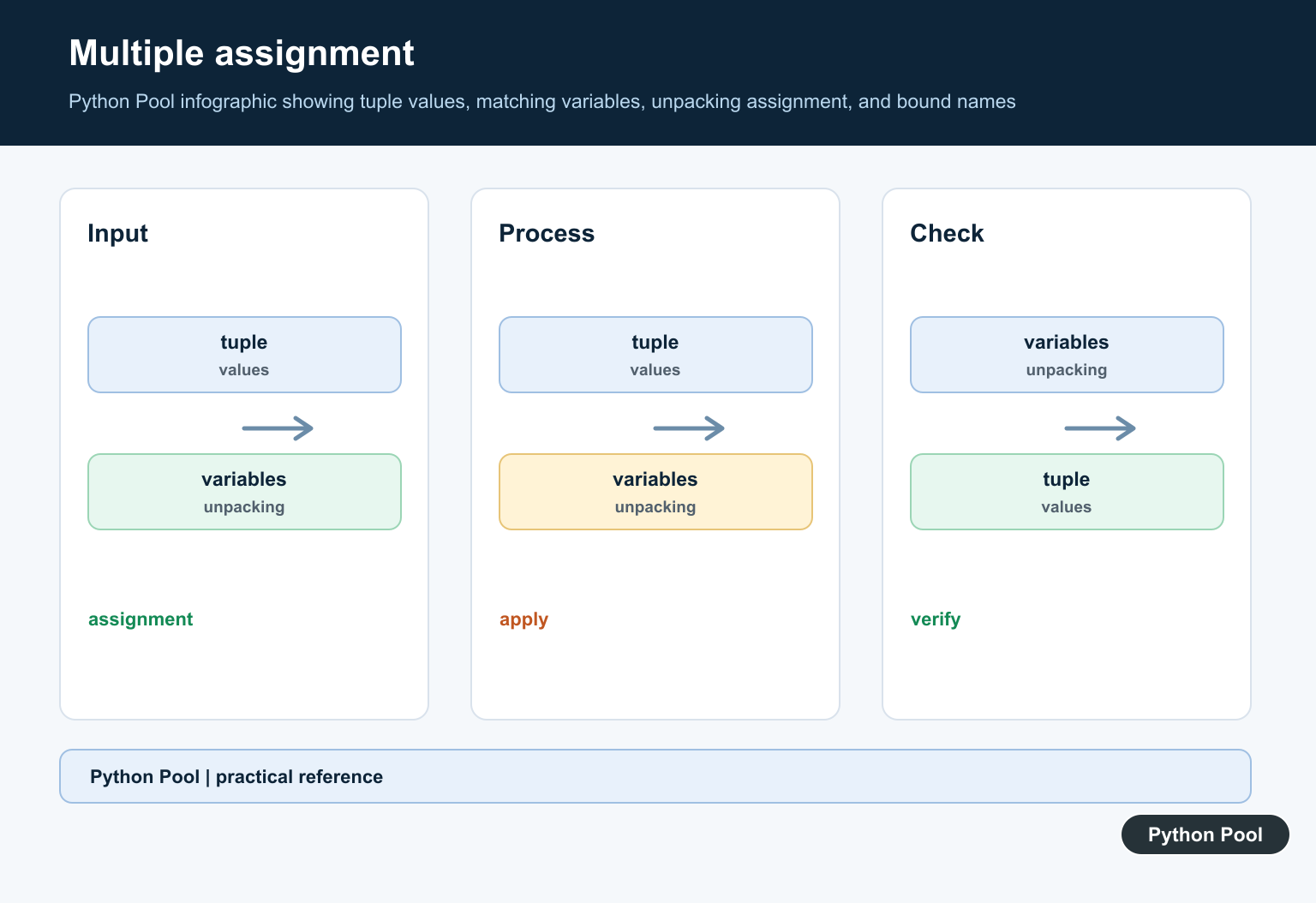
The left side must match the tuple shape. If the tuple has three values, use three target names. This is clearer than writing student[0], student[1], and student[2] throughout the code.
student = ("Ada", "Python", 96)
name, course, score = student

print(name)
print(course)
print(score)
If the counts do not match, Python raises ValueError. PythonPool has a focused guide for too many values to unpack when you need to debug that exact error.
Use Starred Unpacking for Extra Values
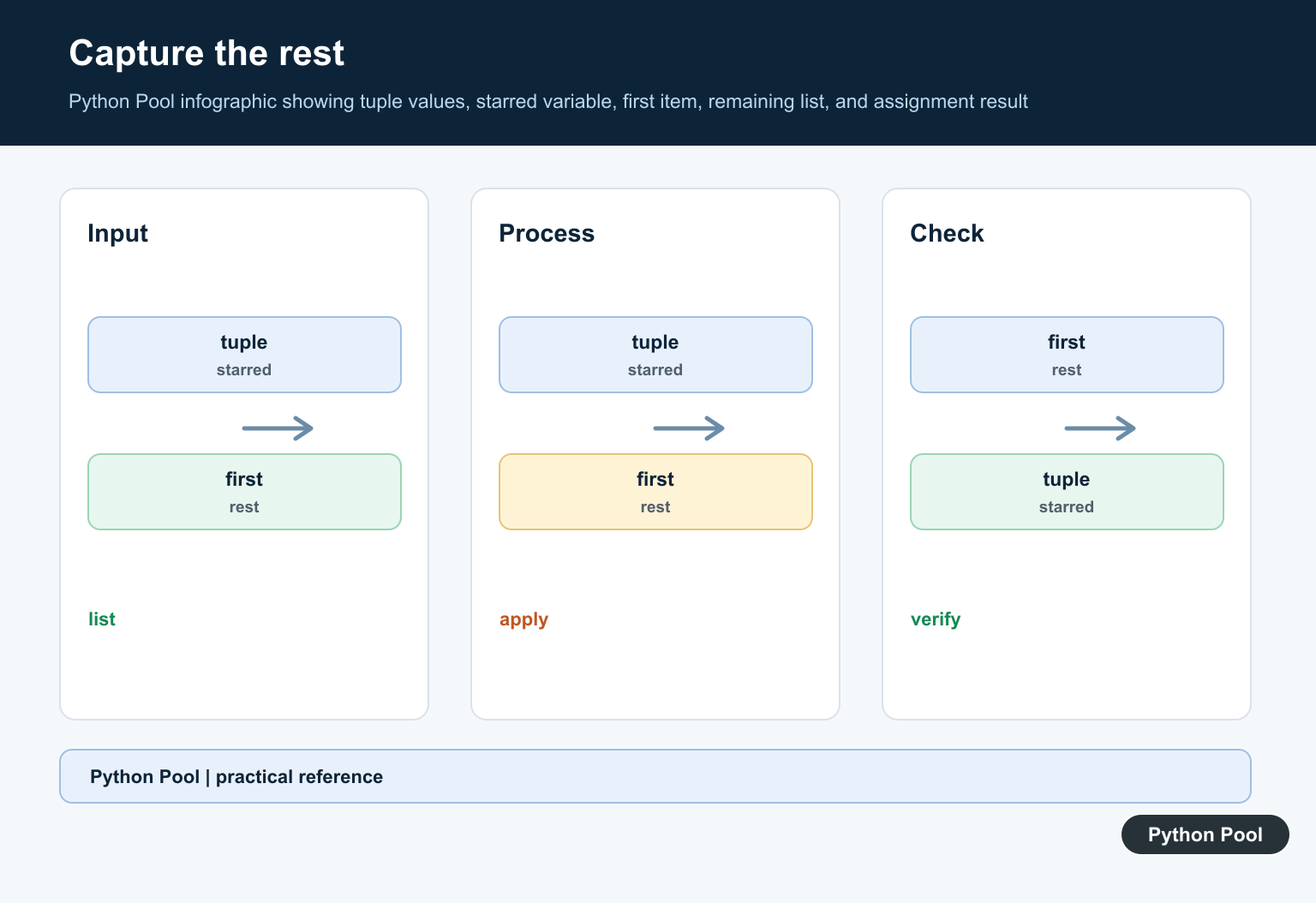
When you need the first or last item but the middle can vary, use a starred target. Extended iterable unpacking was formalized in PEP 3132. The starred name receives a list of the remaining values.
record = ("Ada", 88, 91, 95, "passed")
name, *scores, status = record

print(name)
print(scores)
print(status)
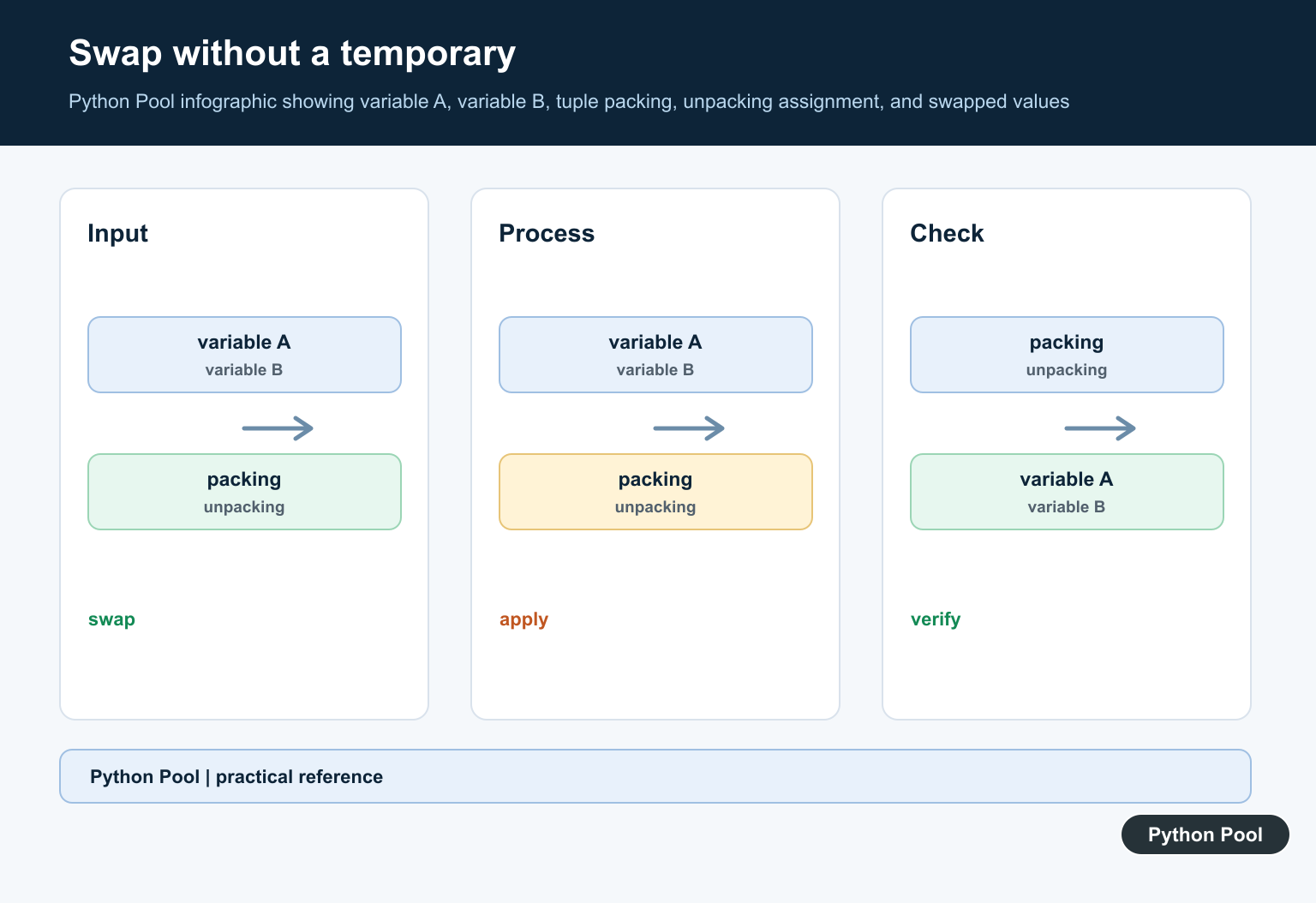
This pattern is useful for rows, logs, command output, and data where the boundary values have special meaning. If you do not need a value, assign it to _ to show that it is intentionally ignored. Keep the original tuple shape in mind when writing tests, because a new field added by an upstream data source can change which variable receives which value. Python’s idiomatic two-variable swap is itself tuple unpacking; Swap Variables in Python: Methods Guide compares that form with alternatives.
Unpack Tuples in Loops
Loop unpacking is common when each item in a list is a tuple. It also works with enumerate(), which returns index-value pairs. Python documents enumerate() as a built-in function.
scores = [("Ada", 96), ("Grace", 91), ("Linus", 88)]

for index, (name, score) in enumerate(scores, start=1):
    print(index, name, score)
This avoids temporary variables and keeps the tuple structure visible. For more examples, see PythonPool’s Python enumerate() guide.
Unpack Tuples into Function Arguments
The * operator can unpack a tuple into positional arguments when calling a function. Python’s tutorial covers this under unpacking argument lists.
def rectangle_area(width, height):
    return width * height

size = (12, 8)
area = rectangle_area(*size)

print(area)
Use this only when the tuple order matches the function signature. If the tuple is hard to understand by position, a dictionary or dataclass may be clearer.
Unzip a List of Tuples
Use zip(*pairs) to turn a list of two-item tuples into two separate sequences. The official zip() documentation covers how the built-in groups iterables together.
pairs = [("x", 1), ("y", 2), ("z", 3)]
letters, numbers = zip(*pairs)

print(letters)
print(numbers)
This is a clean way to separate labels from values after collecting pairs. If you are exploring tuple-like comprehensions, PythonPool’s tuple comprehension article is a related follow-up.
Unpack Dictionary Items
Dictionary methods such as items() return key-value pairs, so tuple unpacking fits naturally in loops.
languages = {"Python": 1991, "Java": 1995, "Go": 2009}

for language, year in languages.items():
    print(f"{language}: {year}")
For nested mapping examples, see PythonPool’s nested dictionary guide. If the values are lists or nested tuples, unpack only the part of the structure that is stable and obvious.
Common Mistakes
- Using two variables for a tuple that has three or more values.
- Forgetting that a starred target receives a list, not a tuple.
- Trying Python 2 tuple-parameter unpacking in Python 3 lambda or function parameters.
- Using positional unpacking when a dictionary key would make the data clearer.
- Continuing to use old indexes after the tuple shape has changed.
Match The Number Of Targets
The ordinary form requires the iterable to produce exactly the number of values named on the left. Too many or too few values is useful feedback that the input contract changed.
Use A Starred Target
A starred target absorbs zero or more values and is useful for a head, tail, or variable-length middle. Remember that the starred name receives a list even when the source is a tuple.
Unpack Nested Records Carefully
Nested assignment can be concise for a stable record shape, but it becomes hard to read when several levels or optional fields are involved. Use named structures or intermediate variables at an external boundary.
Do Not Confuse Iterables
Unpacking works with many iterables, including strings and generators. Confirm that the source is the intended record rather than accidentally assigning individual characters or consuming a one-shot iterator.
Validate Variable-Length Input
For data from a file, request, or database, check the length and field types before unpacking. Clear validation errors are easier to diagnose than a failure far inside business logic.
Python’s tuples and sequences tutorial covers unpacking and starred targets. Related references include iteration, field extraction, and optional values.
For related data-shape decisions, compare field extraction, iteration, and optional values when unpacking records.
Frequently Asked Questions
How do I unpack a tuple in Python?
Assign the tuple to the same number of variables, such as first, second = pair.
What does *rest do in tuple unpacking?
It collects zero or more remaining values into a list while the other targets receive individual positions.
Can I unpack nested tuples?
Yes. Match the assignment structure to the nested sequence and keep it readable for complex records.
Why do I get too many or too few values to unpack?
The target pattern and input length do not match, or the iterable yields a different structure than the code assumes.
