

How to add a waitlist to Weebly
Put a LaunchList signup form on a Weebly site with its Embed Code element, using the code from the HTML guide. Or skip the site and use your hosted page.
Weebly is part of Square, and Weebly sites still run and can be edited. There is no LaunchList app for it, and none is needed: a Weebly page takes custom HTML through its Embed Code element, and that is all the inline embed asks for.
What works on Weebly#
- Copy your form's snippet from Embed & API → Your website.
- In the Weebly editor, drag Embed Code onto the page, click it, choose Edit Custom HTML and
paste the whole snippet: the loader
<script>and the<div>together. - Publish, then submit a test signup on the live site and check that it lands in Audience.
The form shows on the published site, not inside Weebly's editor, so test on the live page.
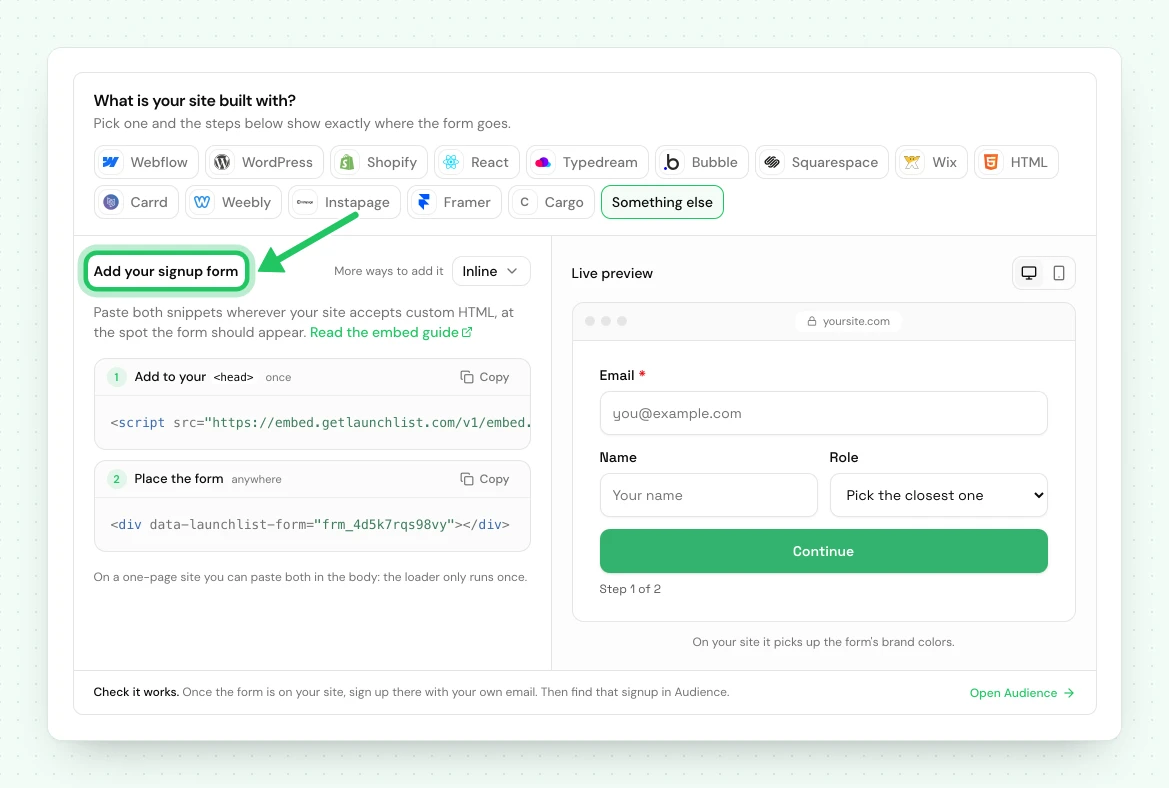
Follow the HTML guide#
Everything past pasting the snippet is the same as on a hand-written site: enhancing your own form, CAPTCHA, and fixing a form that does not render. The HTML guide covers it.
No site yet, or starting fresh? Every project has a hosted page at a public URL, with nothing to install.
