

WordPress waitlist plugin with referrals
The LaunchList plugin for WordPress adds your waitlist to any page: install it, connect your site once and add the LaunchList block or a shortcode, and your form appears exactly as designed in LaunchList. Or send the signups of a form you already built in Contact Form 7, WPForms or another form plugin to LaunchList instead.
WordPress plugin or your WordPress forms
At a glance
- How it connects
- WordPress plugin or your WordPress forms
- Plans
- Every plan
- Ways to add it
- A block, a shortcode, or your own WordPress forms
- Form plugins
- Contact Form 7, WPForms, Gravity Forms, Elementor Pro, Fluent Forms, Ninja Forms and Formidable Forms
- Every signup
- Gets a referral link and a place in line
- Listing
- The WordPress plugin directory
Set it up in 4 steps
Install the plugin.
In WordPress, open Plugins → Add New Plugin, search for LaunchList, then click Install Now and Activate.
Connect your site.
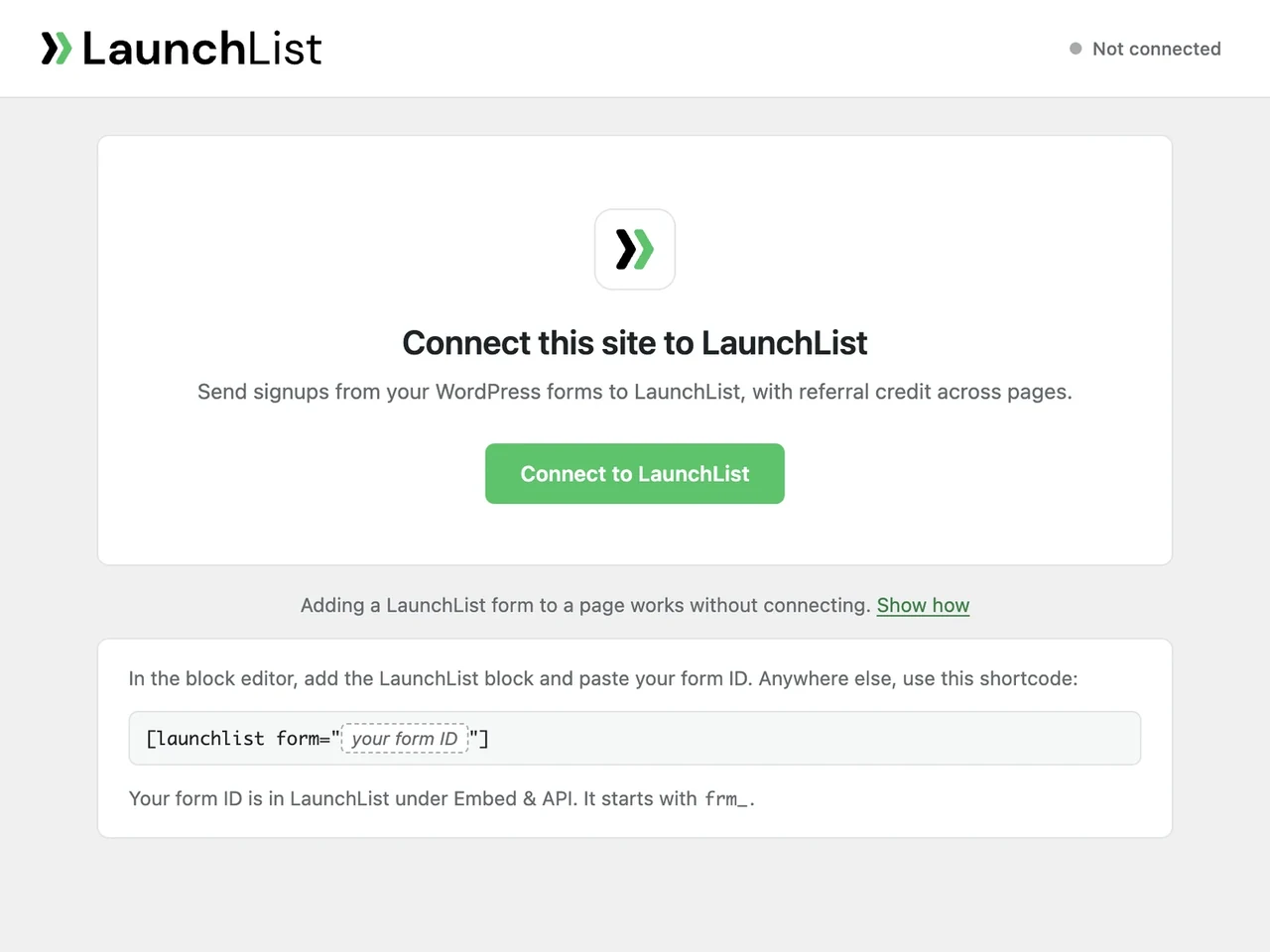
Link the site to your LaunchList workspace from the LaunchList screen in WordPress. You do it once.
Add your form.
Put the LaunchList form block on a page and pick your form, or use a shortcode in a page builder.
Publish and sign up once.
Join with your own email and watch the signup arrive. The WordPress setup guide covers every click, every screen message and every fix.
See it in WordPress
Two ways to use LaunchList on WordPress
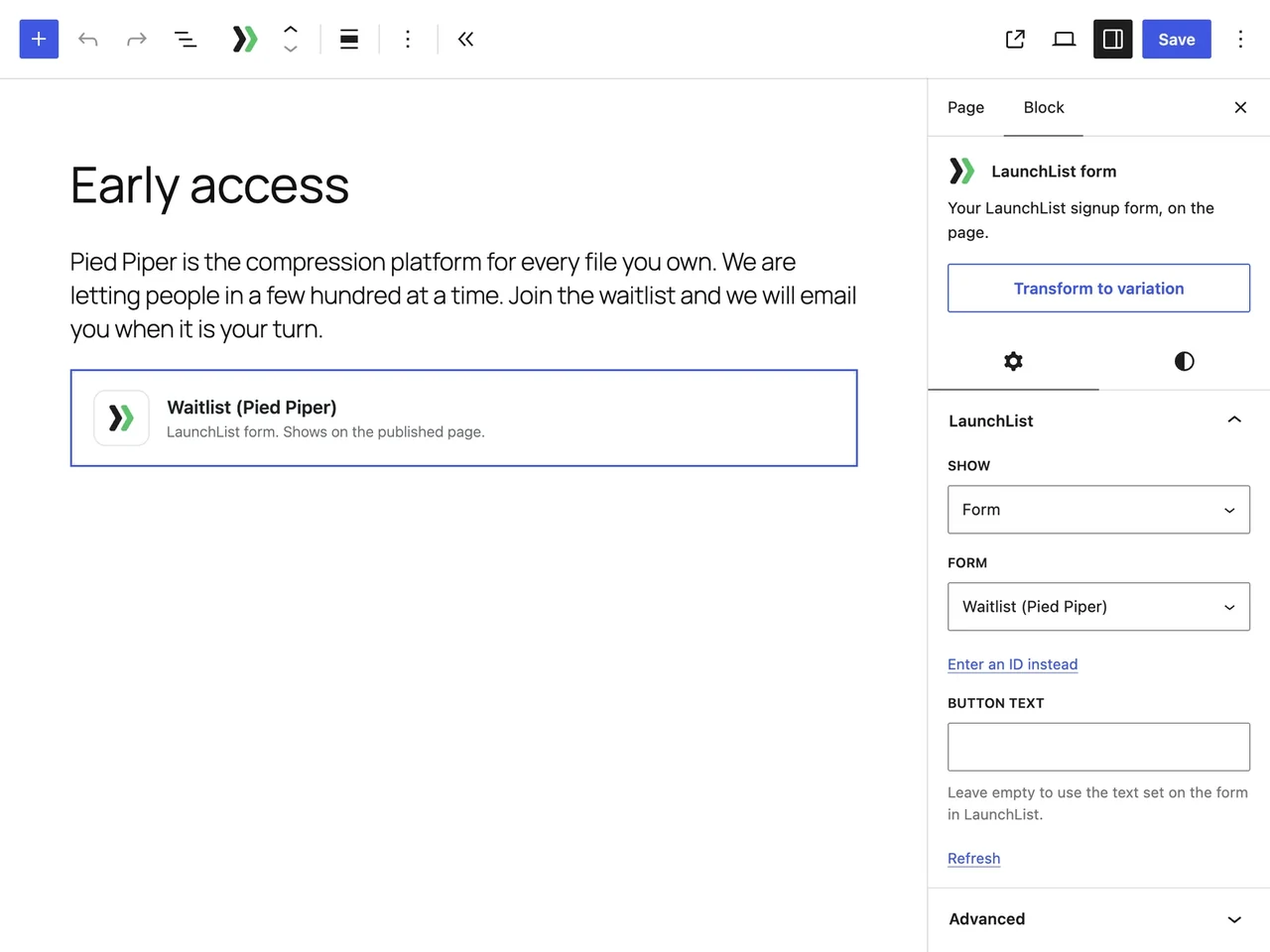
- The LaunchList block. The one to start with. It puts your form, a popup button, a widget or your updates on a page, drawn by LaunchList, and the form shows a person their place in line and referral link as soon as they join. Page builders and the classic editor get the same through a shortcode.
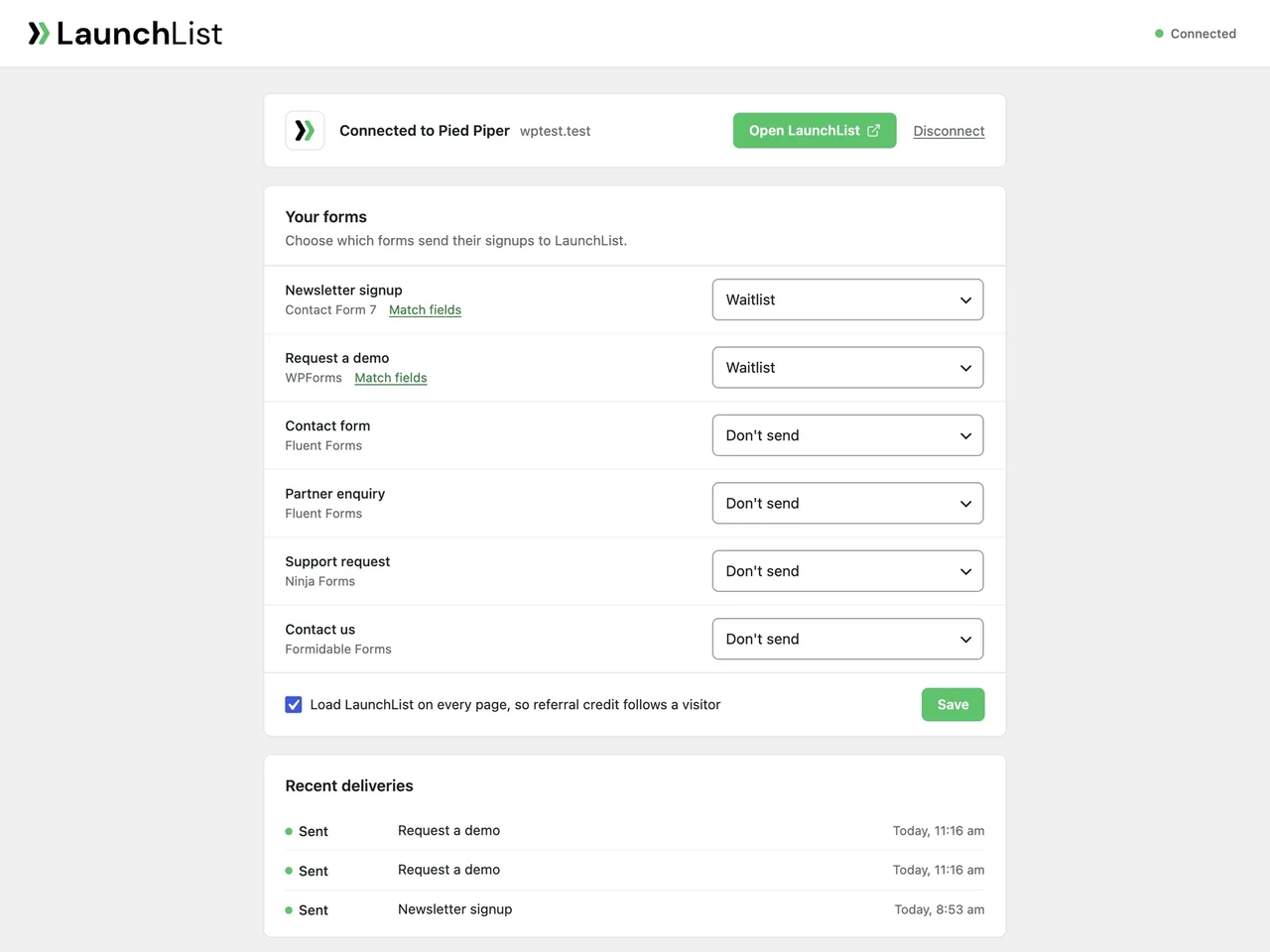
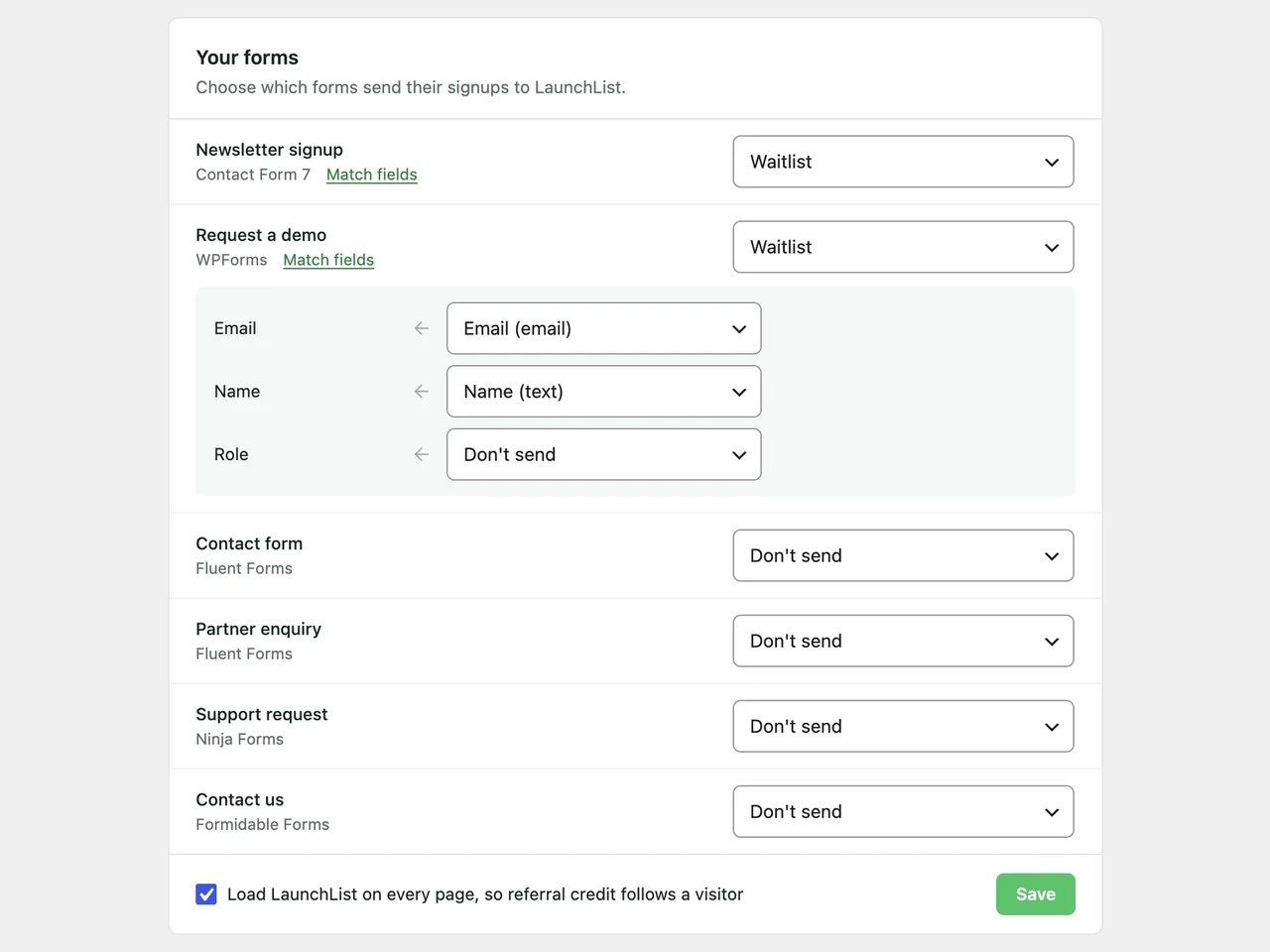
- Your own WordPress form. For a form already built in Contact Form 7, WPForms, Gravity Forms, Elementor Pro, Fluent Forms, Ninja Forms or Formidable Forms. It stays exactly as it is, and its signups go to LaunchList as well.
When you do not need the plugin
WordPress has no waitlist of its own, and the back-in-stock plugins for WooCommerce answer another question: who wants a product that sold out. A form plugin on its own gives you a list of addresses, and if that is all you need, keep it.
LaunchList is for a list that has to grow on its own: every person who joins gets a referral link and a place in line, and moves up as the friends they bring join too. A leaderboard can show who is bringing people in, and you decide when each person is let in.
The plugin is optional even then. LaunchList's two-line embed works in a Custom HTML block without it. Install the plugin when you want forms picked from a list, your own forms sent to LaunchList, or referrals that follow a visitor from page to page.
What the plugin adds
- Forms picked from a list. With your site connected, the block lists your LaunchList forms, each named with its project, so there is no ID to copy. Looks, fields and steps stay on the form in LaunchList, and WordPress has nothing to keep in sync.
- Your form plugin, unchanged. Its emails, saved entries and success message work as before. Your server passes each accepted submission on to LaunchList, filling the fields you matched.
- Nothing lost when LaunchList is busy. A signup LaunchList cannot take at once waits on your site and goes again for up to 24 hours, and a delivery log shows what happened to each one.
- Referrals that follow the visitor. LaunchList runs on every page, so a referral code is kept for 90 days and credited wherever the person joins, with your consent plugin's say where it uses the WP Consent API.
- A key per site. Everything your site sends is signed with a key only it and LaunchList hold, and a cloned staging copy sends nothing in the live site's name.
Plans and WordPress.com
The plugin is on every LaunchList plan; connecting a site needs a LaunchList account. It runs on self-hosted WordPress and on the WordPress.com plans that can install plugins: Personal, Premium, Business and Commerce. On WordPress.com's free plan neither a plugin nor a script can be added, so a button linking to your hosted LaunchList page is the way in there.
Questions about WordPress and LaunchList
Can I add a waitlist to WordPress?
Do I need a LaunchList account?
Do I have to connect my site?
Can I keep my own WordPress form?
Do referrals work on a WordPress site?
Can I show more than the form?
Can my own WordPress form show the person their place in line?
What happens if LaunchList can't take a signup right away?
Will a staging copy of my site send signups?
What does the plugin send to LaunchList, and when?
How do I remove LaunchList from my site?
Start building your product waitlist.
Create your page, collect your first signups, and grow from there.
Free for your first 100 contactsNo credit card needed
