
Waitlist templates
LaunchList's waitlist templates are starting points for a launch: pages, signup forms, emails for the people who join, and launch checklists. Start from a page, copy a form or an email, then make it yours.
Free for your first 100 contactsNo credit card needed
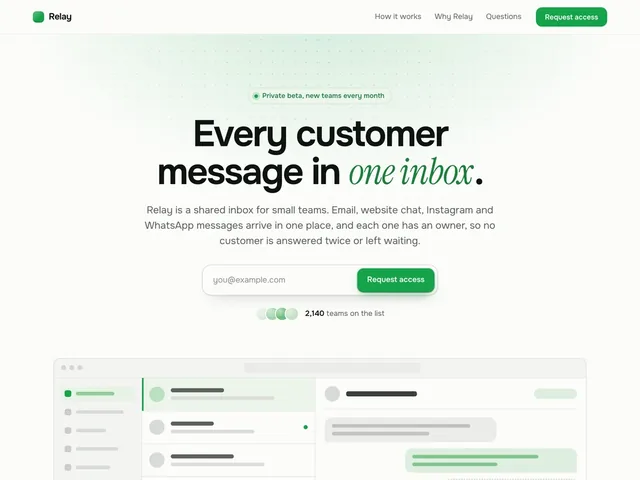
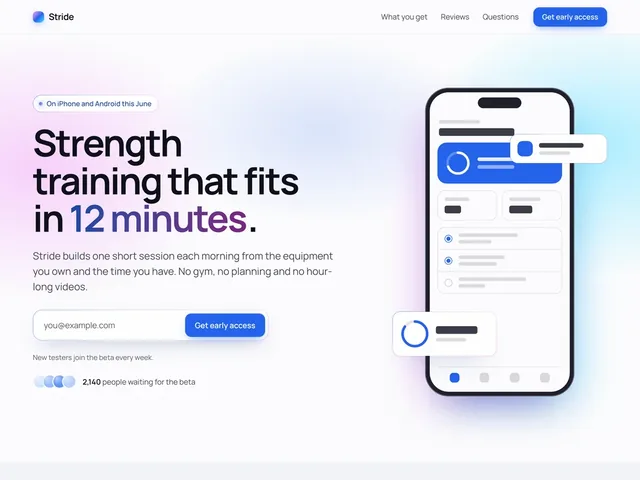
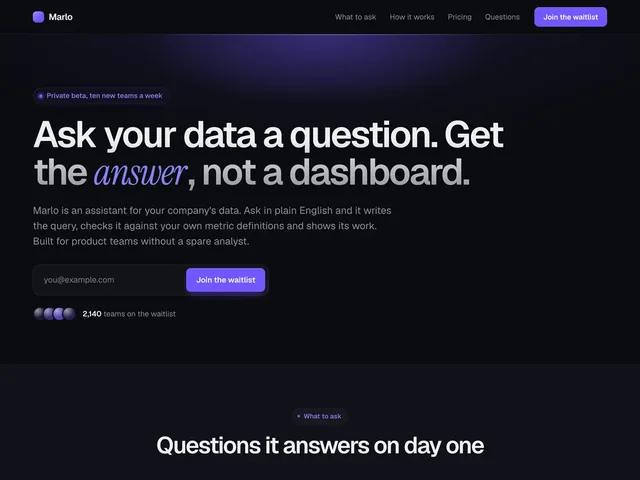
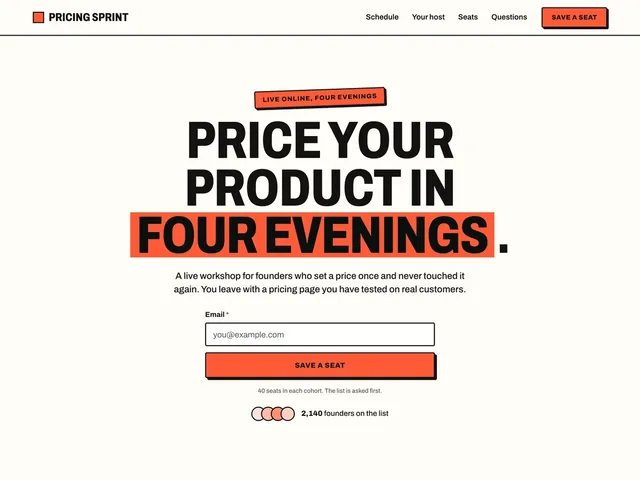
Waitlist landing pages
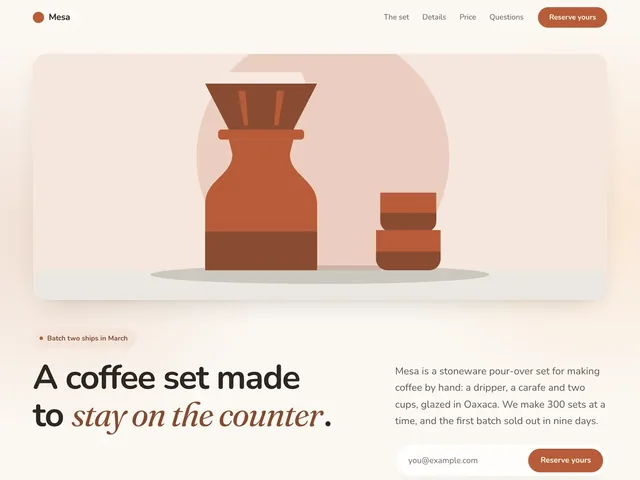
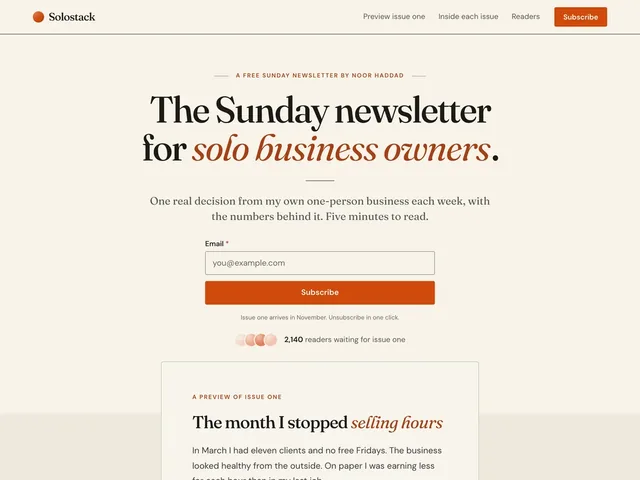
Finished pages you can open, scroll and restyle before you sign up. Pick the one closest to what you are launching, and it is written about your product.
Waitlist form templates
The questions worth asking for each kind of launch, from one email field to a pre-launch survey, drawn as your form shows them. Each card lists its fields: add them in the form editor and it is built in a minute.
Waitlist signup forms
The form people fill in to join your waitlist. A new one starts with Email and Name: add the fields listed on a card, and reword them as you like.
Email waitlist form
Just an email, the fastest way to start a list. Remove the Name field a new form starts with.
- Email addressEmail
Refer-a-friend waitlist form
Name, email and how they heard about you, so you can see which channels bring people in.
- First nameName
- Email addressEmail
- How did you hear about us?Dropdown
Interest level waitlist form
Ask how interested each signup is and what they would use it for, so you know who to talk to first.
- Email addressEmail
- How interested are you?Single choice
- What would you use it for?Long text
Role and team size waitlist form
Ask what each signup does and how big their team is, so you know who is joining.
- Email addressEmail
- What do you do?Dropdown
- How big is your team?Dropdown
Beta tester signup form
Find the right beta testers: what they use, how often, and who will talk to you.
- Email addressEmail
- What do you use most?Dropdown
- How often would you use it?Single choice
- Happy to do a short call about it?Single choice
Early access request form
Let people ask to get in early, and see who to let in first.
- NameName
- Work emailEmail
- Company websiteURL
- What do you want to use it for?Long text
Survey forms
Ask the people on your list what to build and what they think. Make a new survey under Forms, then swap in these questions.
Product feedback form
A score from 1 to 5, the part of the product it is about, and what to improve.
- How would you rate your experience?Rating
- Which area is this about?Dropdown
- What can we improve?Long text
Feature request survey
Ask which feature to build next. Each option is one tap, and the answers show which one people want most.
- Which should we build next?Single choice
- Anything specific you need?Long text
Pre-launch survey
Ask your waitlist how they handle the problem today, how much it hurts and what they would pay.
- How do you handle this today?Long text
- How much does it bother you?Single choice
- What would you pay for a fix each month?Dropdown
Waitlist emails
The emails a waitlist sends, in the order you send them, from the welcome email to launch day. Open one to see it as it lands in an inbox, learn when to send it, and copy its words.
1. When someone joins
The first emails a new signup gets from you.
2. While you build
Every few weeks until launch, so your list remembers you.
3. When you launch
Letting people in, then opening to everyone.
Waitlist template questions
What are waitlist templates?
What should a waitlist signup form ask?
Do the waitlist form templates cost anything?
Can I use a waitlist form template on my own website?
Start from a page that is already written.
Pick a template, say what you are building, and publish the same day.
Free for your first 100 contactsNo credit card needed
